
Featured
From profile to 3D tour
One continuous run: from the profile into the tour, then through the apartment with WASD.
The web platform on a computer: the Agent drafts and edits the listing, photos keep their versions, links are protected with a PIN and the apartment opens as a 3D tour.
One continuous run: from the profile into the tour, then through the apartment with WASD.

Five saved views of the apartment, then a free look-around.

The Agent builds a draft listing from seven supplied photographs.

Review the description the Agent wrote and apply it to the listing.

Ask the Agent in plain language to shorten and refine the description.

Review changes to the description and switch between original and edited photos.

The Agent changes exactly the text you ask for, and the change is kept in the history.

Pick a stronger cover photo and see it on the listing.

Adjust exposure, compare with the original, then save and apply the new version.

Find a listing, open the focused view and go through its photographs.

Search drafts, change the dashboard layout and browse the apartment’s photographs.

Create a share link and browse the photos the way a client would.

Create a seven-day link protected by a PIN and unlock it in the viewer.

Pause a temporary link and see that it no longer opens.

A client opens the interactive tour and the property information panel.

The apartment opens as a 3D tour in the Spinoff renderer.

The tour moves on its own through five saved cameras.

Open the camera editor and choose viewpoints around the apartment.

Drag to look around freely inside the 3D scene.

Name the tour, publish it for the web and include it in the share link.

Move through the apartment with the W, A, S and D keys and look around with the mouse.

Move around the profile and see how it looks to a client.

Edit the agency and bio, save, and check what clients see.

Open the seller profile, preview it as a client and go to the tour library.

Privacy, Agent permissions, measurement units and 3D training settings.
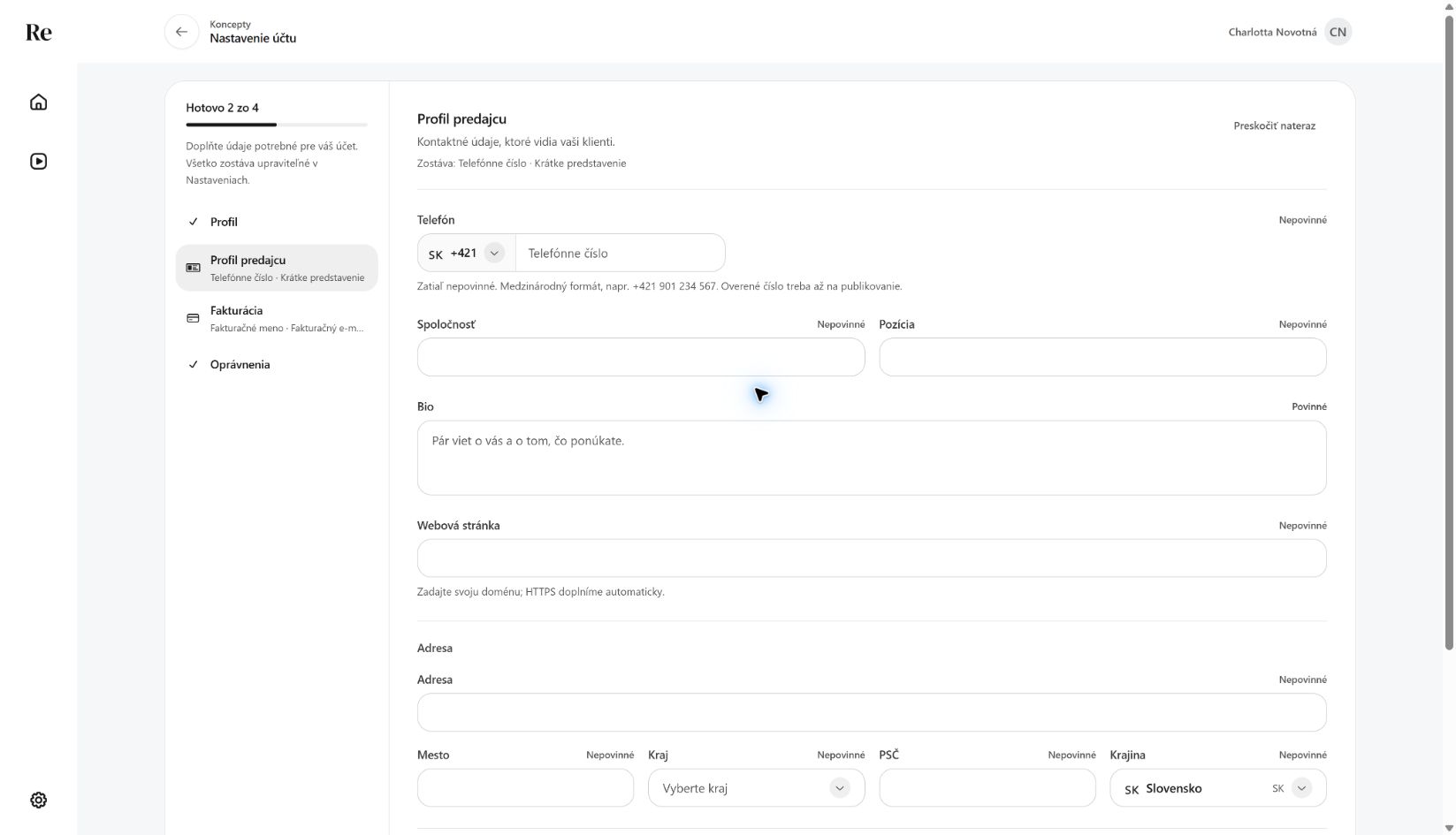 New account created
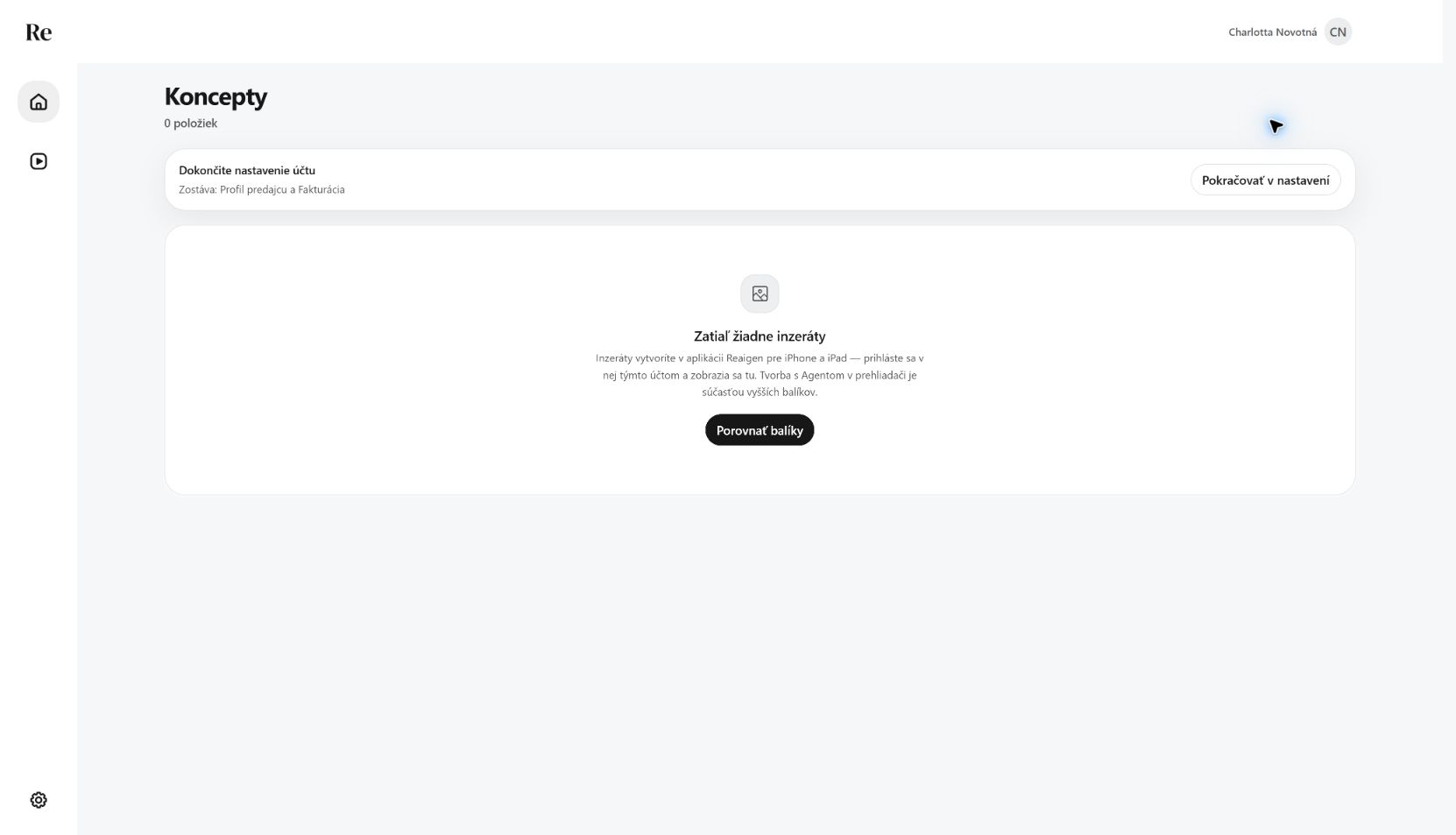 New workspace
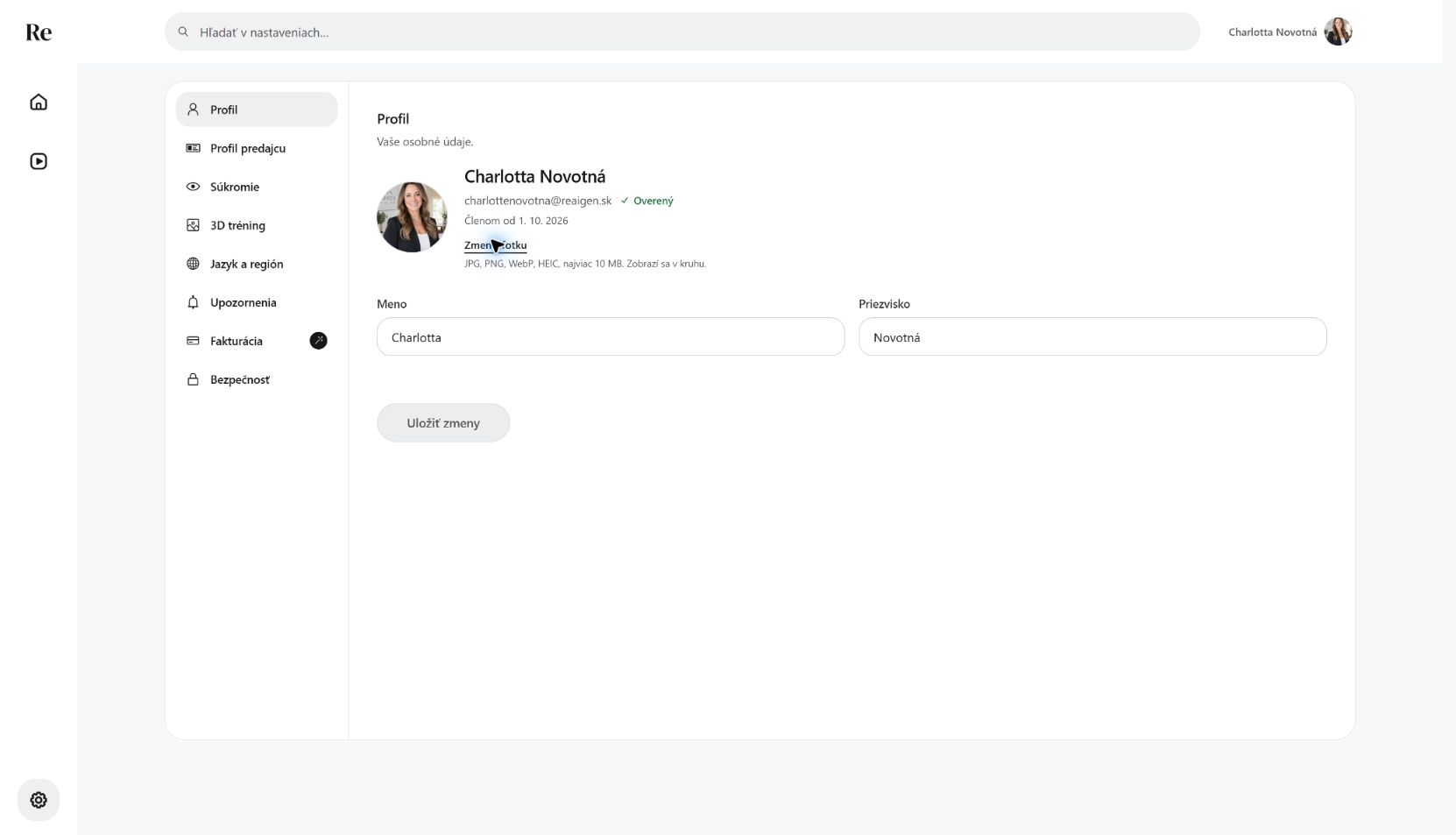 Profile photo saved
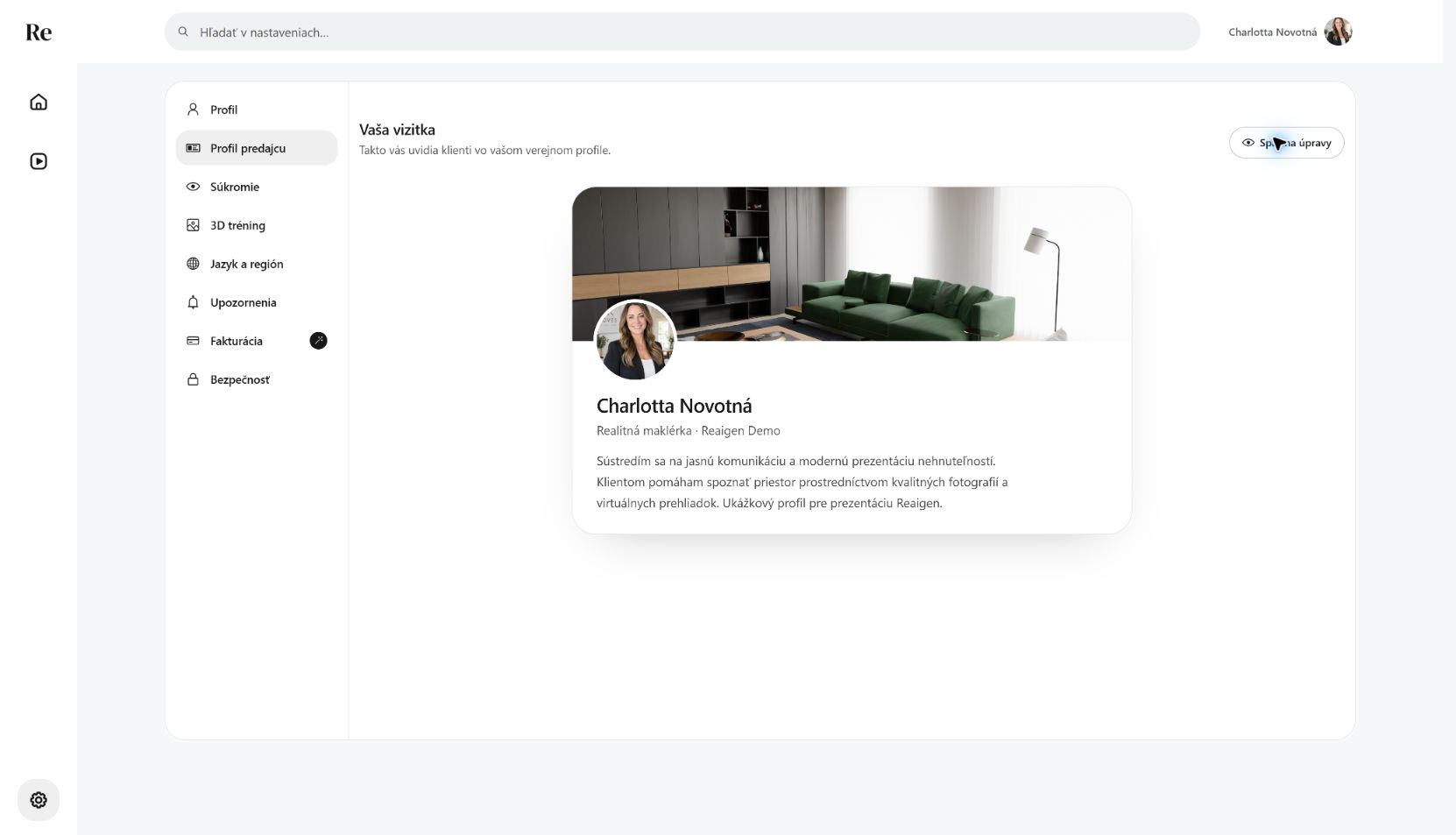 Profile as the client sees it
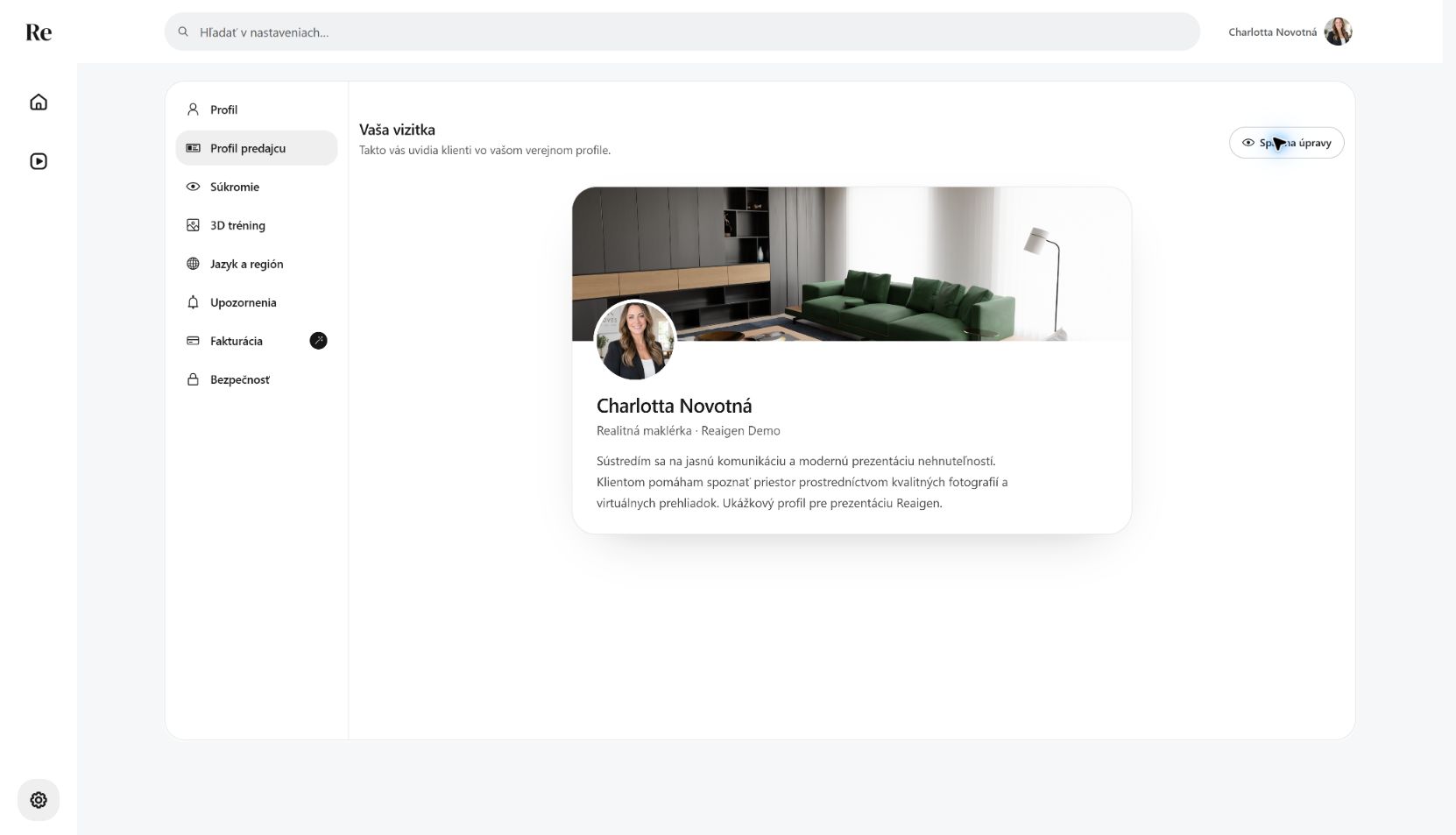 Client preview
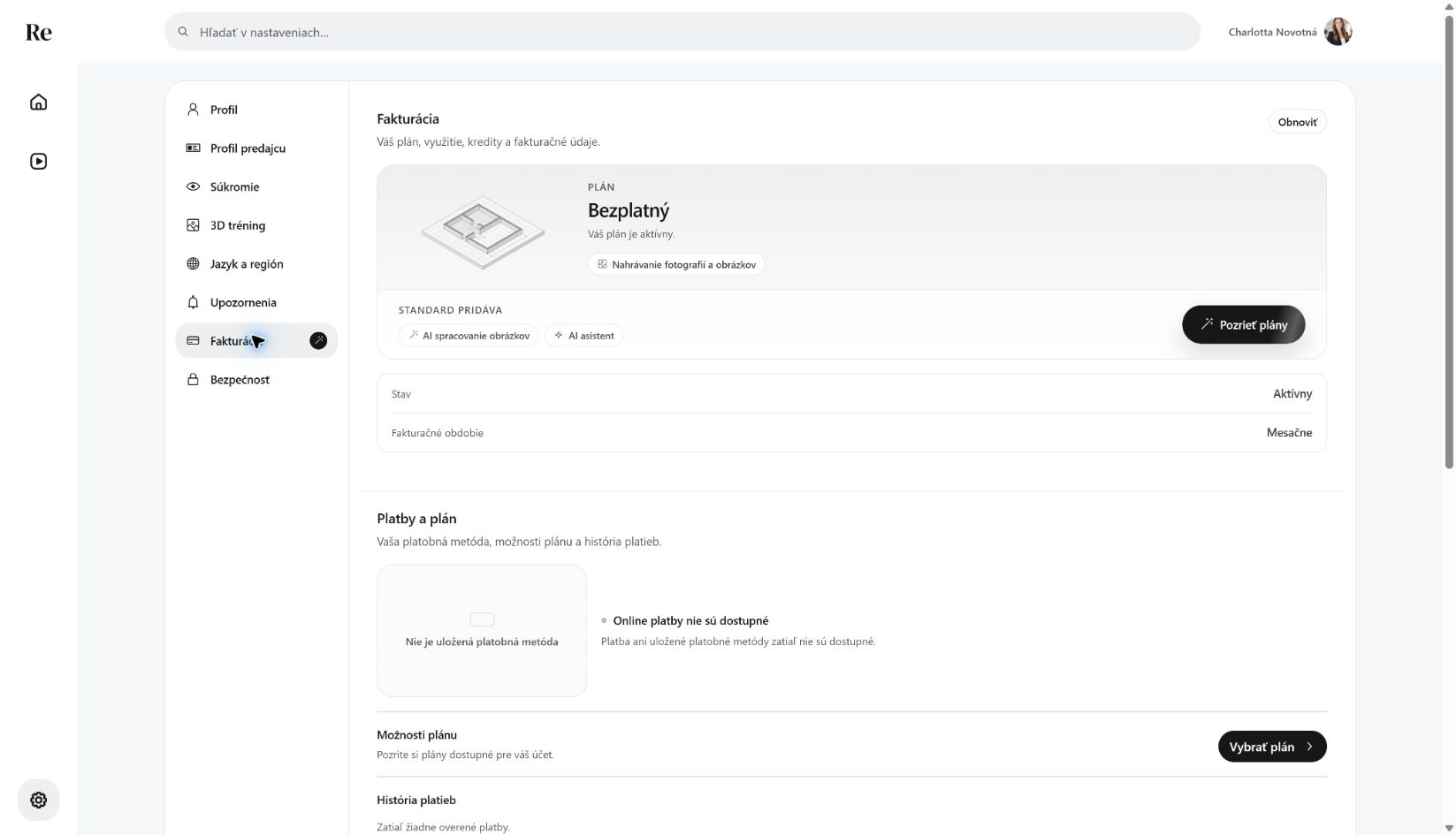 Free plan
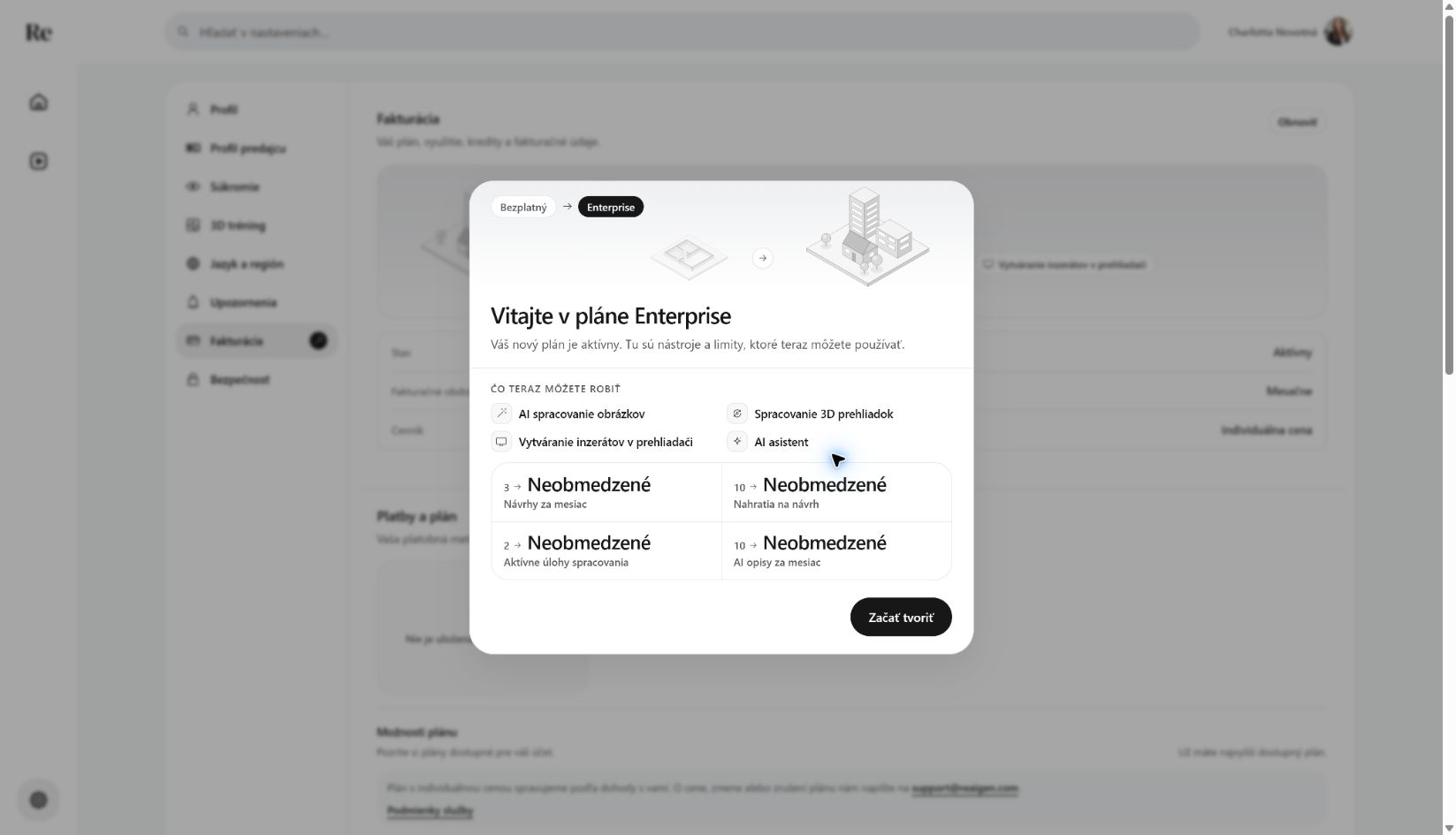 Enterprise plan active
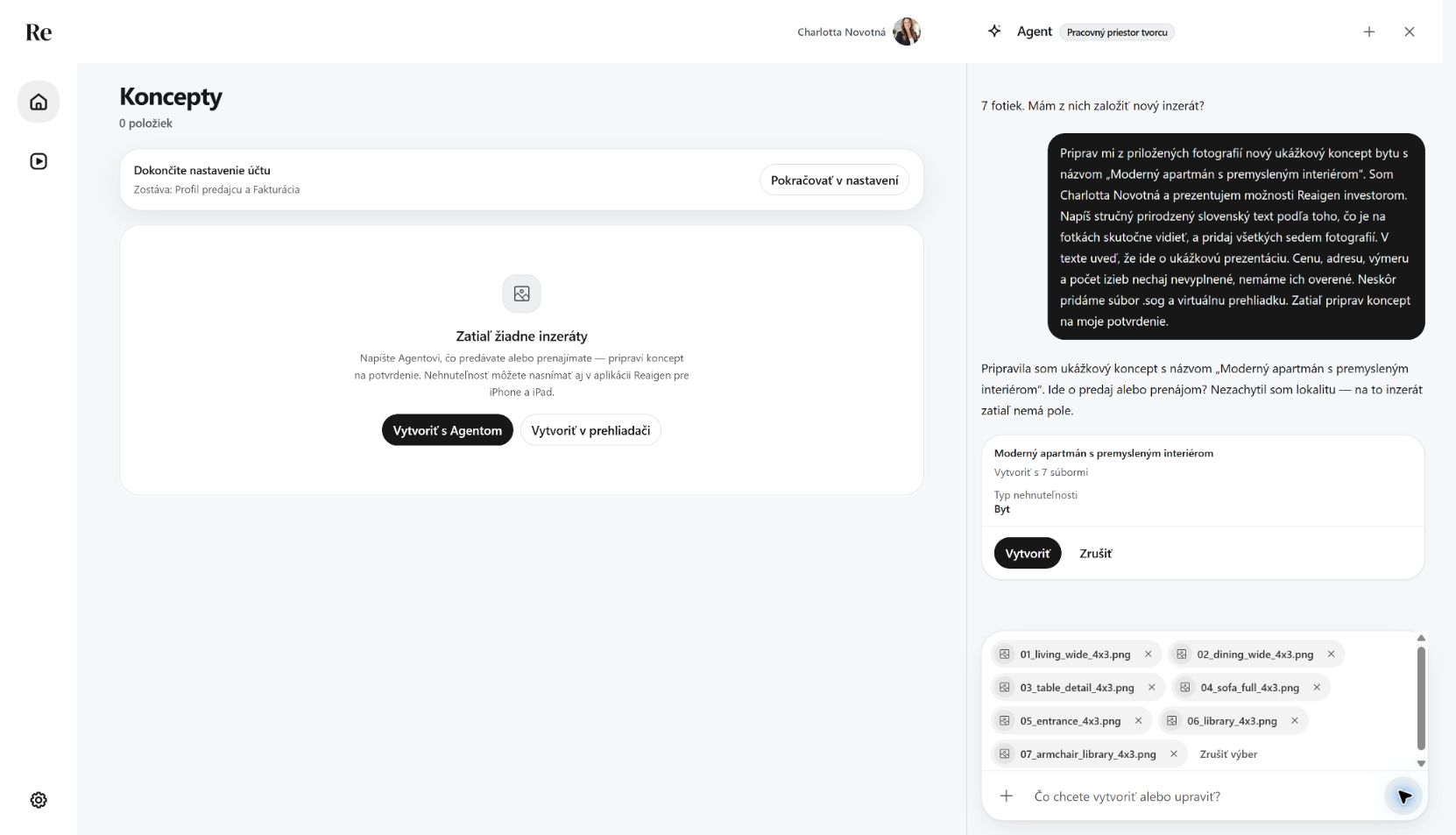 Agent proposes the new listing
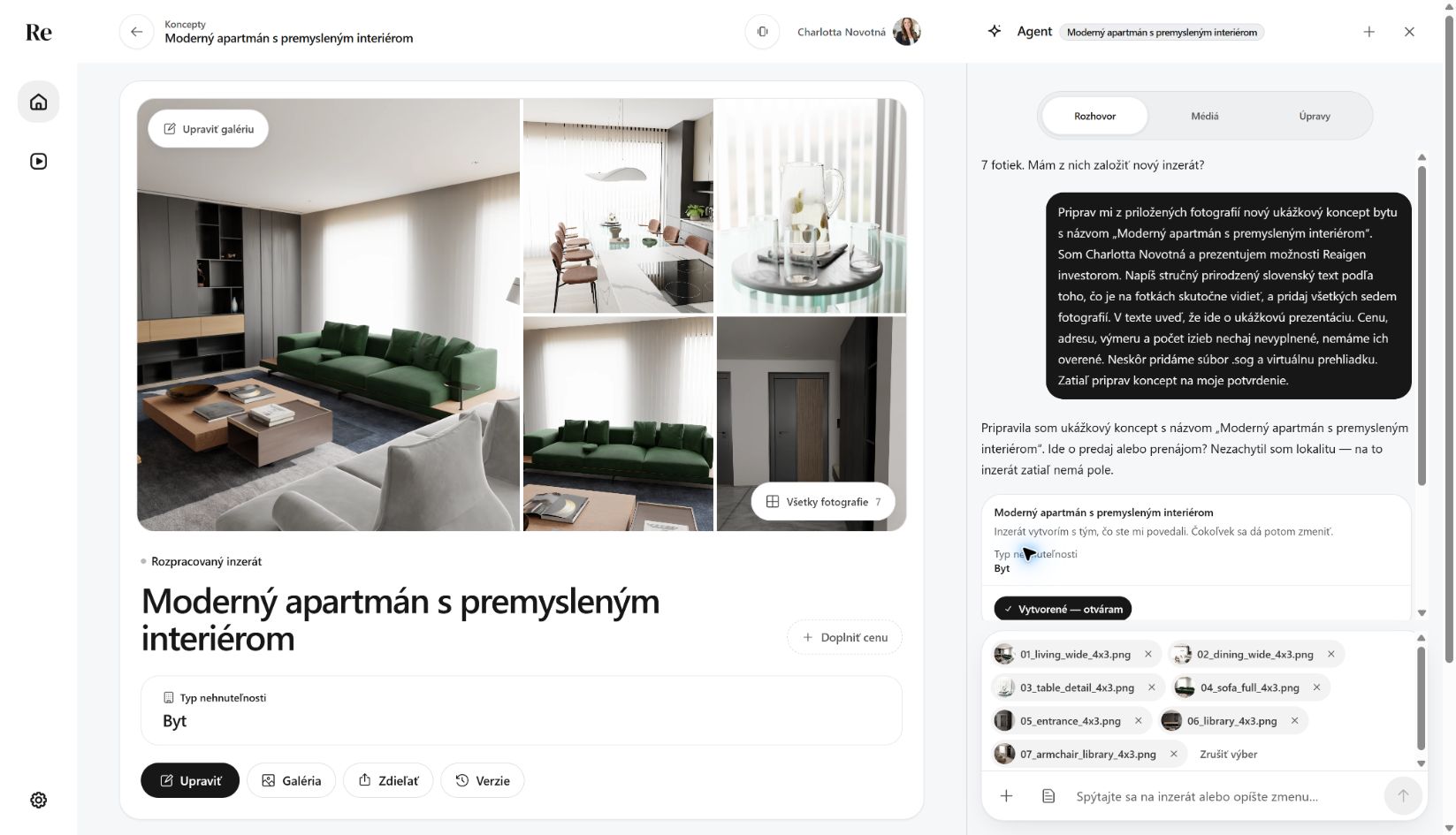 Agent created the draft with seven photos
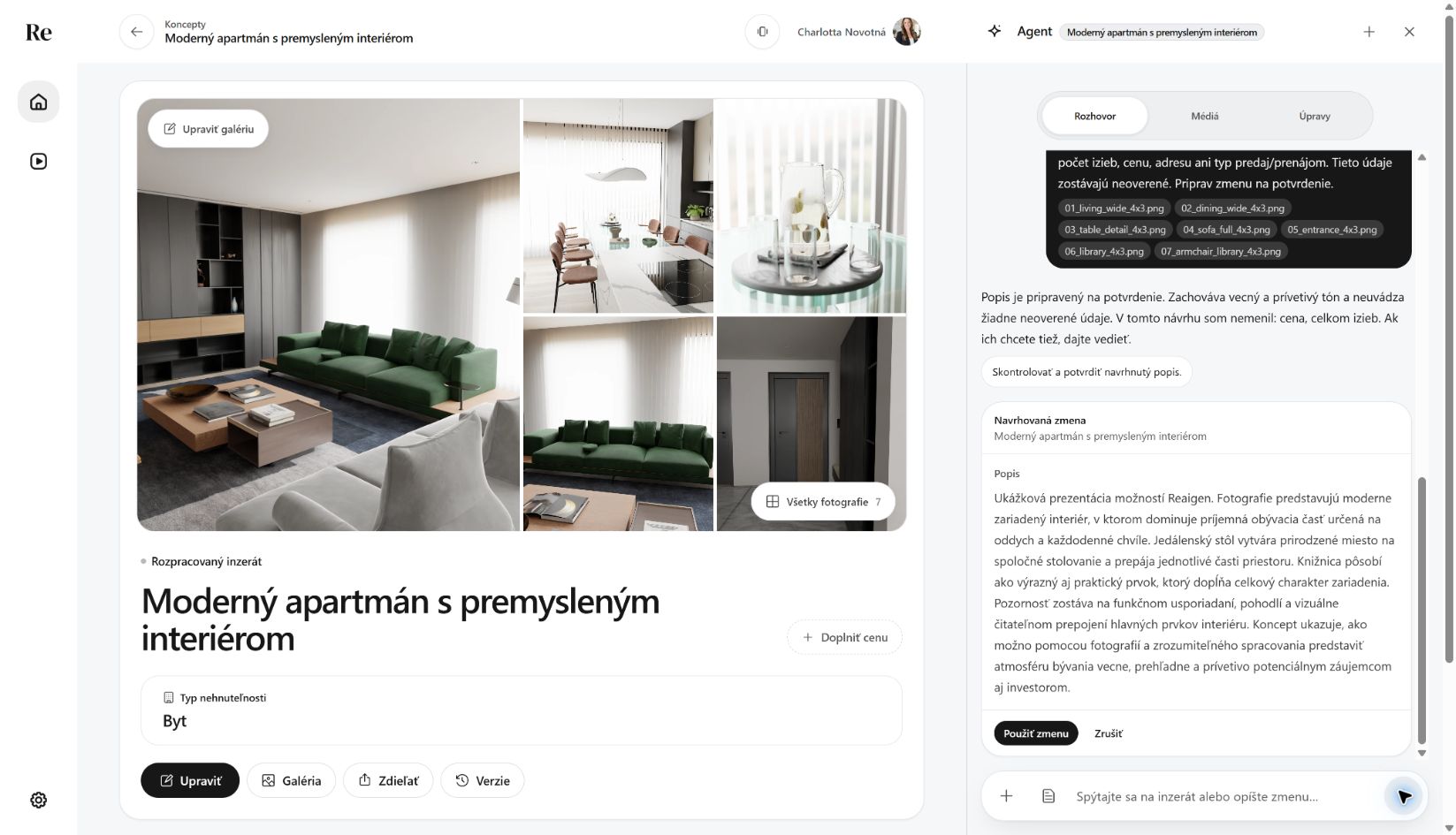 Agent description proposal
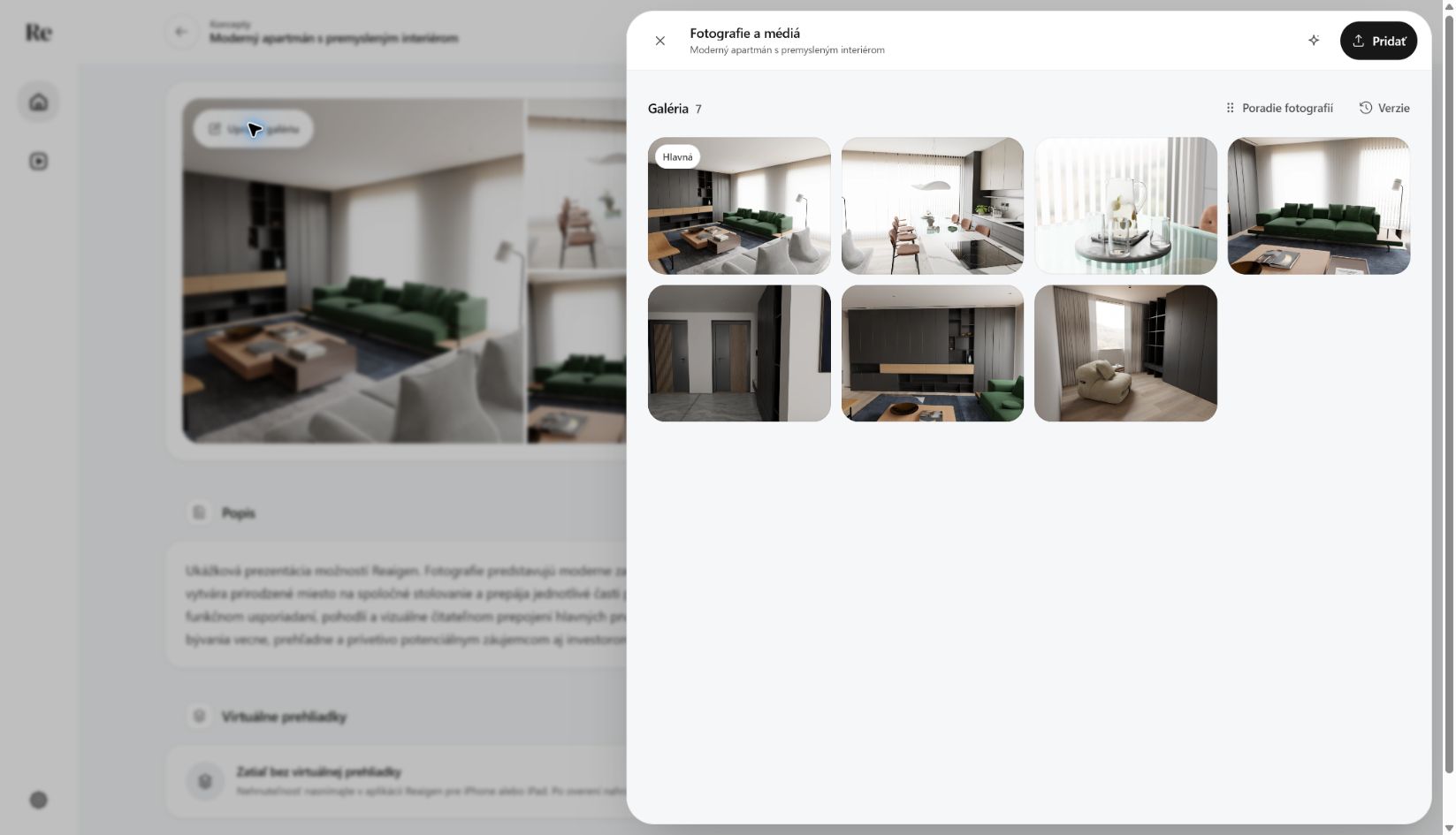 Gallery with seven photos
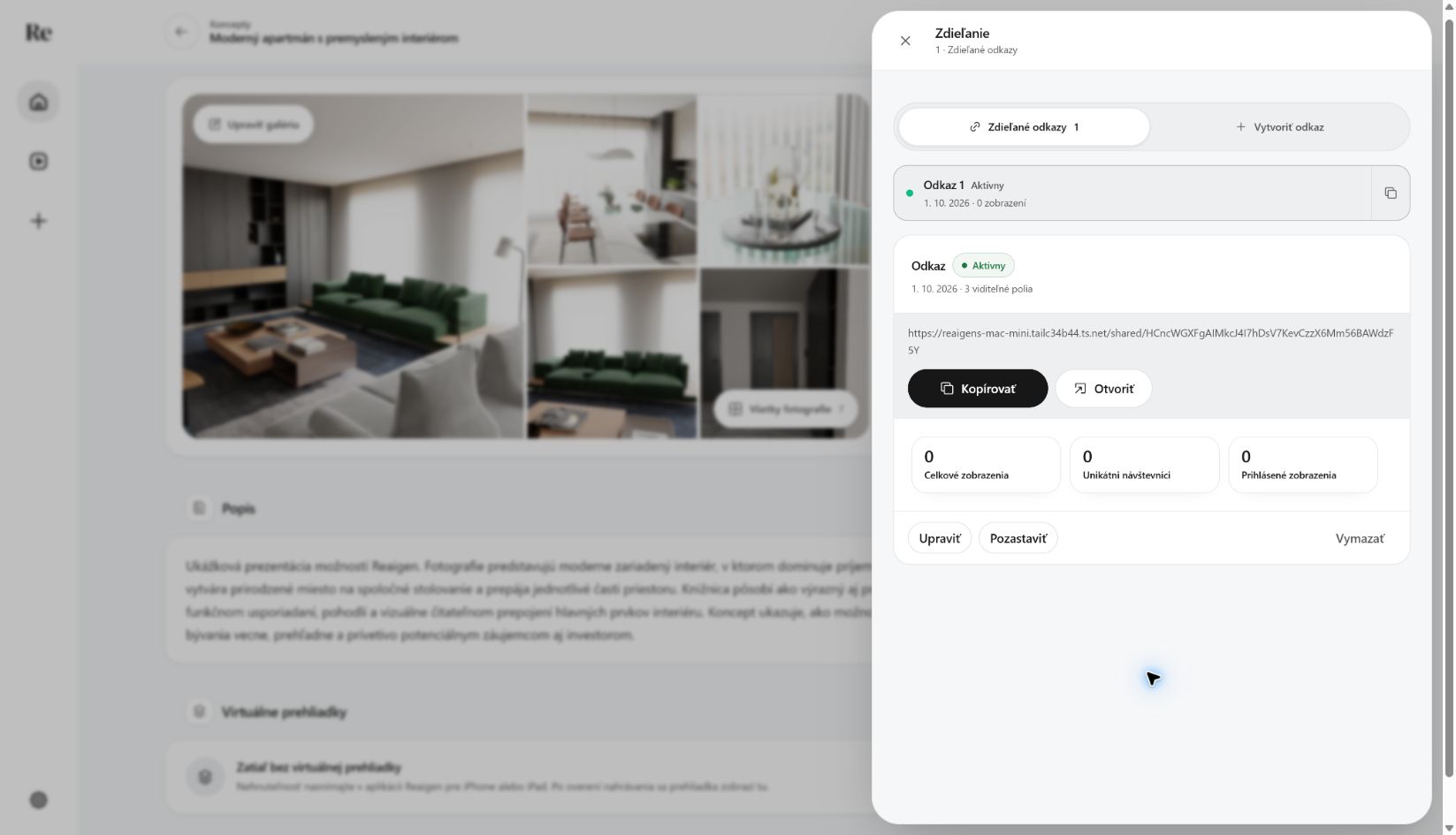 Share link created
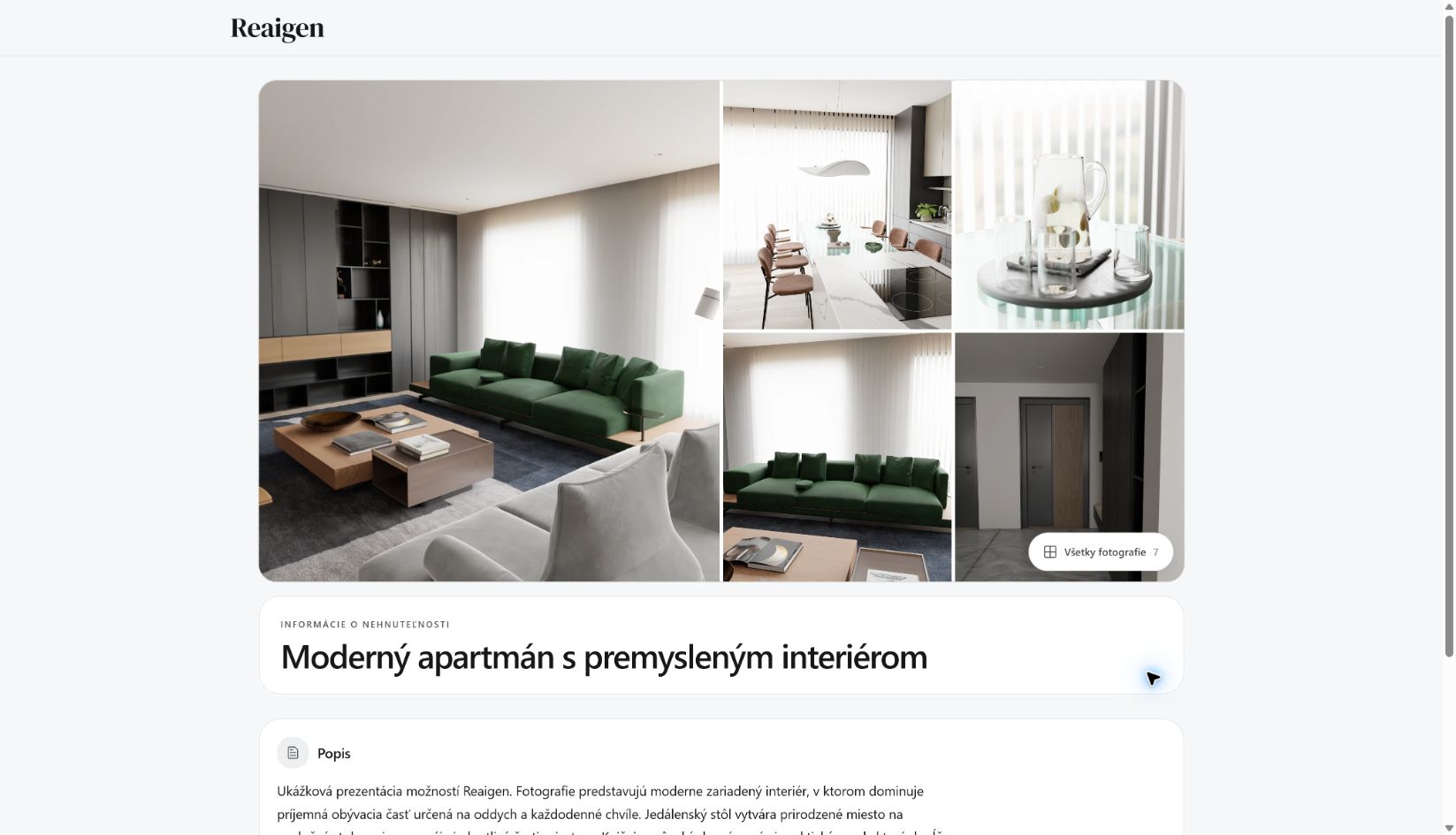 Shared property page
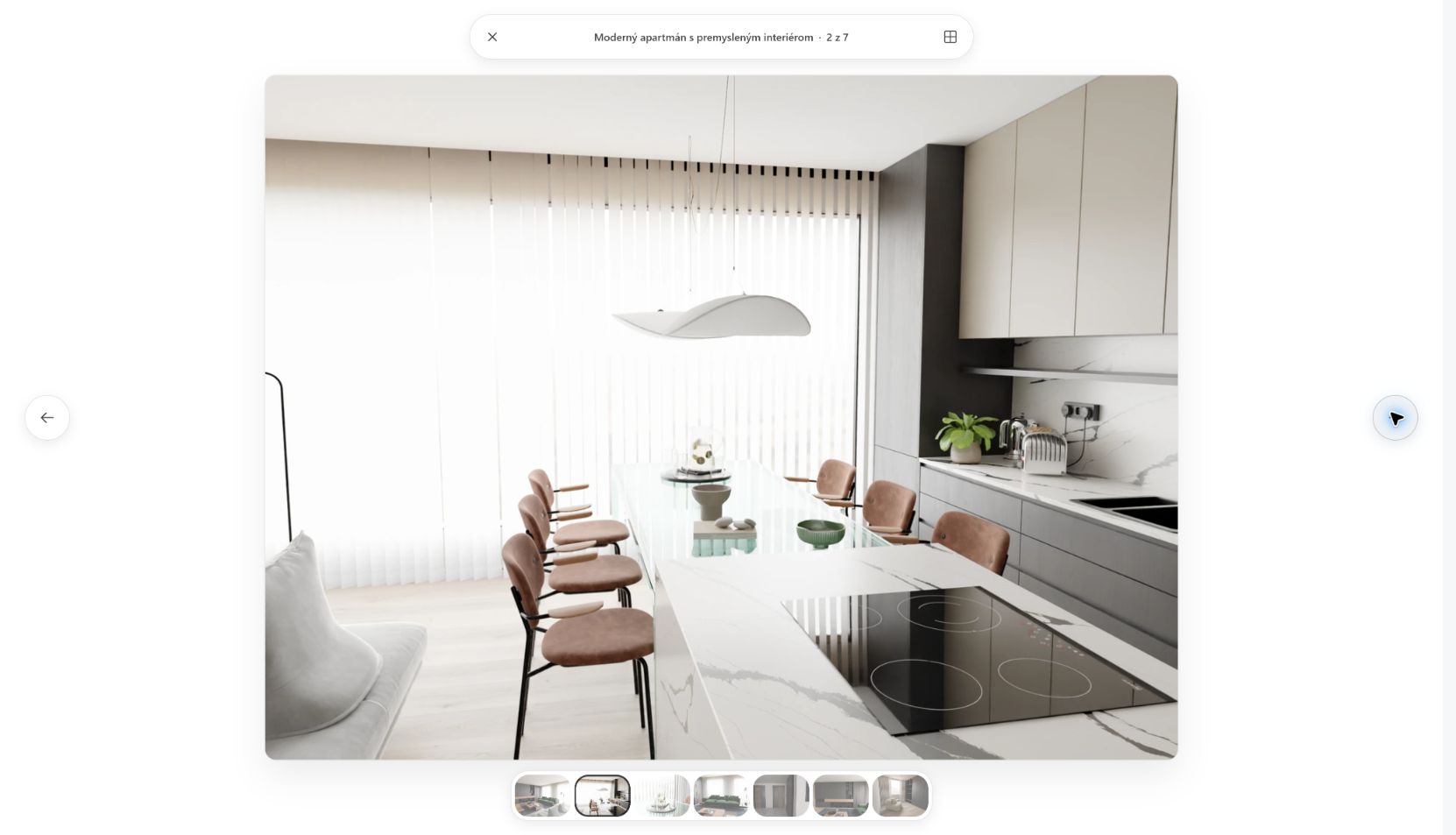 Shared gallery: dining area
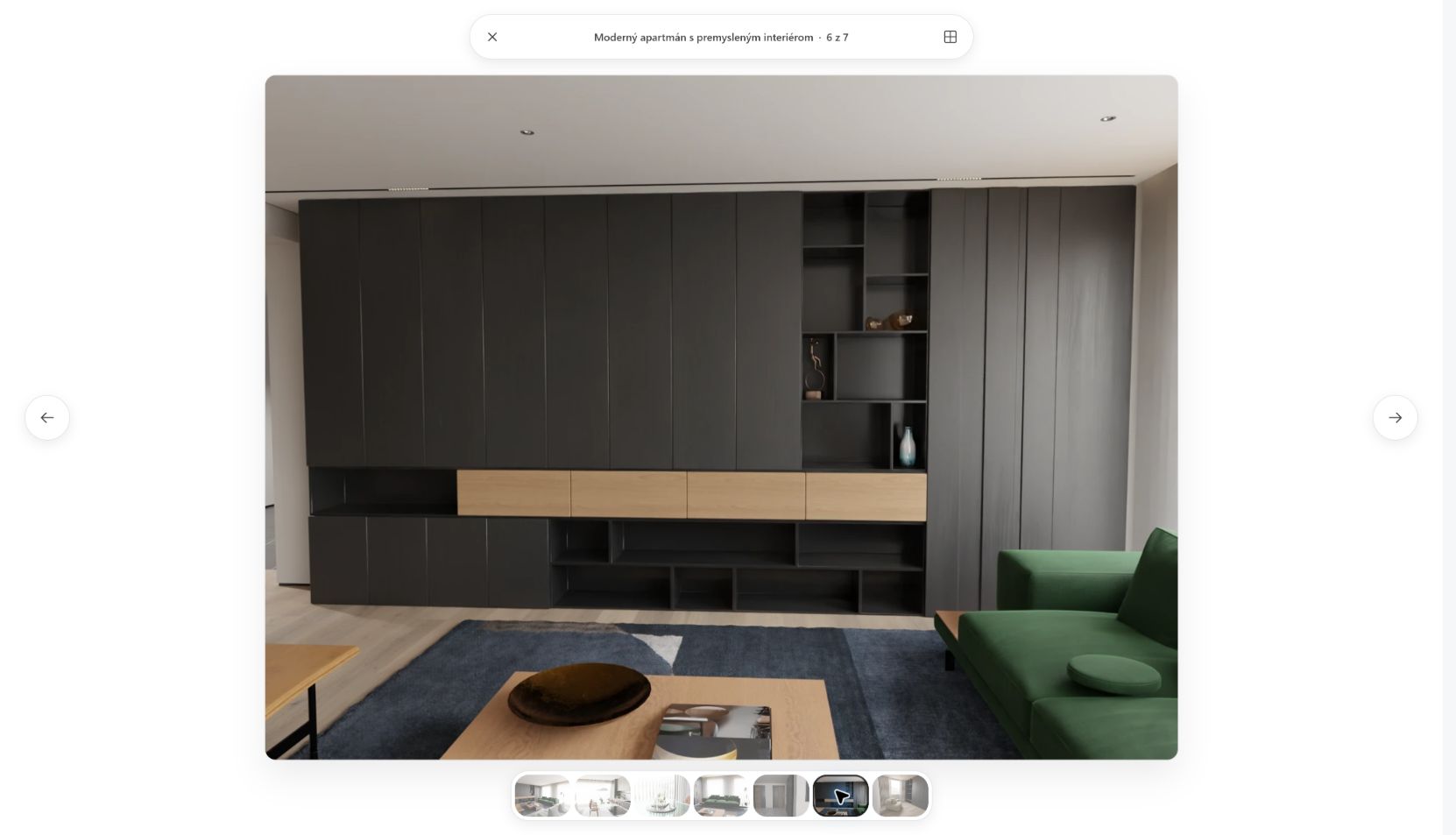 Shared gallery: library
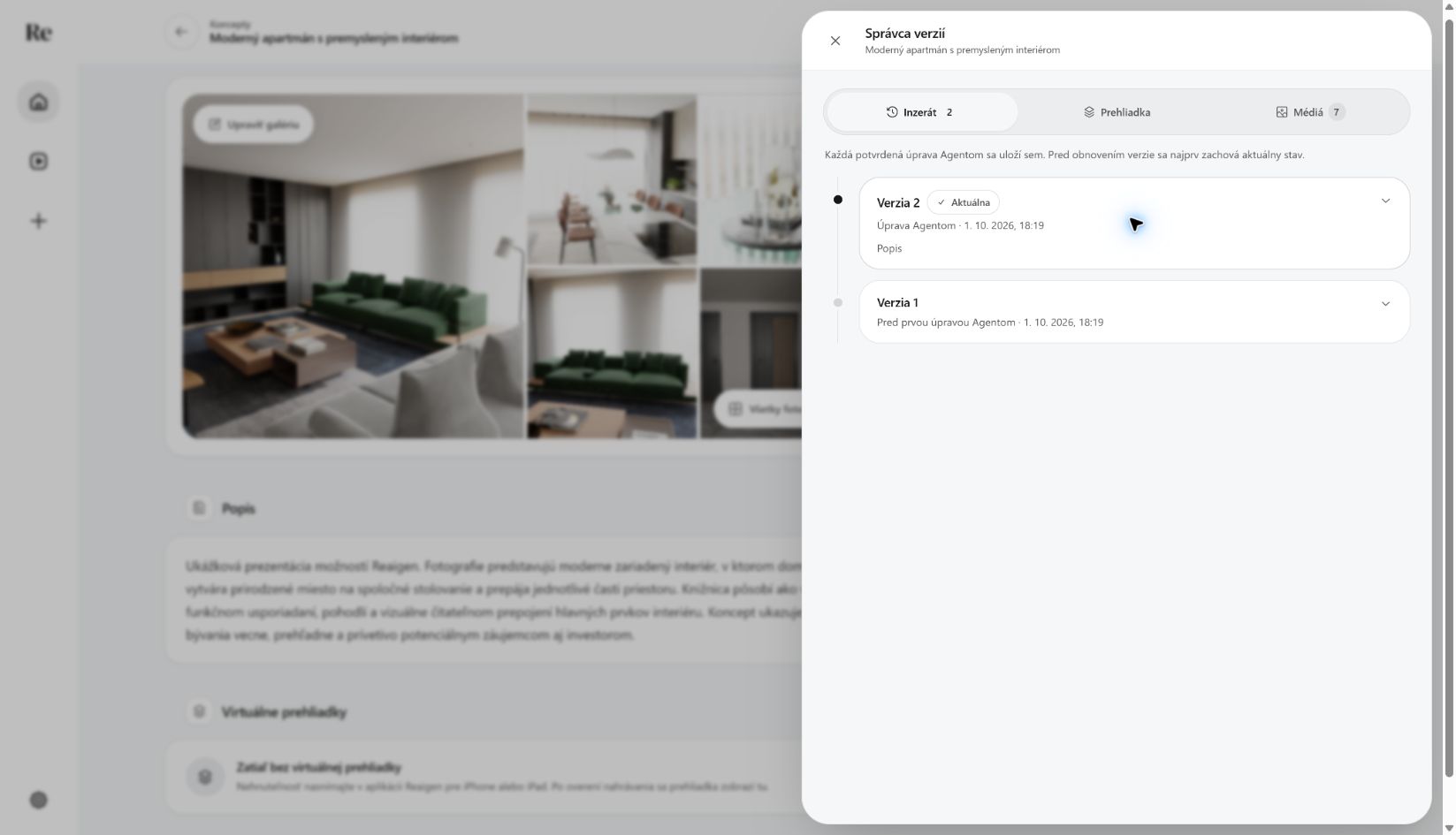 Agent version history
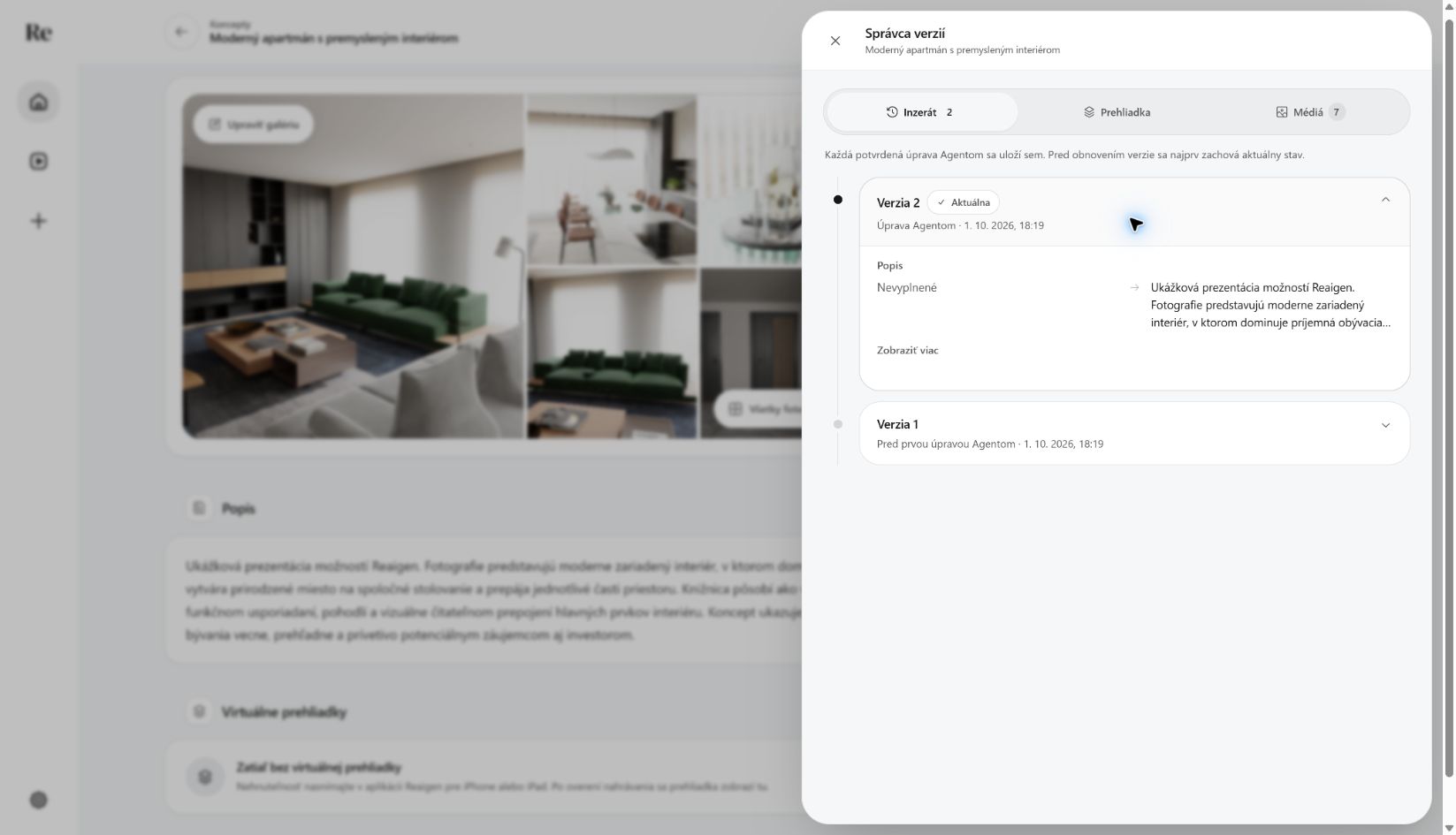 Agent edit, before and after
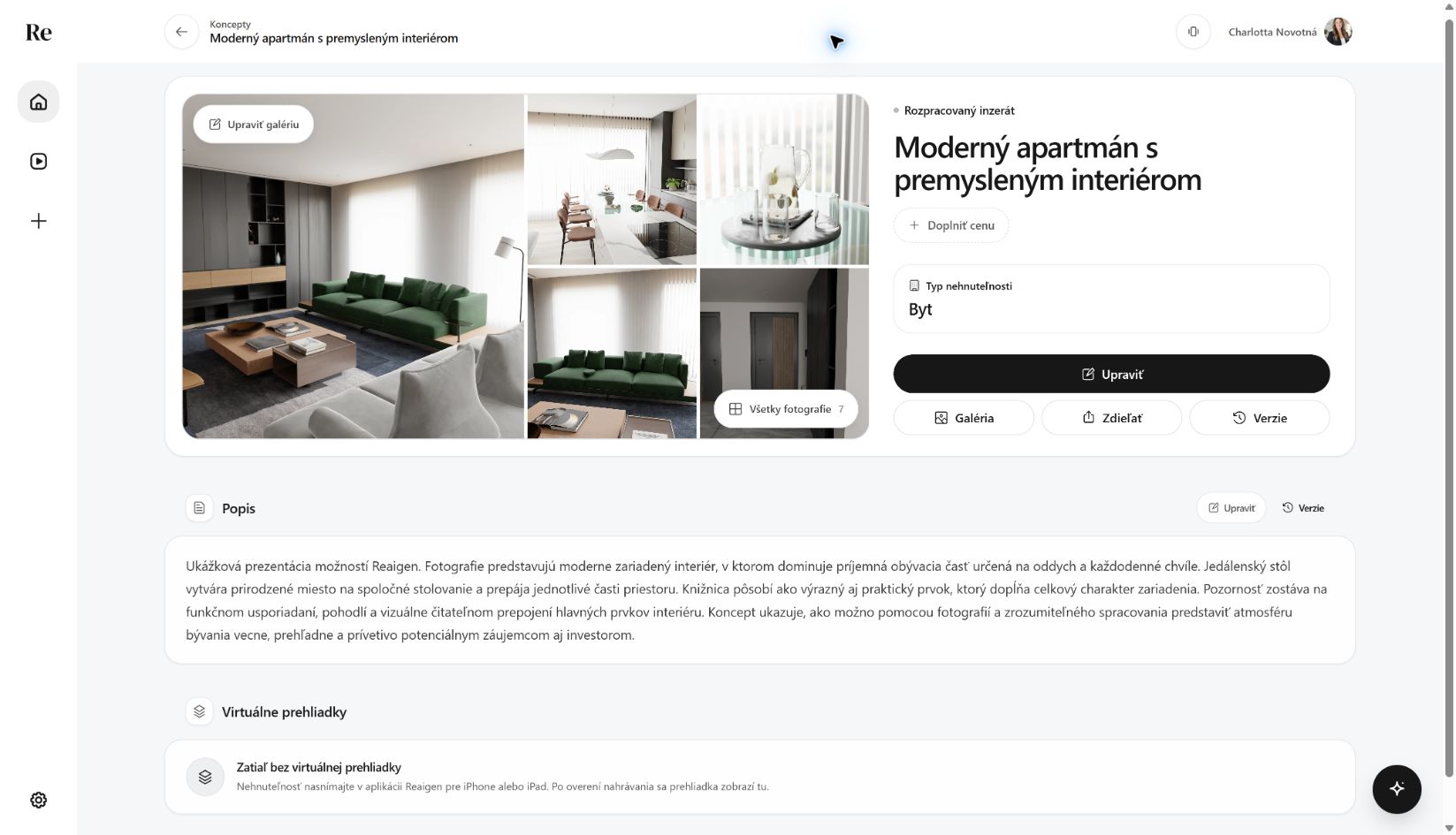 Draft saved
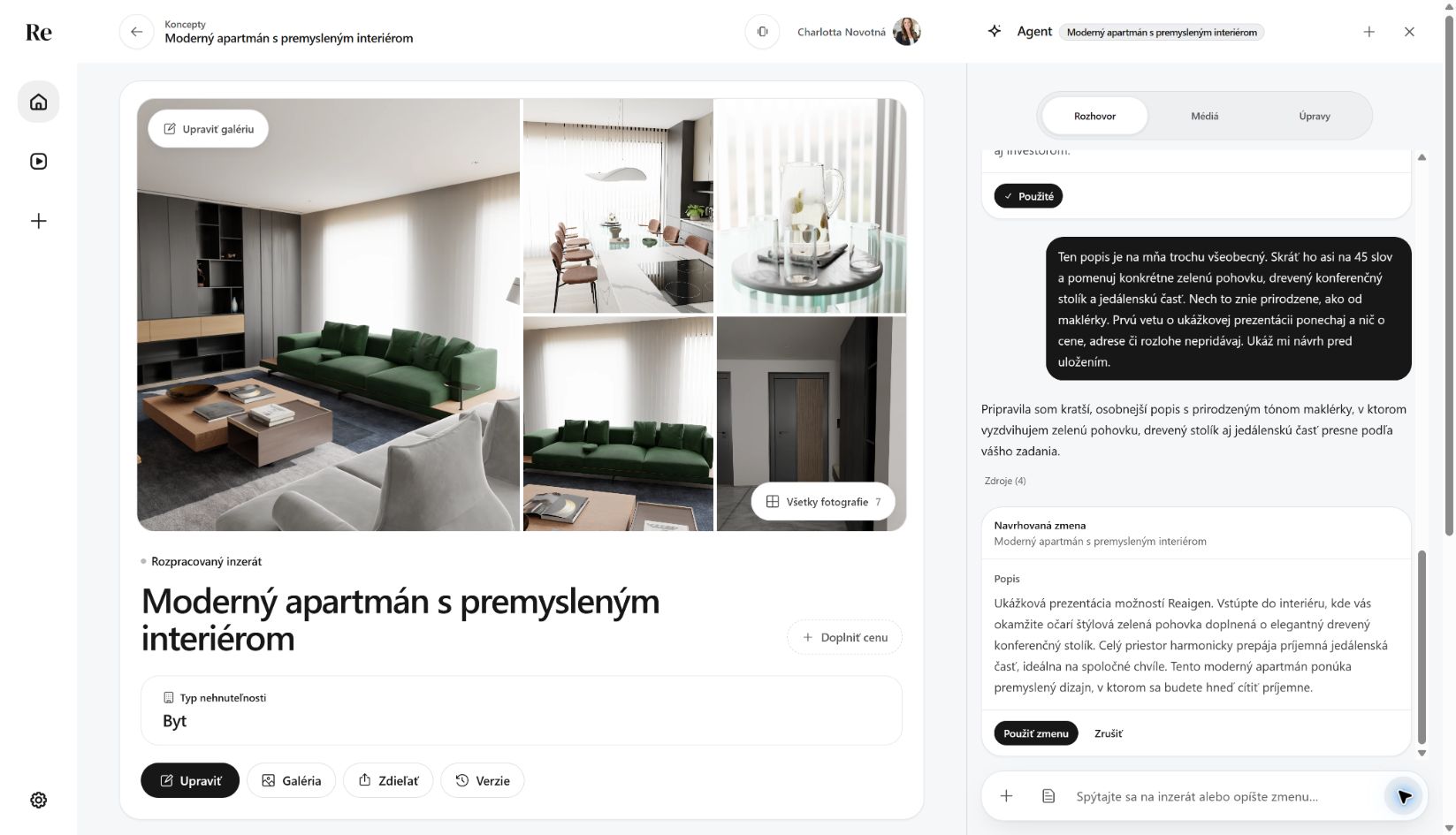 Shorter description for review
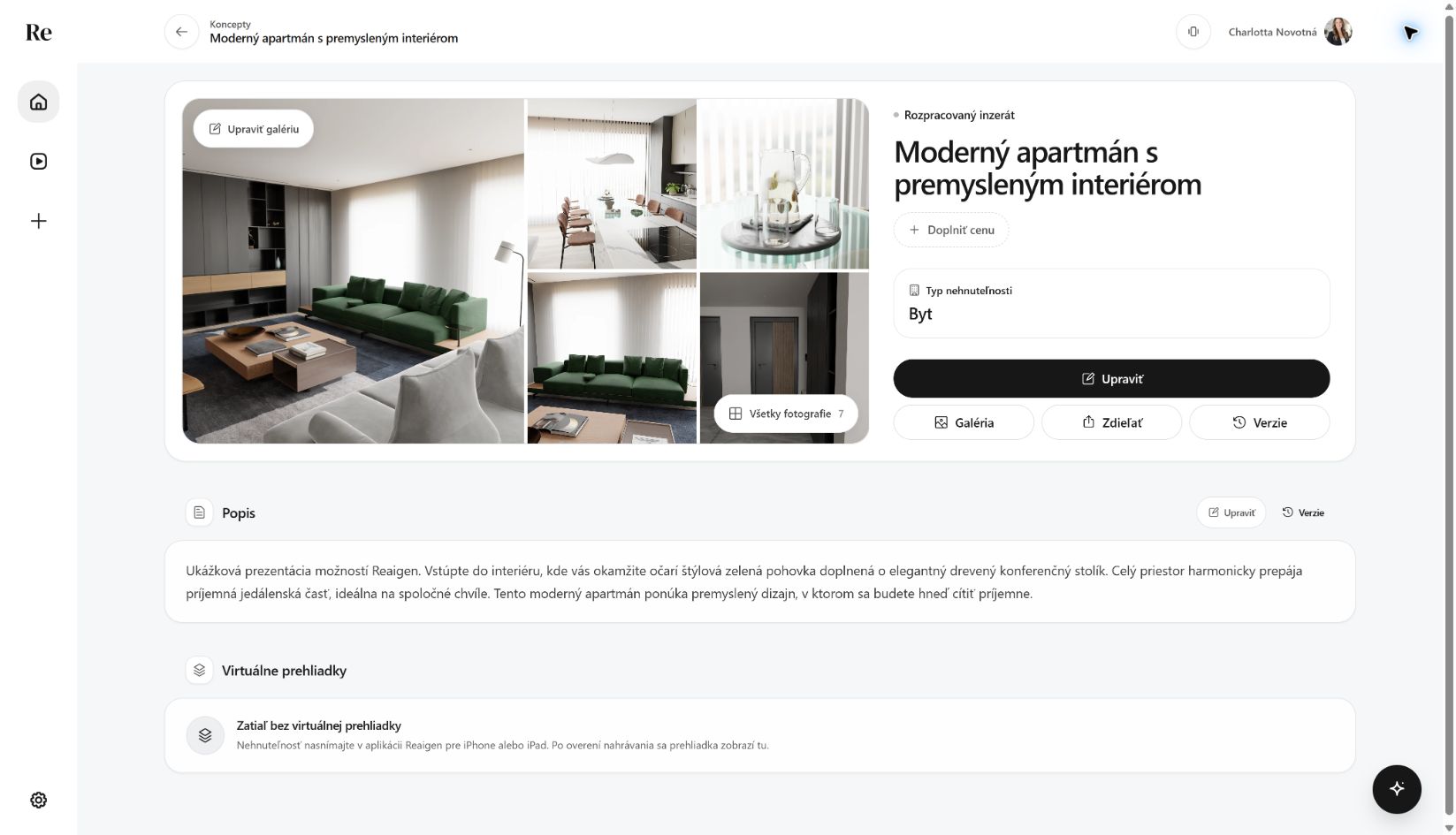 Shorter description saved
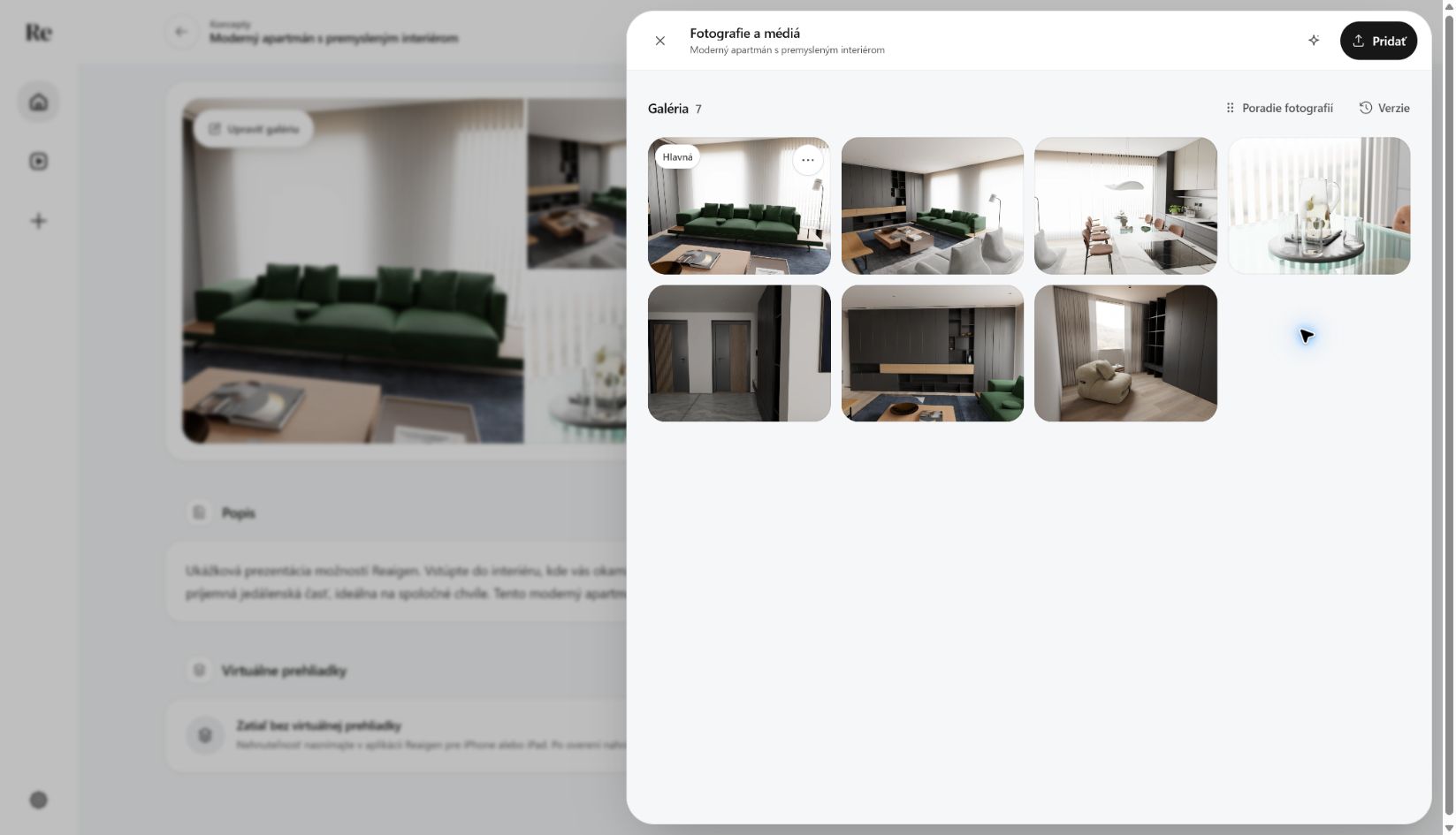 New cover photo in the gallery
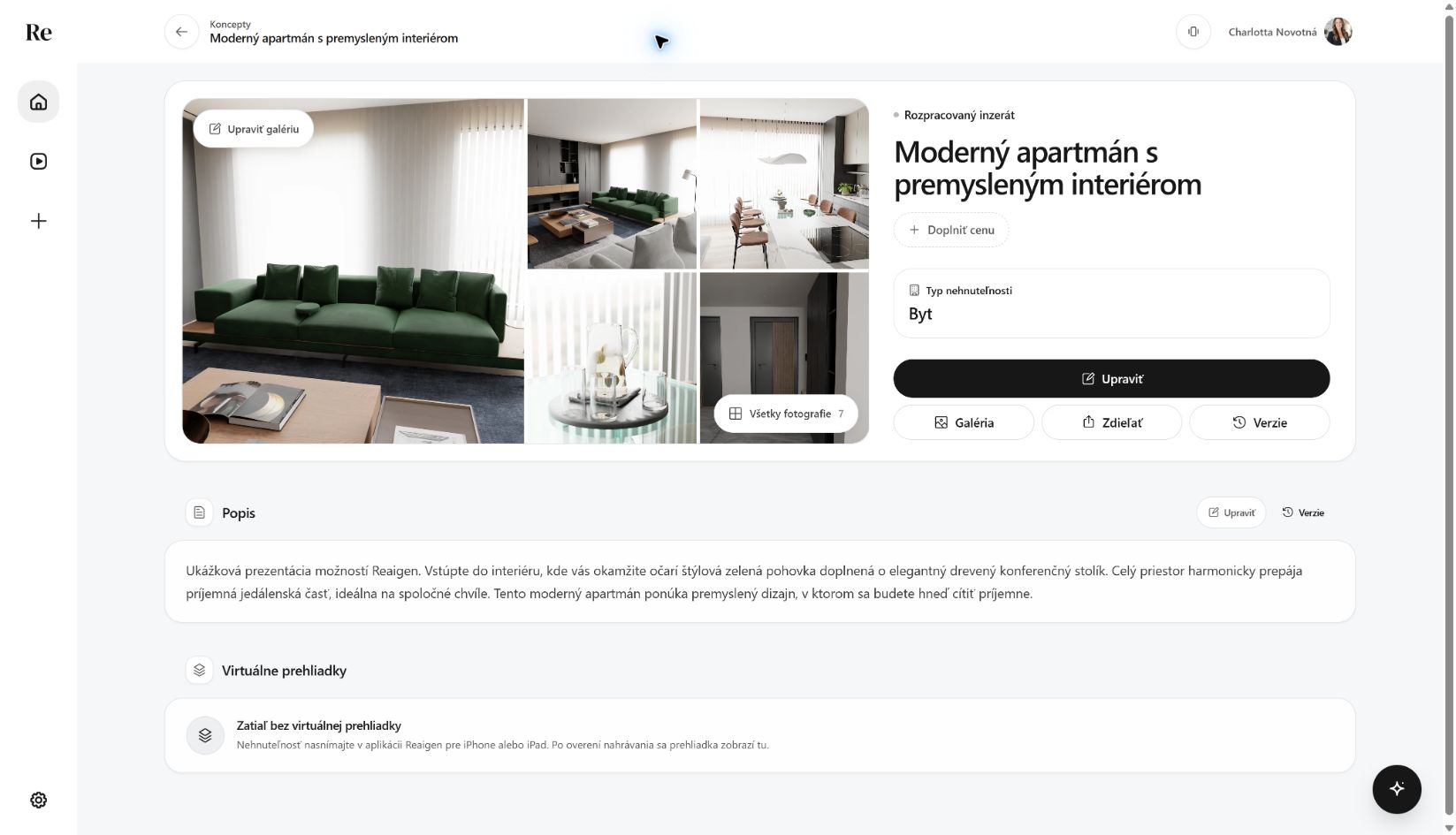 New cover photo on the listing
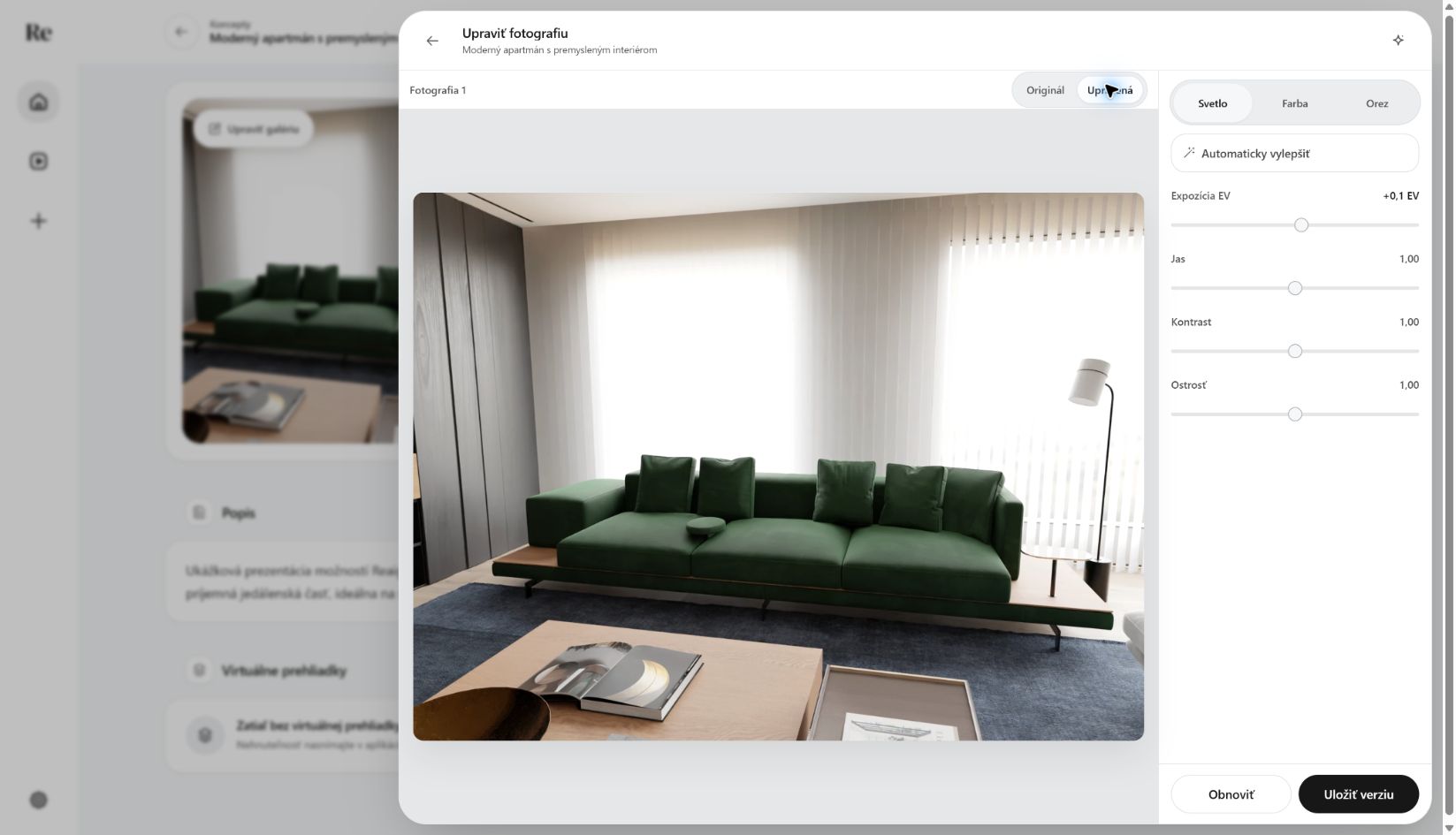 Exposure adjustment
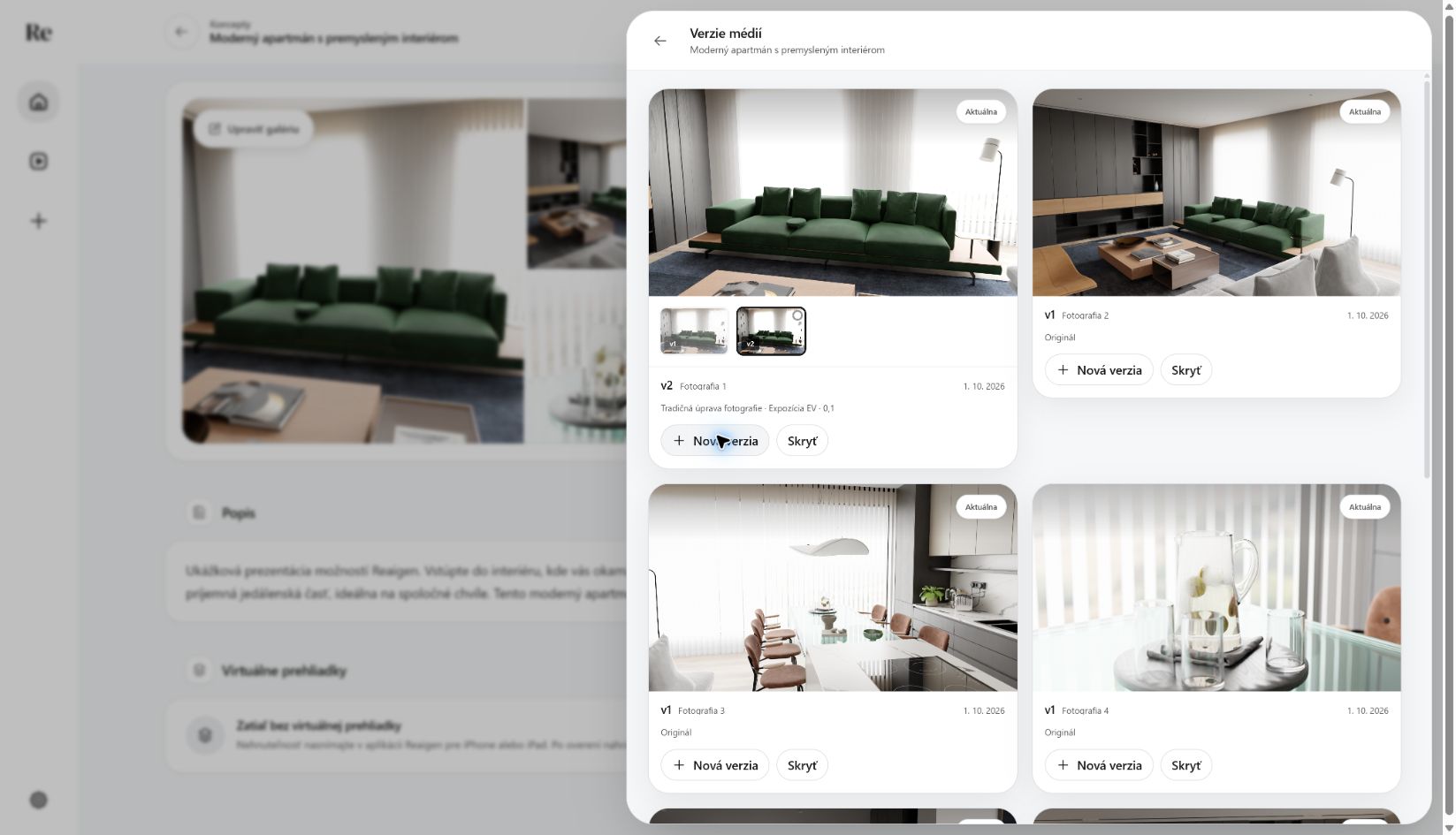 Photo version 2 applied
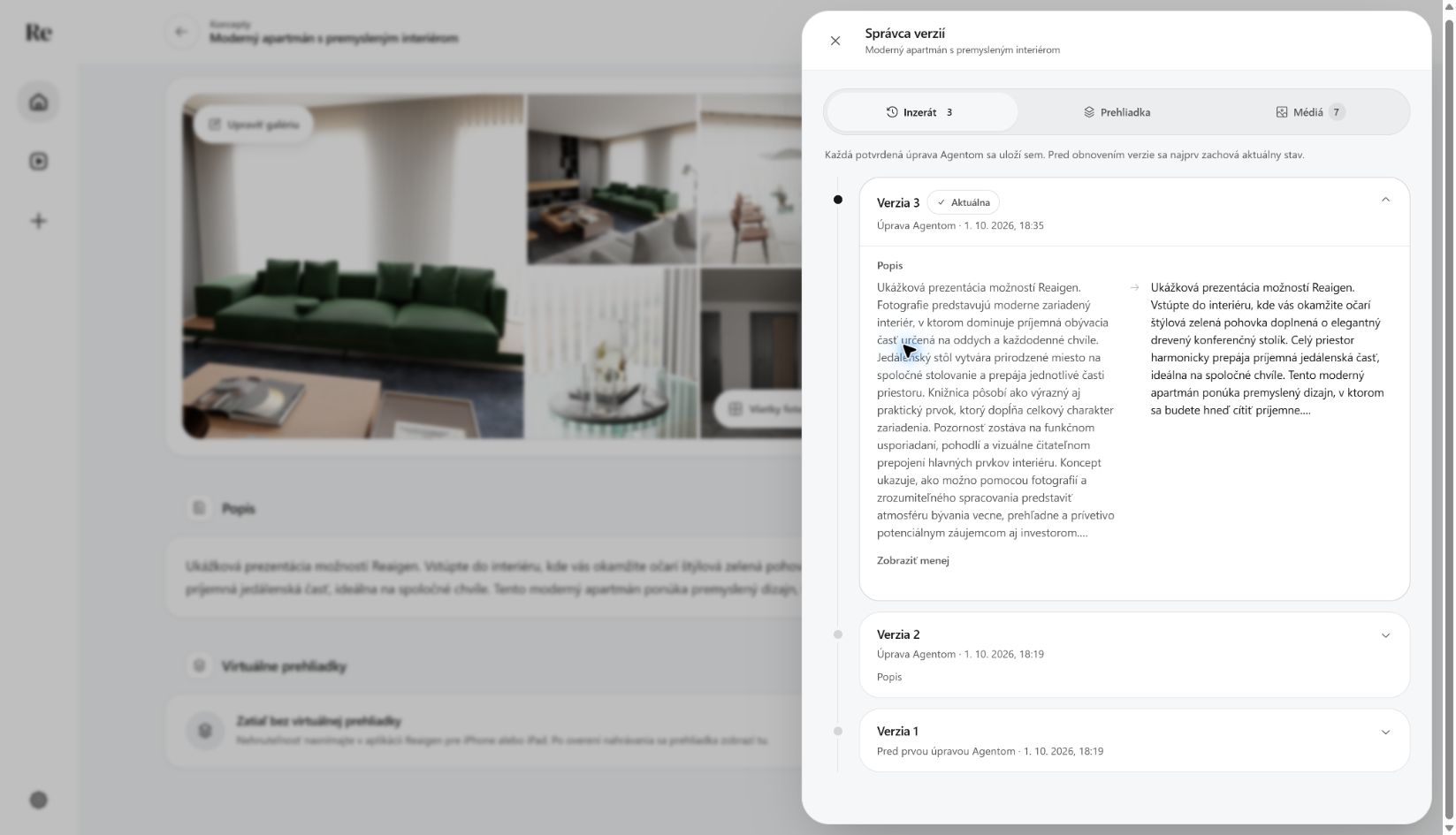 Full description comparison
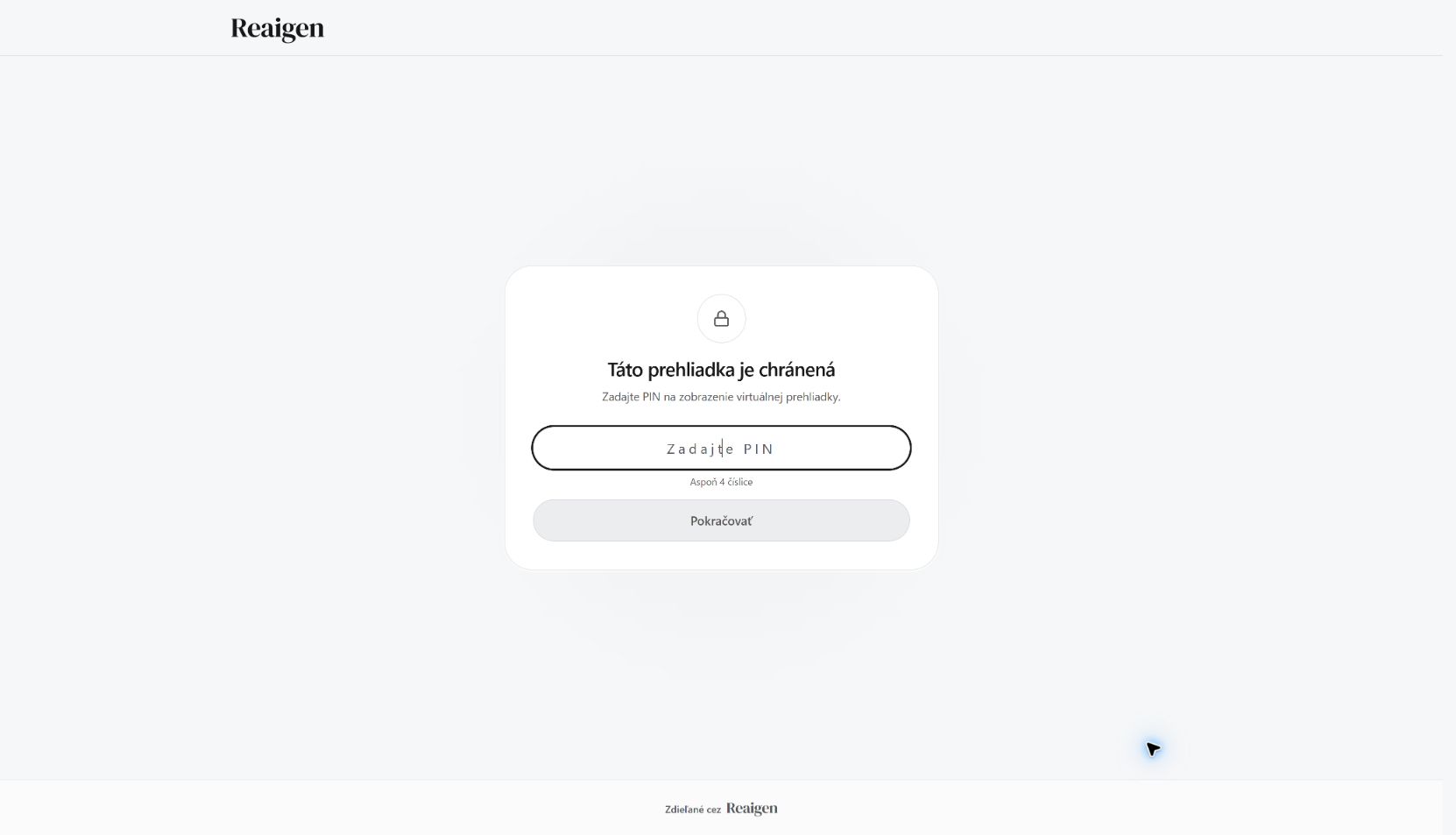 PIN prompt
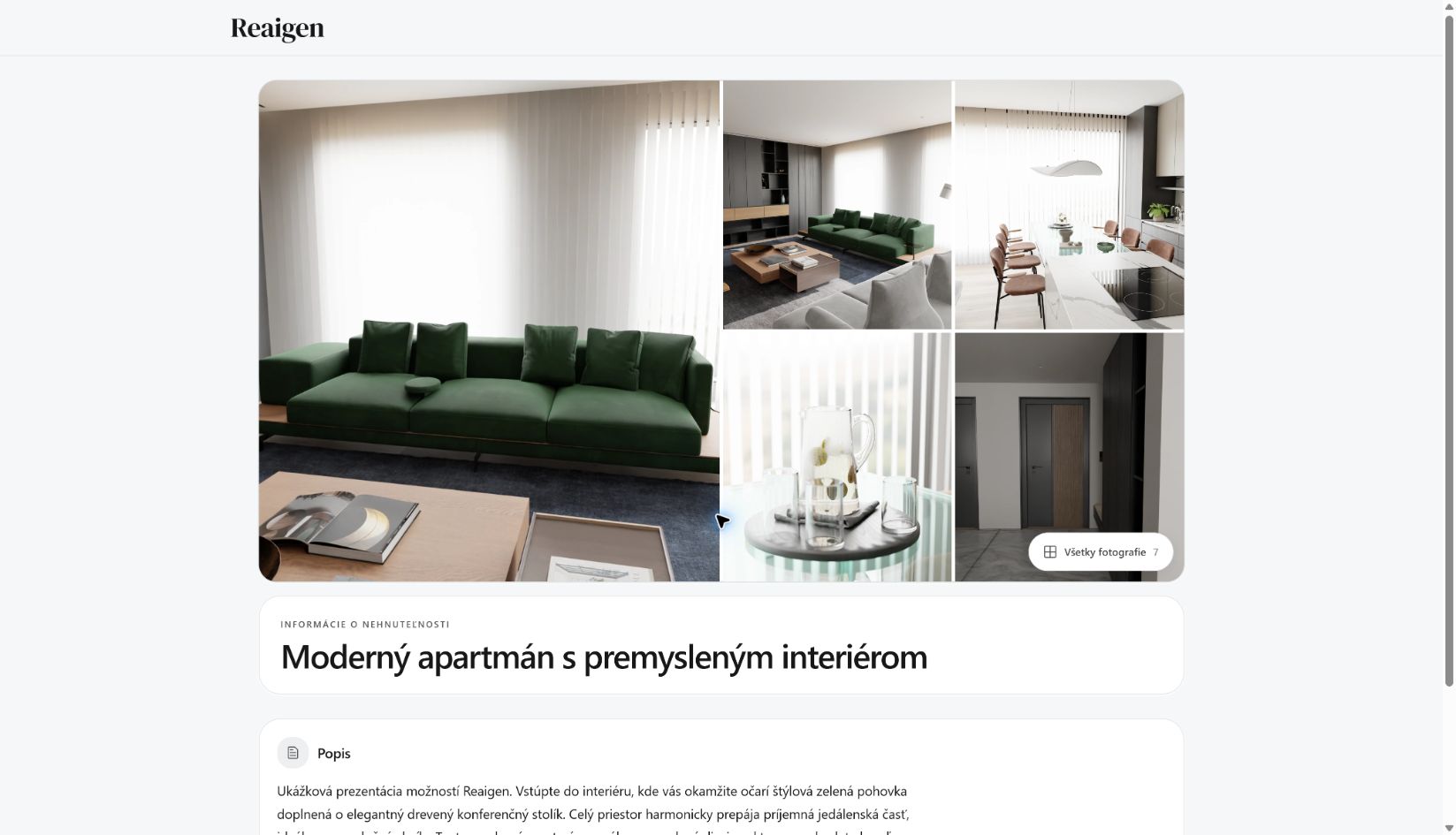 PIN link unlocked
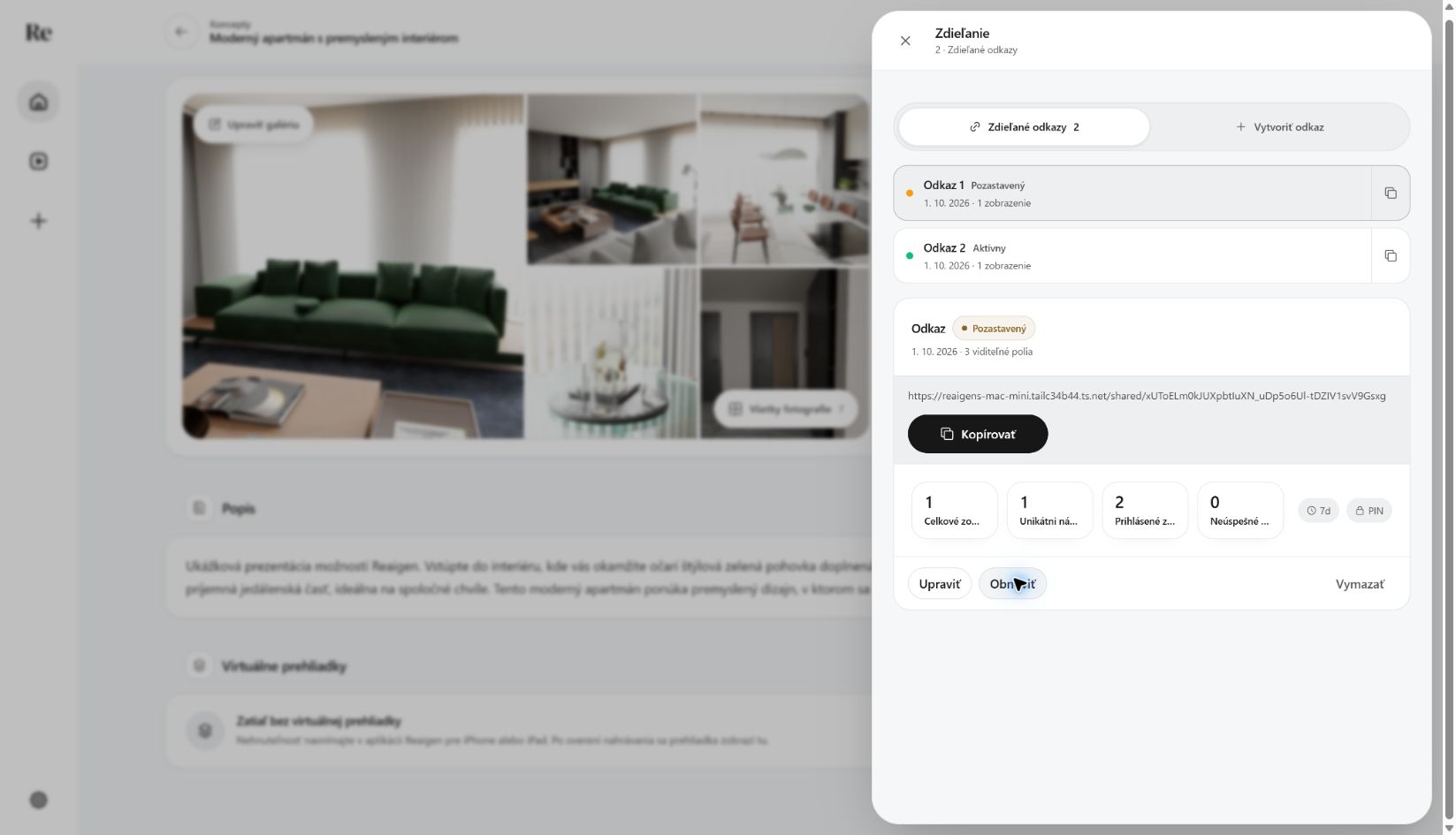 Temporary link paused
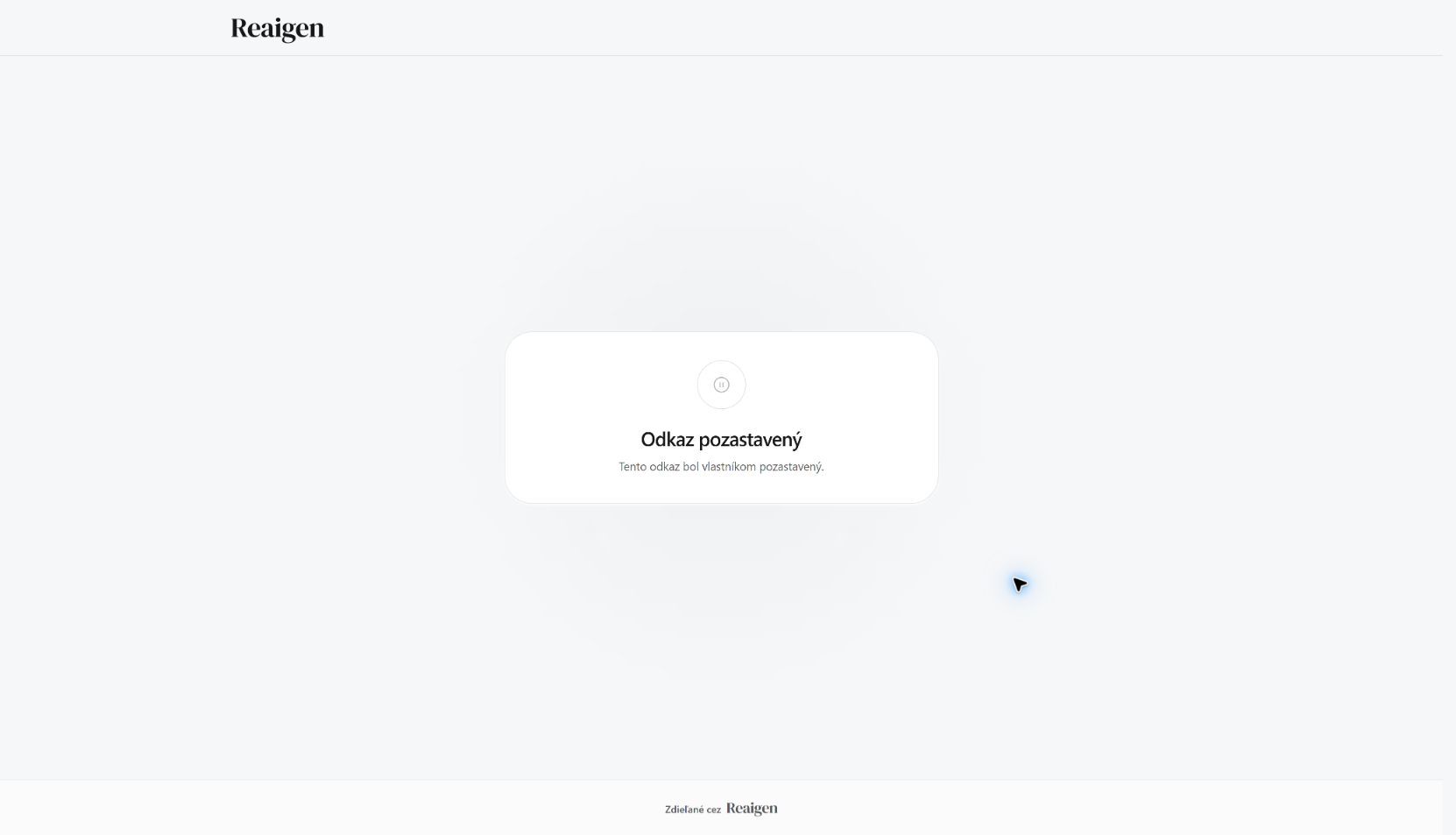 Paused link
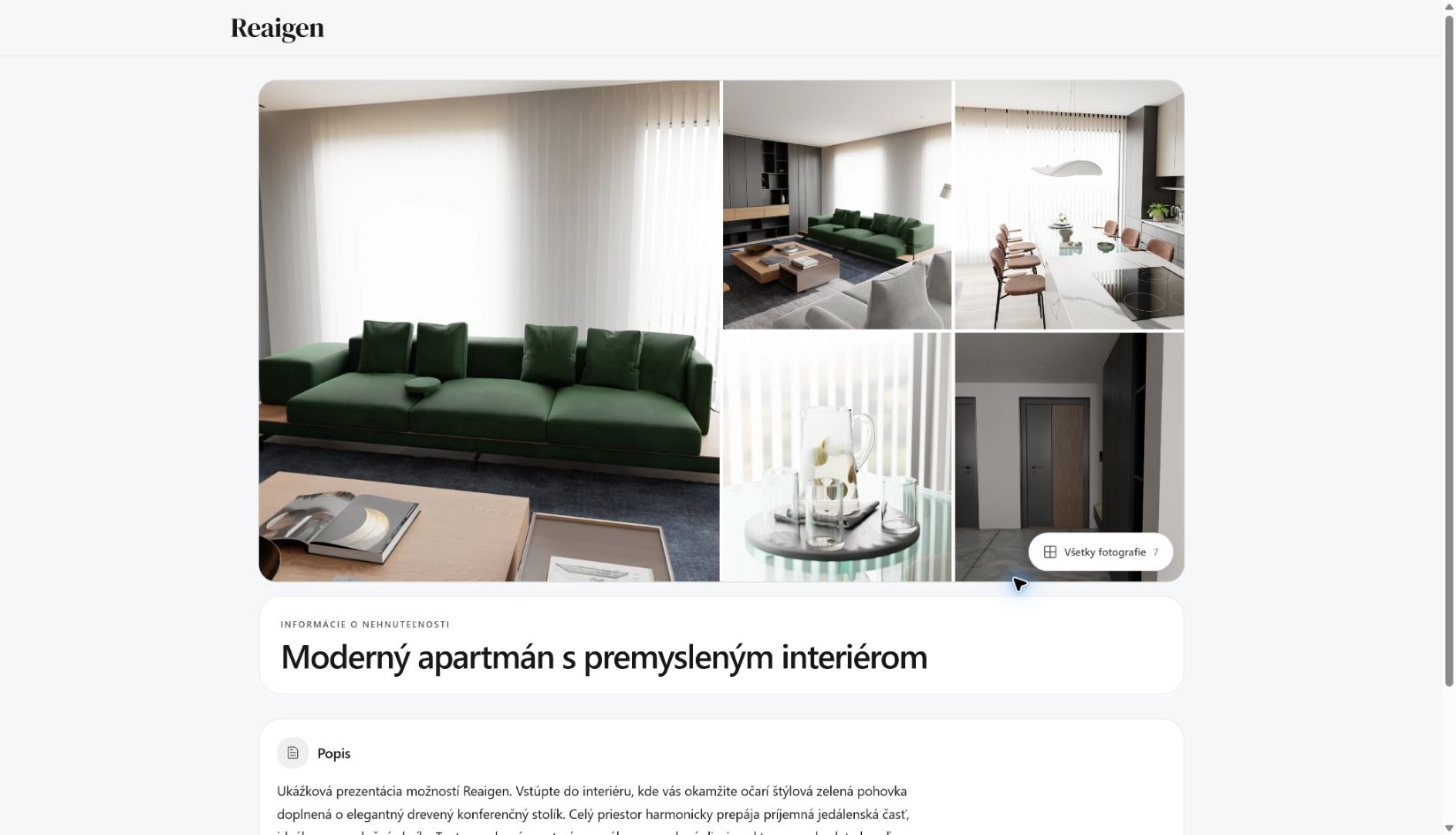 Main share link updated
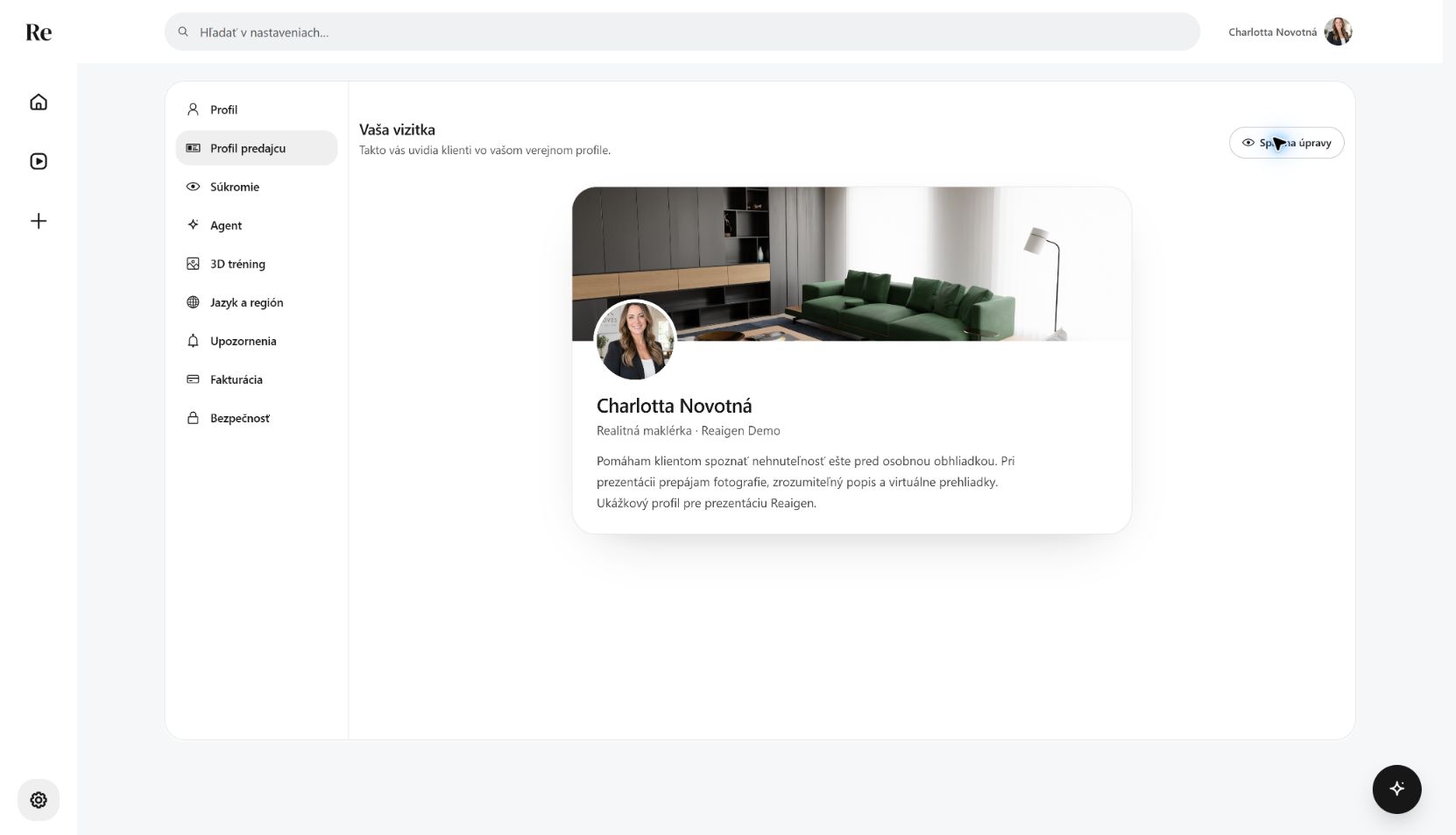 Updated client-facing profile
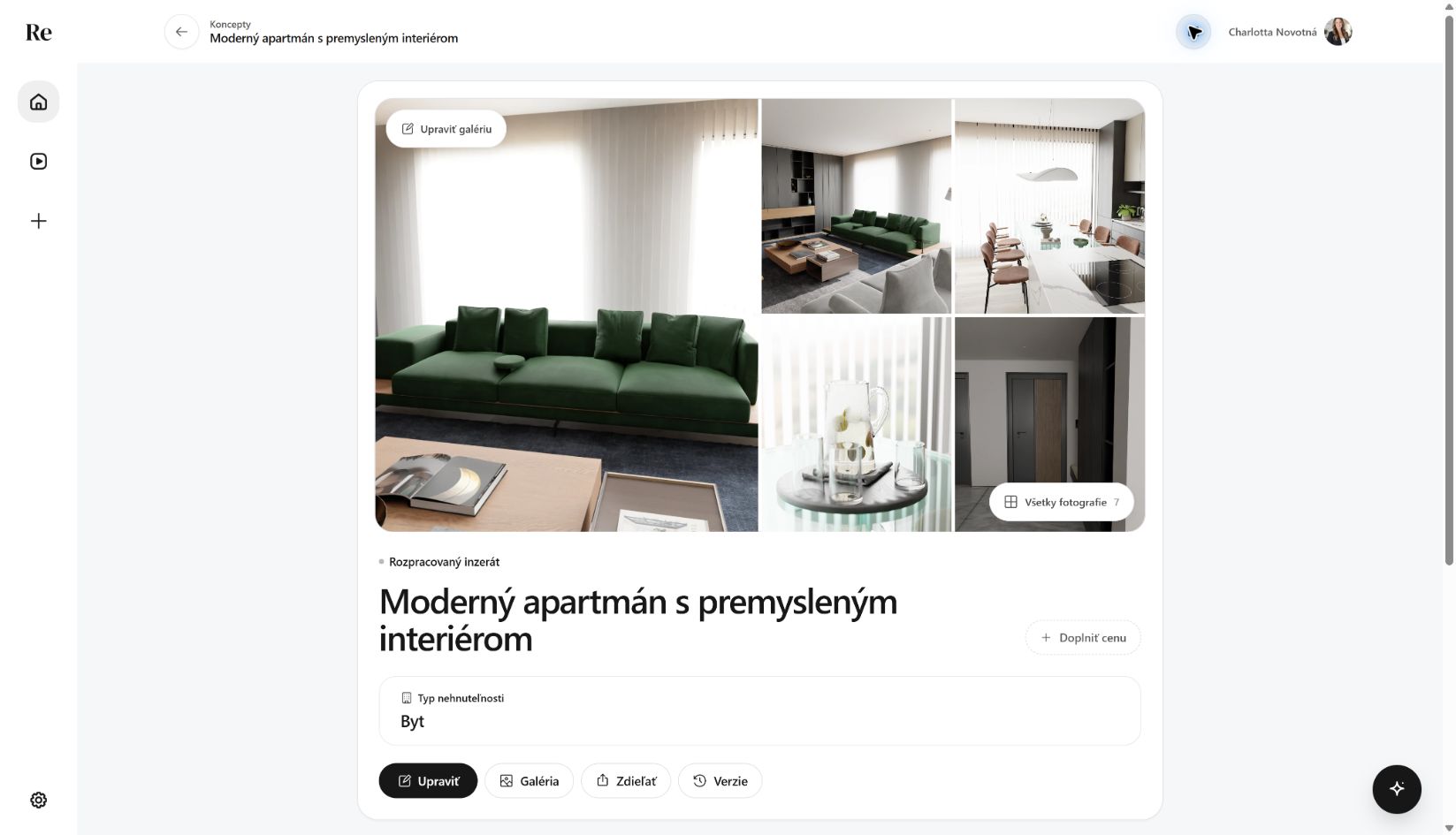 Focused listing review
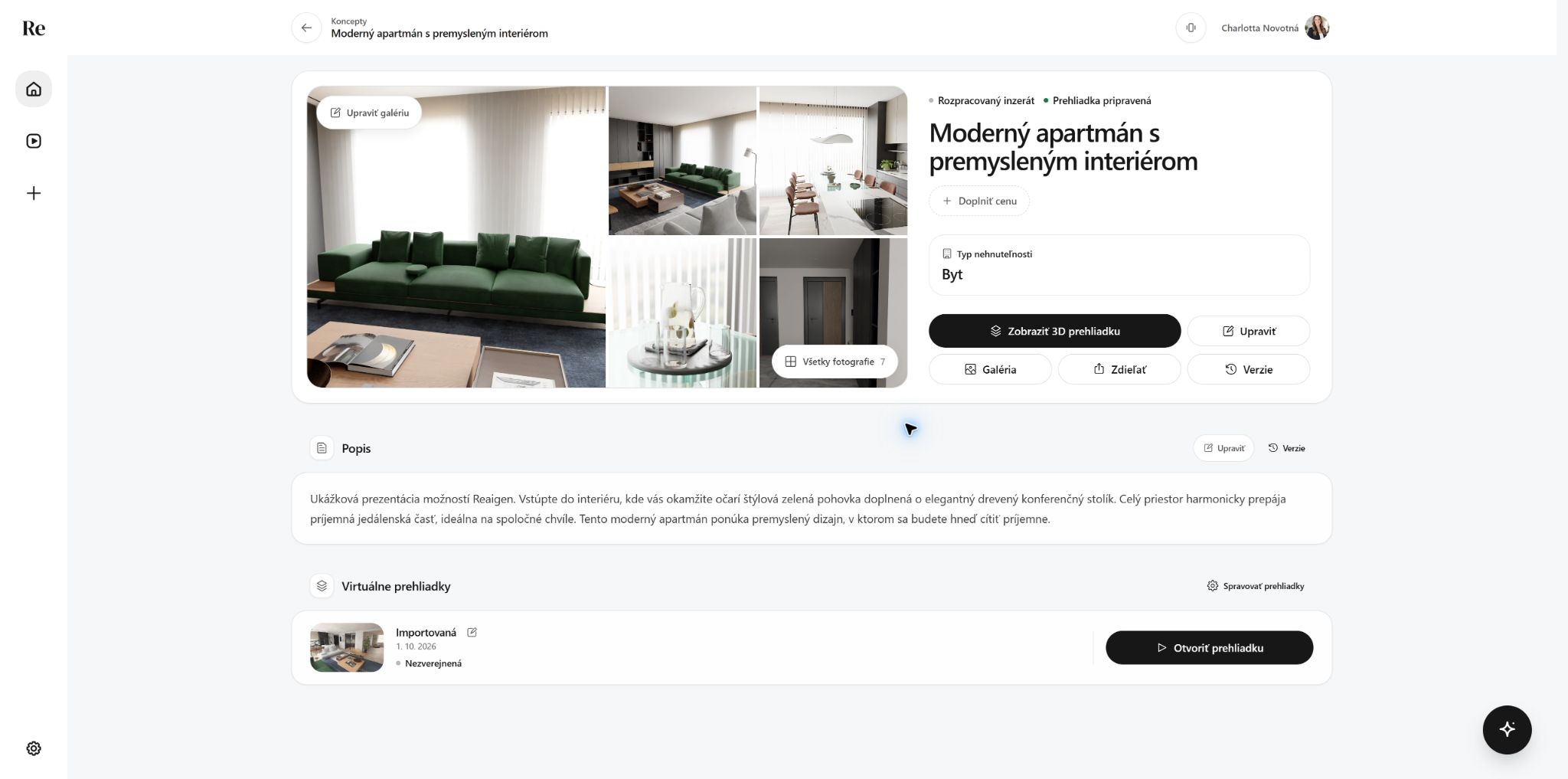 Tour ready to open
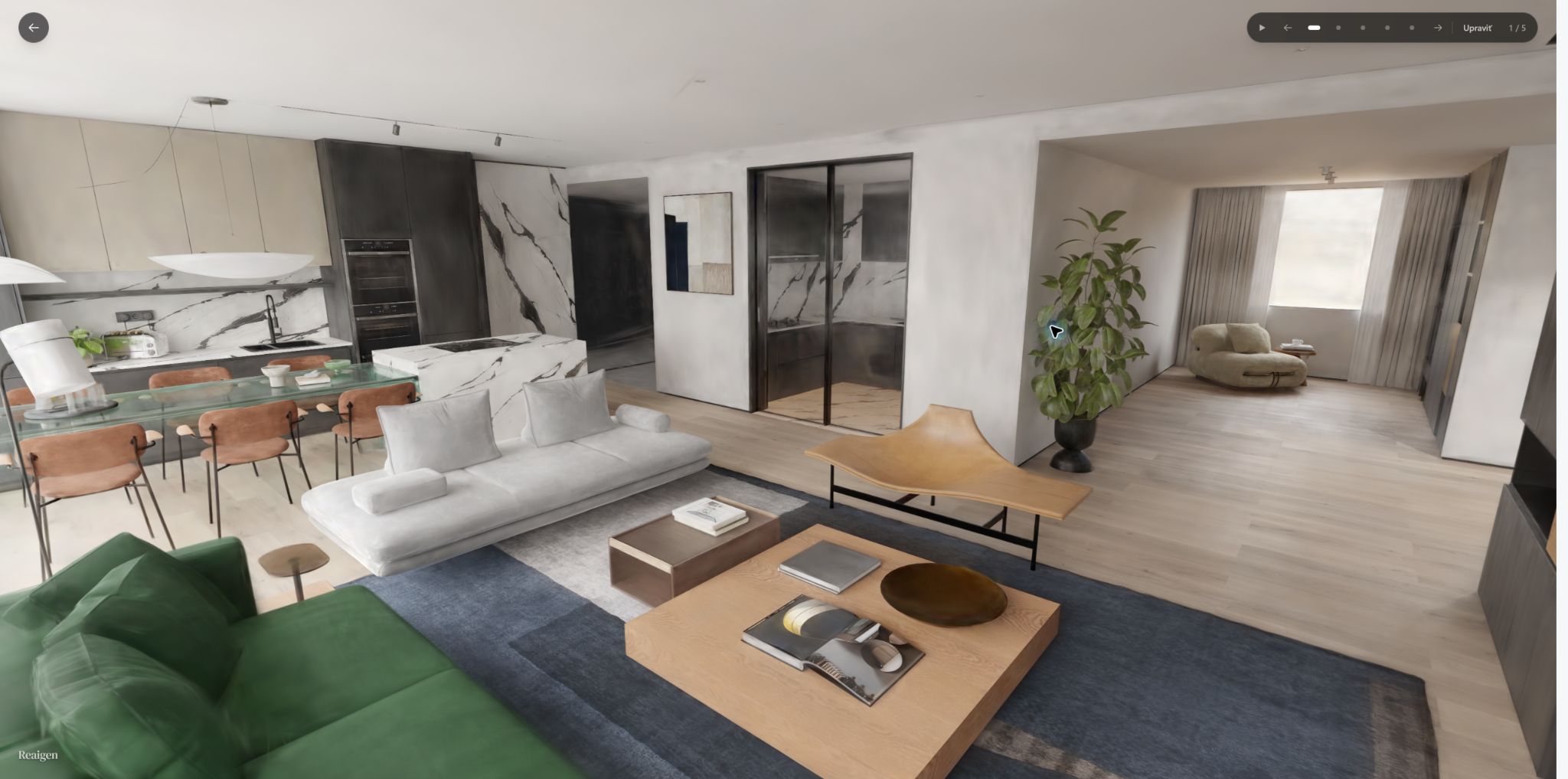 Tour loaded
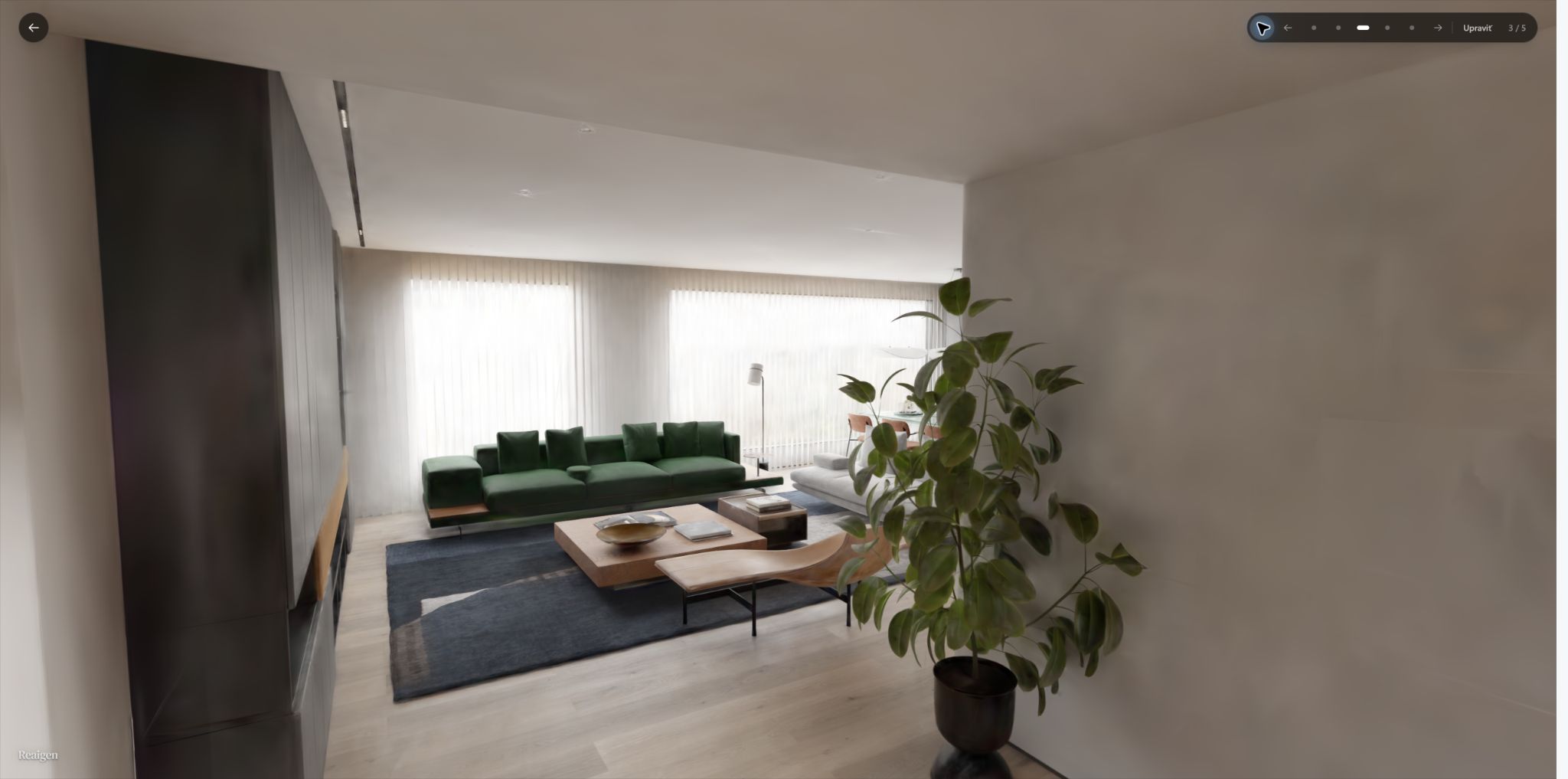 Guided tour
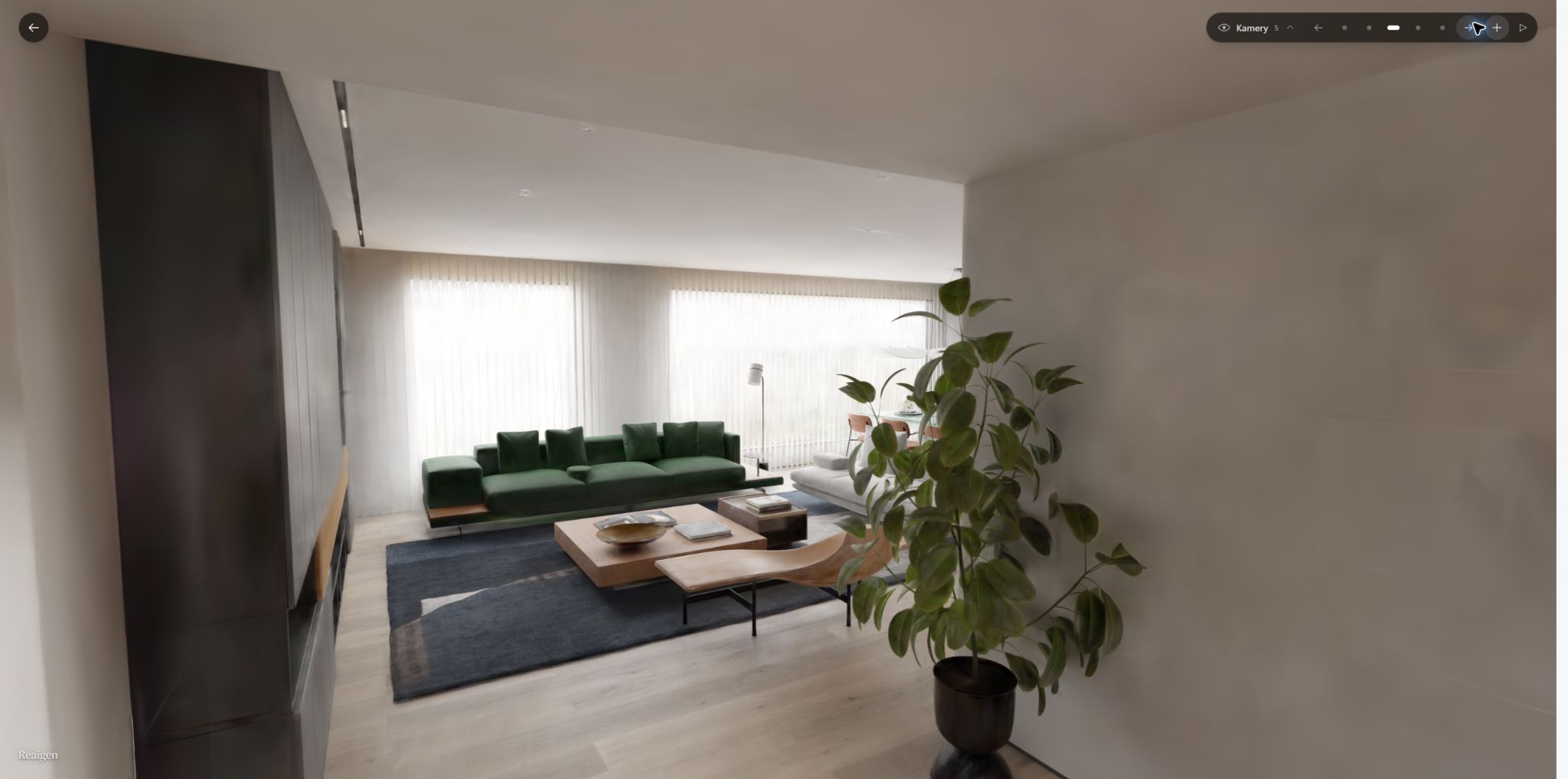 Camera editor
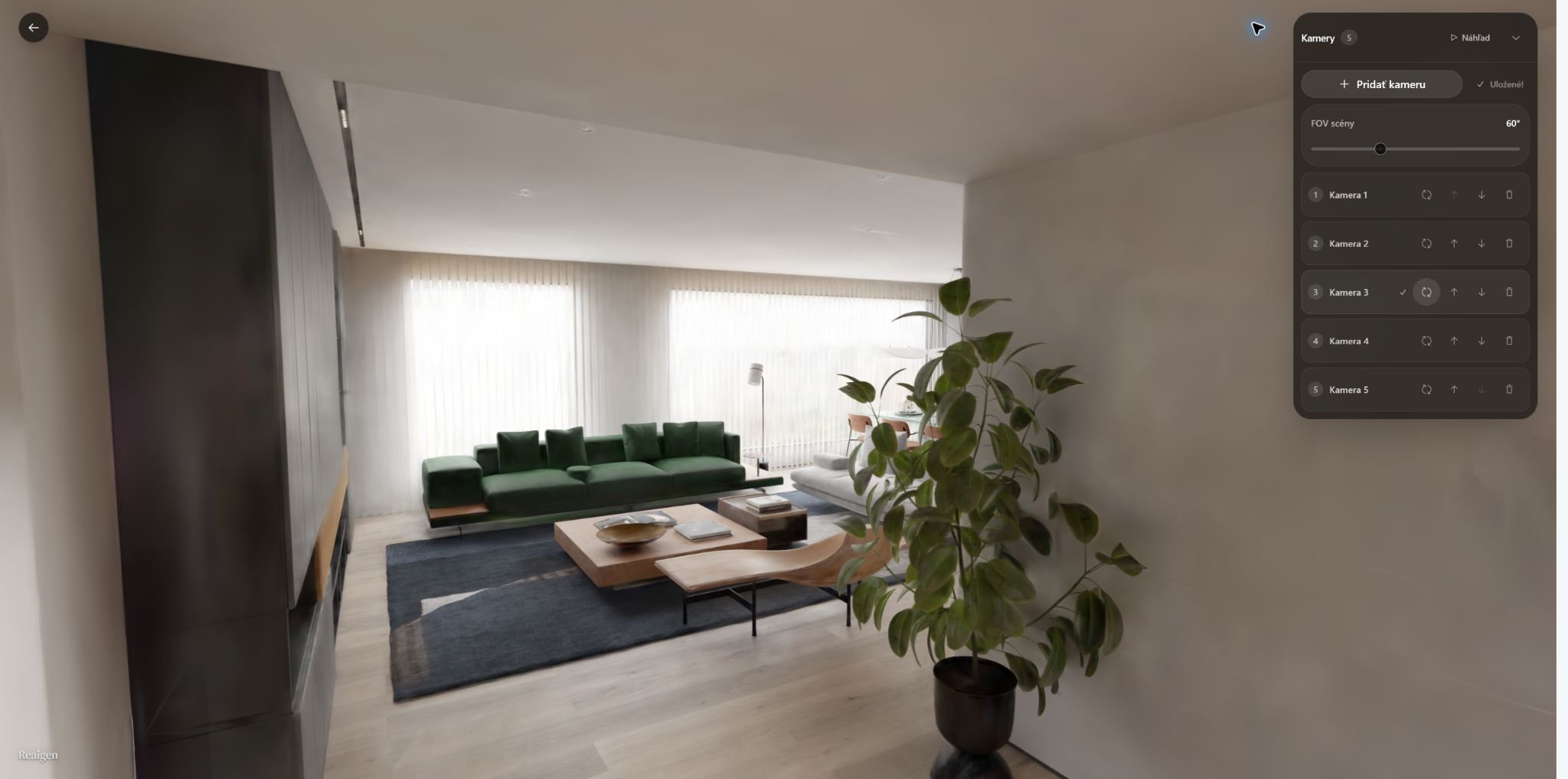 Camera editor expanded
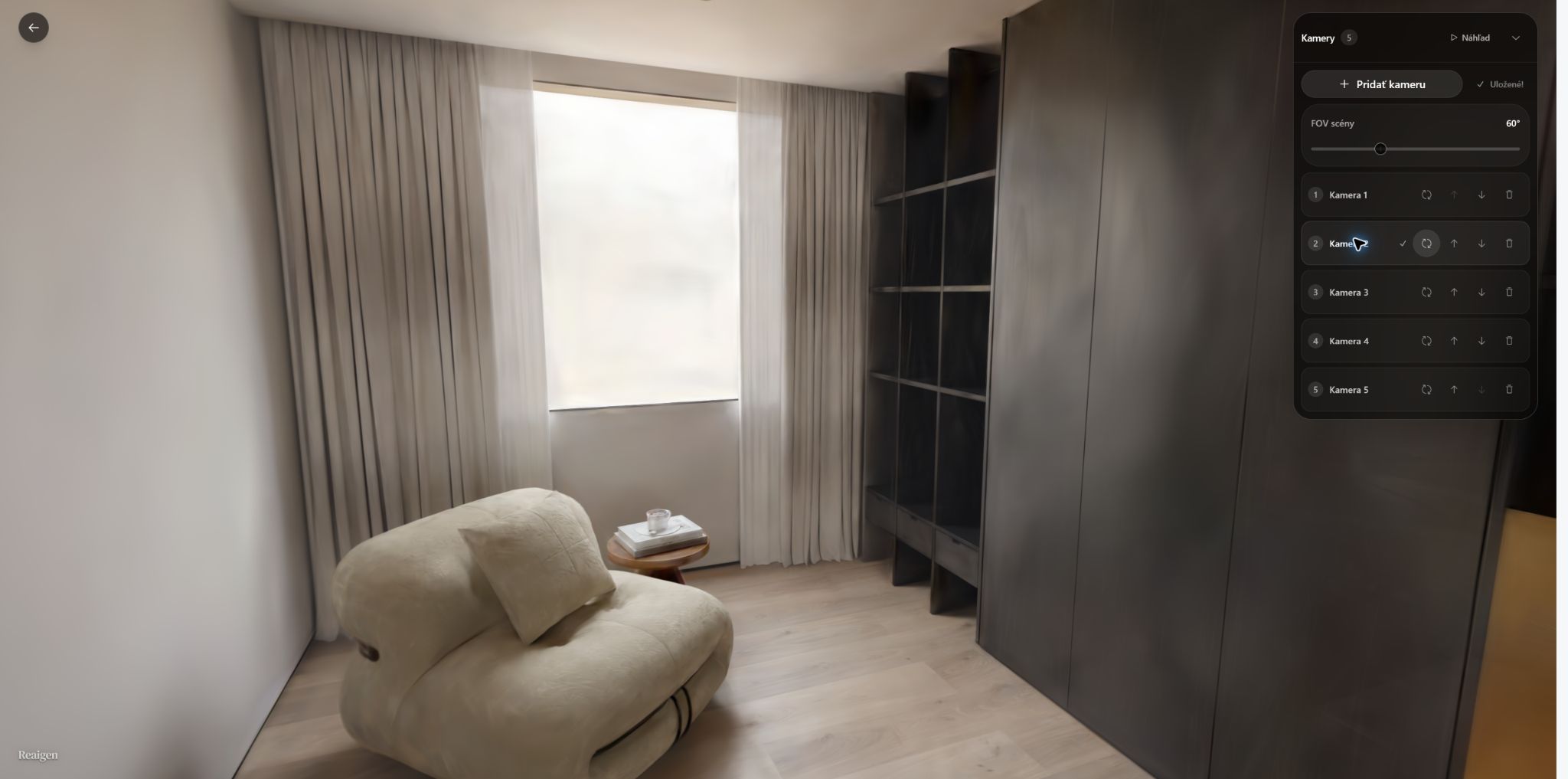 Camera 2 view
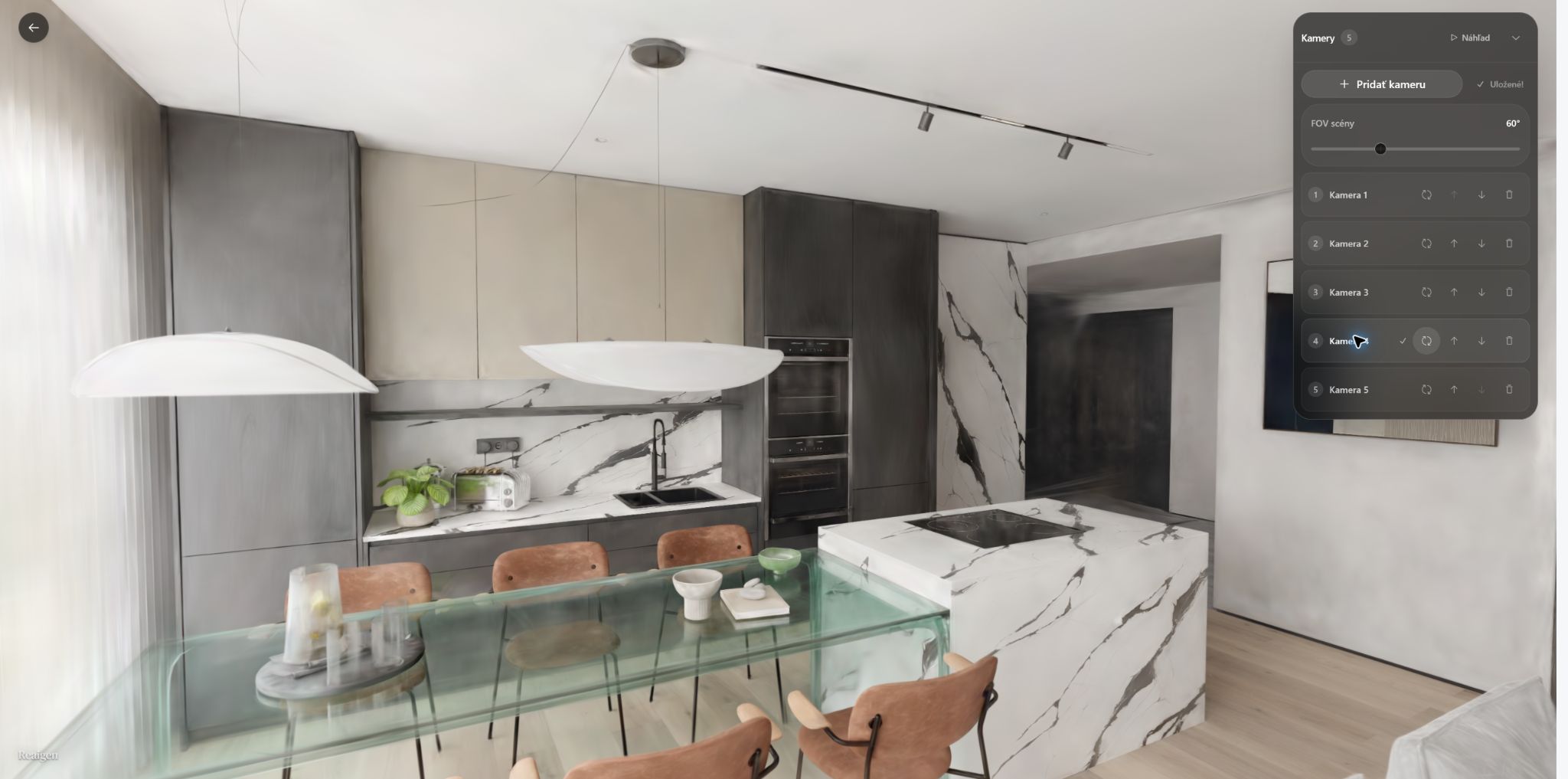 Camera 4 view
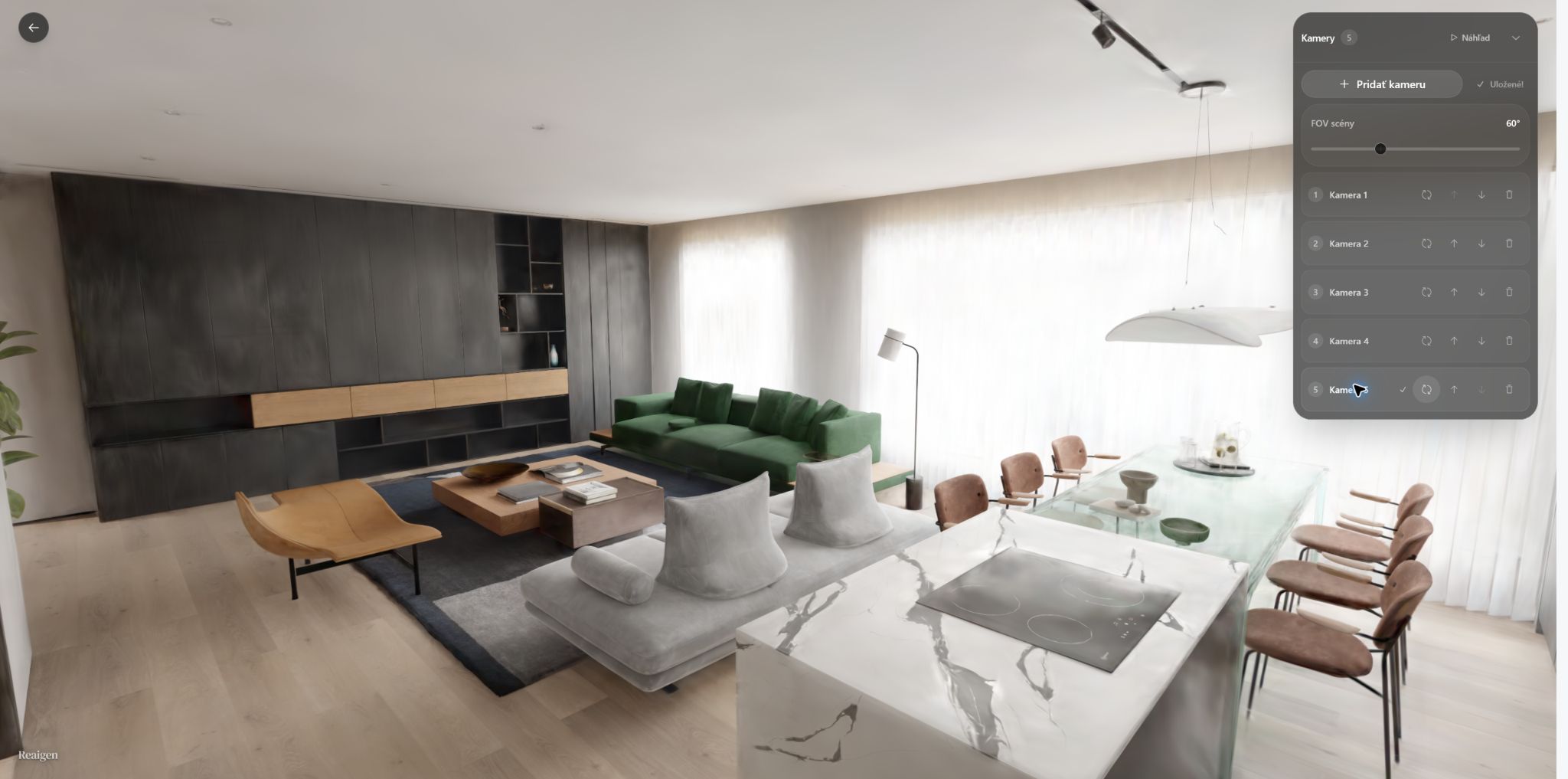 Camera 5 view
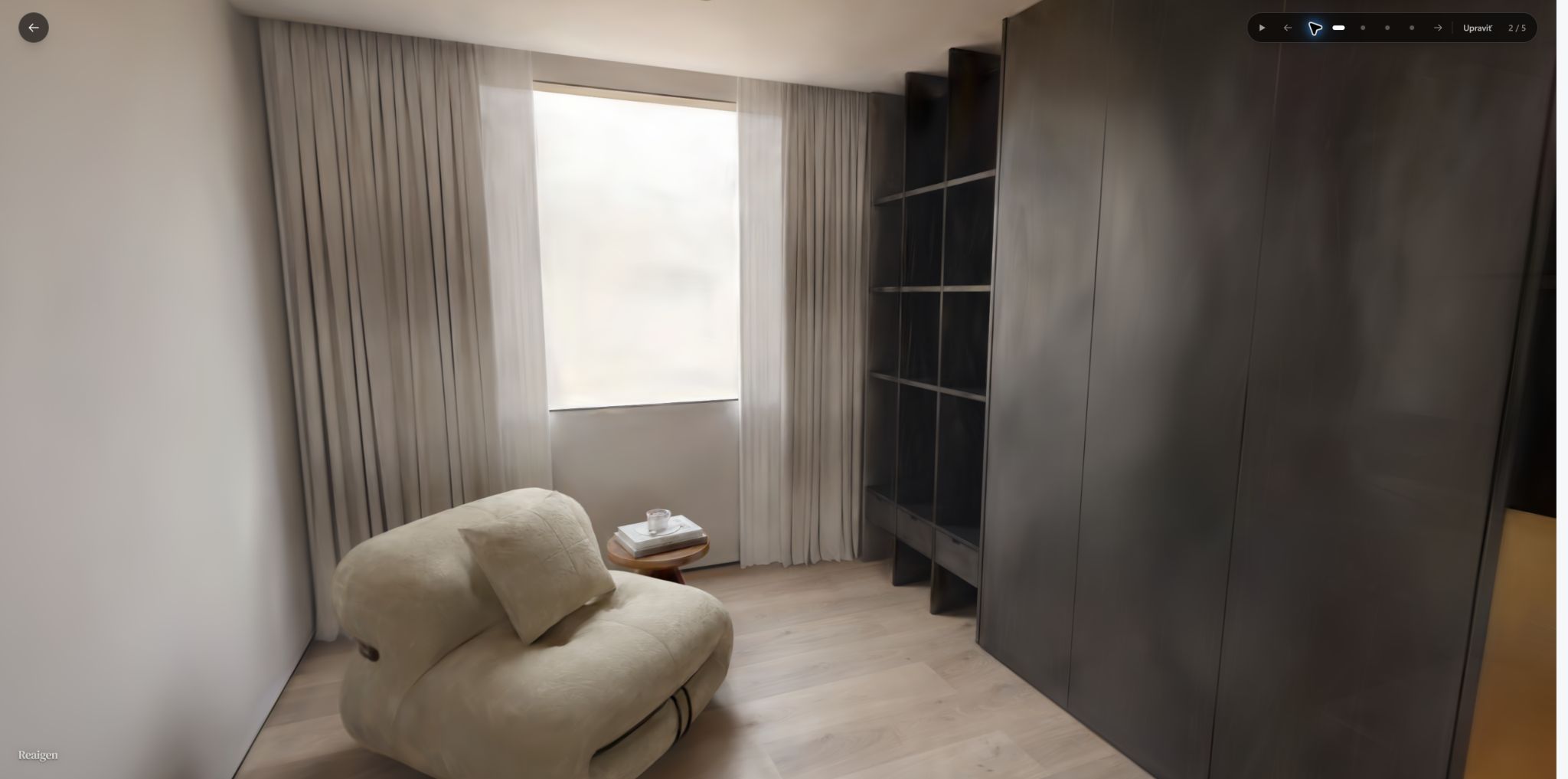 Manual navigation
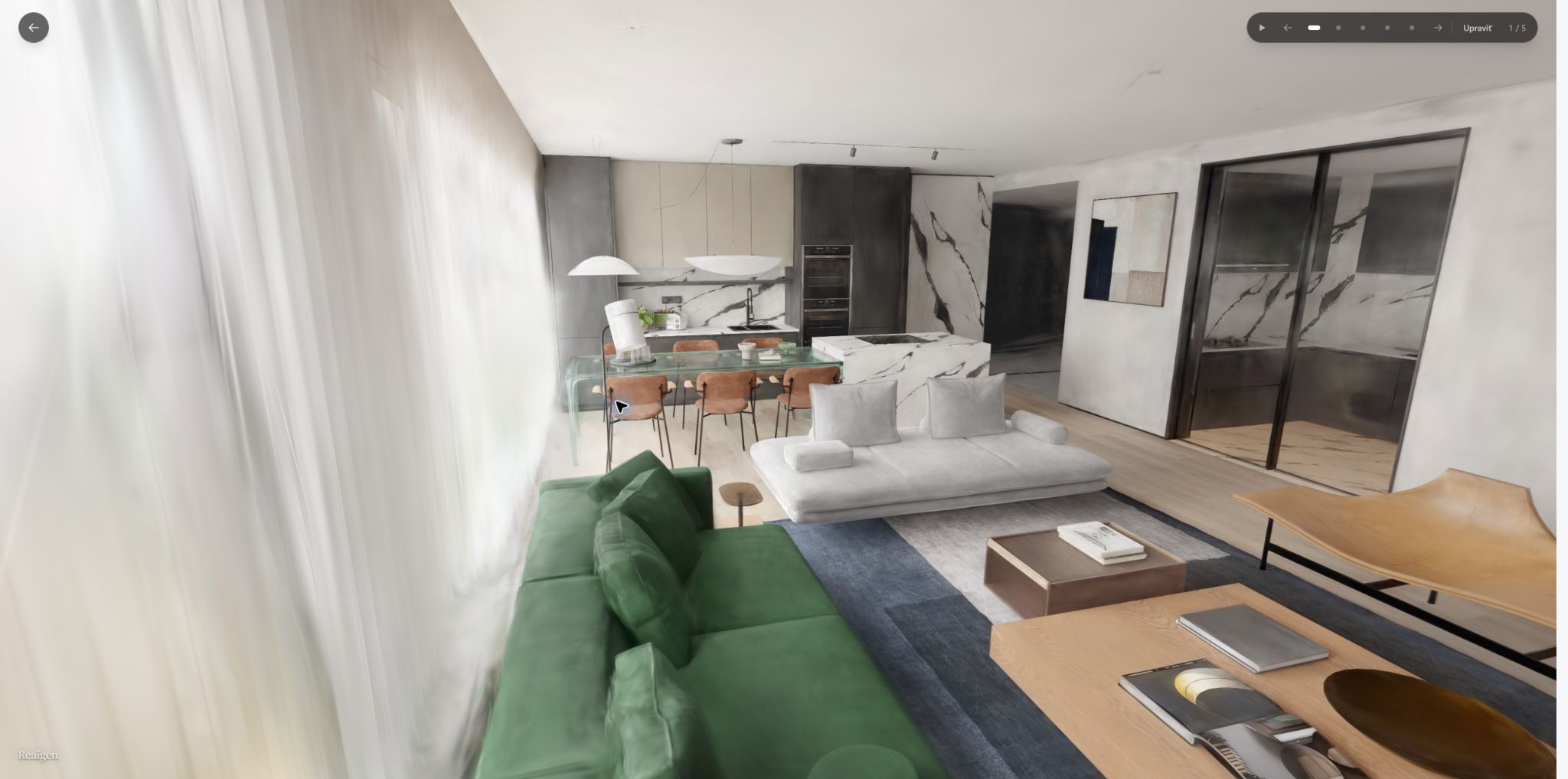 Free look by dragging
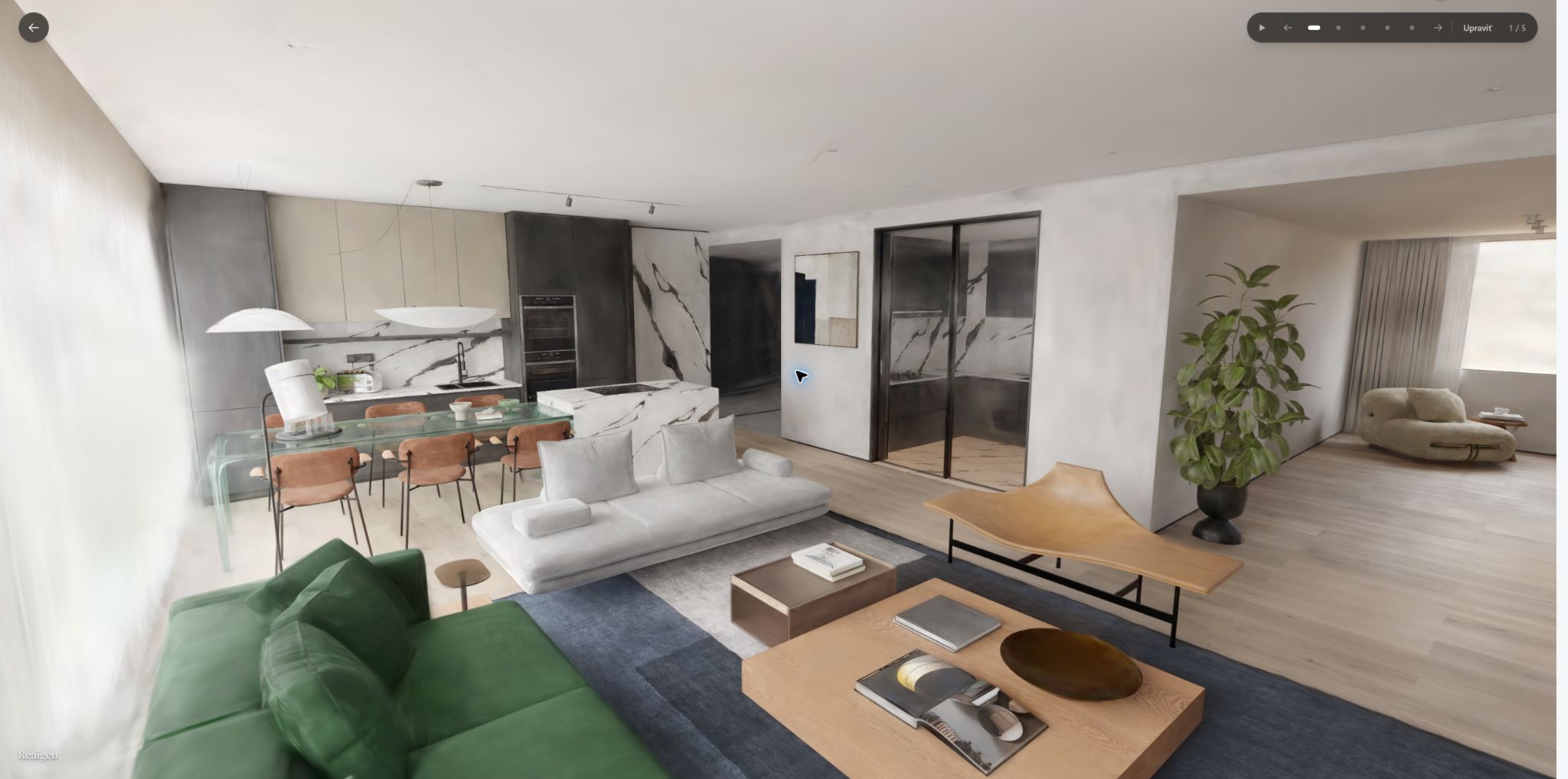 Free look in the living room
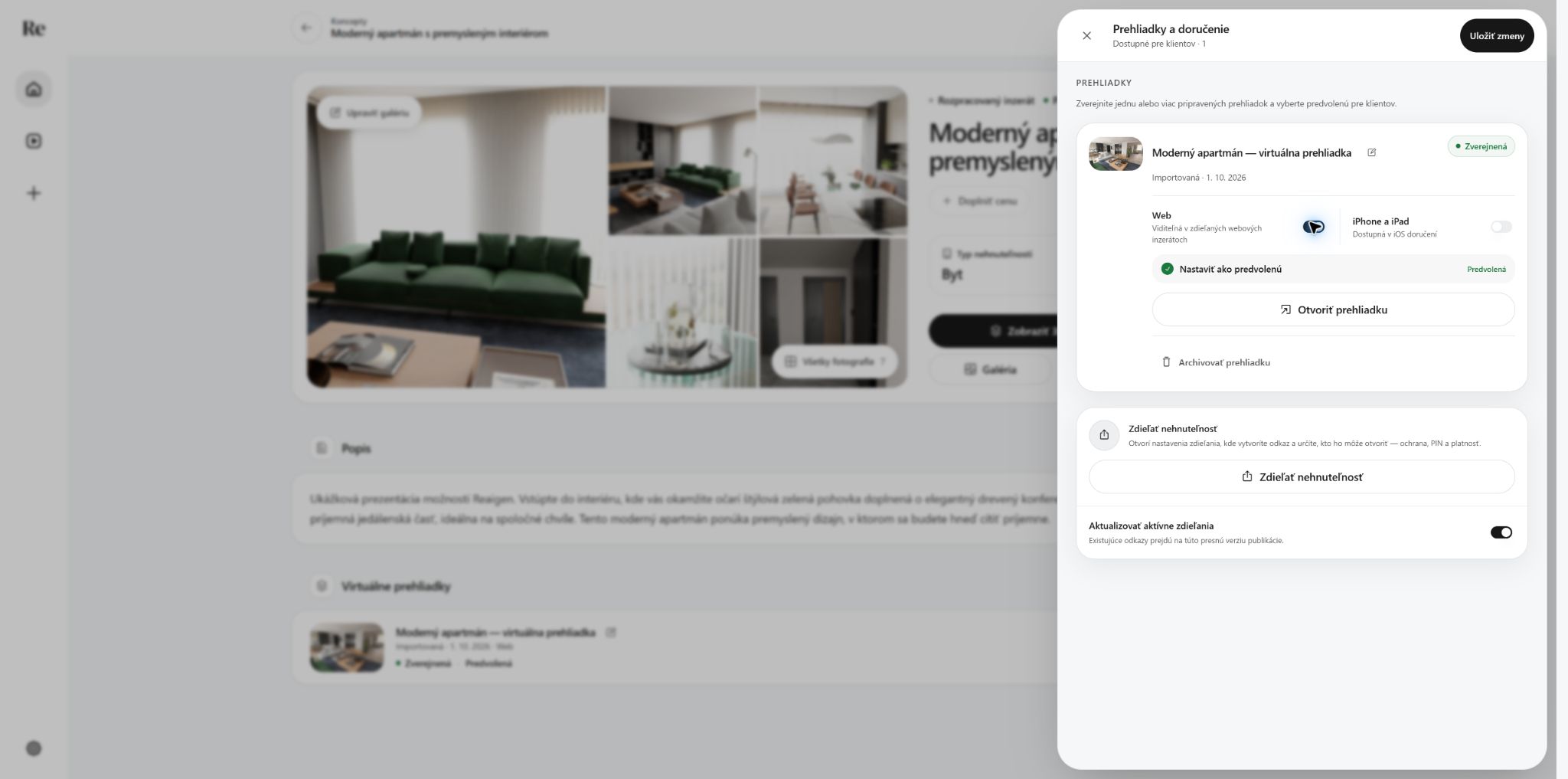 Tour published for the web
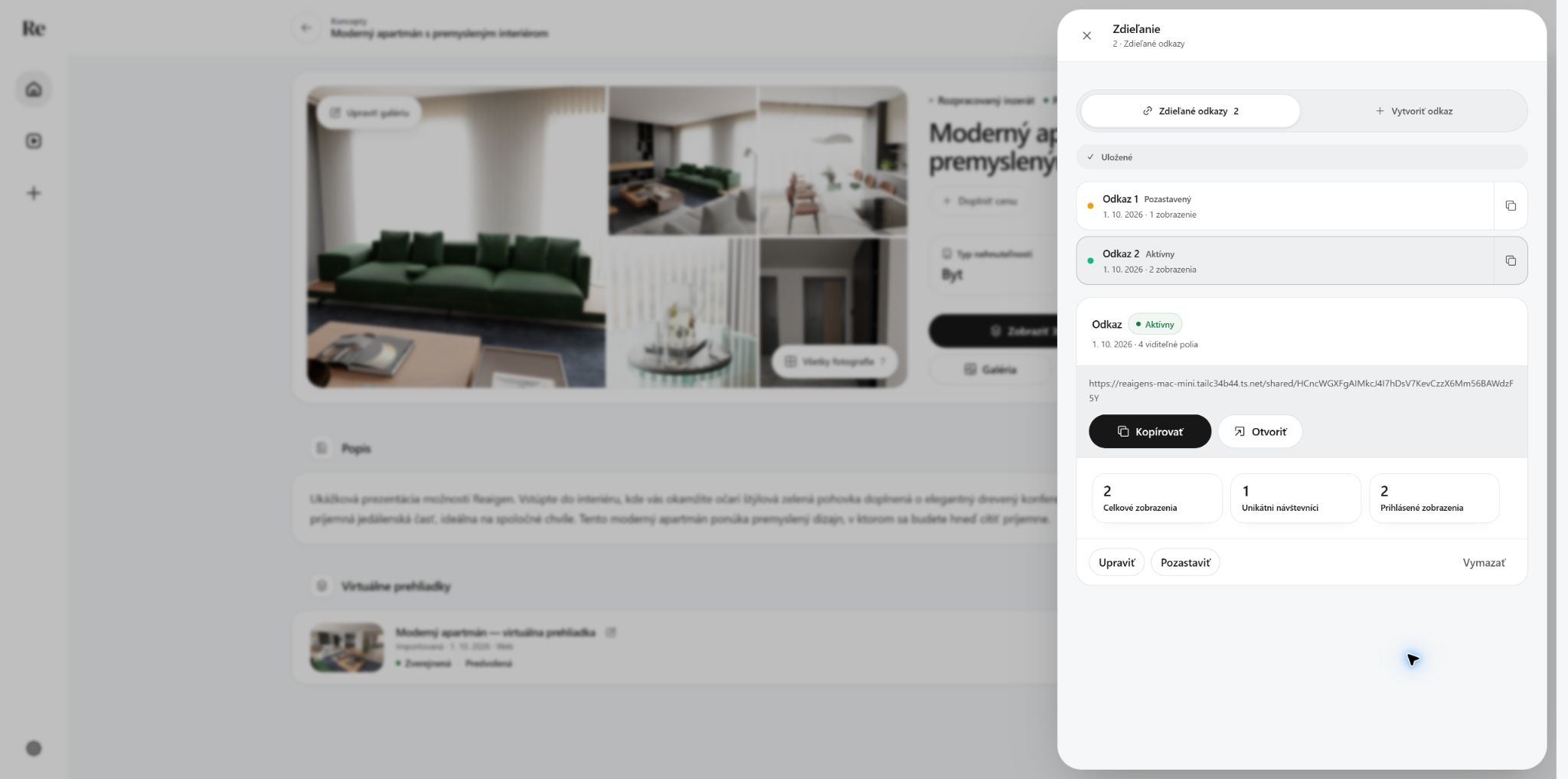 Share includes the tour
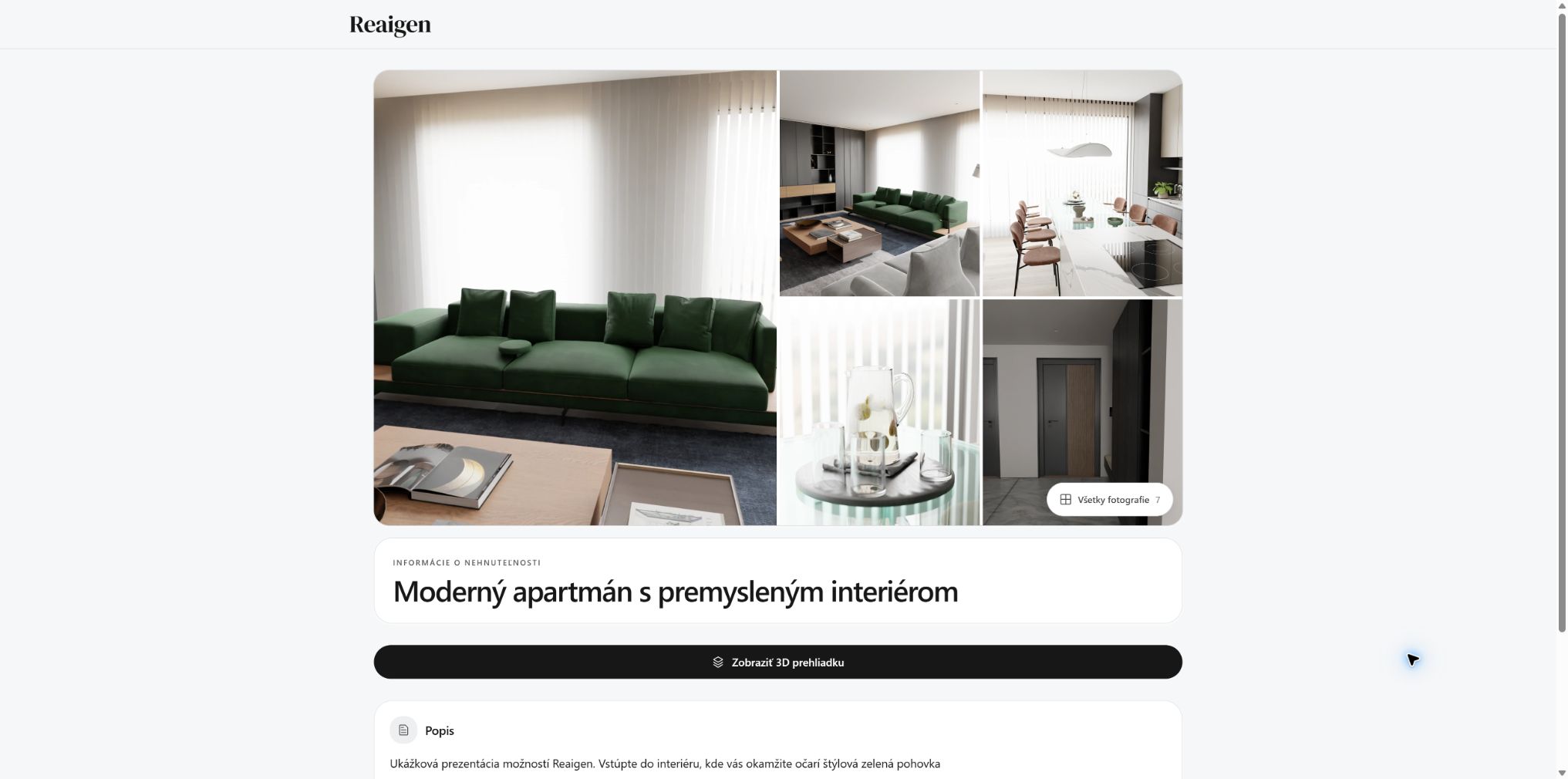 Client presentation with tour
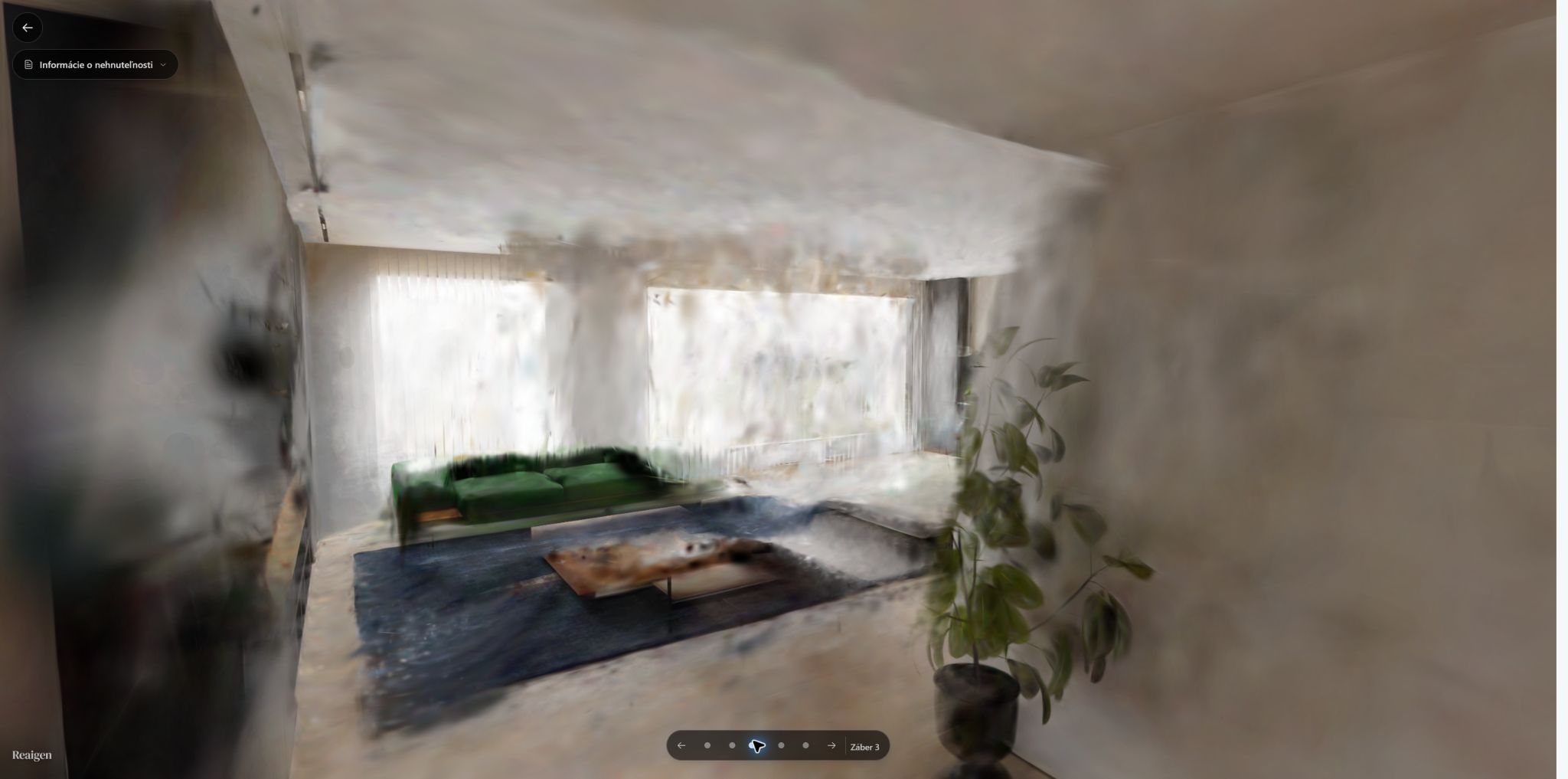 Client view of the living room
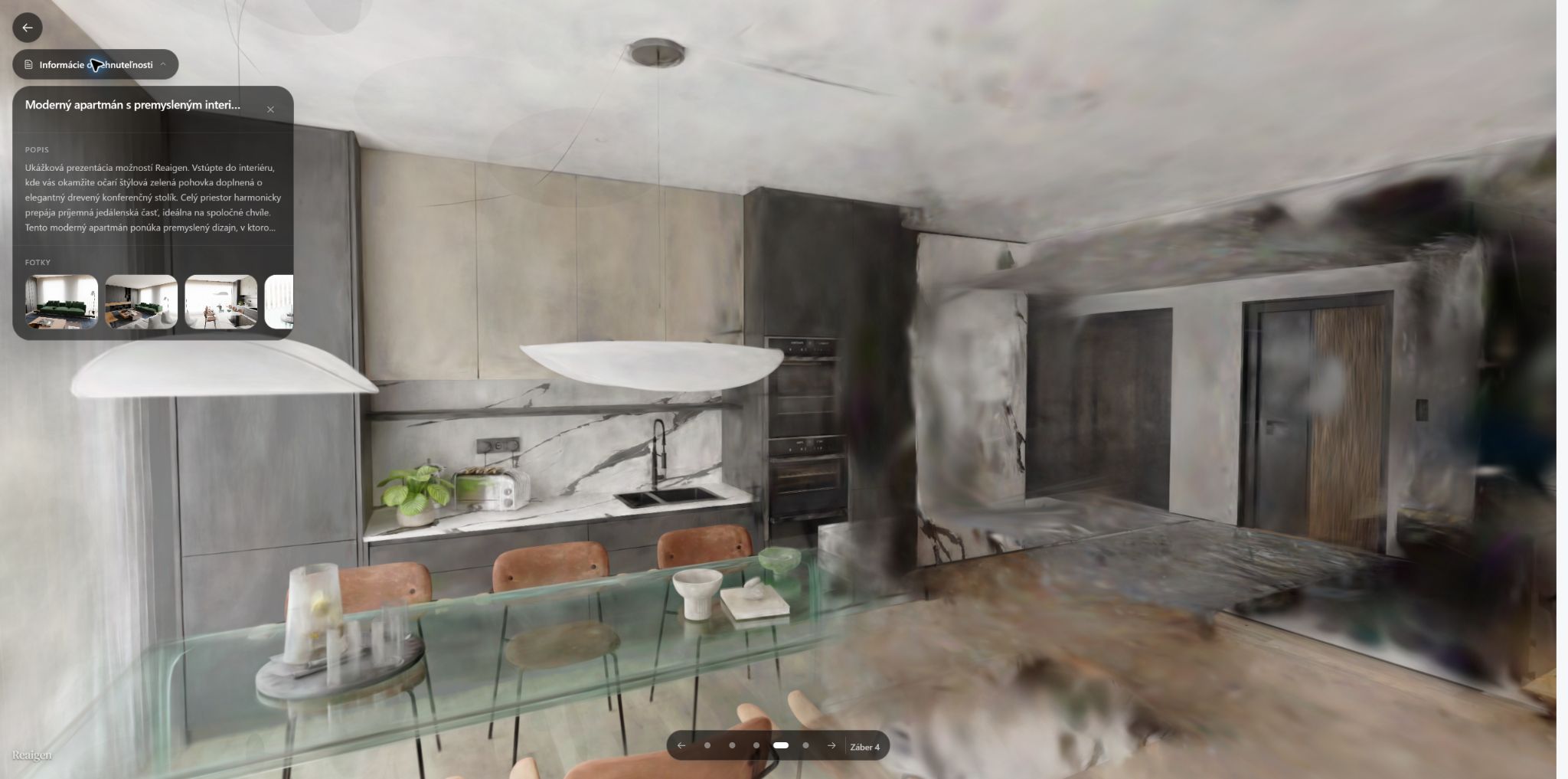 Tour with property information
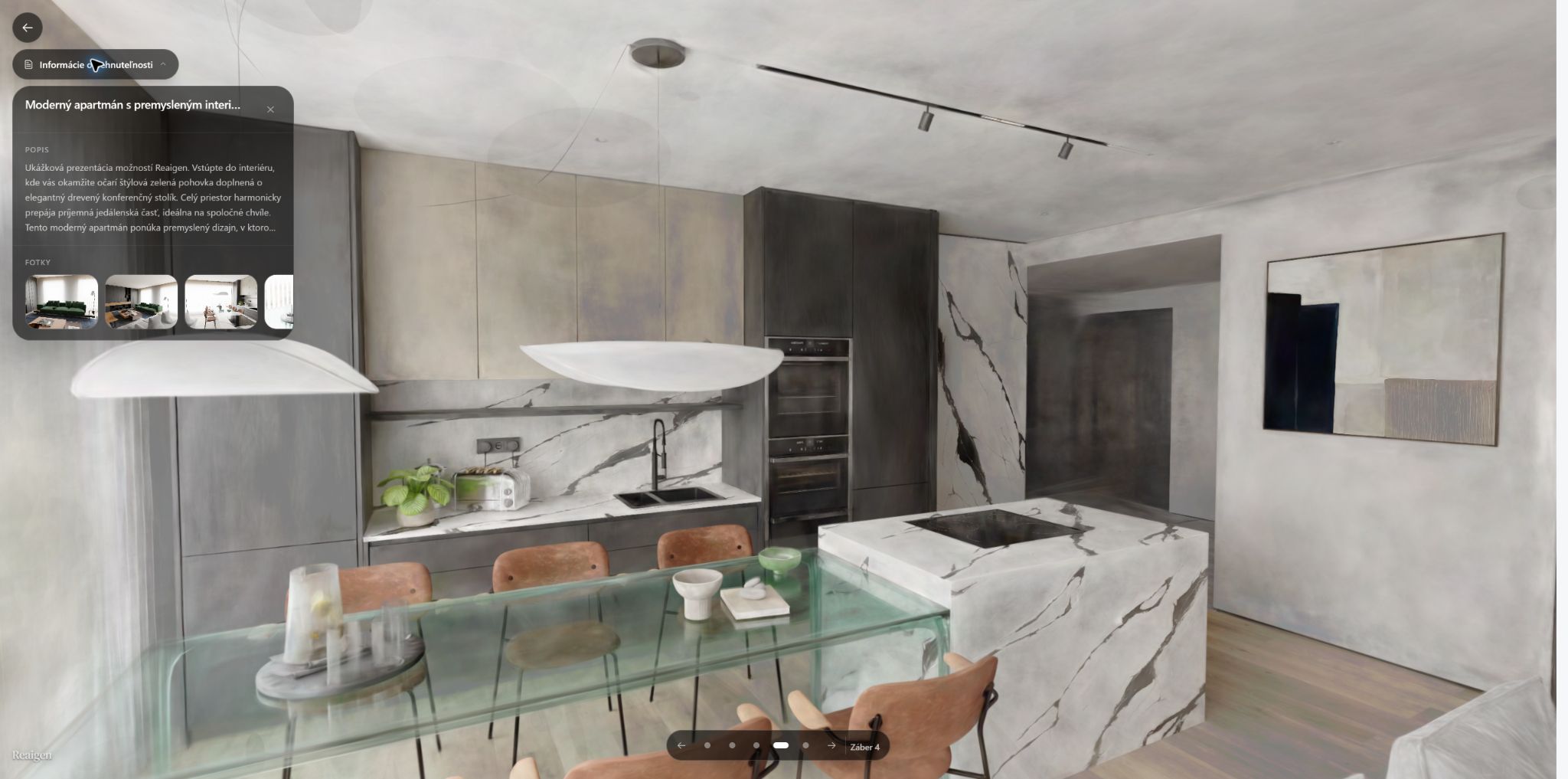 Shared tour, fully loaded
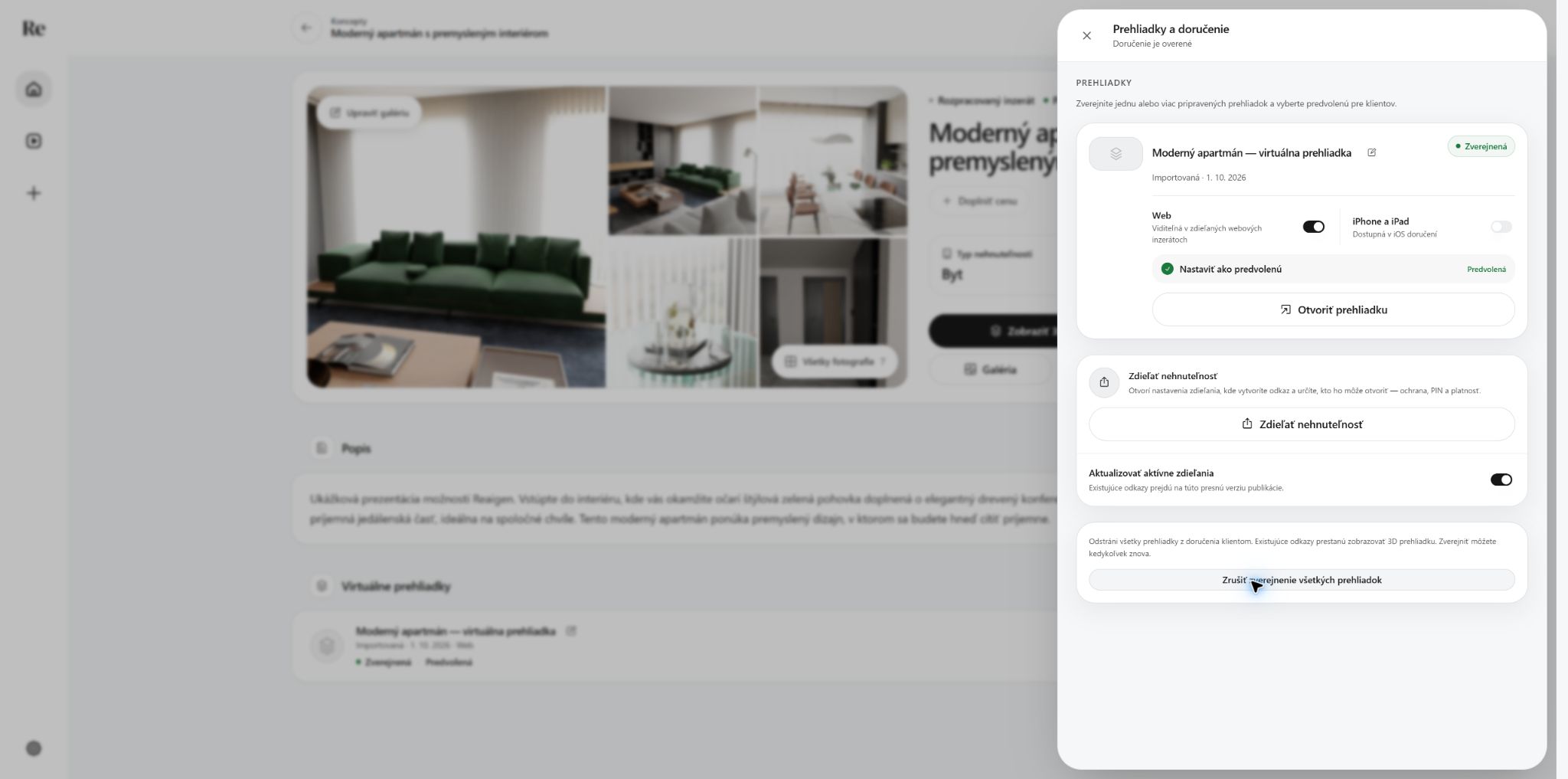 Tour stays published
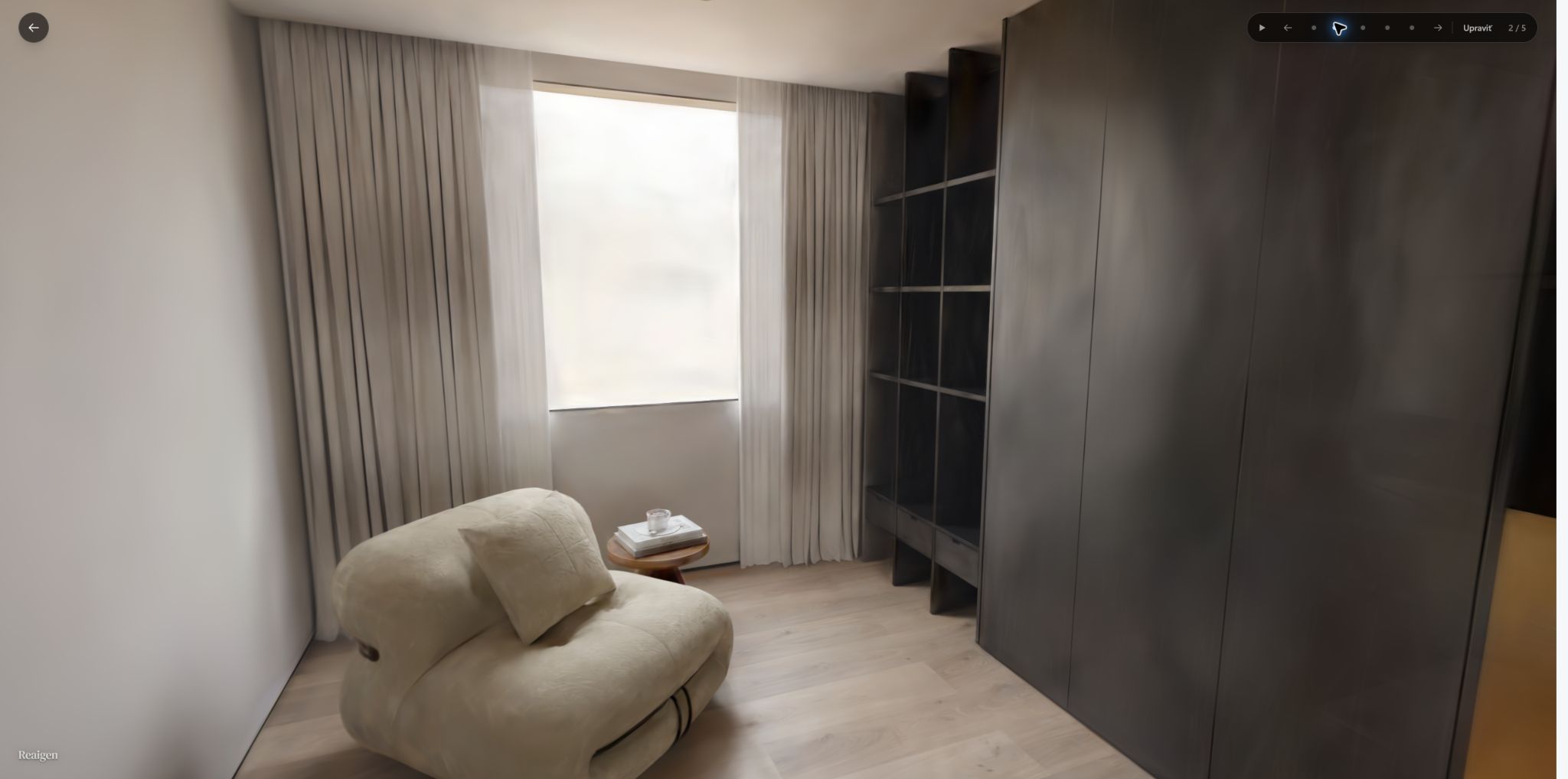 Reading corner
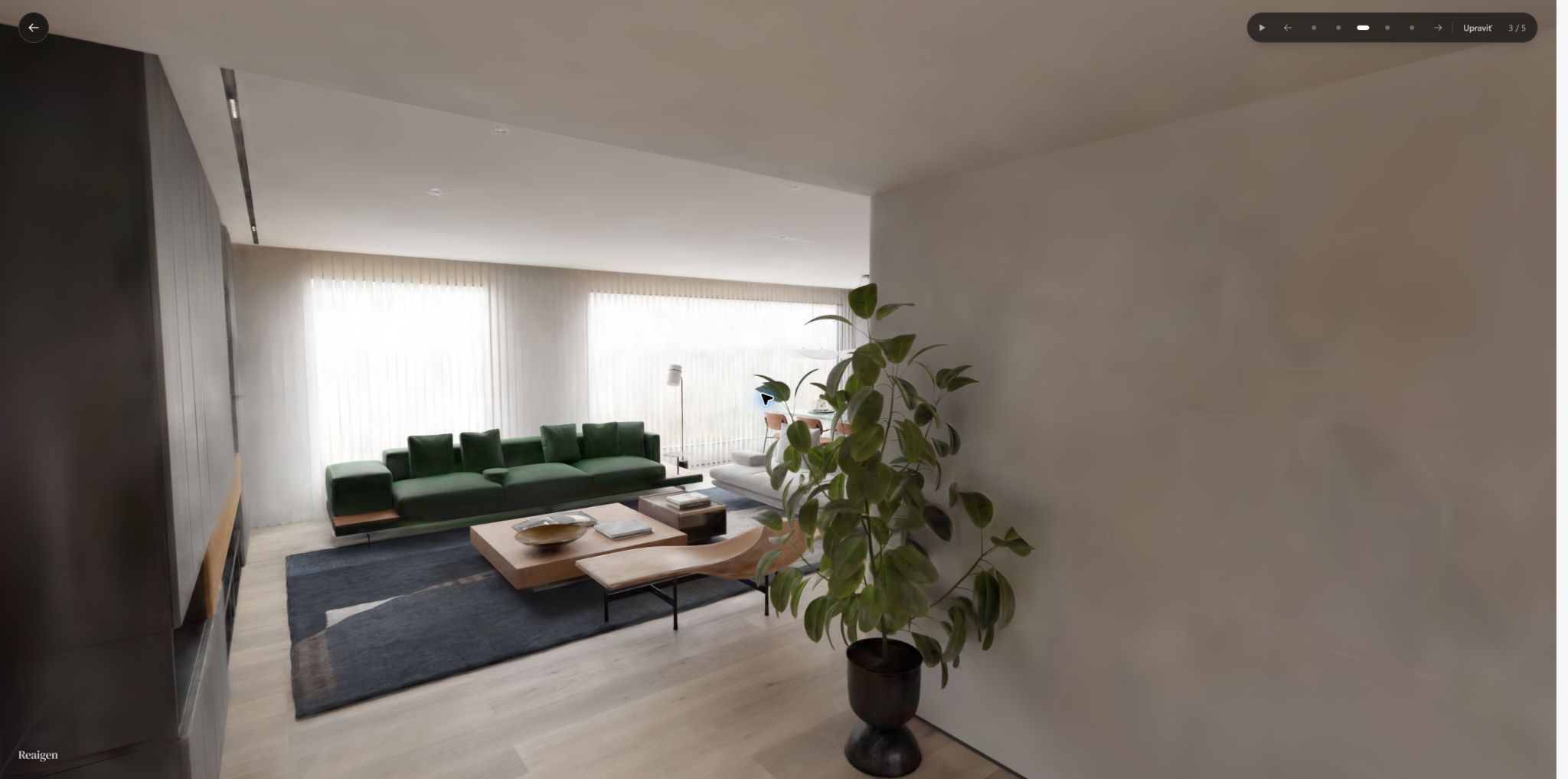 Living room
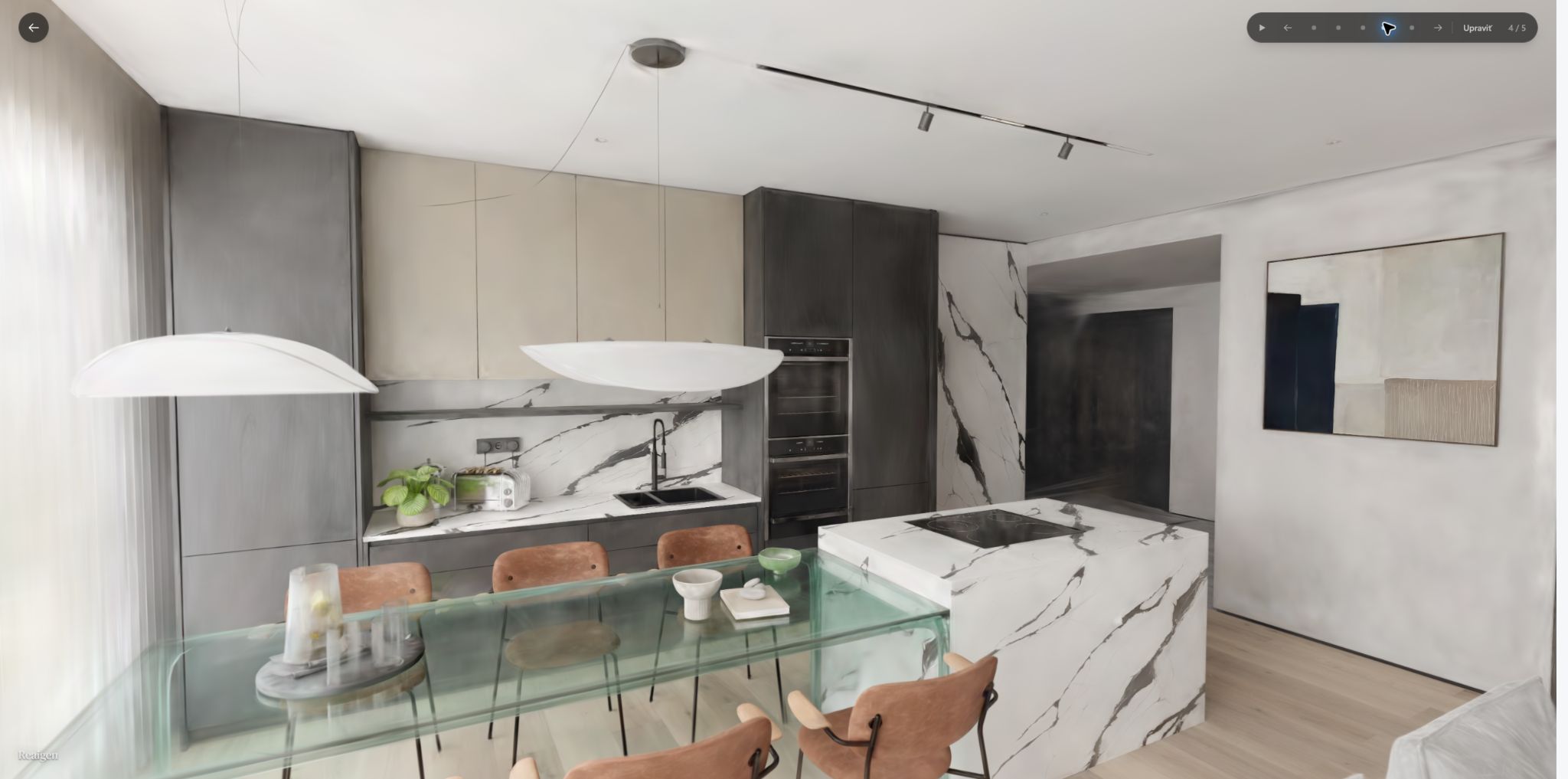 Kitchen
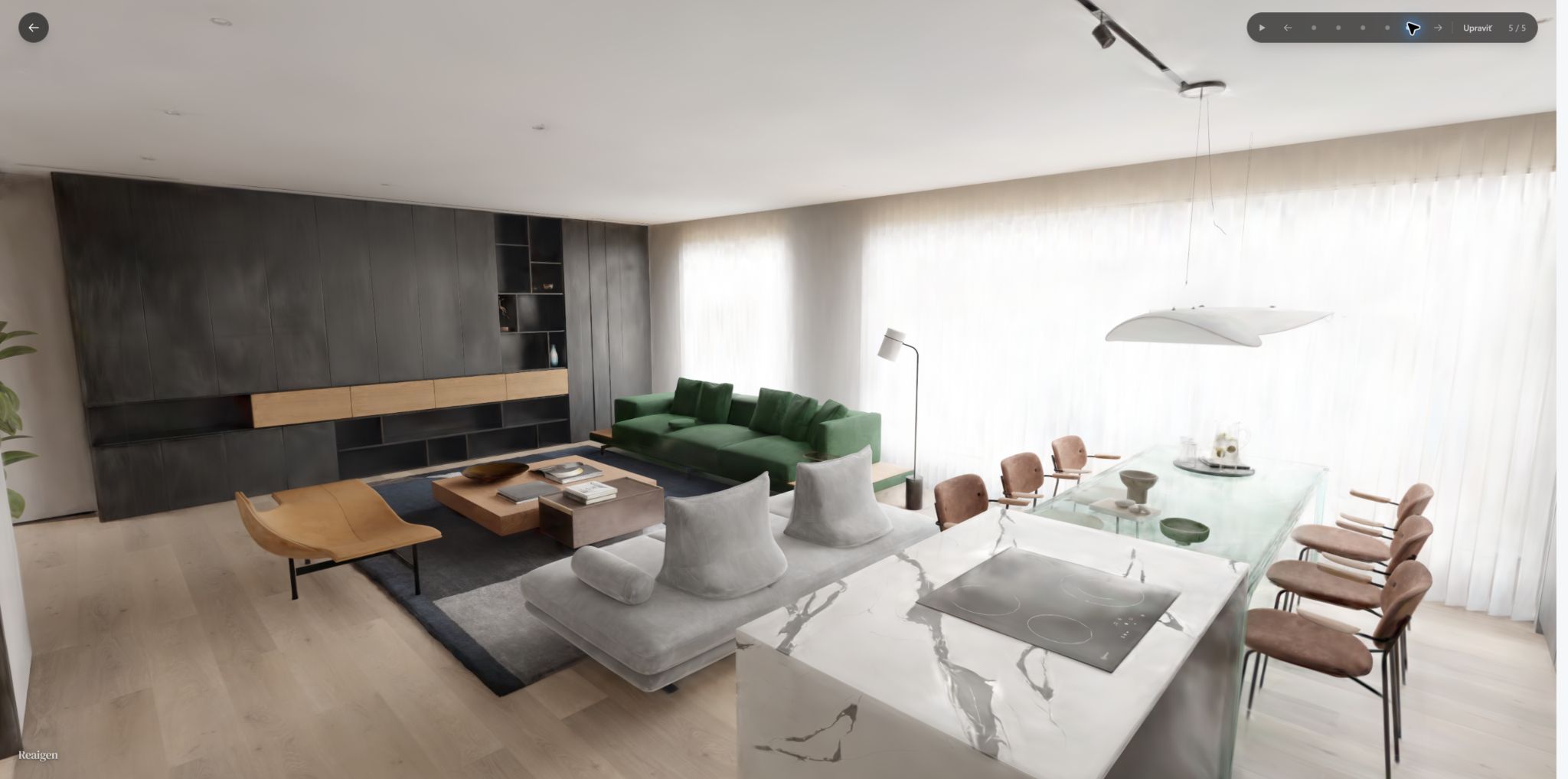 Open-plan view
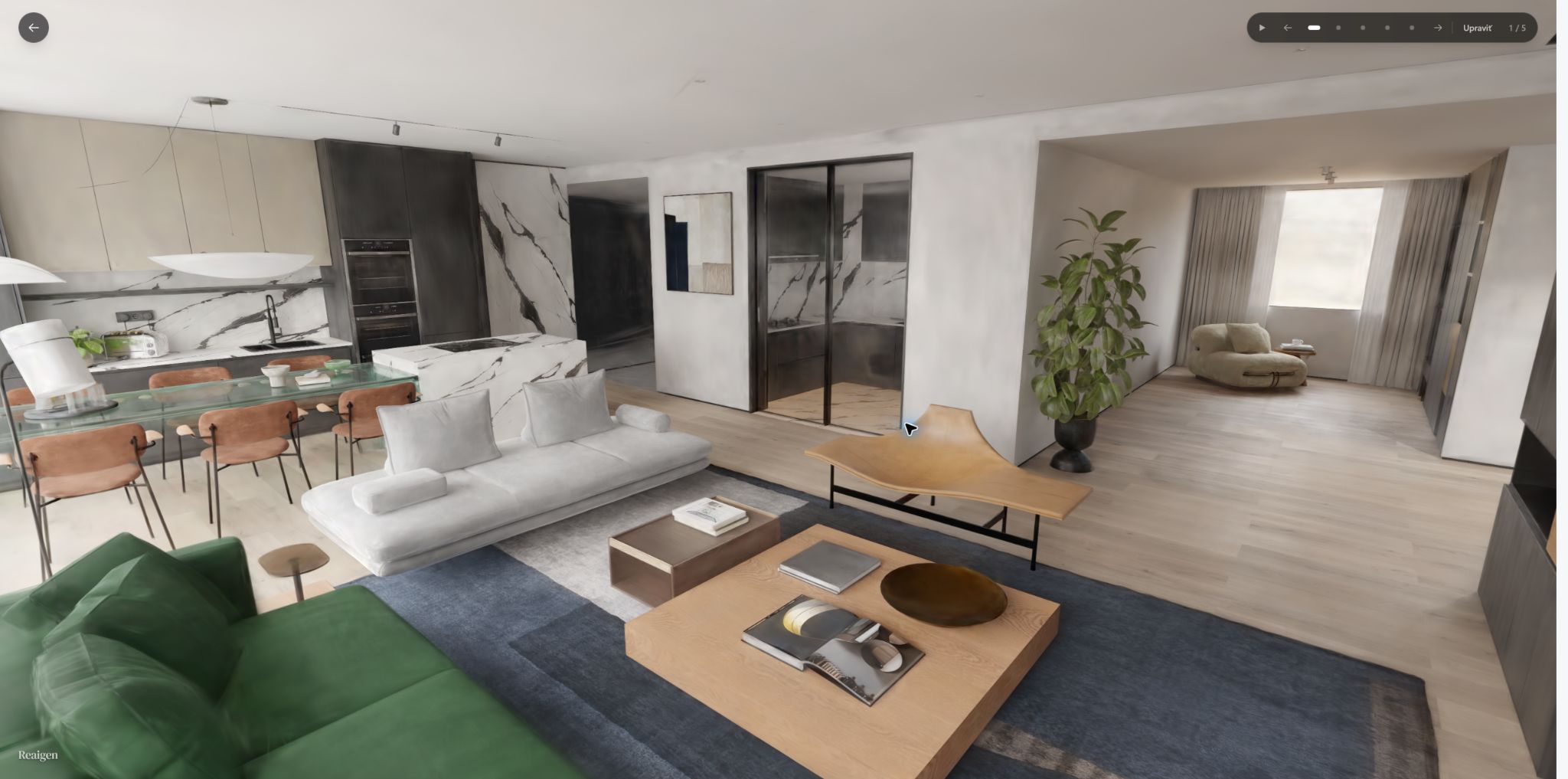 Before walking with WASD
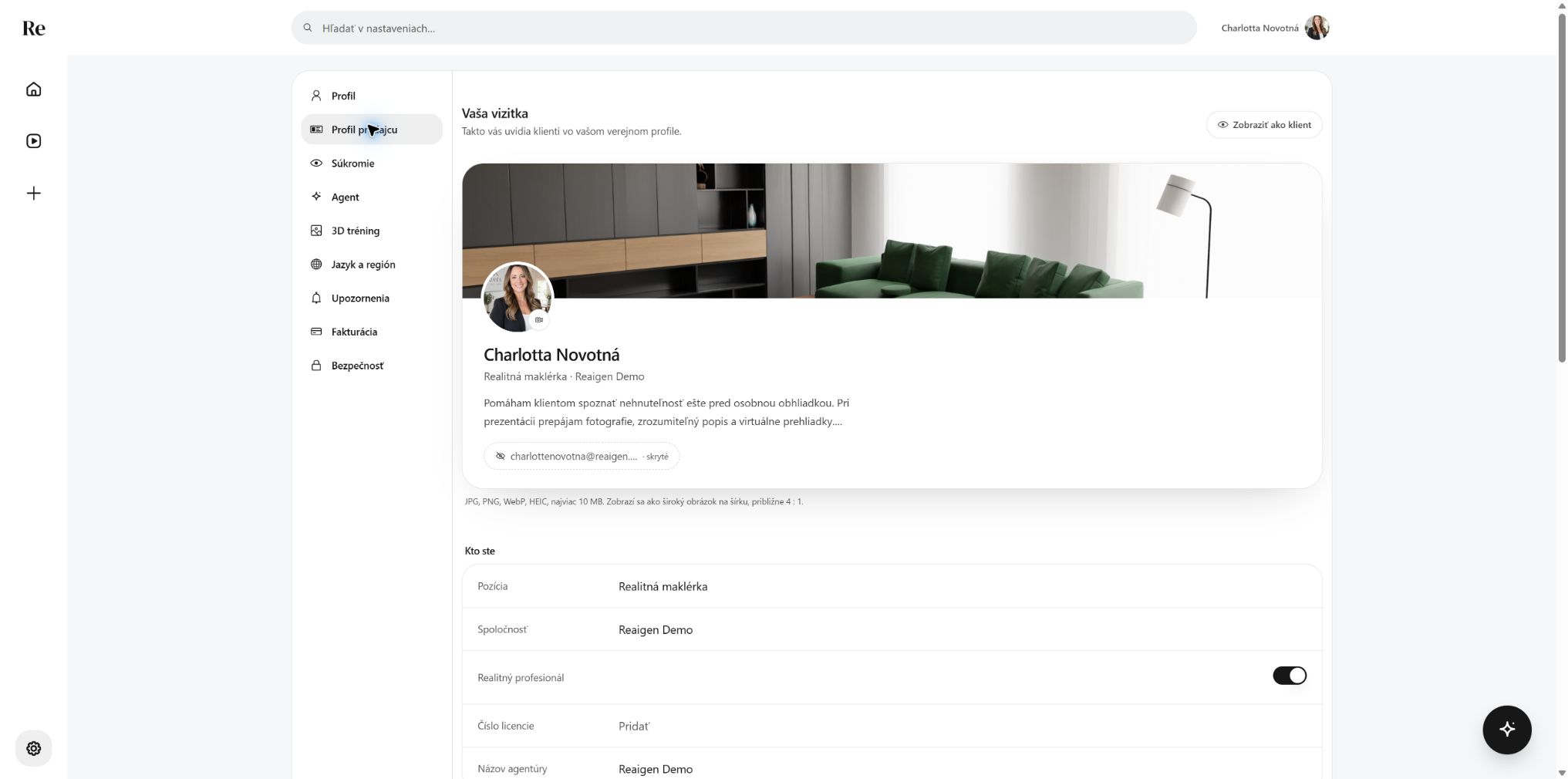 Browsing the seller profile
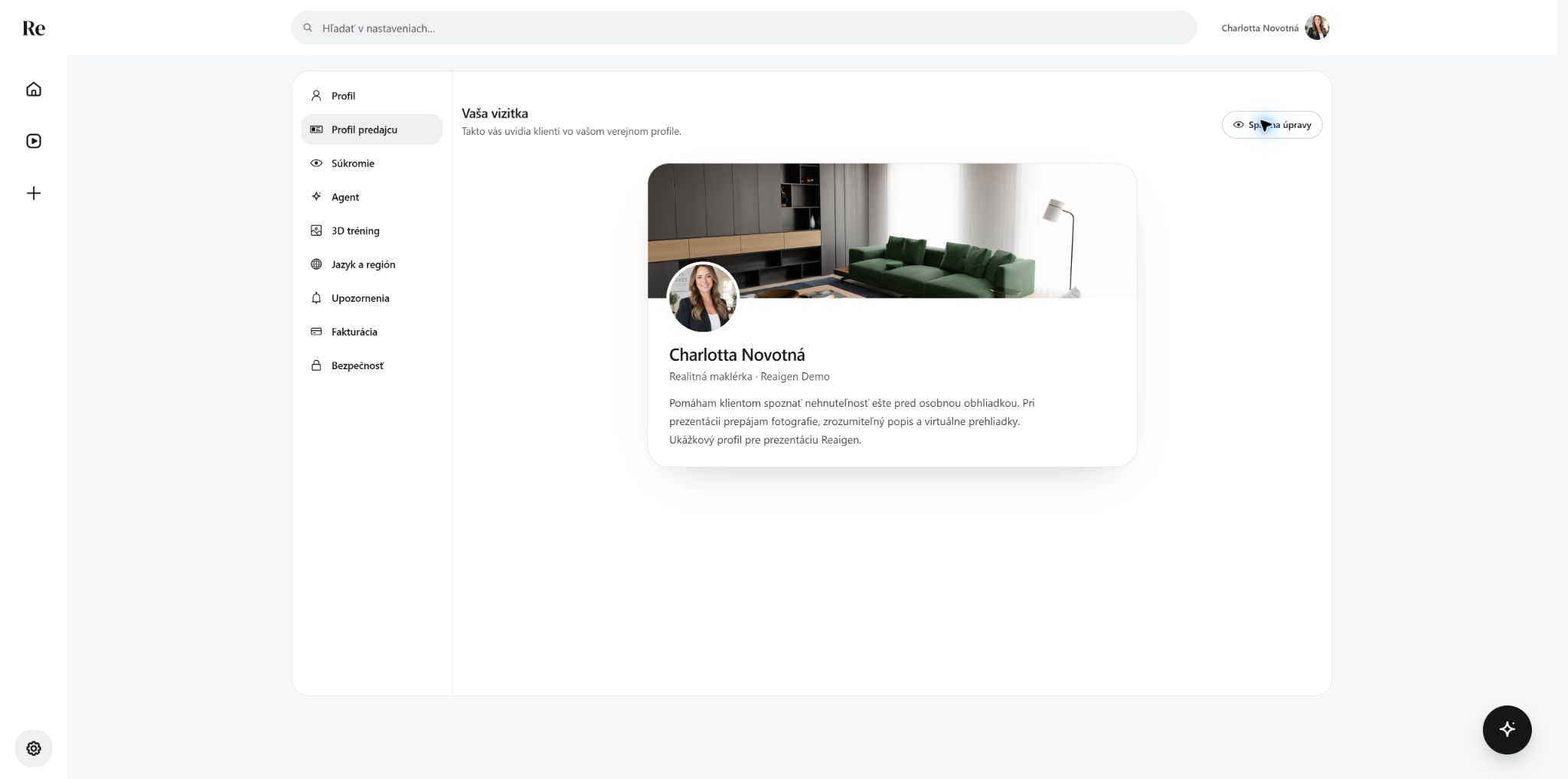 Profile, client view
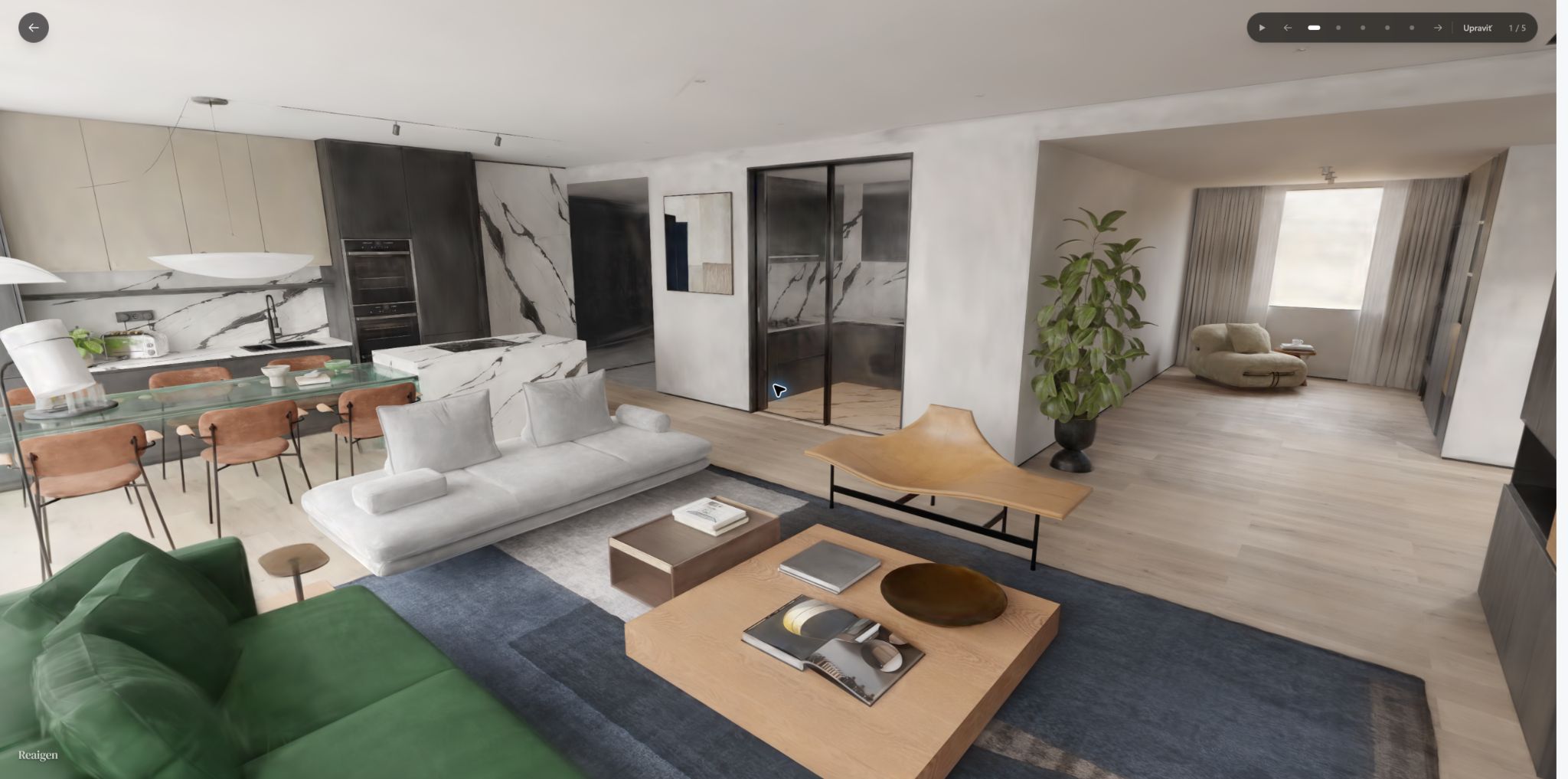 WASD: starting point
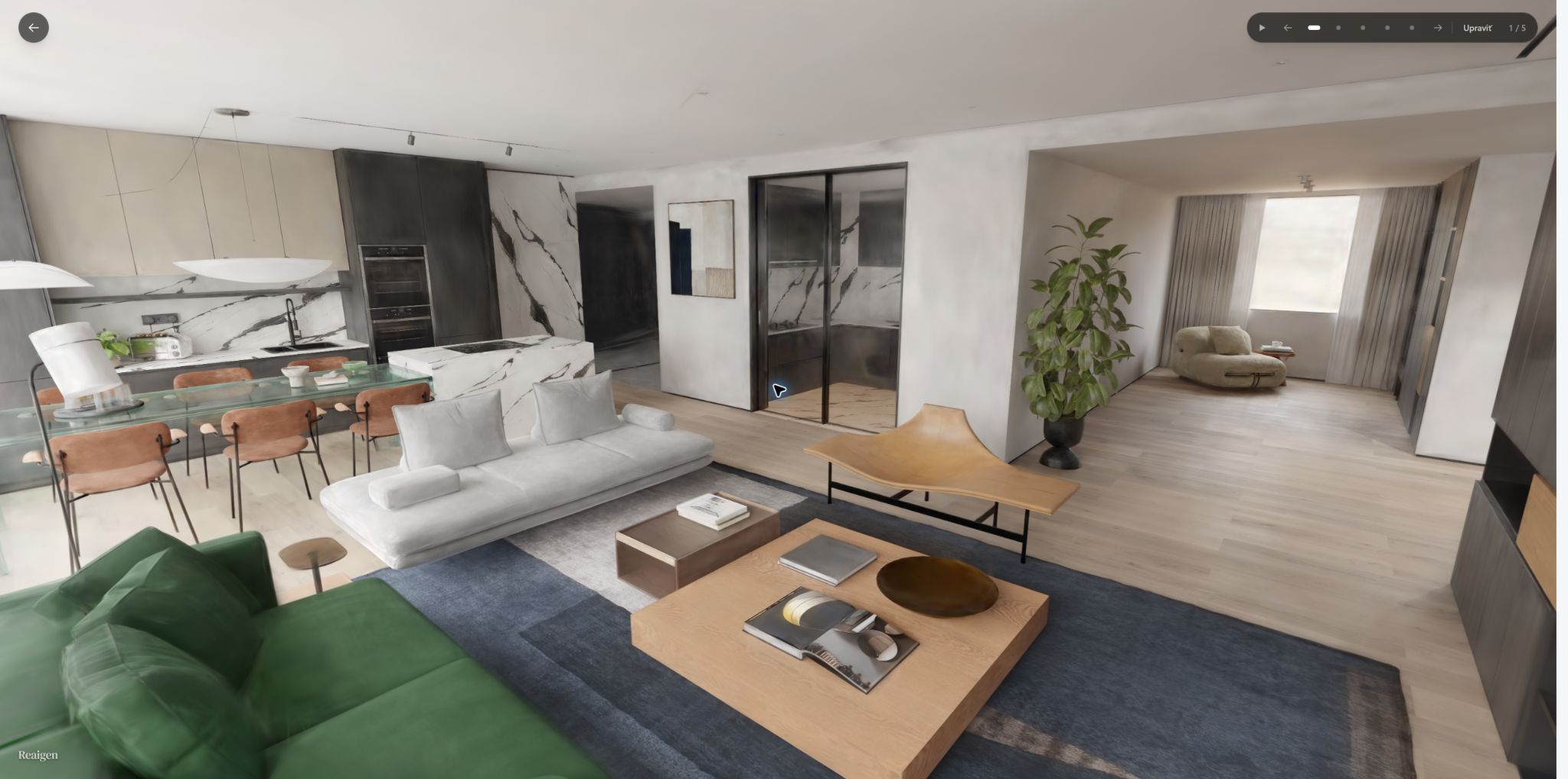 After moving forward (W)
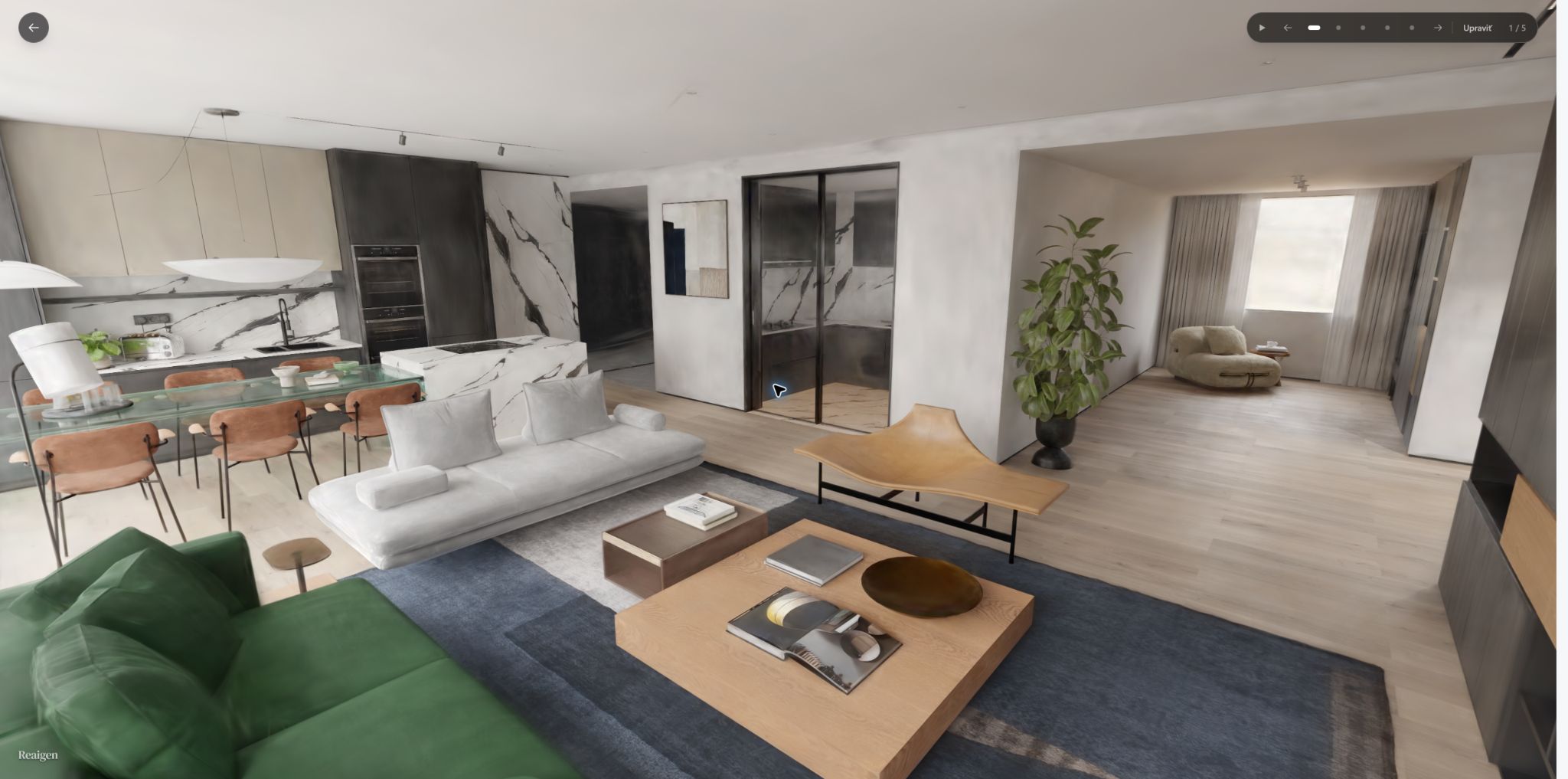 WASD: new position
 WASD: sideways and forward
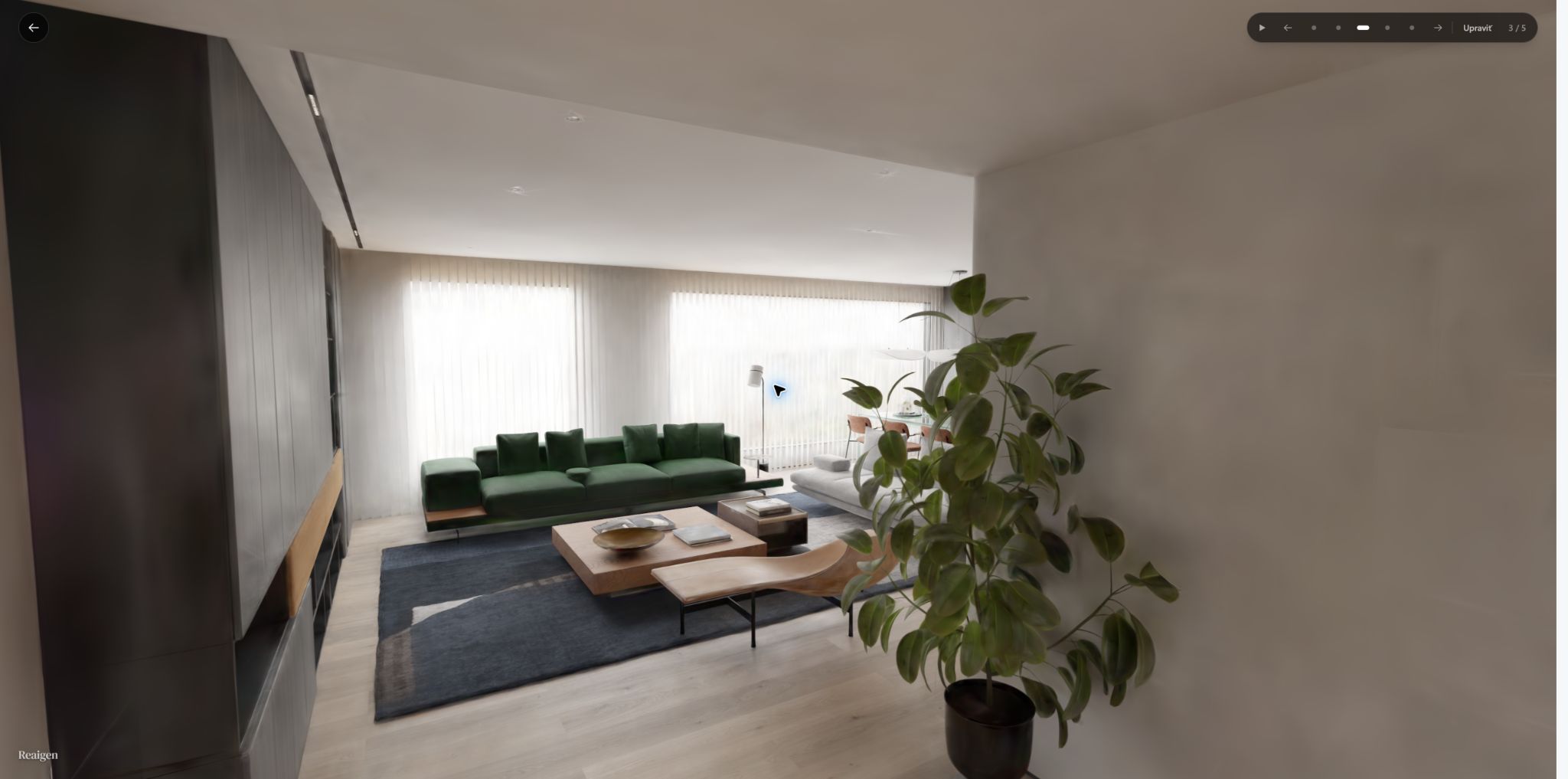 First-person view: leaving the living room
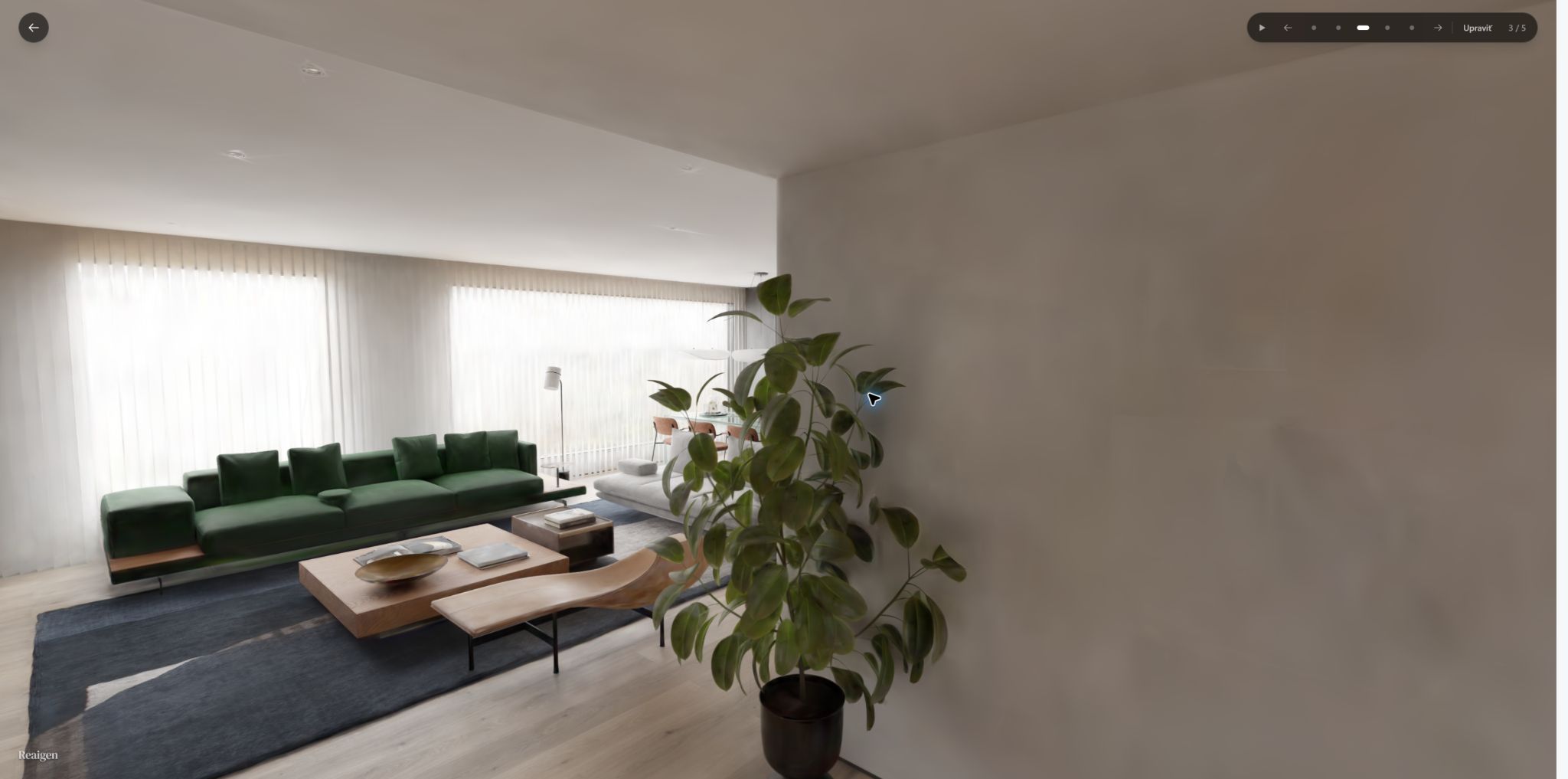 First-person view: looking right
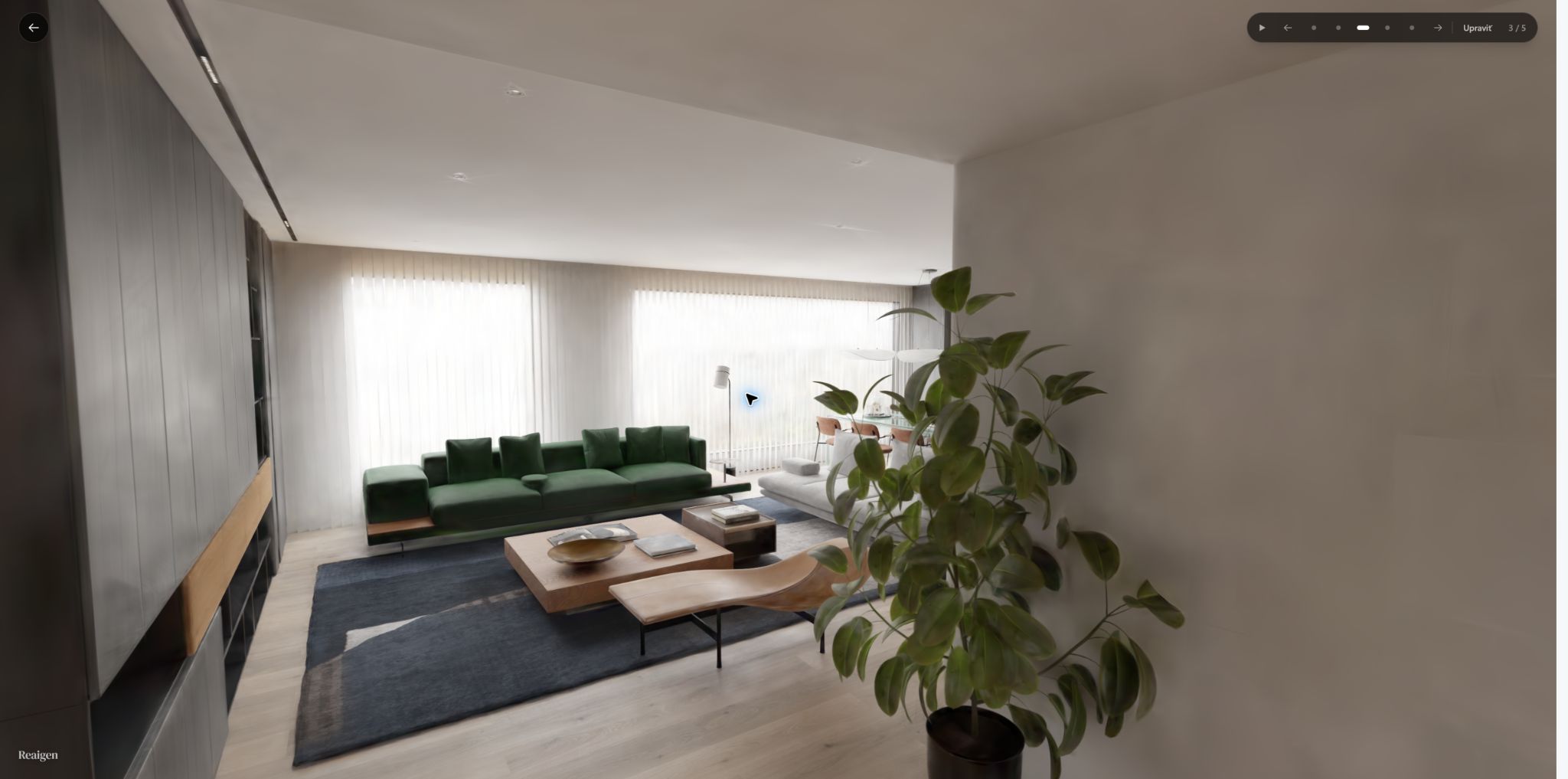 First-person view: approaching the living room
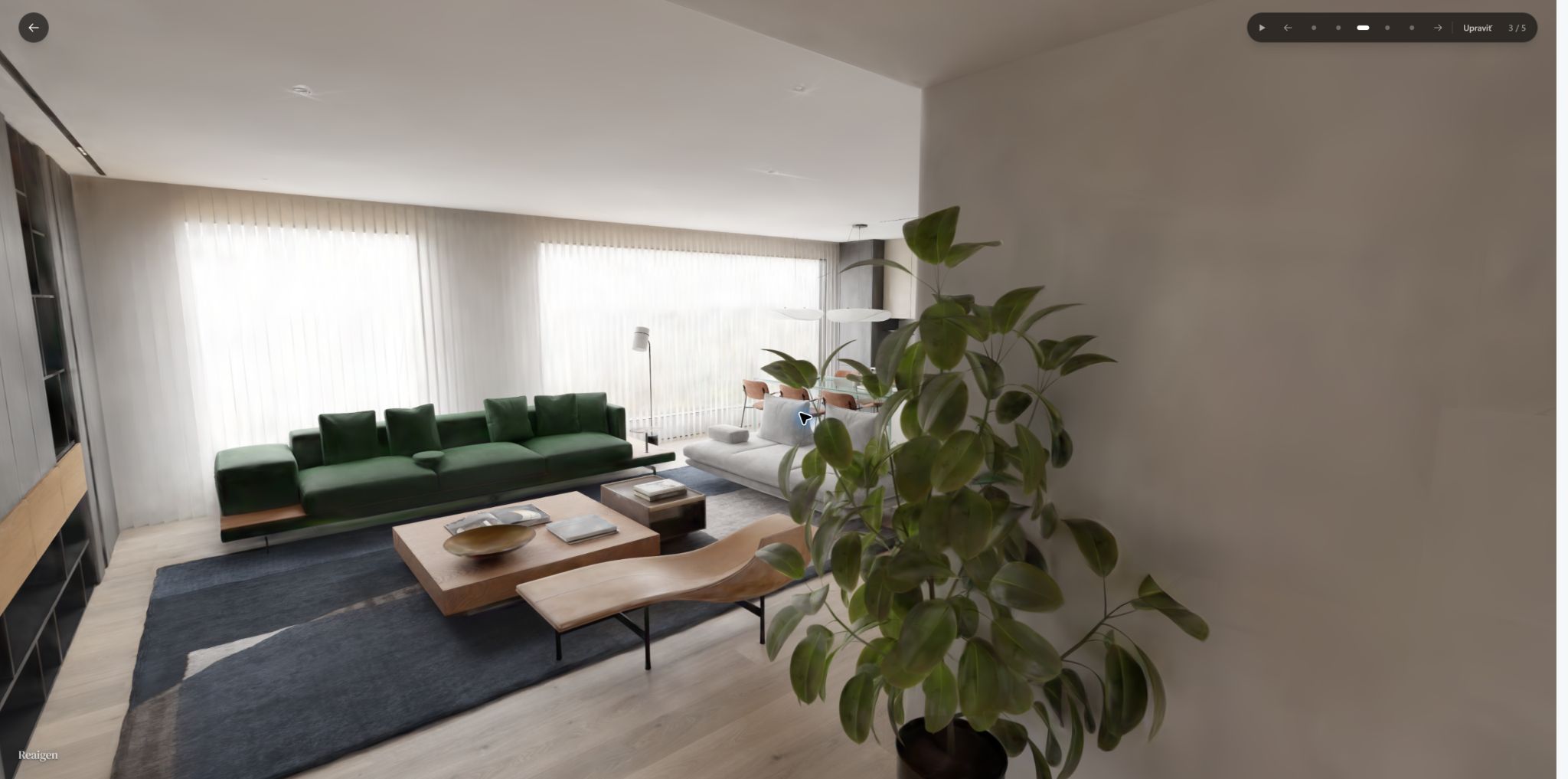 First-person view: end of the walk
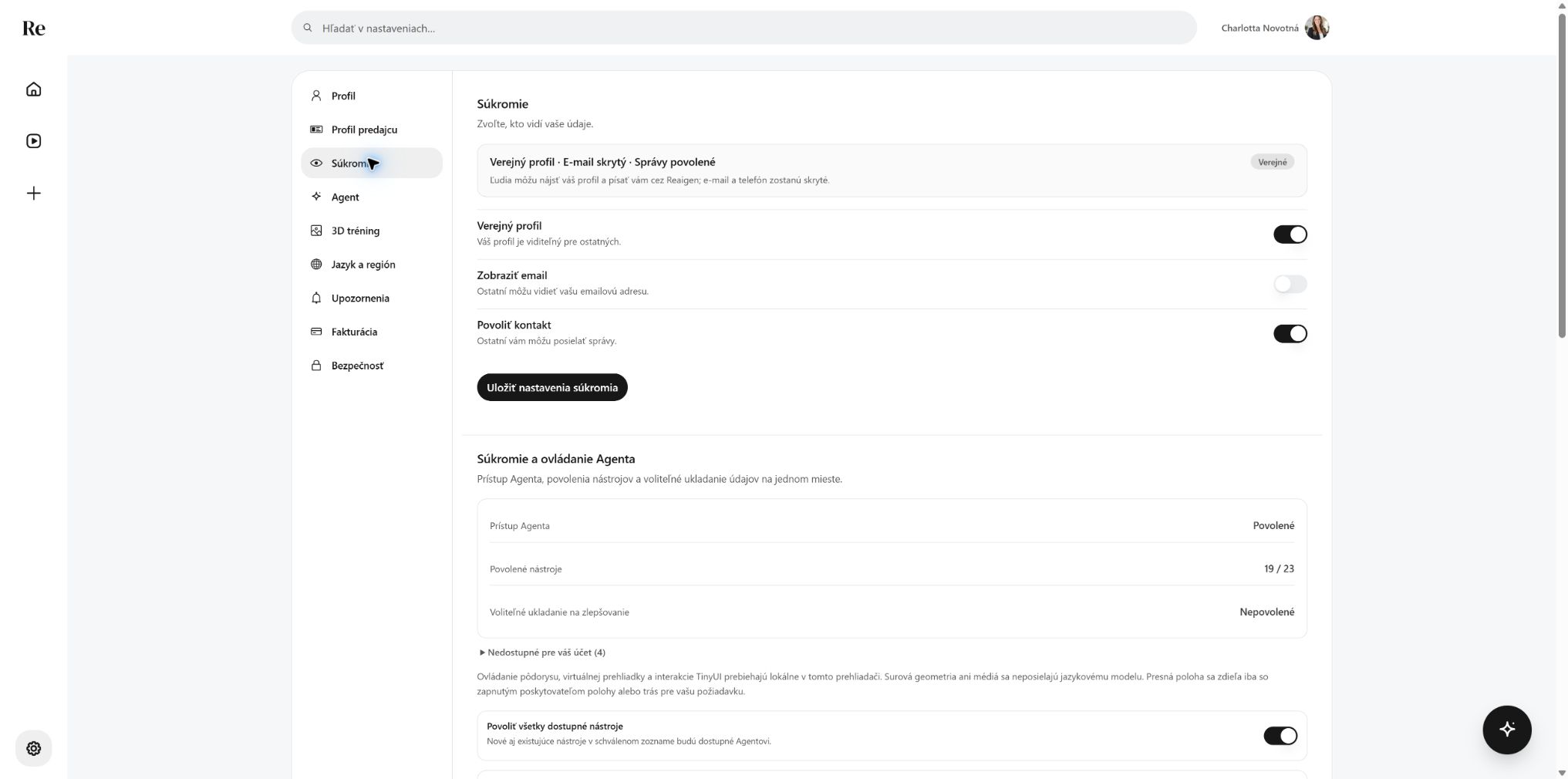 Privacy settings
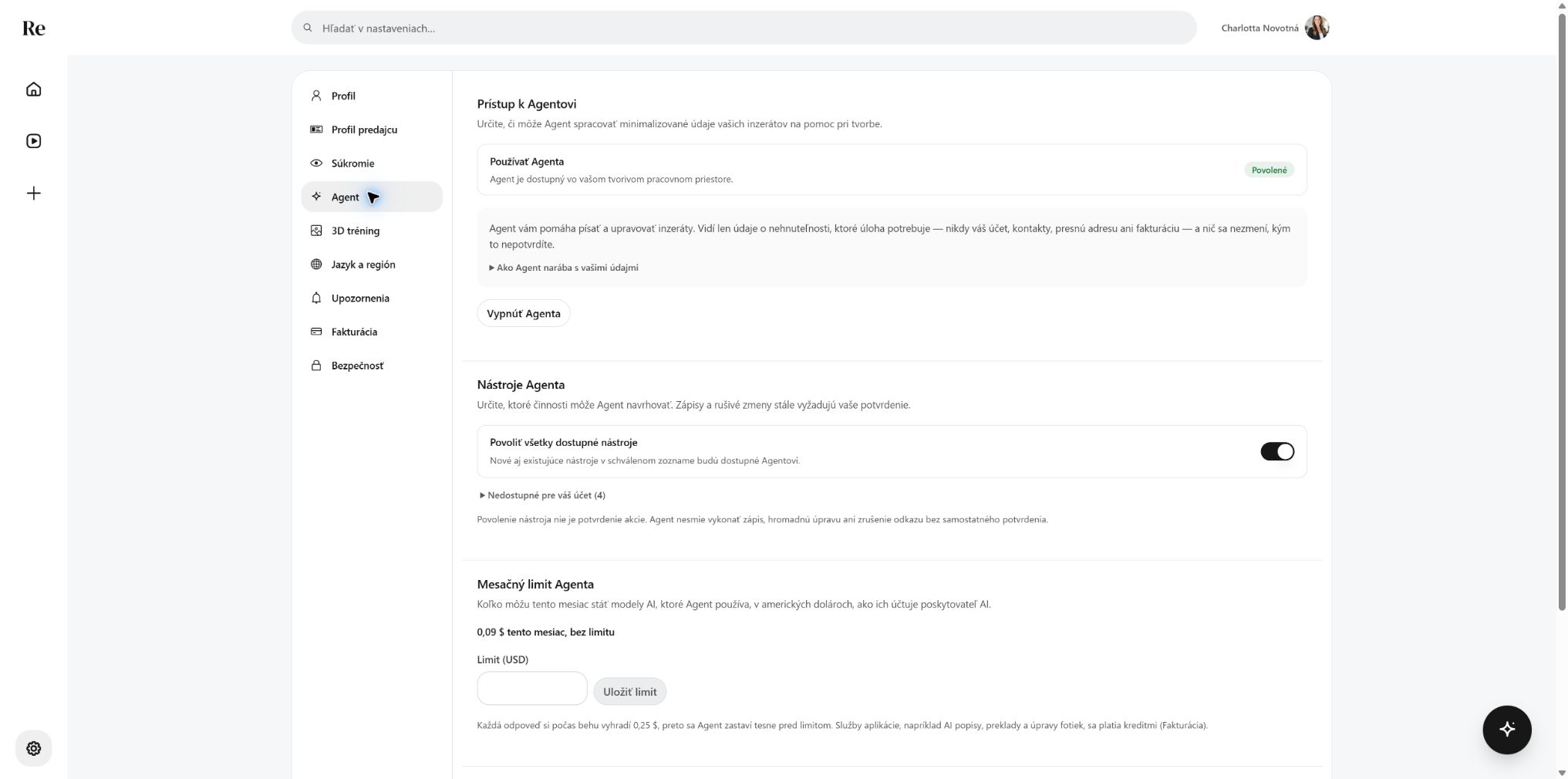 Agent settings
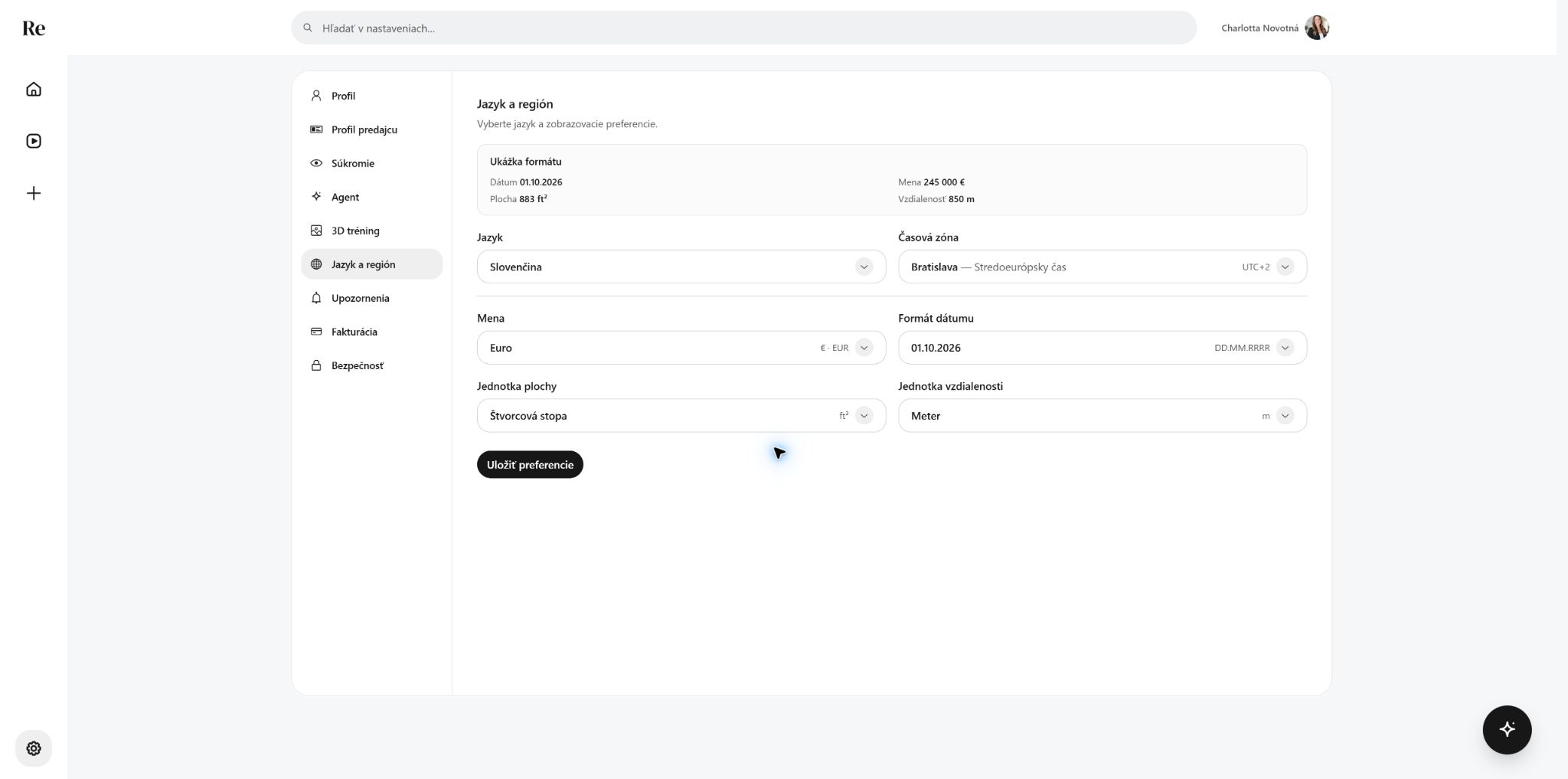 Measurement units preview
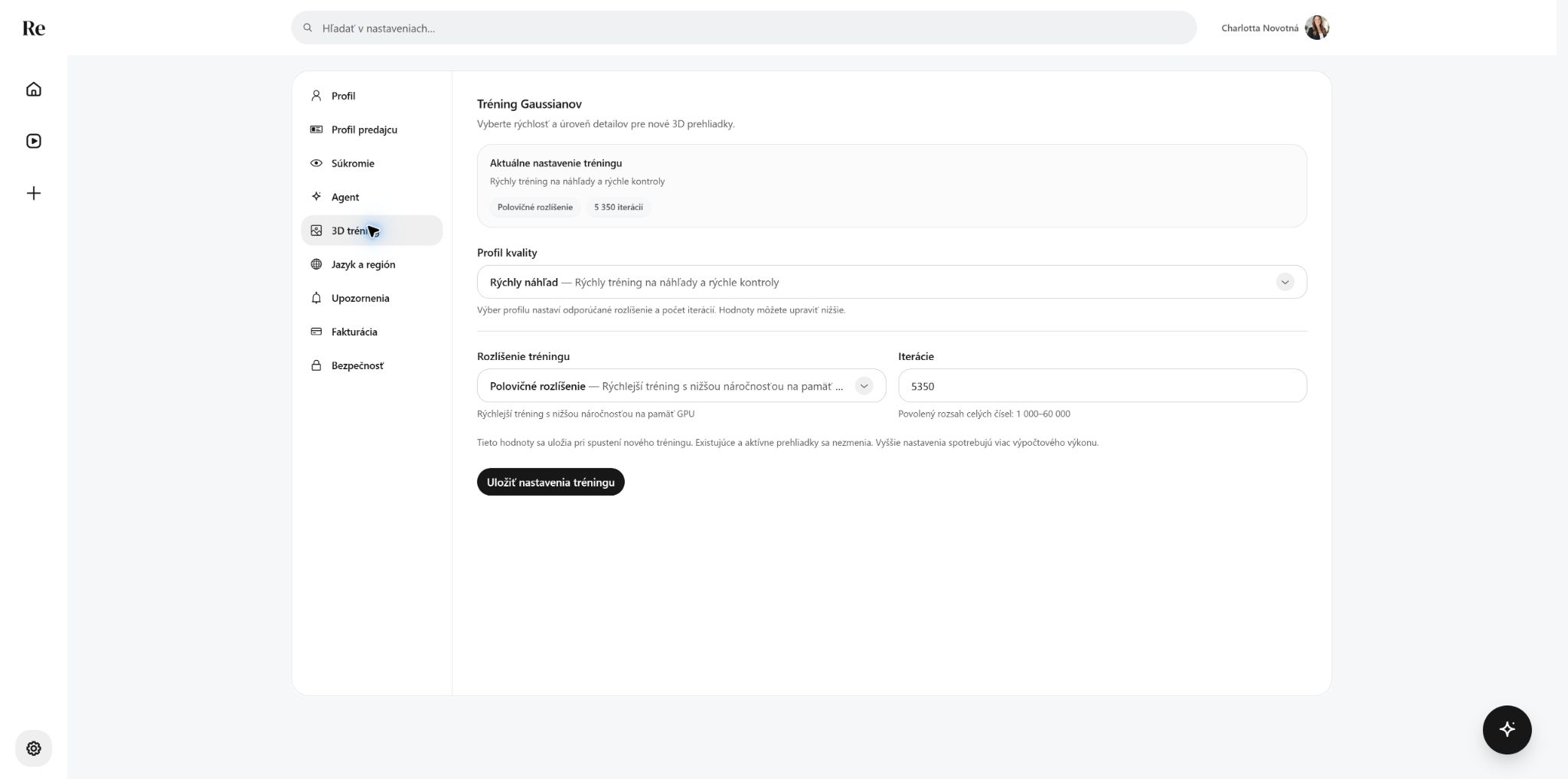 3D settings
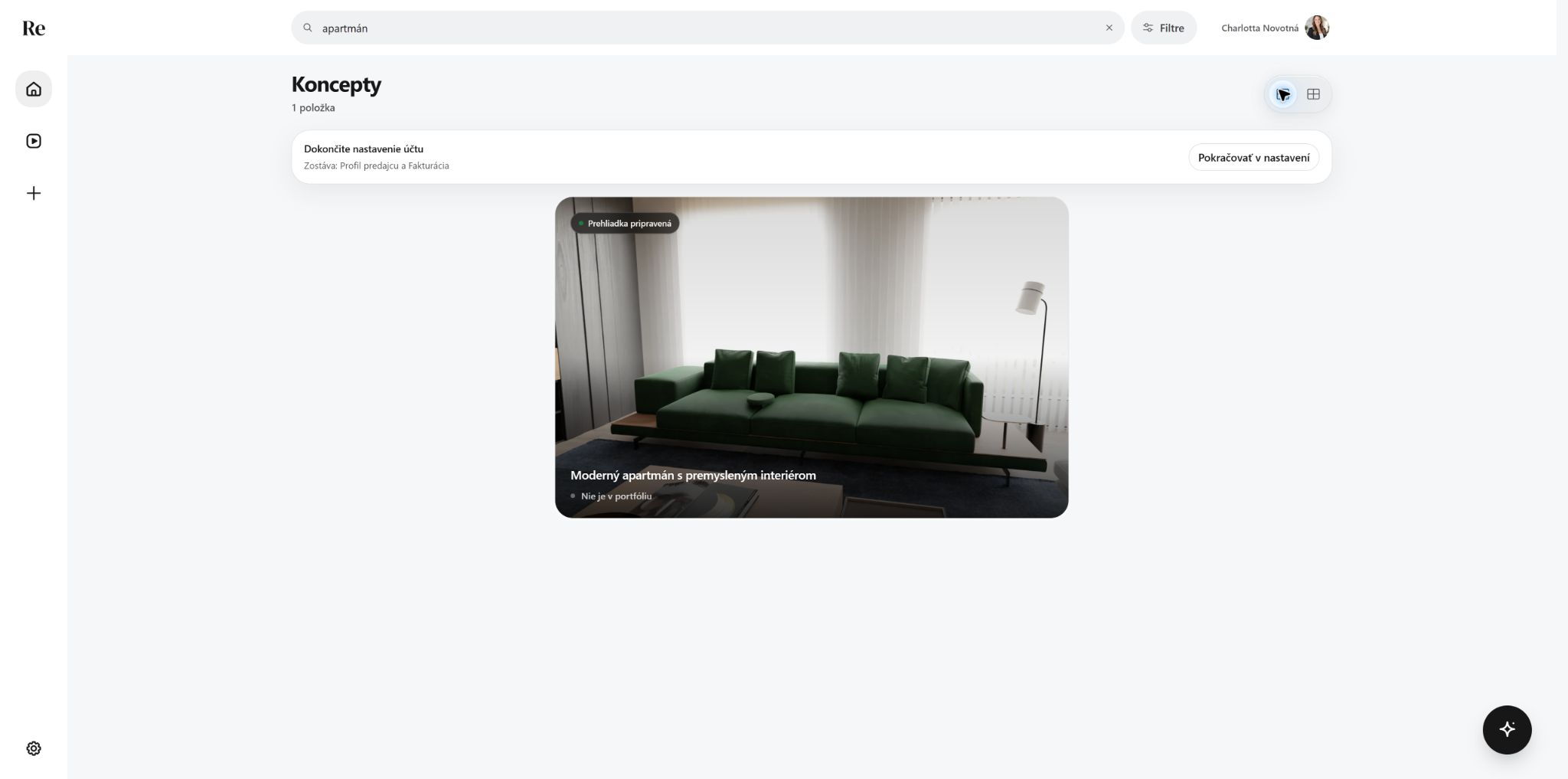 Draft search and layout
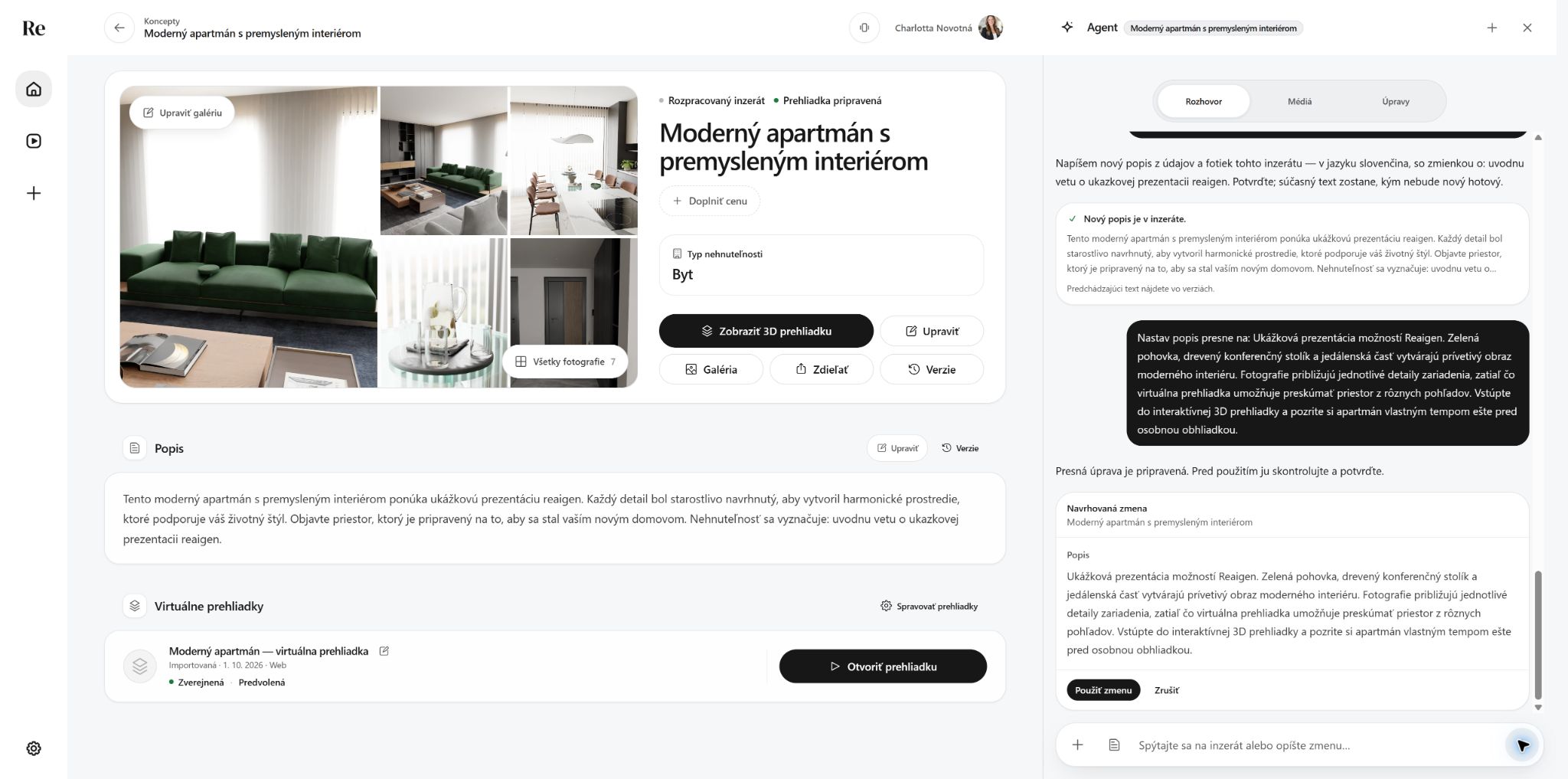 Agent’s exact text edit, ready to review
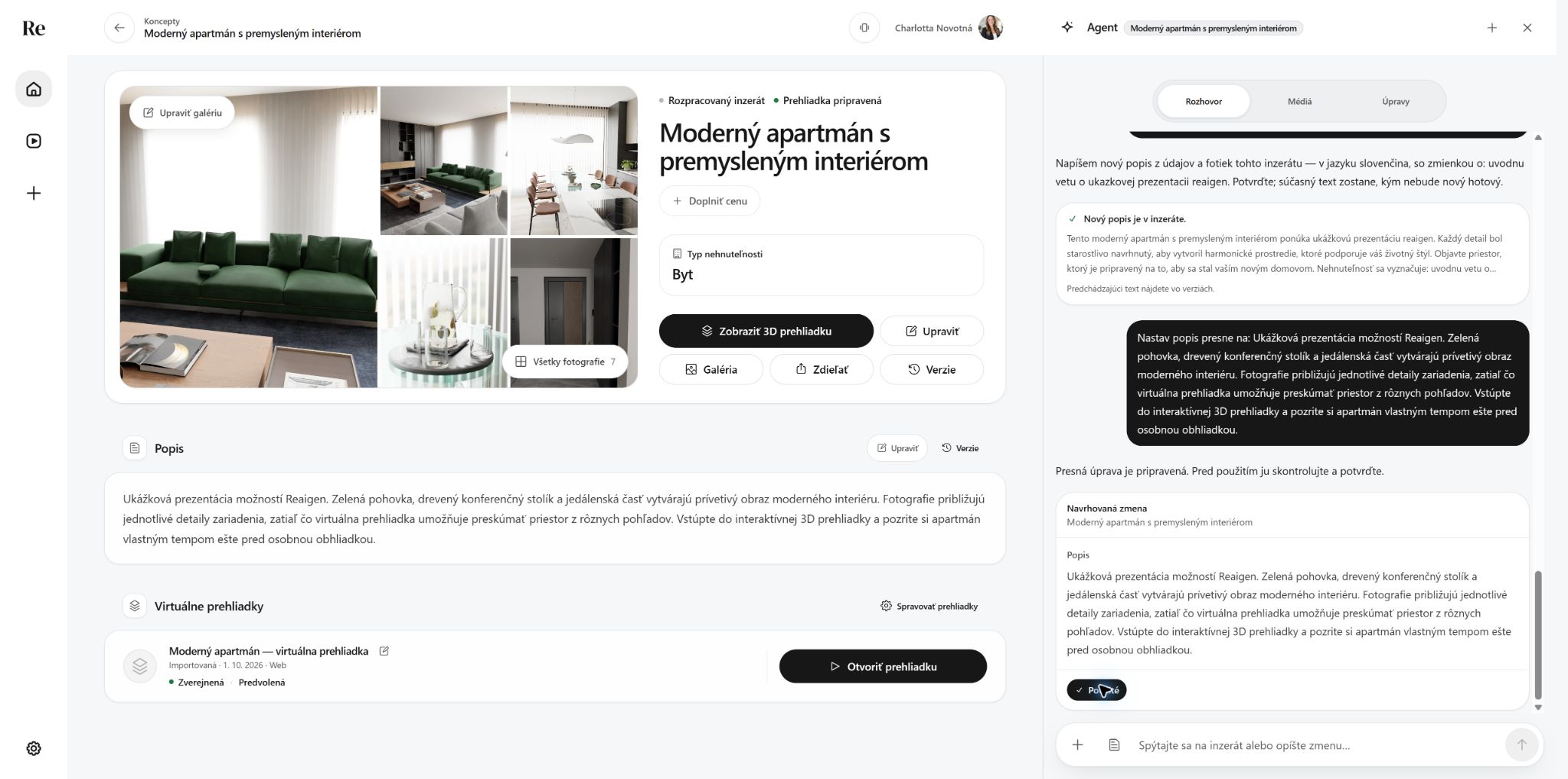 Agent description applied
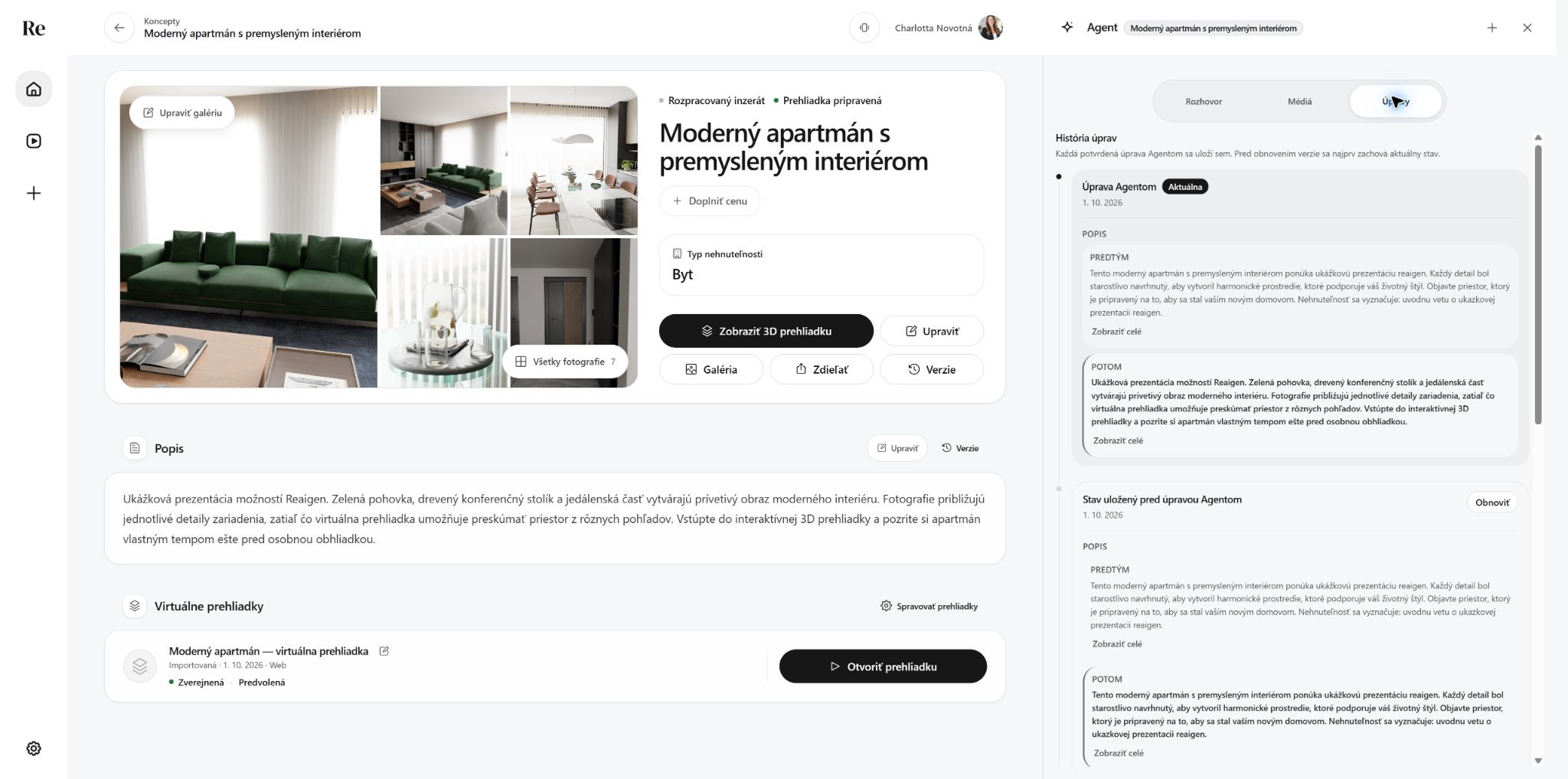 Agent change history
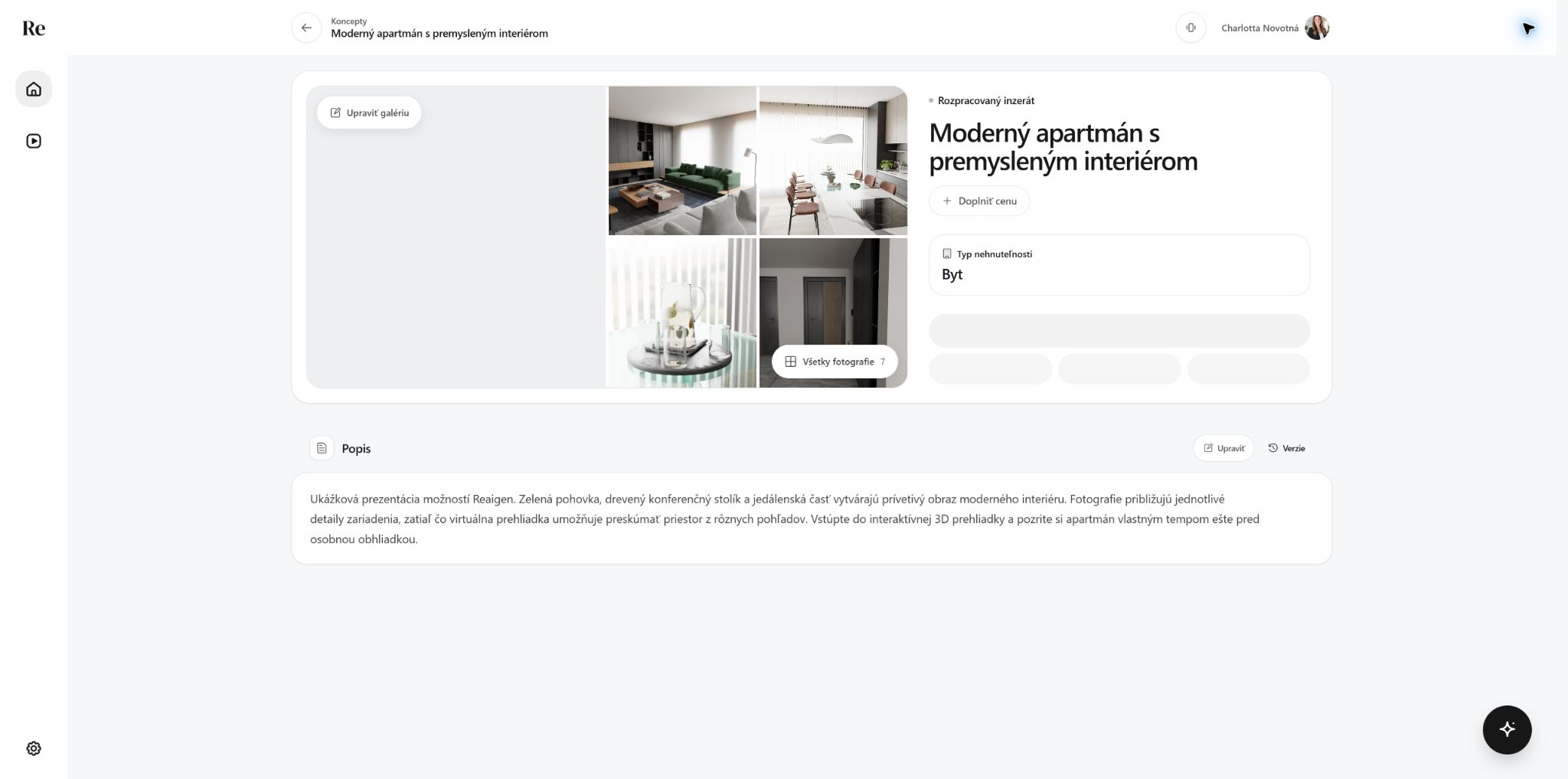 Final description saved
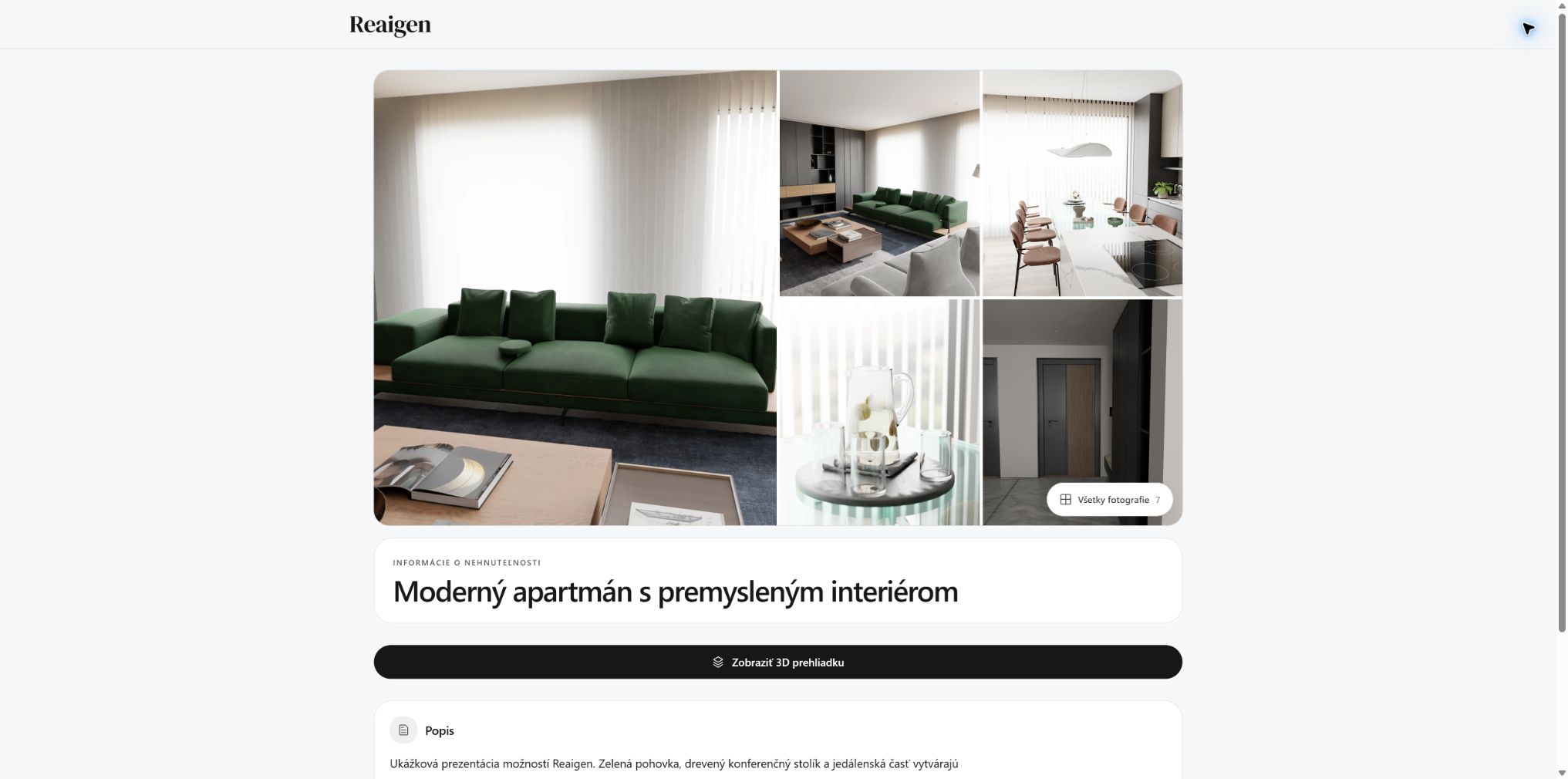 What the client sees after the Agent’s edit