Featured
iOS app highlights
The whole app in under two minutes.
The iPhone app: listings, the photo editor, 3D and automatic tours, sharing, the new-listing wizard and settings.
The whole app in under two minutes.

Sign in with e-mail and password and land on Drafts, with the listing in progress.
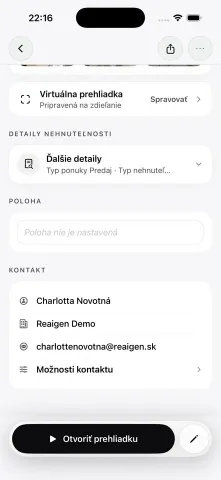
Notifications, search across drafts, then the listing itself: photo carousel, description, completeness meter, gallery strip, tour status, expandable details, location and seller contact.
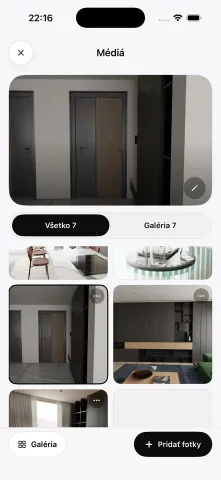
Filter the library and select photos, then edit them: Light (exposure, brightness, contrast), Colour, Crop (free, 1:1, 4:3, 3:2, 16:9) and AI Cleanup.

The edit form and its detail sections, the description editor with word count, AI generation and history, the listing menu and the preview clients see.
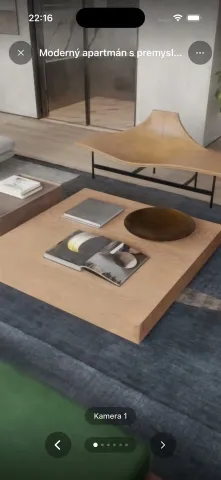
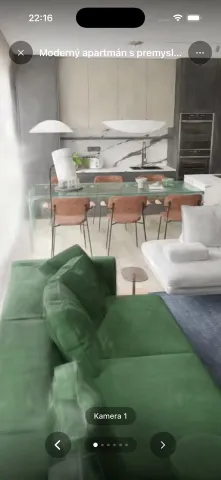
The tour opens and loads, the viewer drags to look around, then steps through all six saved cameras.
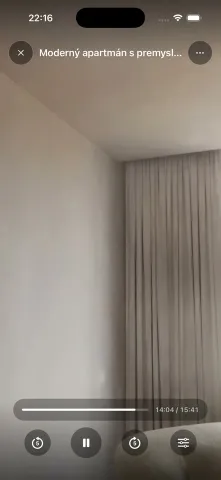
Start from the tour menu, pick a camera style (Calm, Immersive, Dynamic), speed (0.5–2×) and looping, then watch playback at 1.5× with rewind and scrubbing.
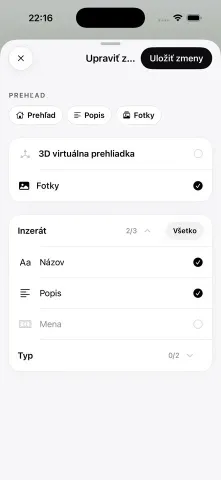
Share the listing or the tour, choose who can open the link, decide which listing data and seller contact details it shows, and manage existing links.
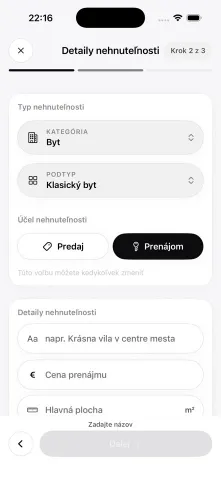
Three steps: location, property details (type, sale or rent, title, price with a built-in calculator) and photos.

The in-app guide to the three capture passes — floor plan, video pass and detail photos — with animated 3D demonstrations.
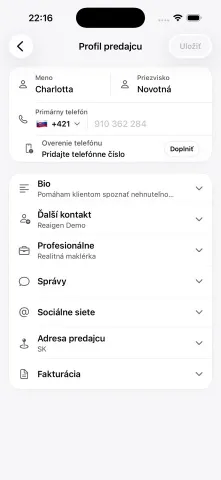
Account setup (identity, seller profile, billing, Agent permissions), the seller profile editor, plan and credits, creation preferences, localization and live currency conversion.
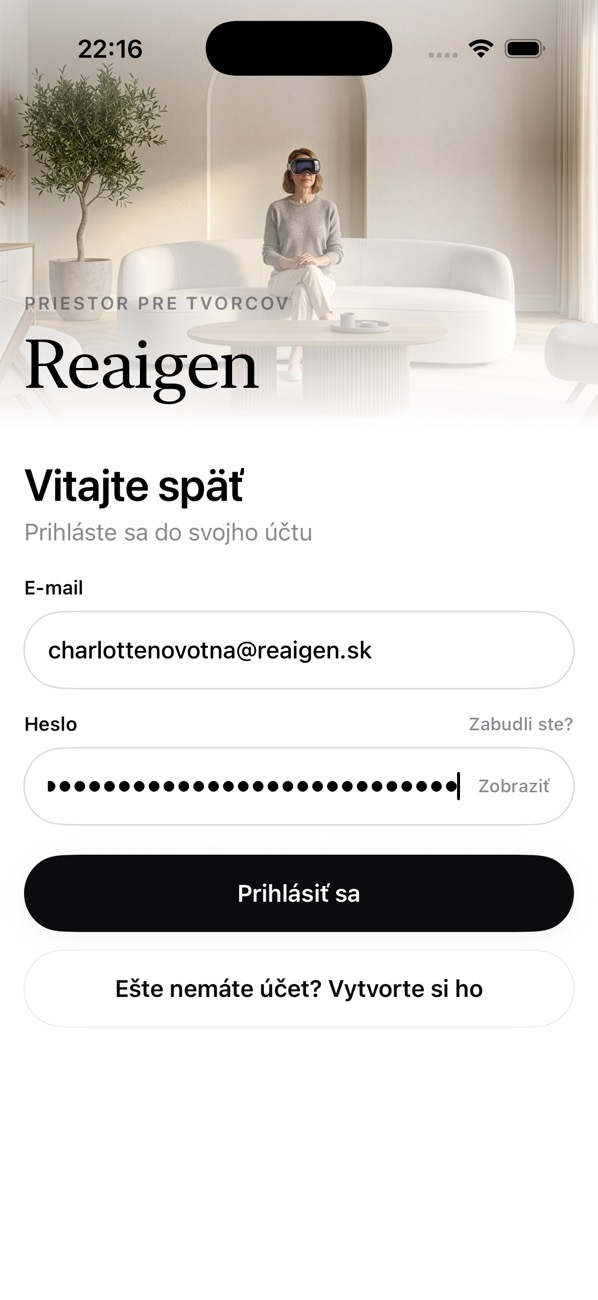 Sign-in form filled
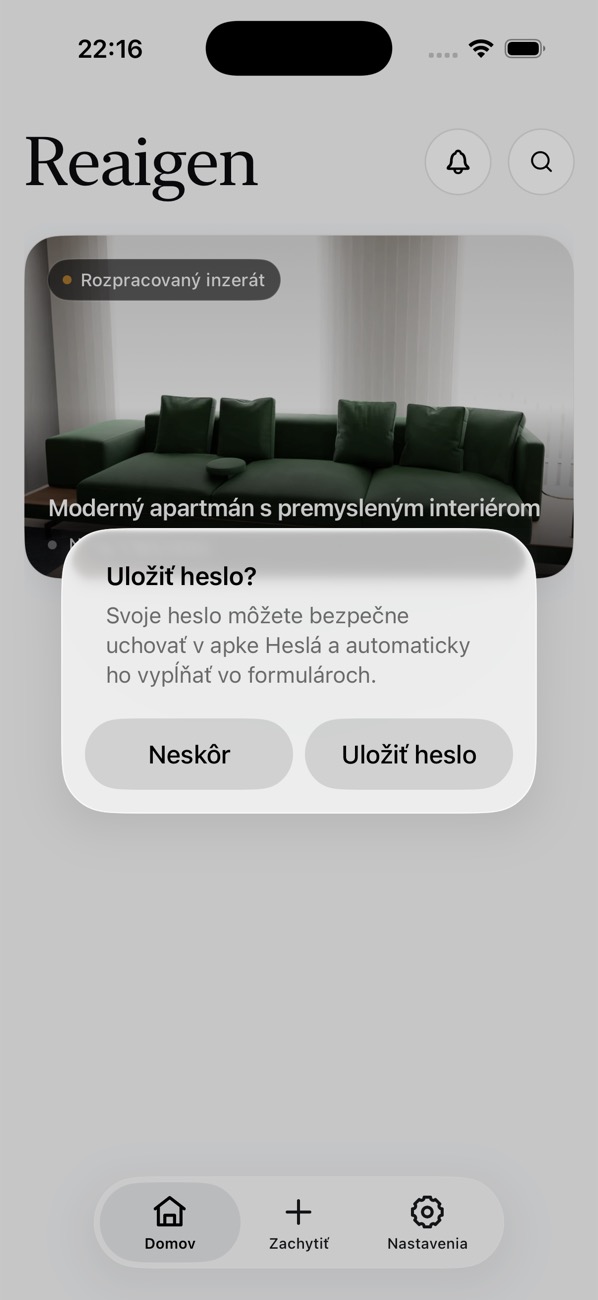 Save-password prompt
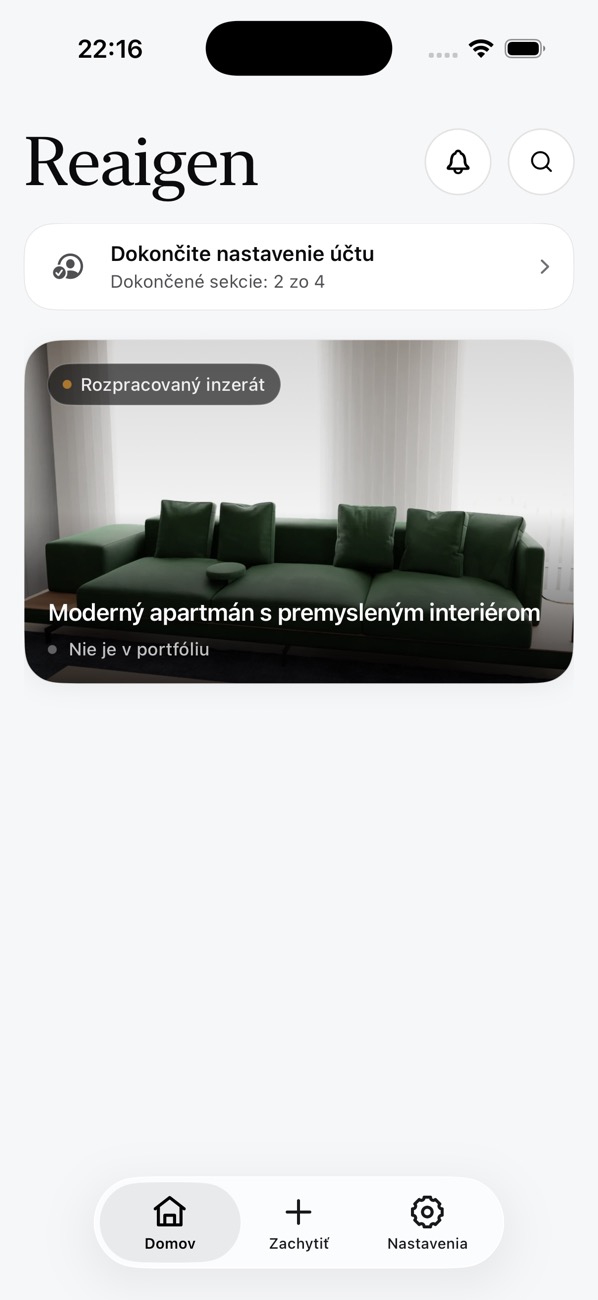 Home
Home Notifications
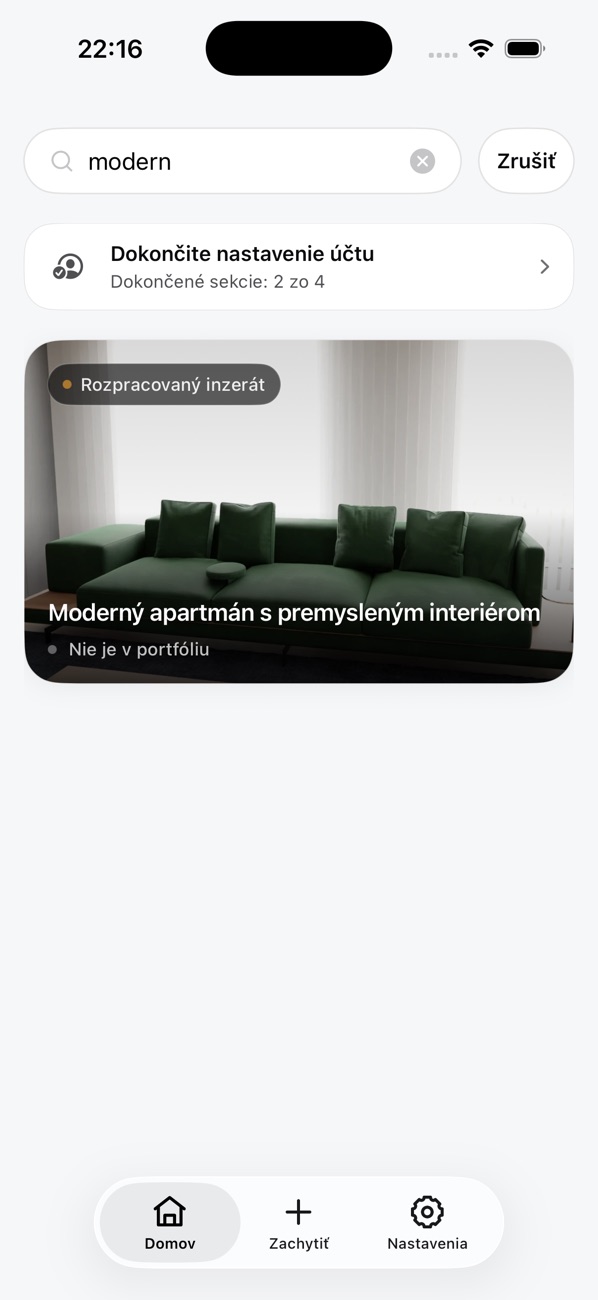 Search
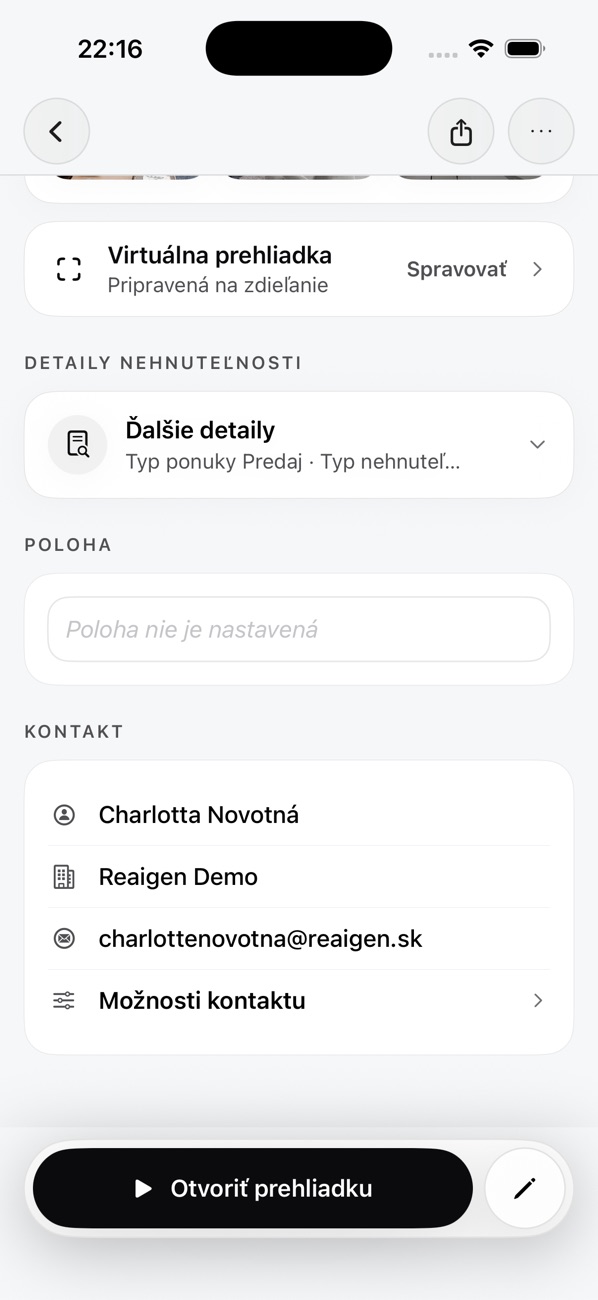 Listing media
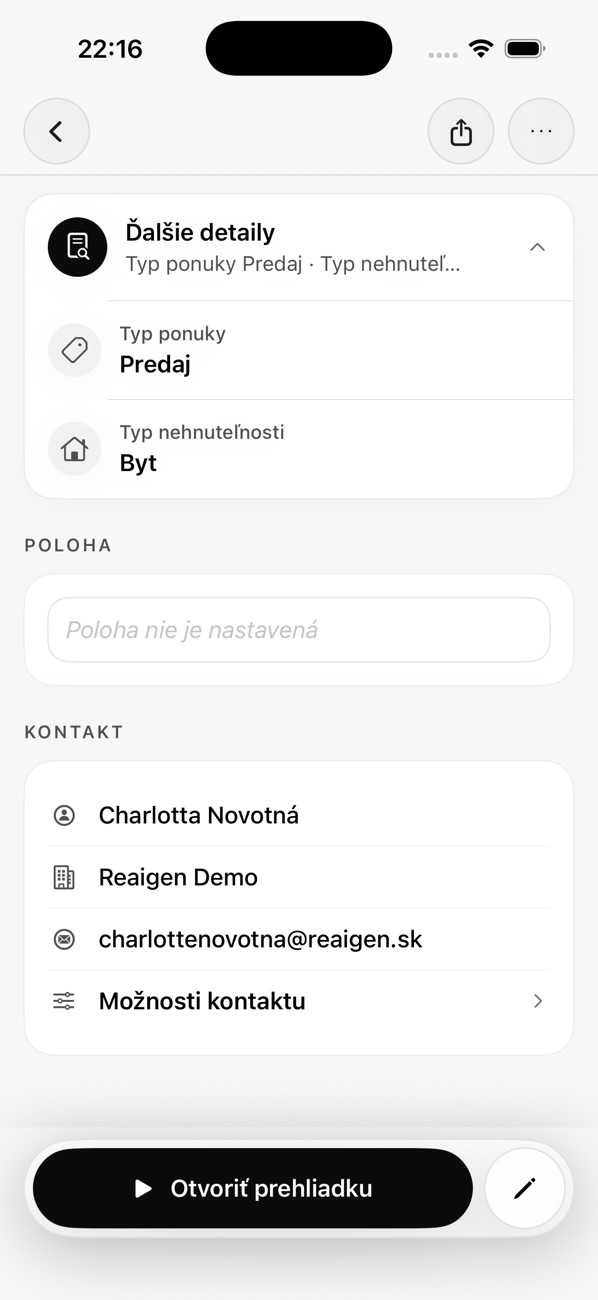 Listing details
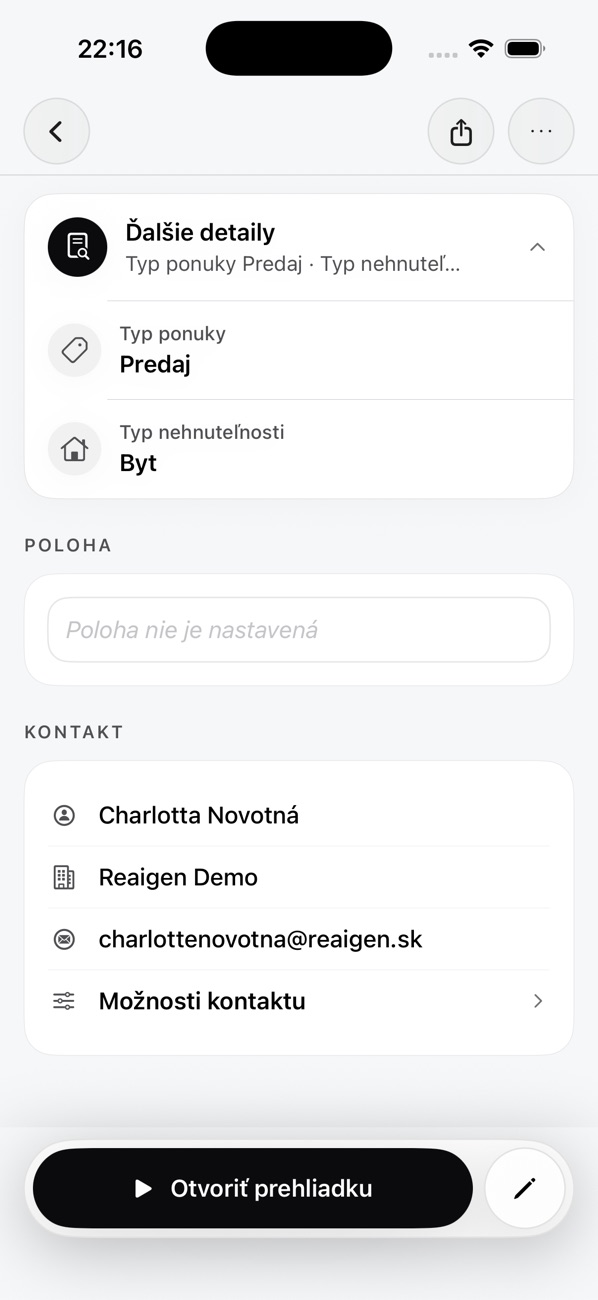 Seller contact
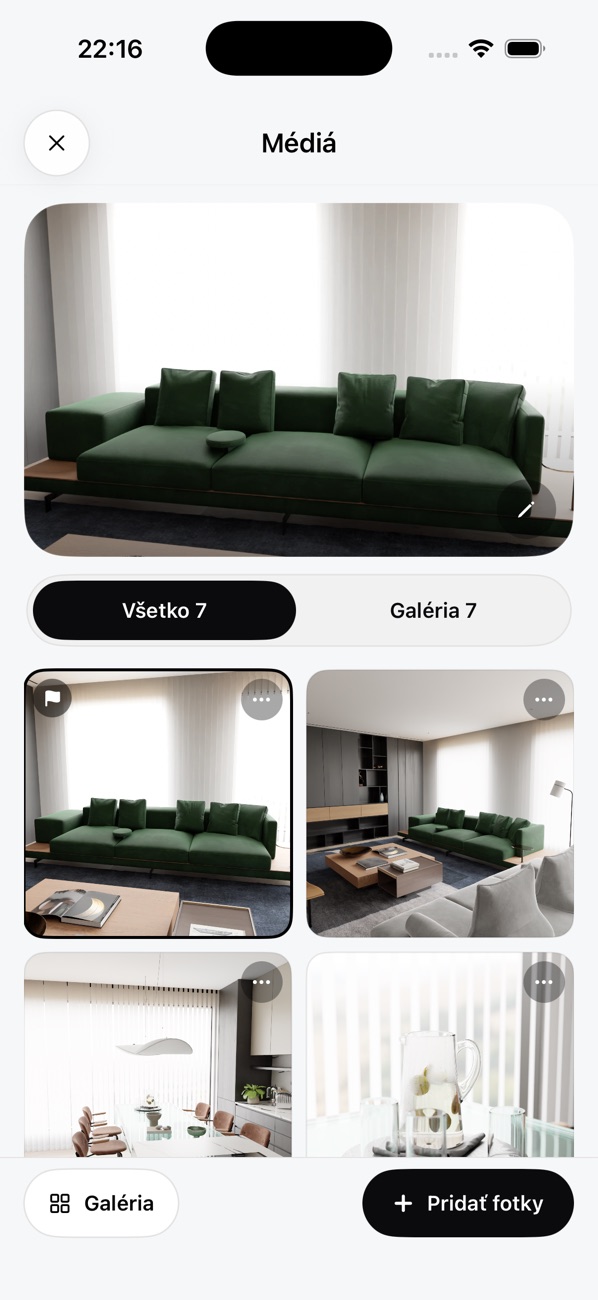 Media library
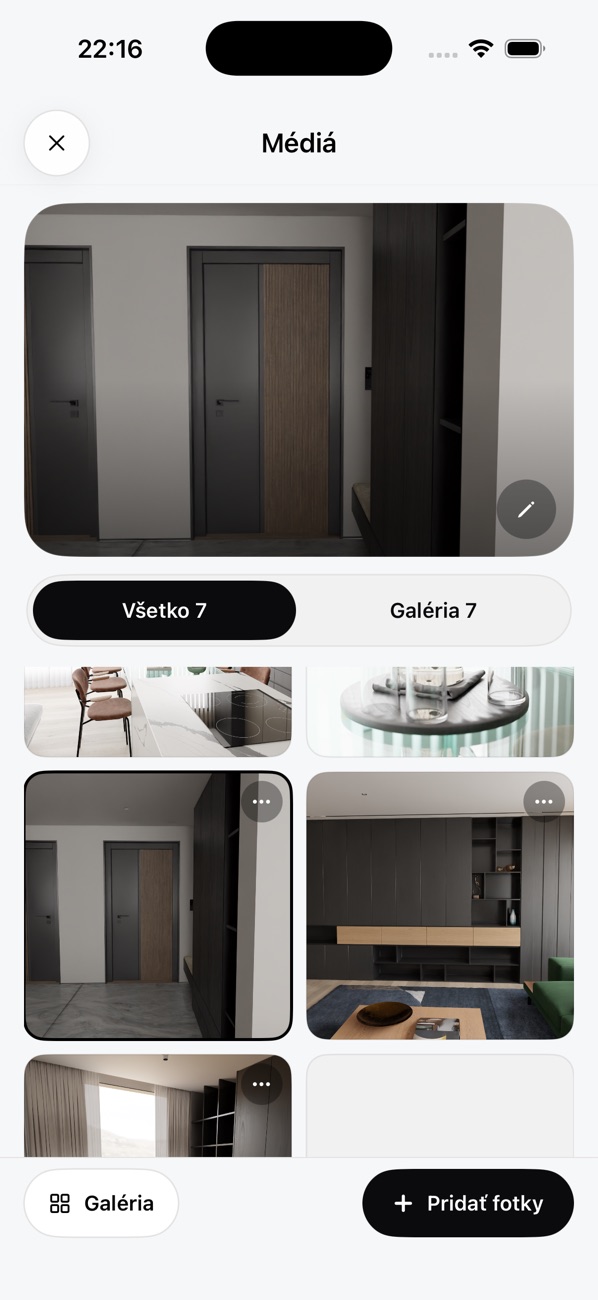 Photo selected
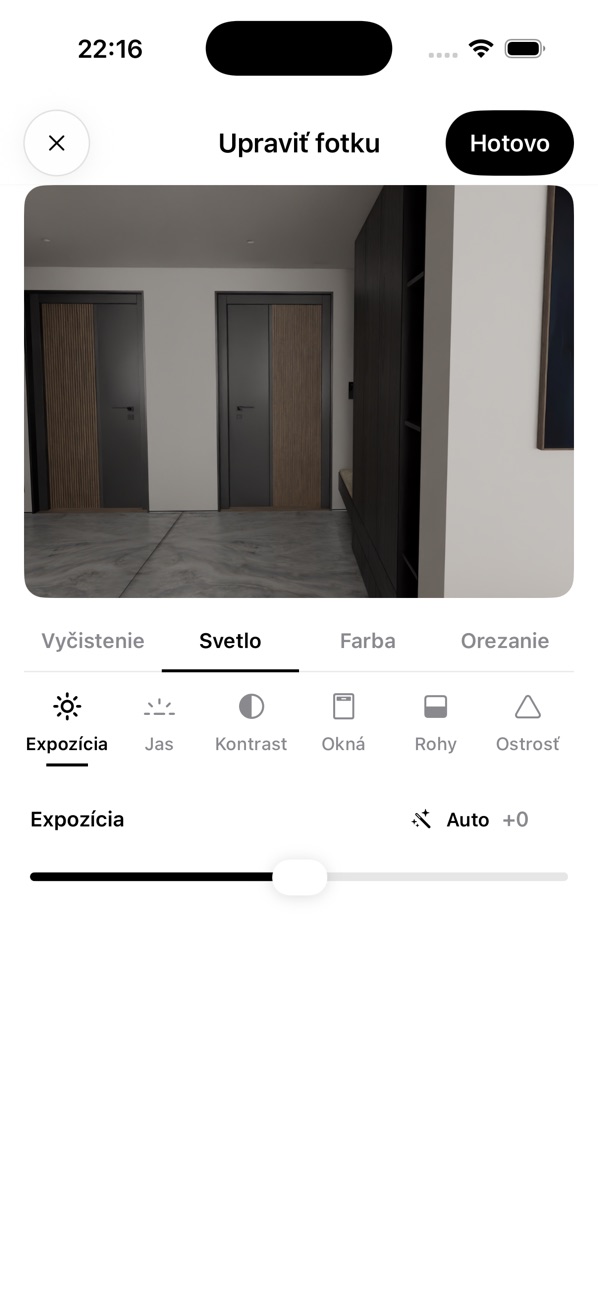 Photo editor
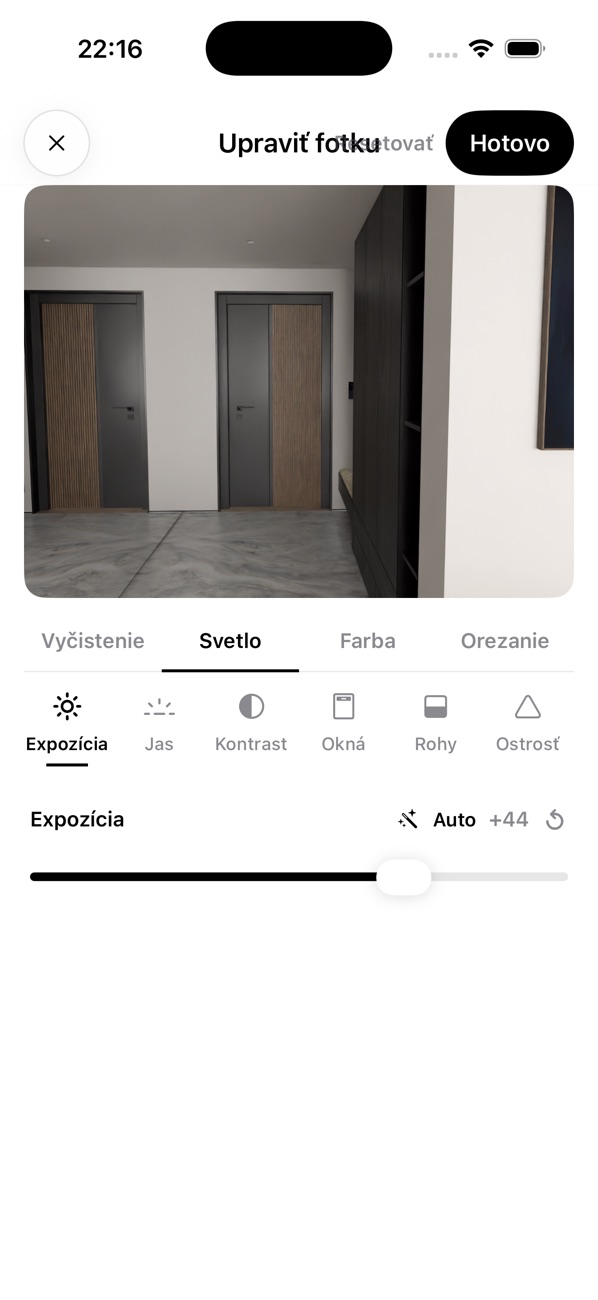 Exposure adjusted
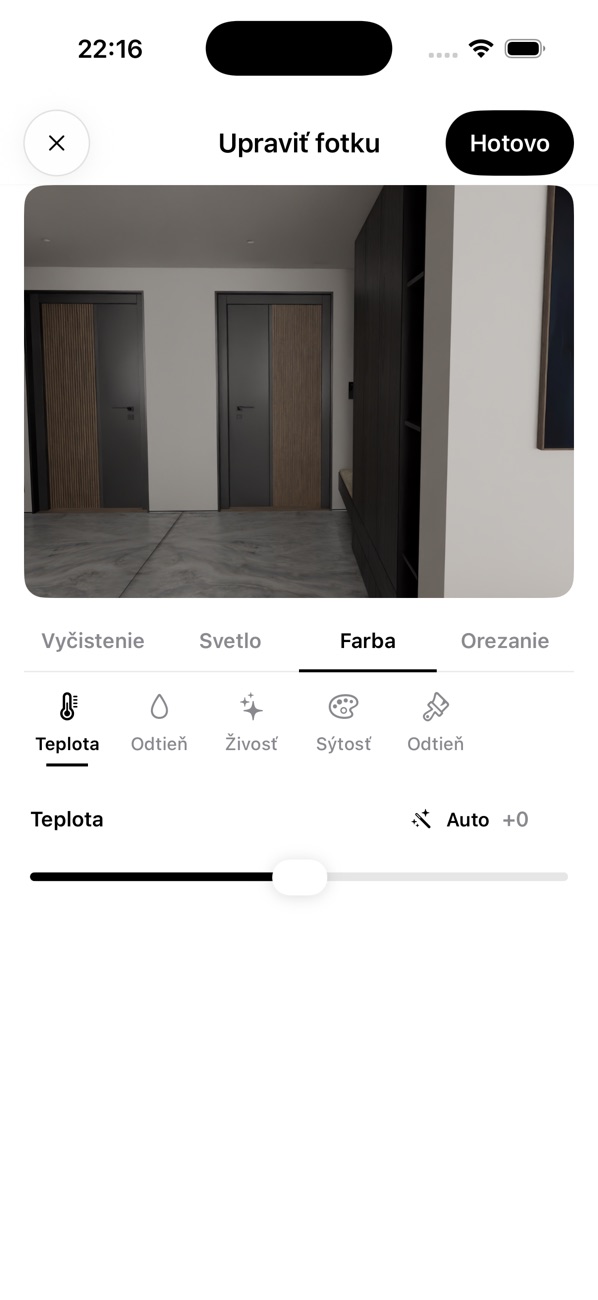 Colour tools
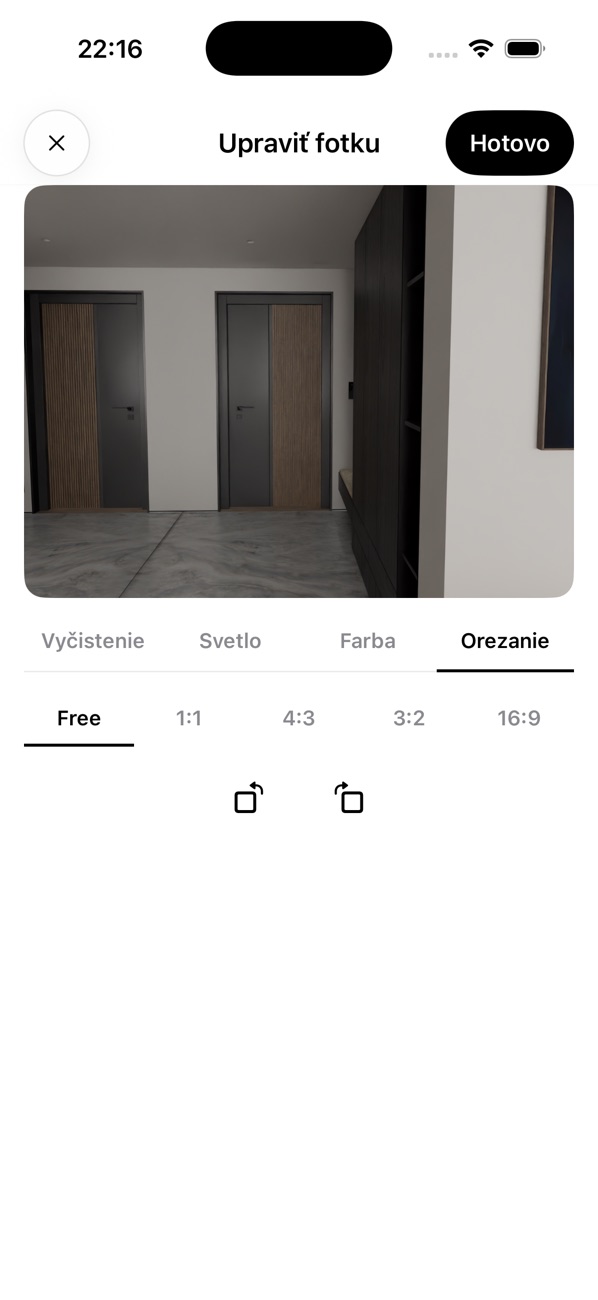 Crop tools
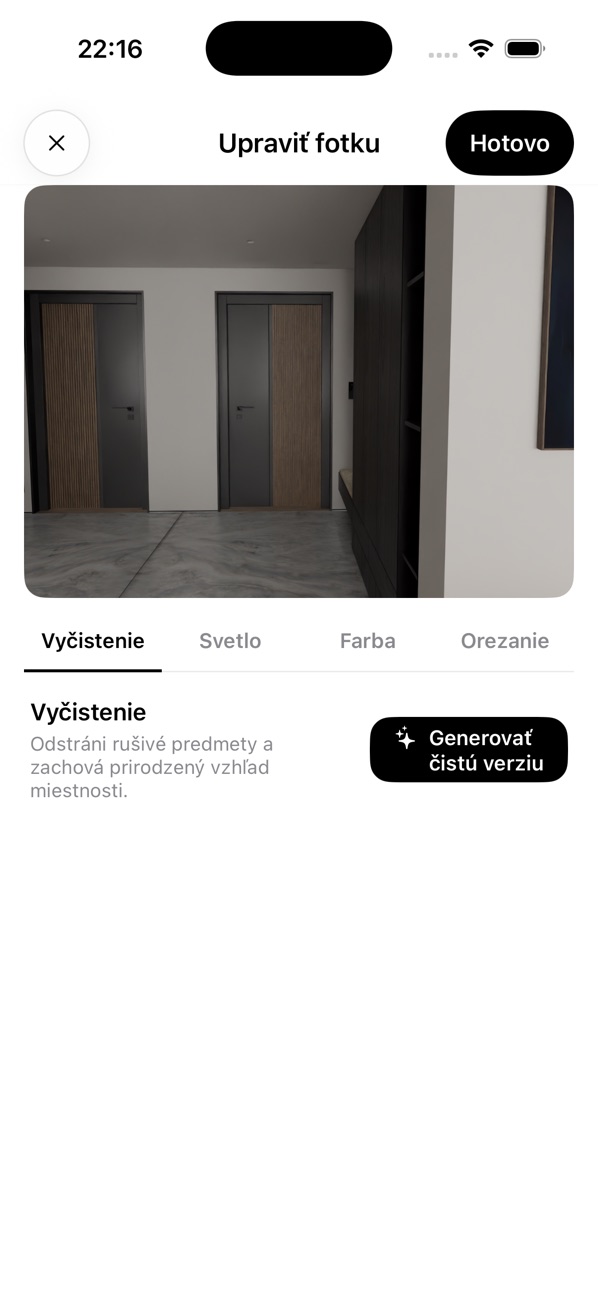 Cleanup tool
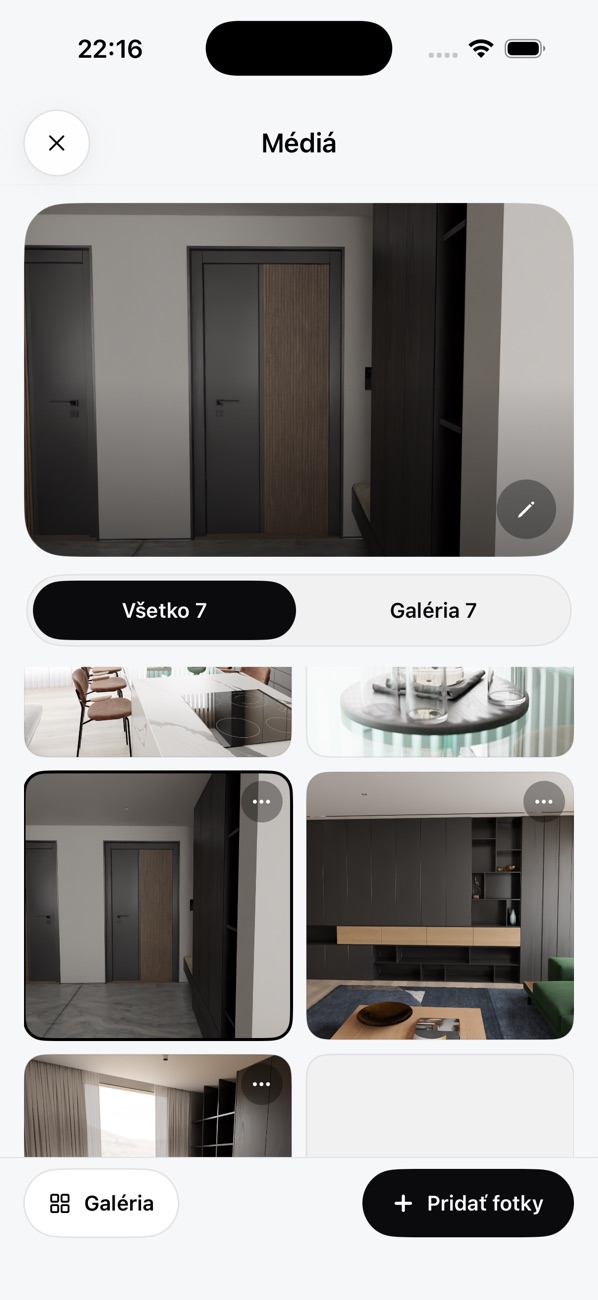 Media library
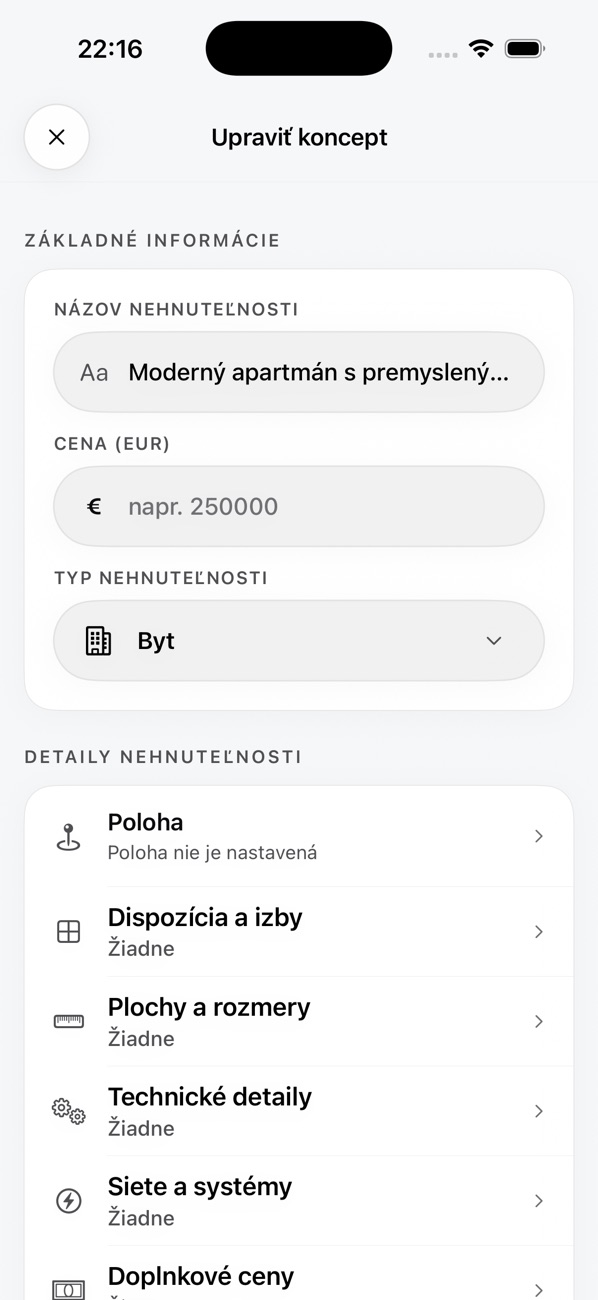 Edit form
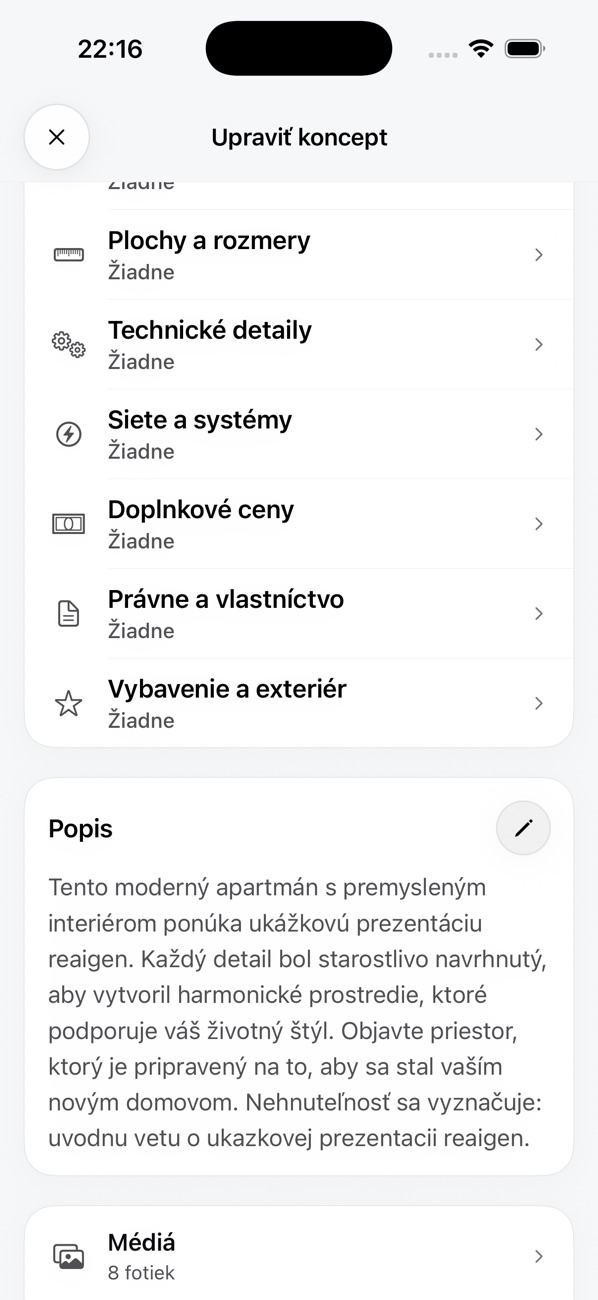 Detail sections in the edit form
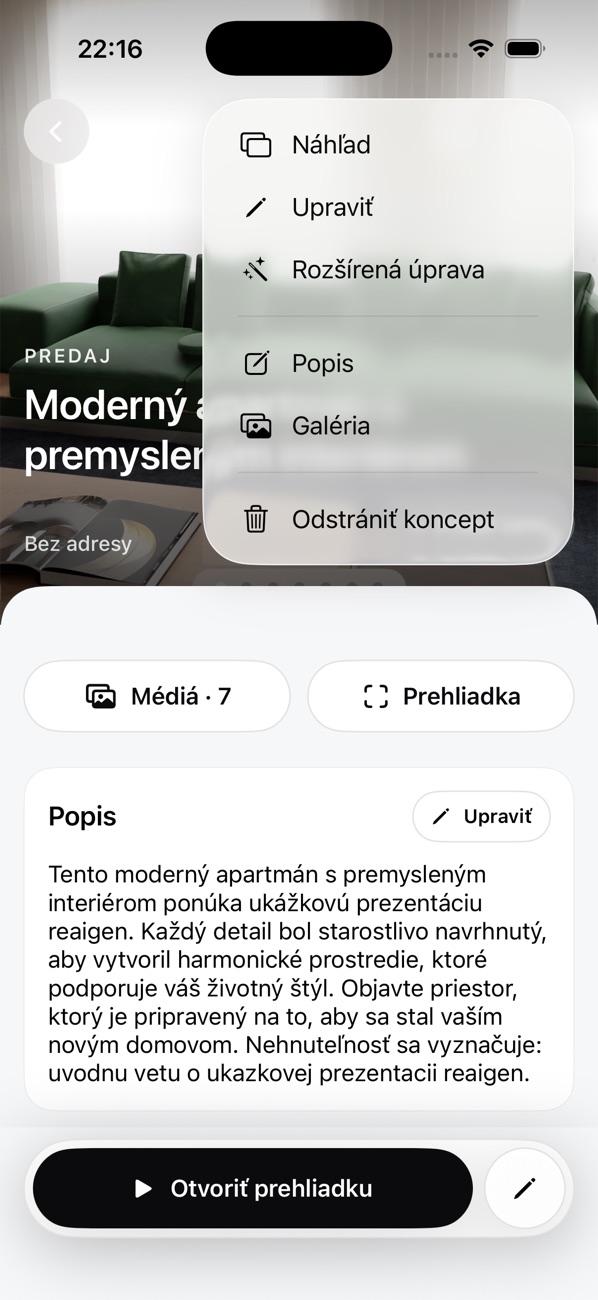 Listing menu
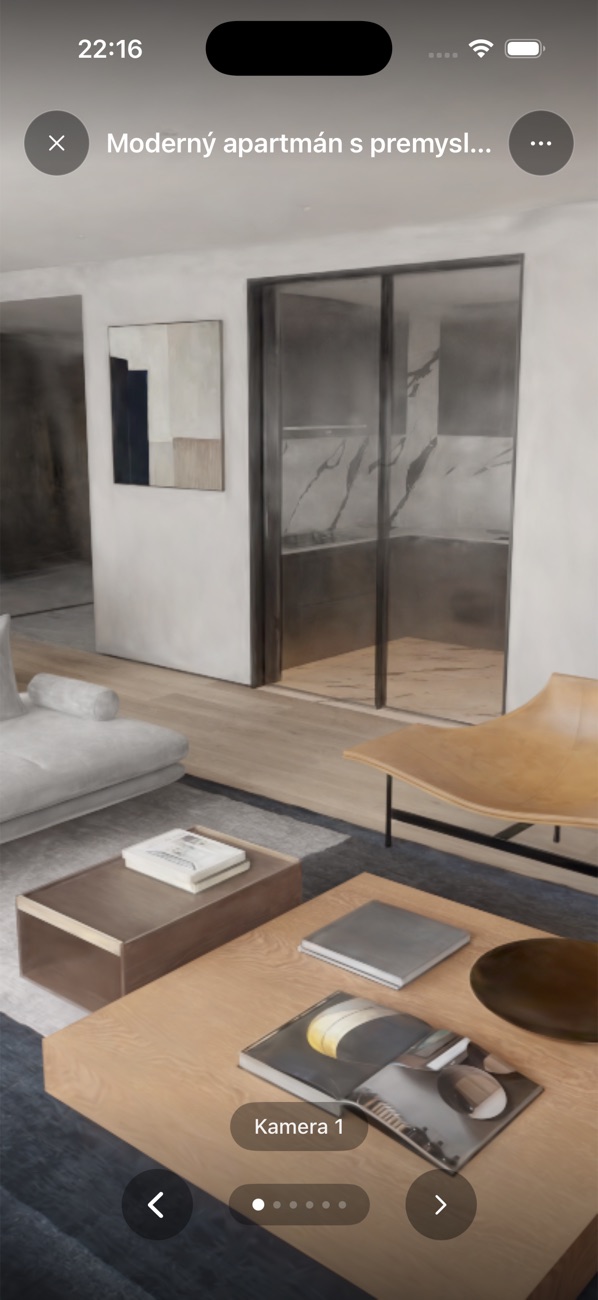 Tour, camera 1
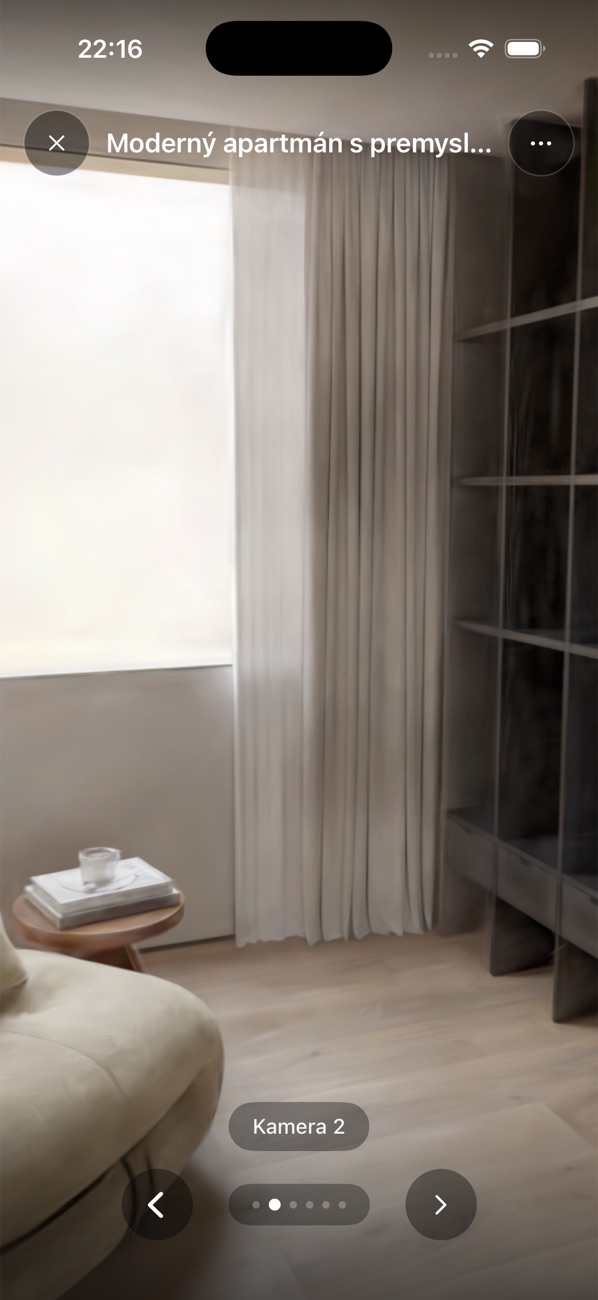 Camera 2
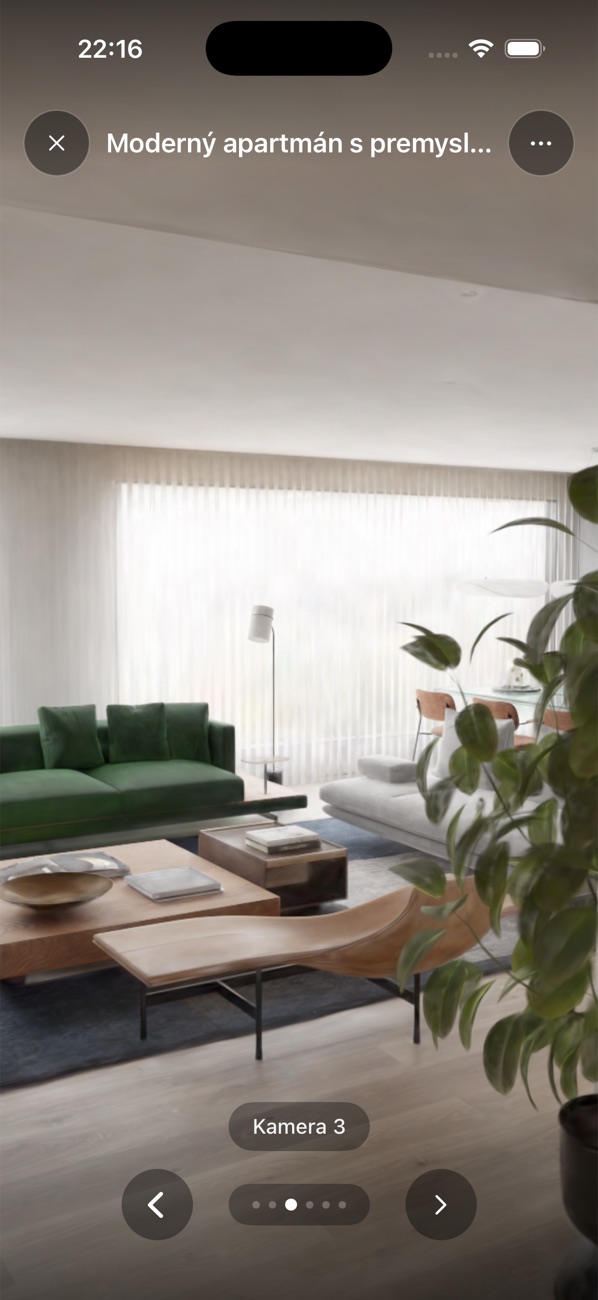 Camera 3
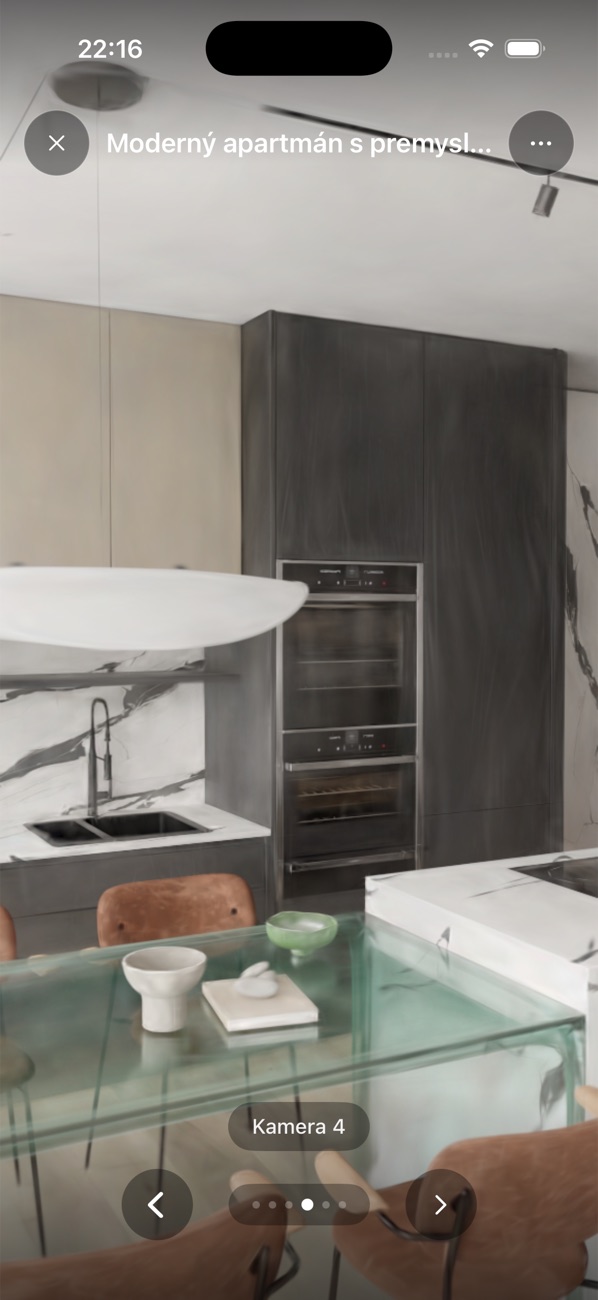 Camera 4
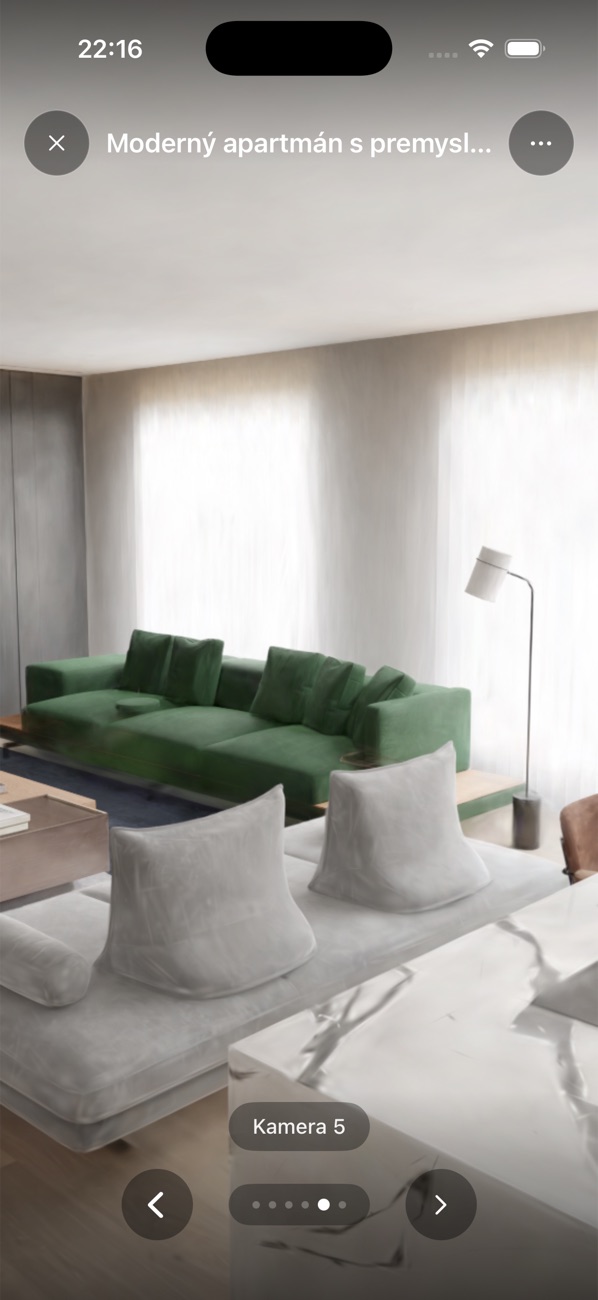 Camera 5
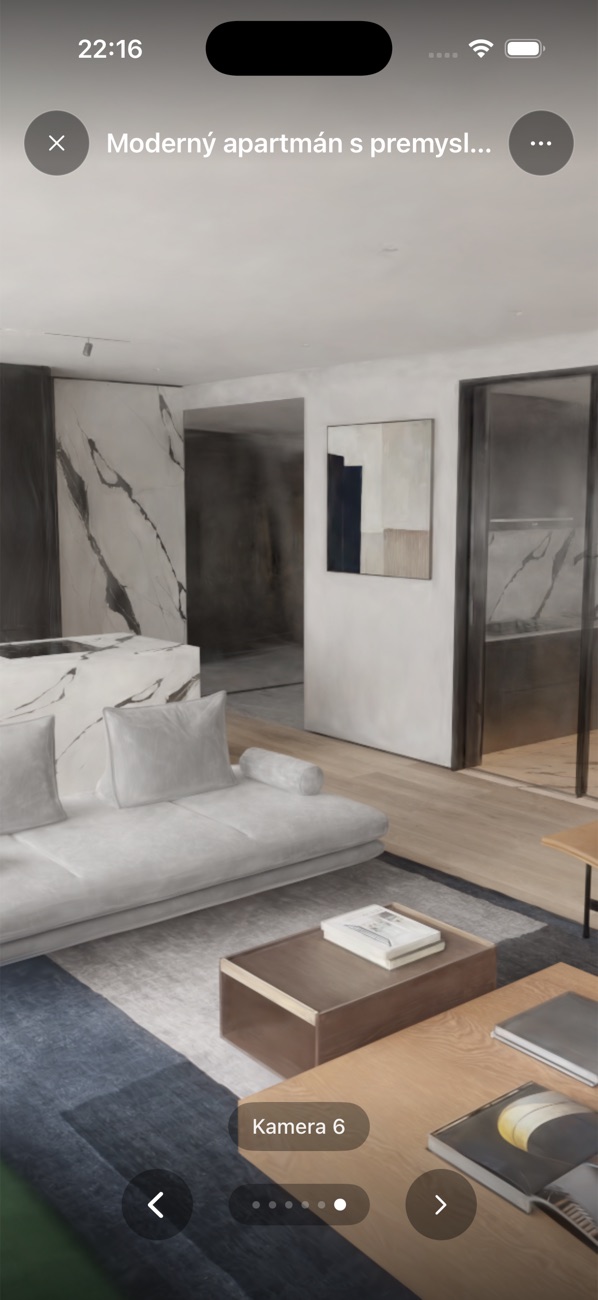 Camera 6
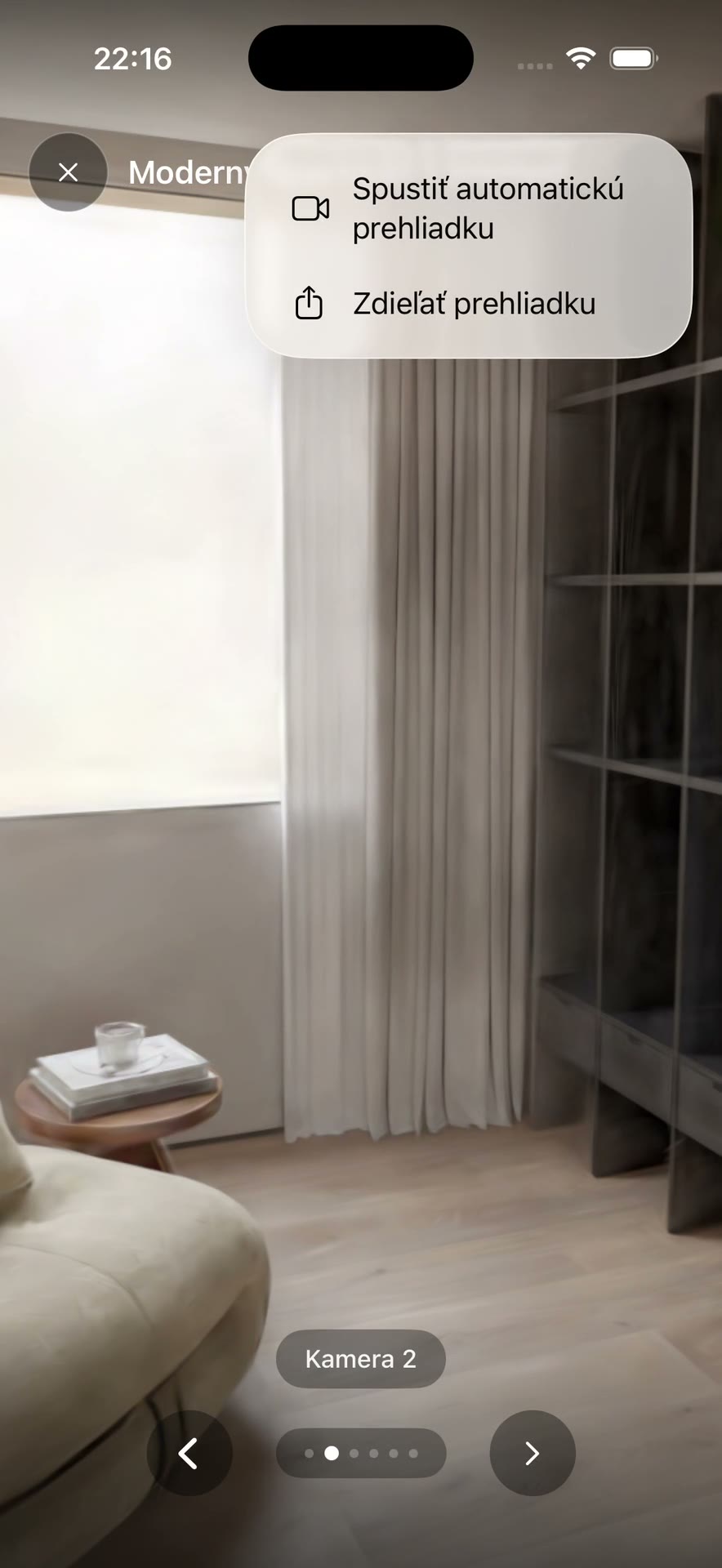 Tour menu
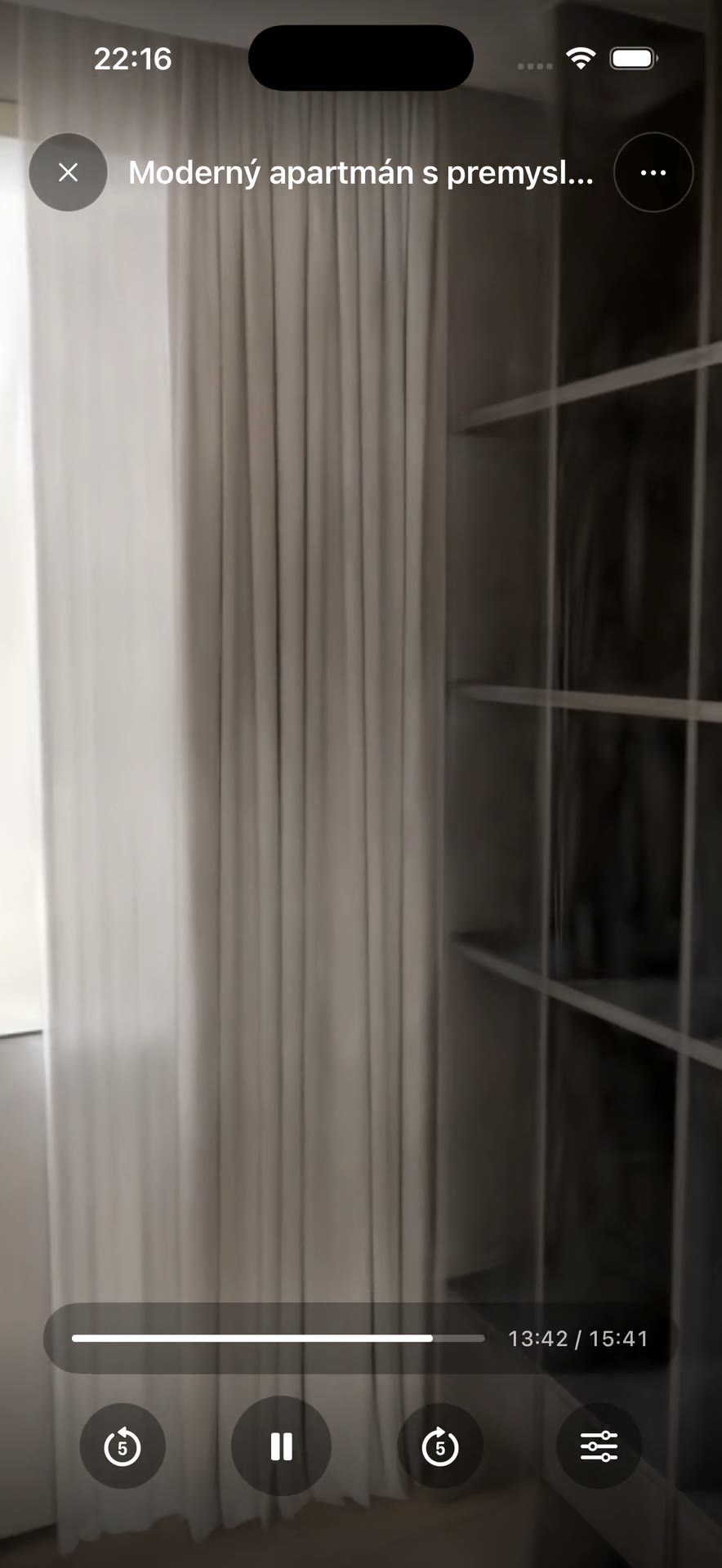 Playback settings
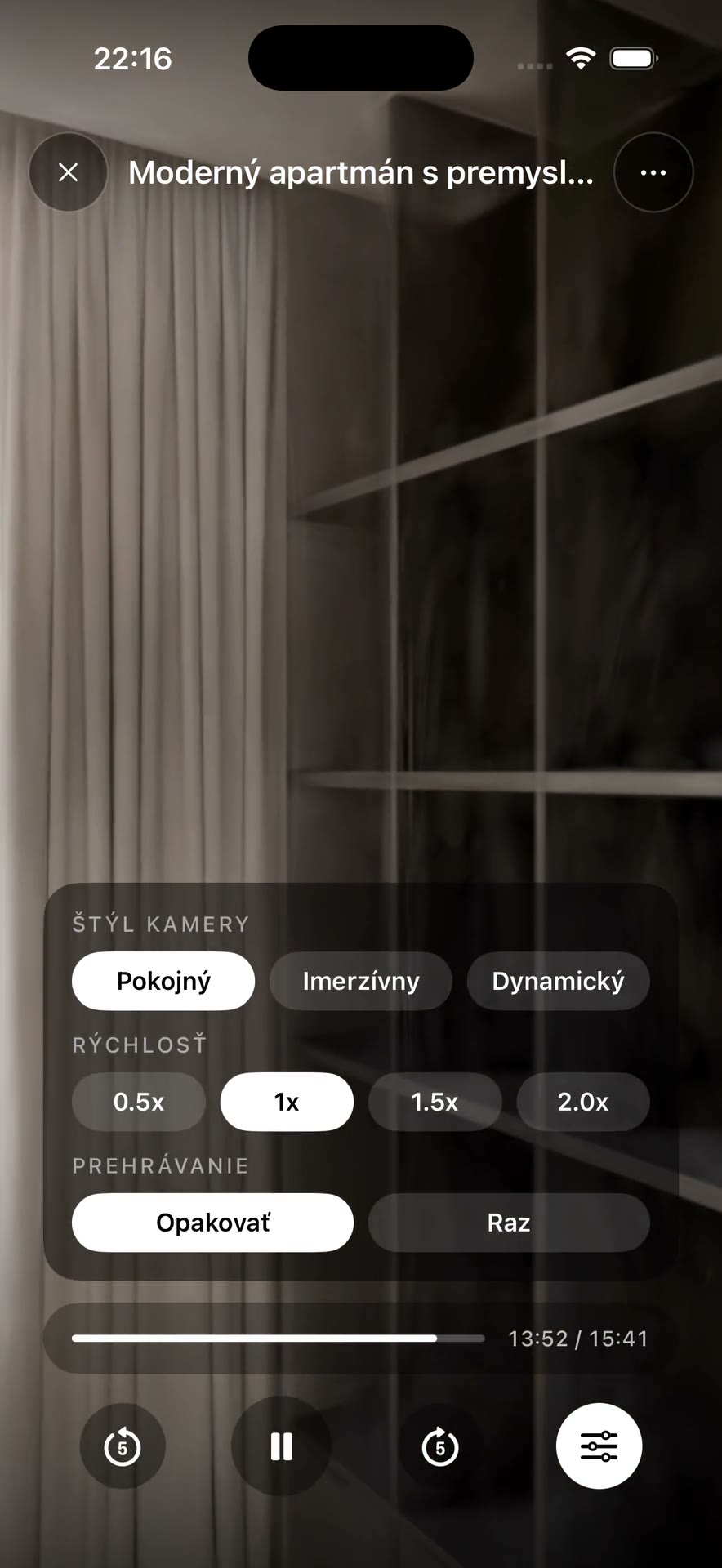 Auto tour playing
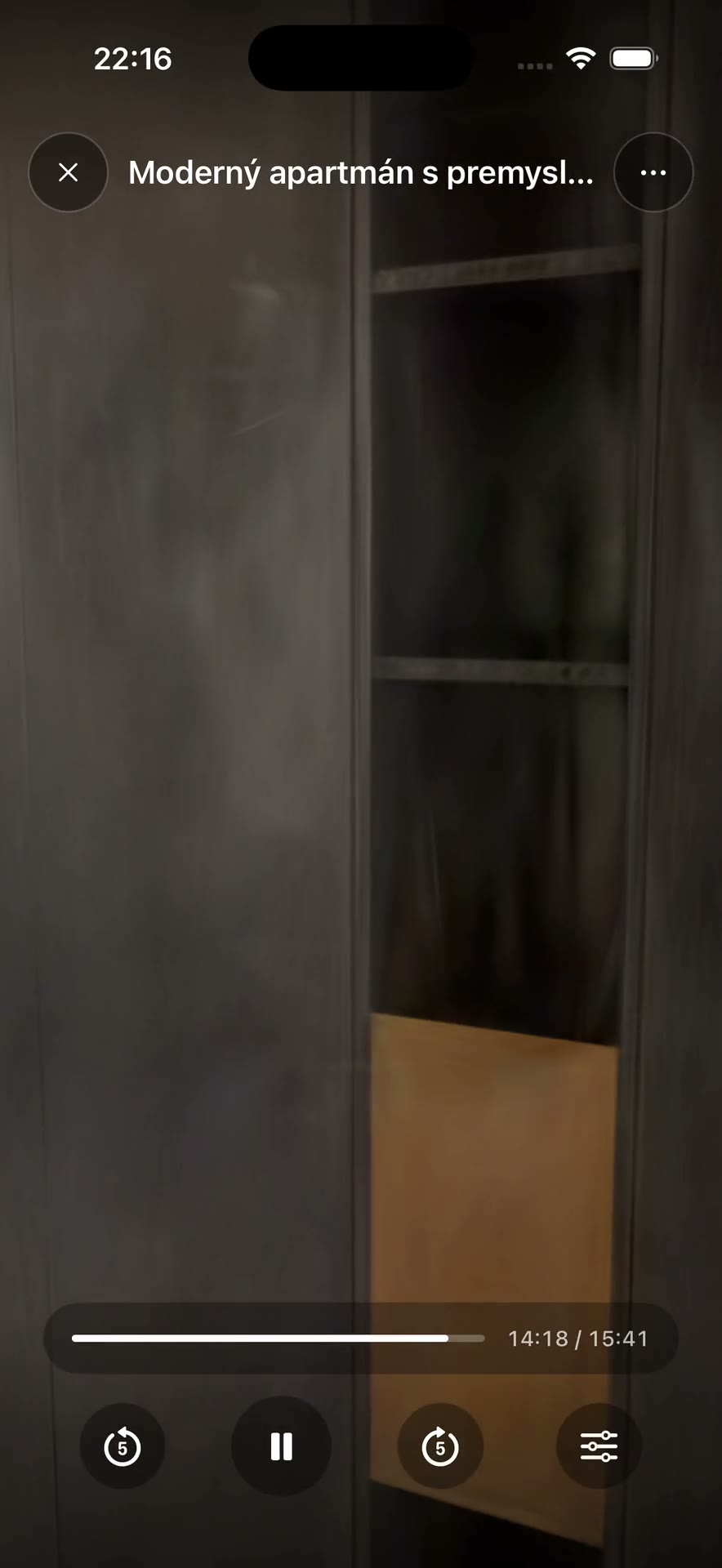 Auto tour reaches the living room
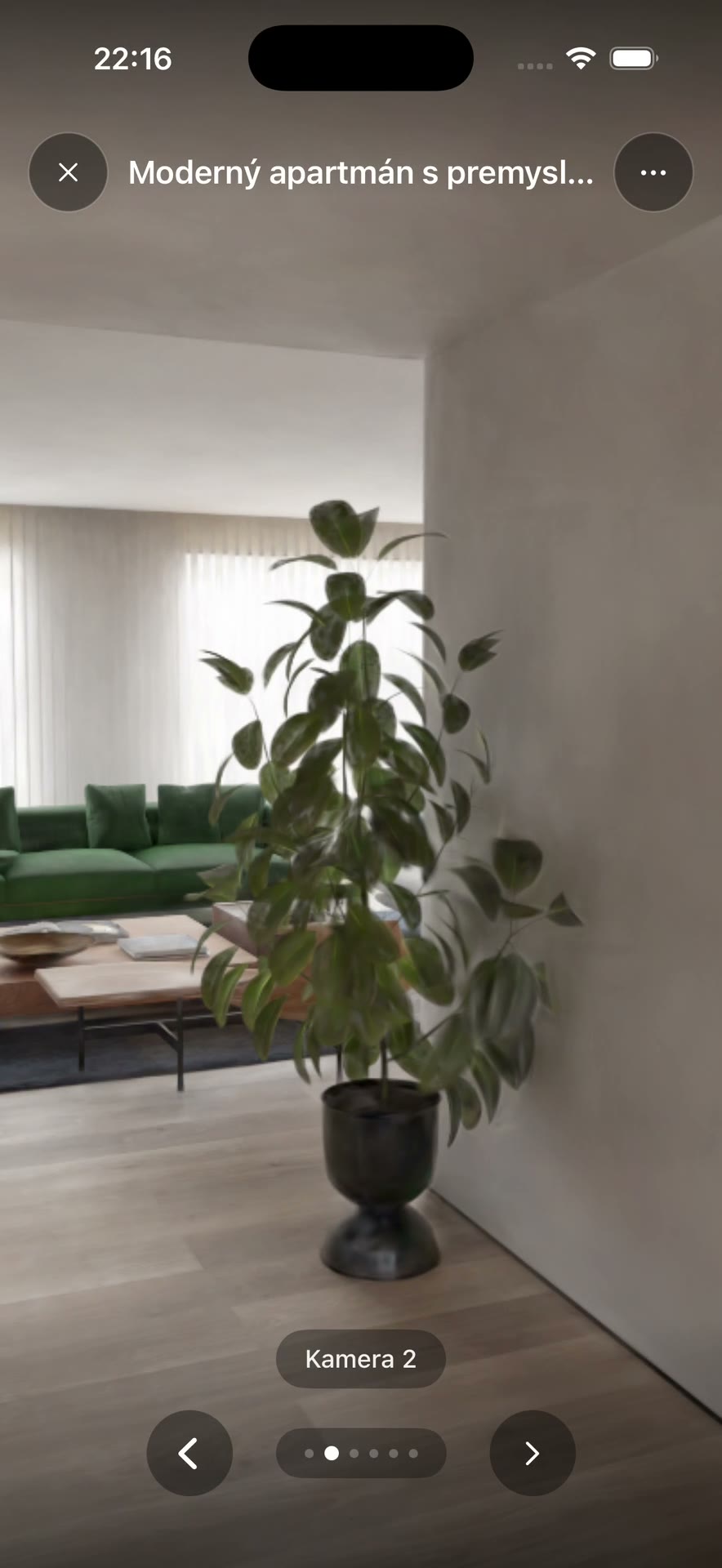 Back to manual view
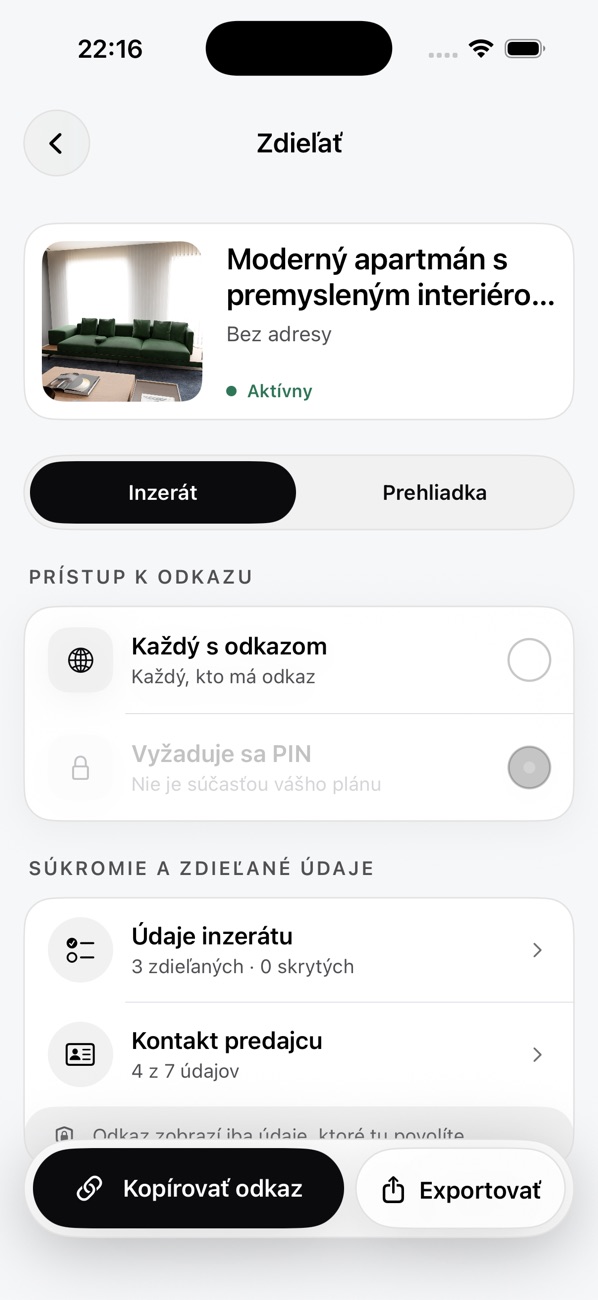 Share screen
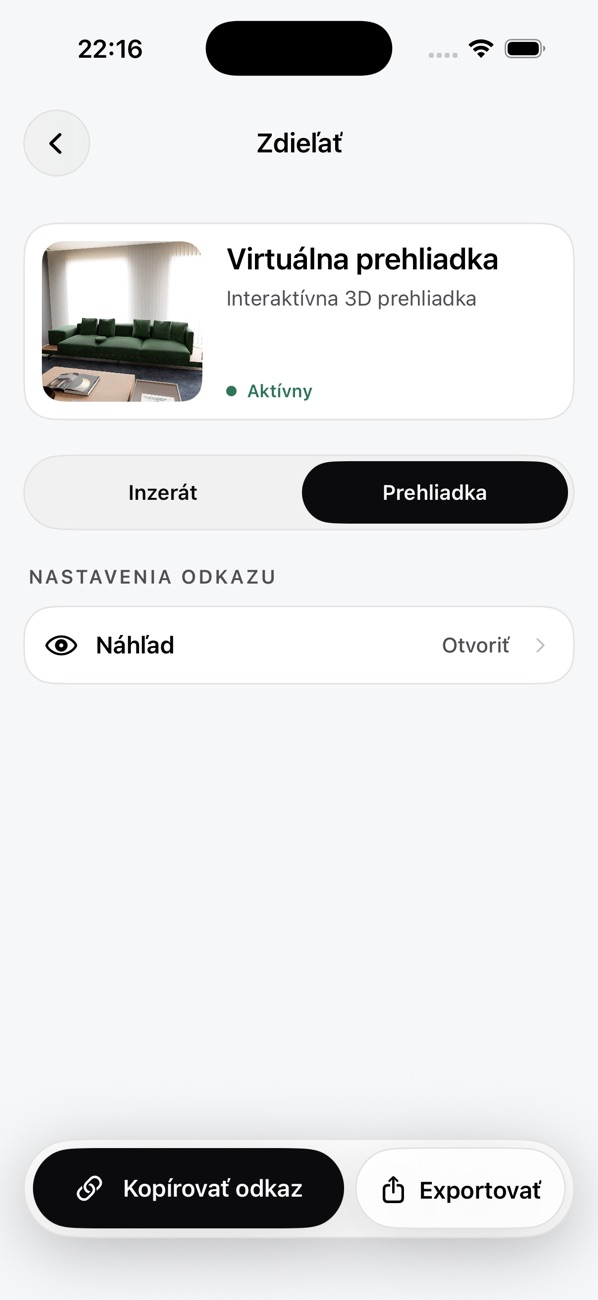 Tour sharing
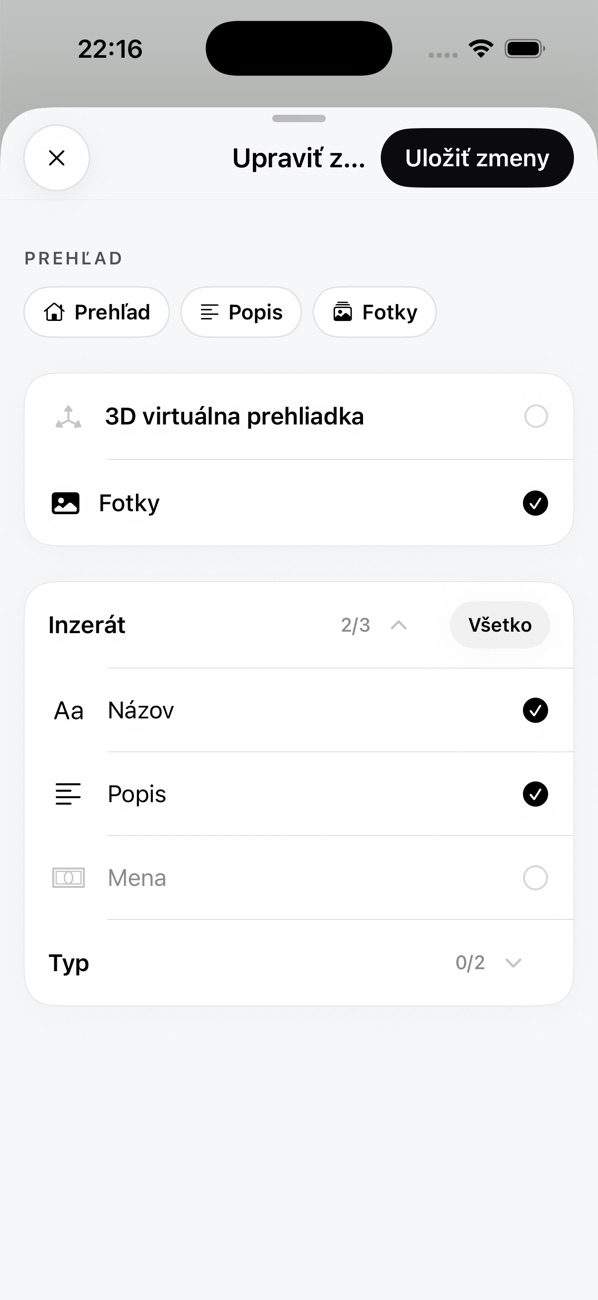 Shared listing data
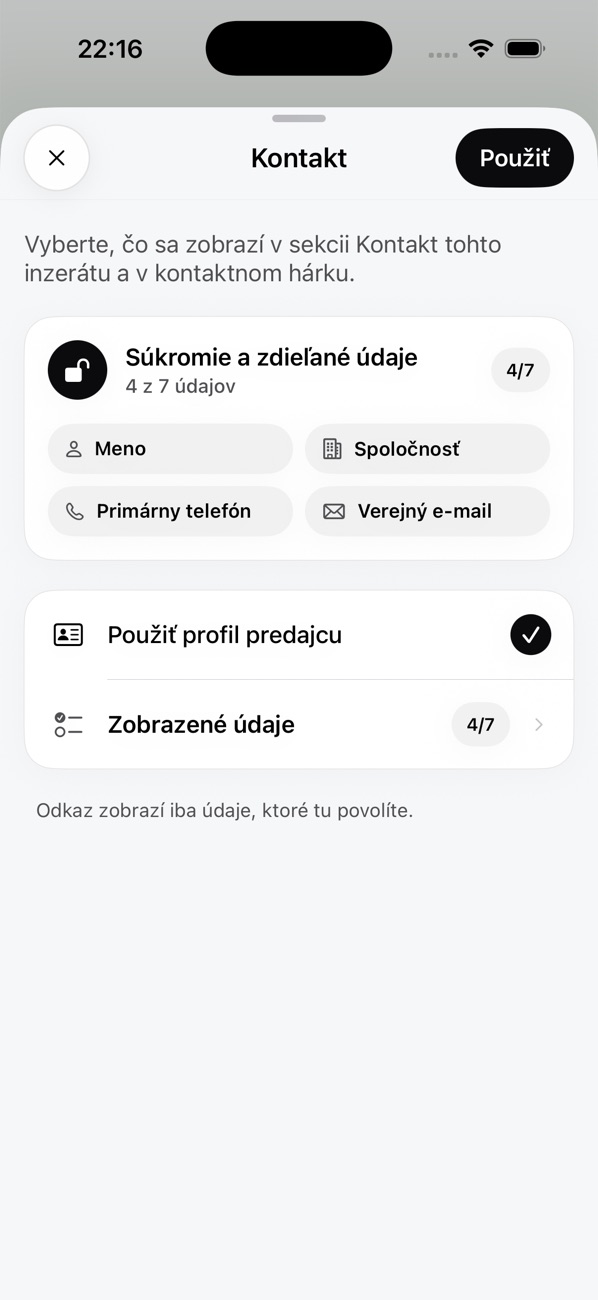 Seller contact settings
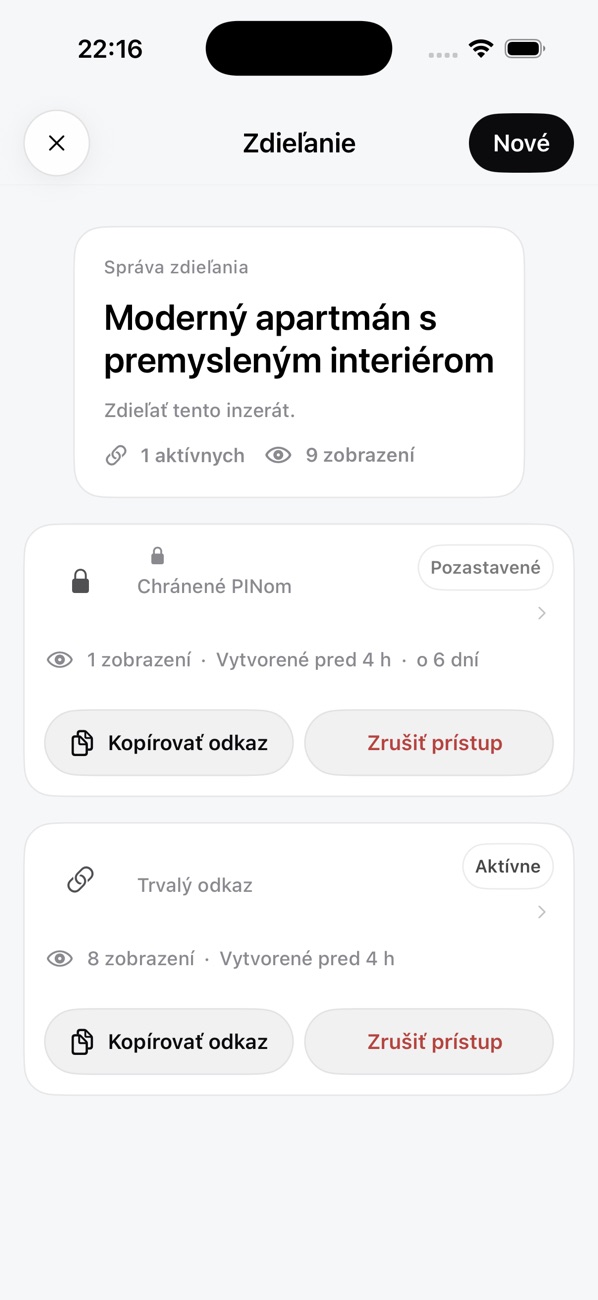 Manage links
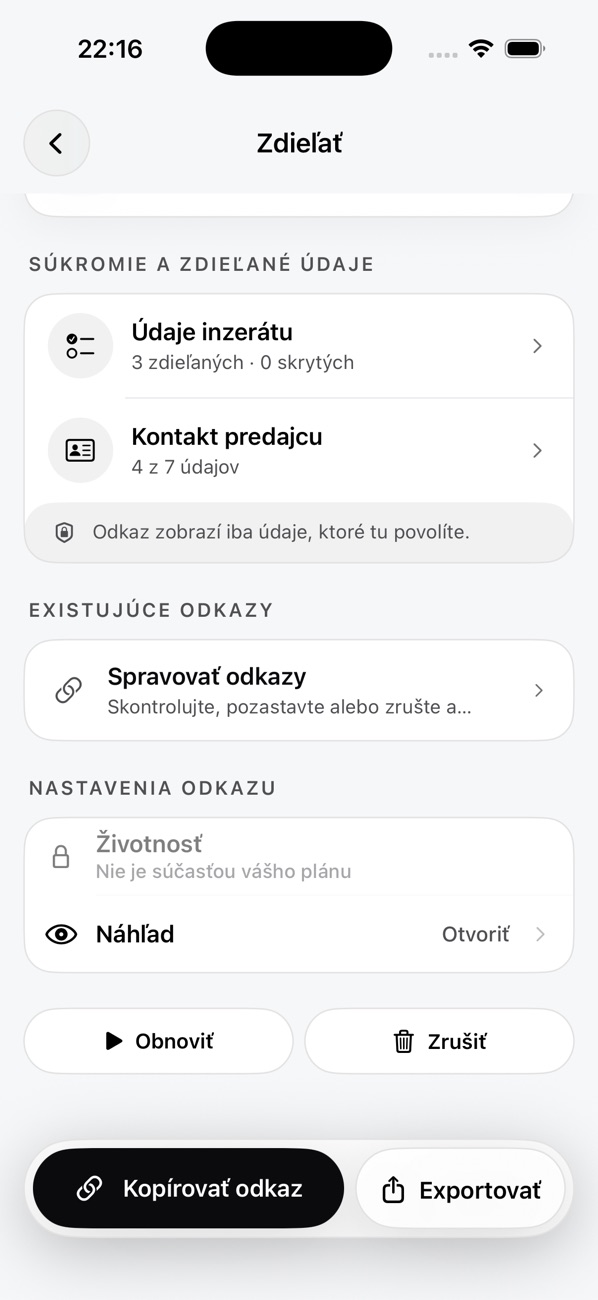 Link settings
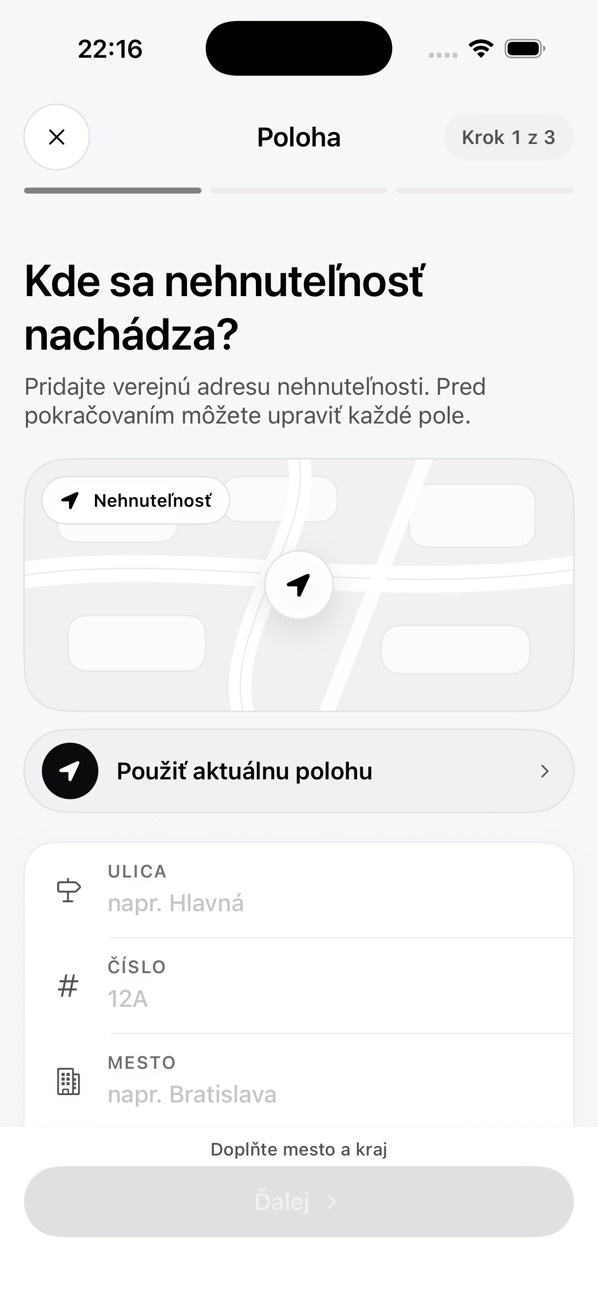 Step 1: location
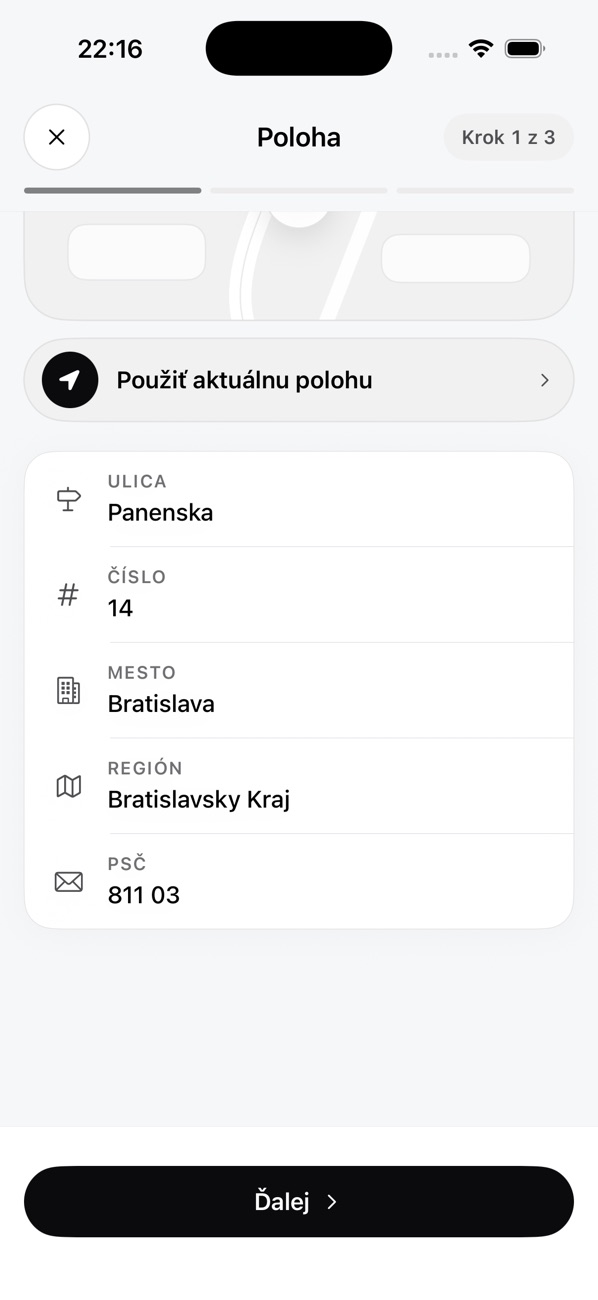 Address filled in
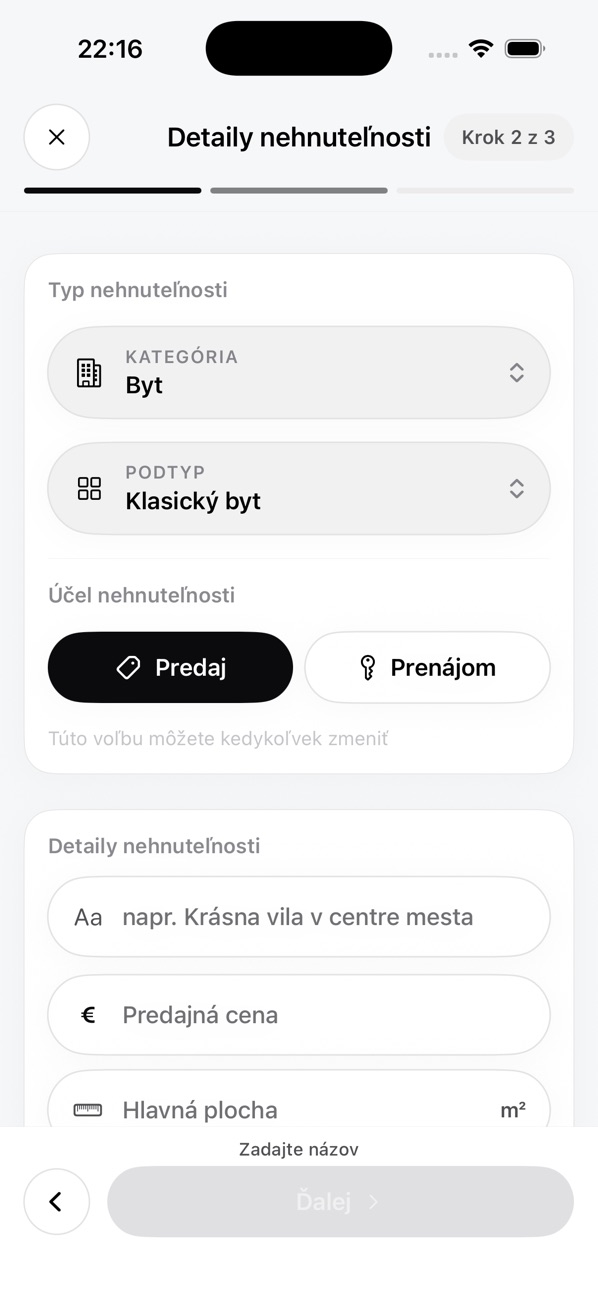 Step 2: property details
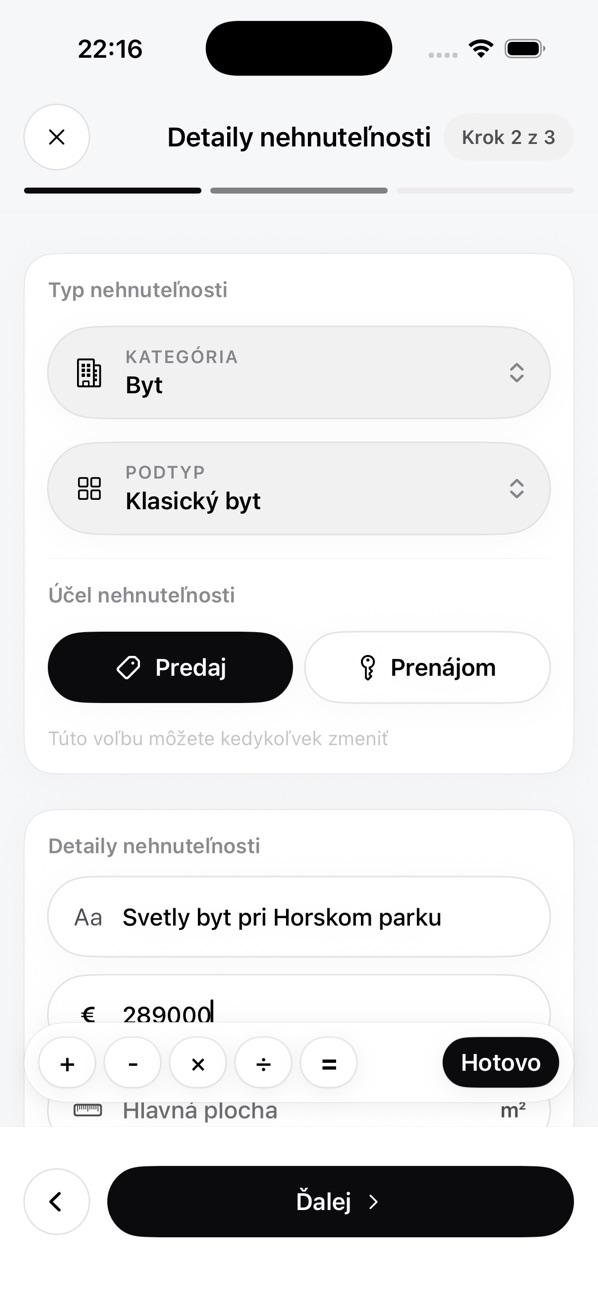 Title and price
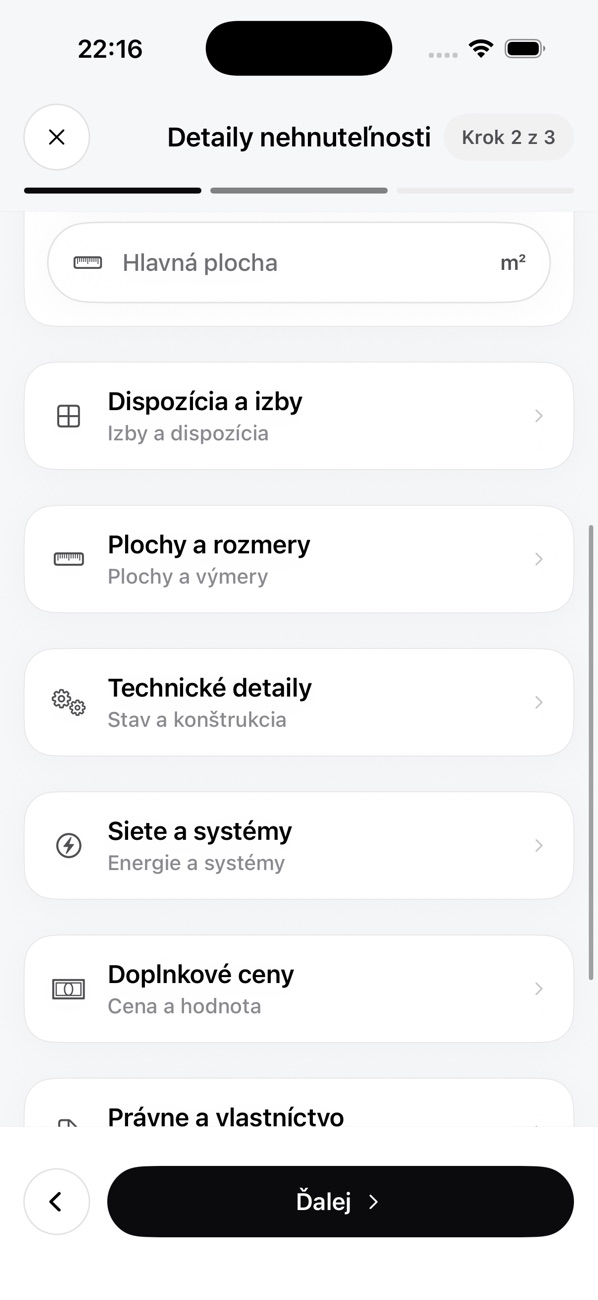 Detail sections
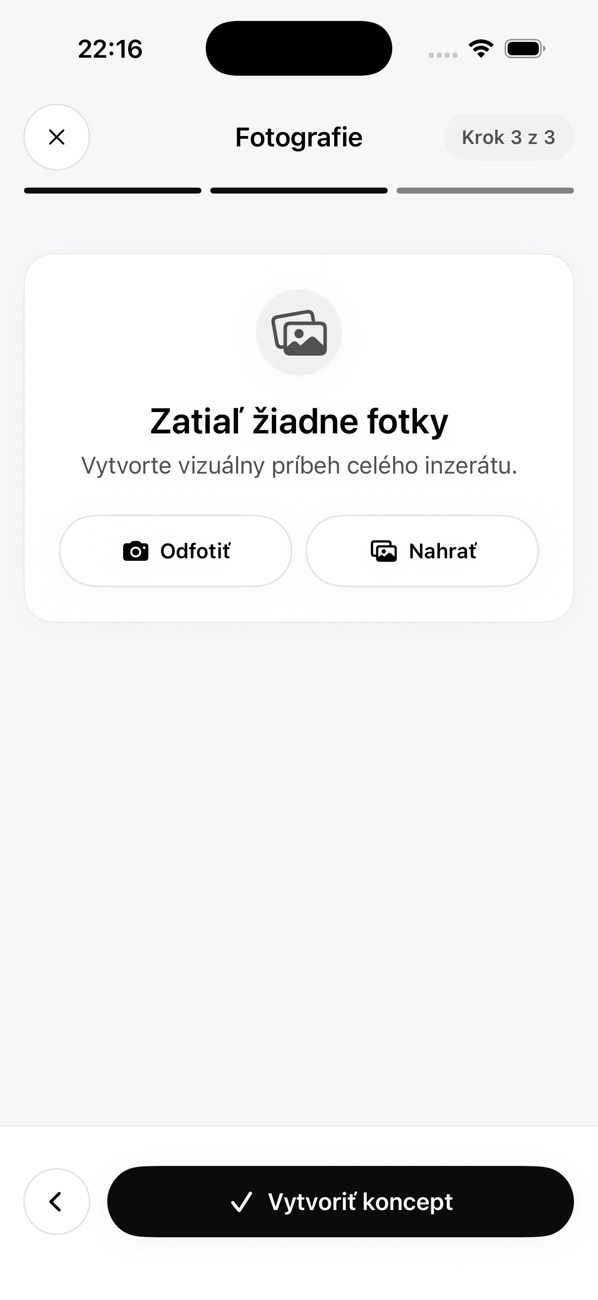 Step 3: photos
 Setup: seller profile
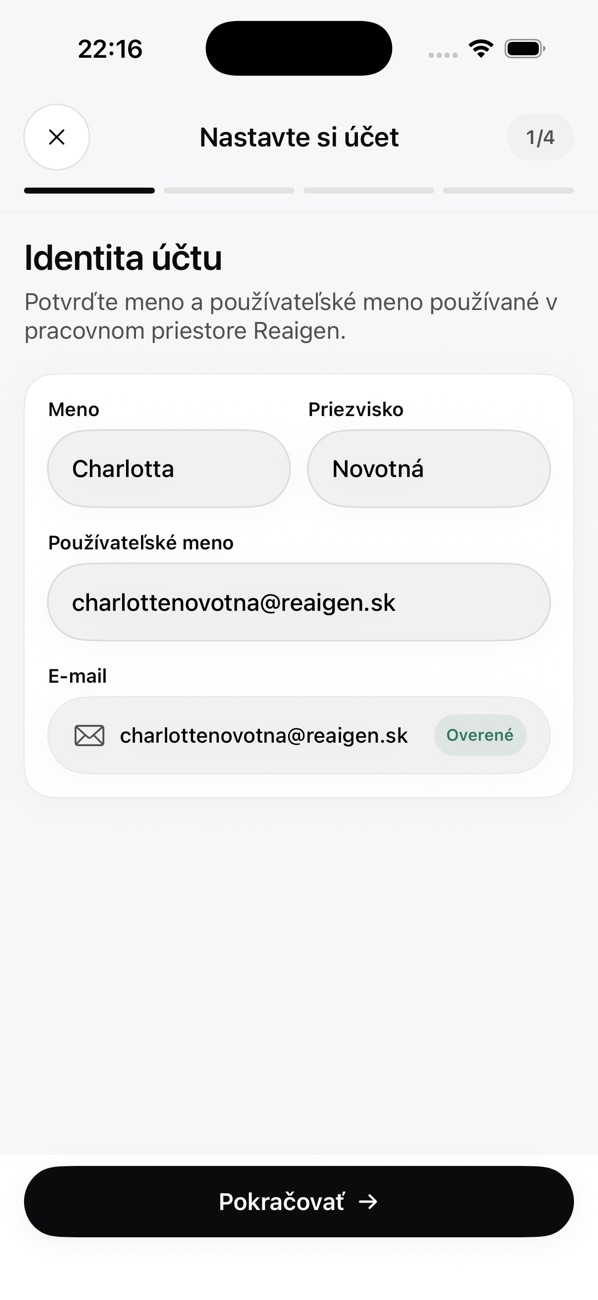 Setup: account identity
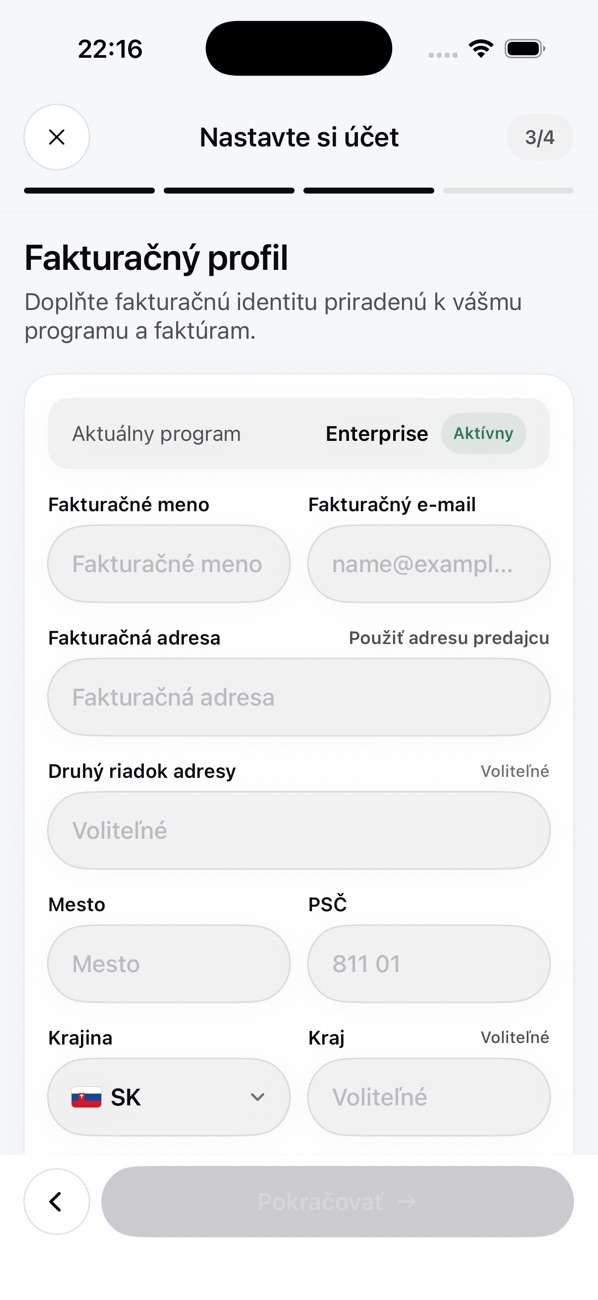 Setup: billing profile
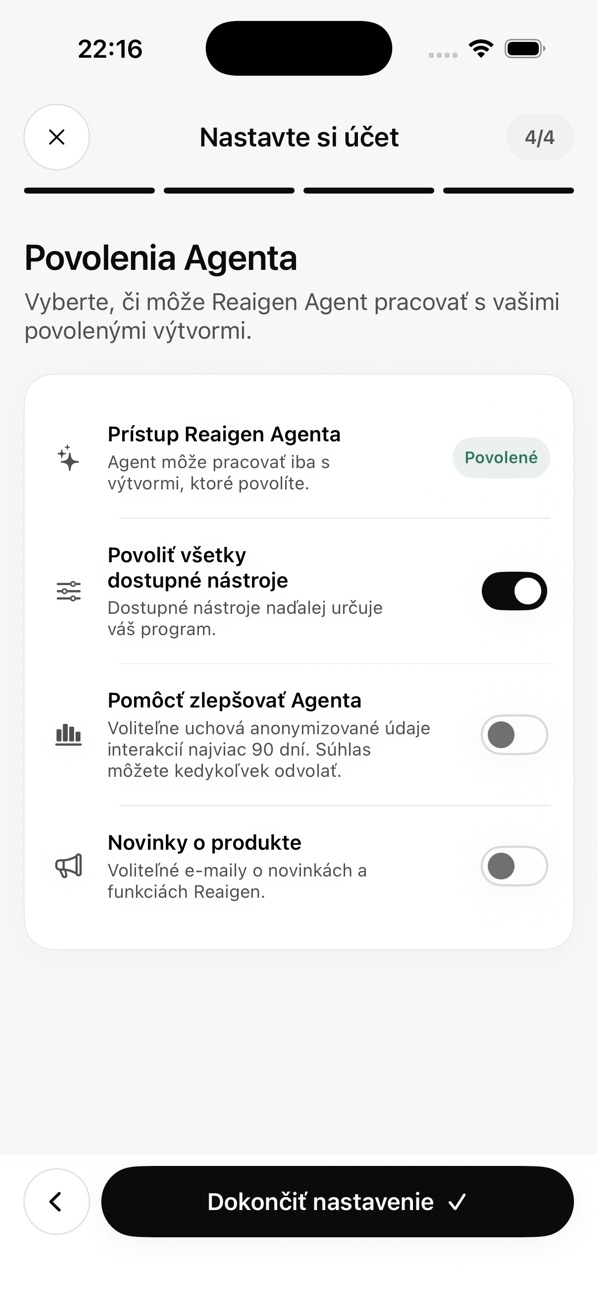 Setup: Agent permissions
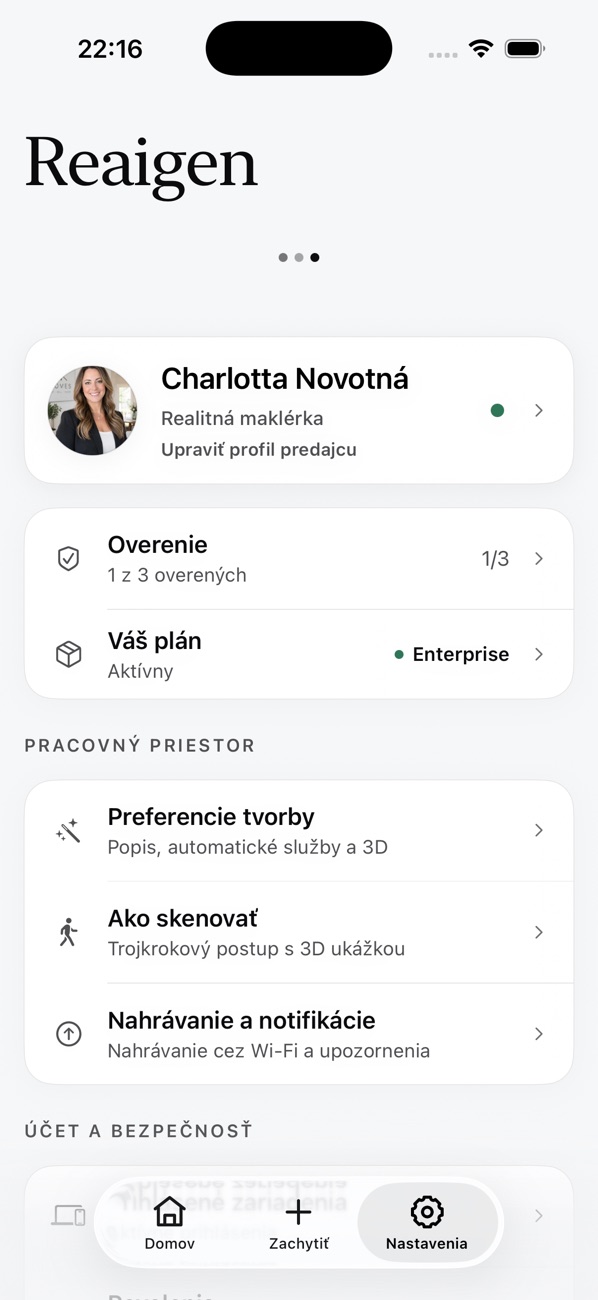 Settings
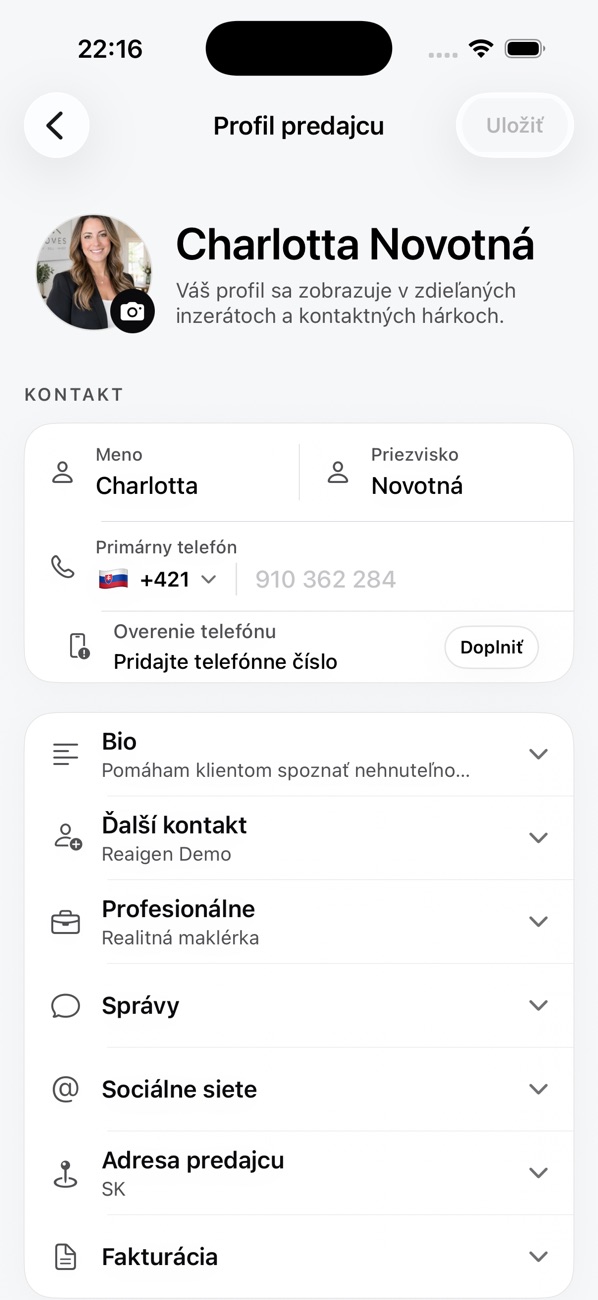 Seller profile
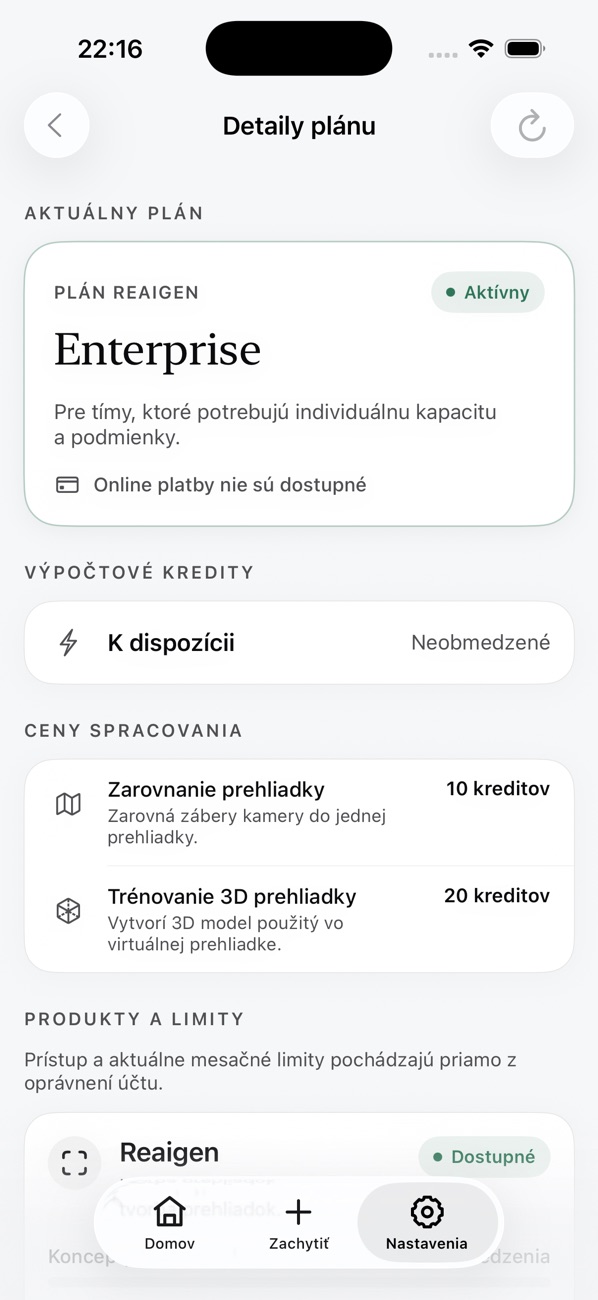 Plan details
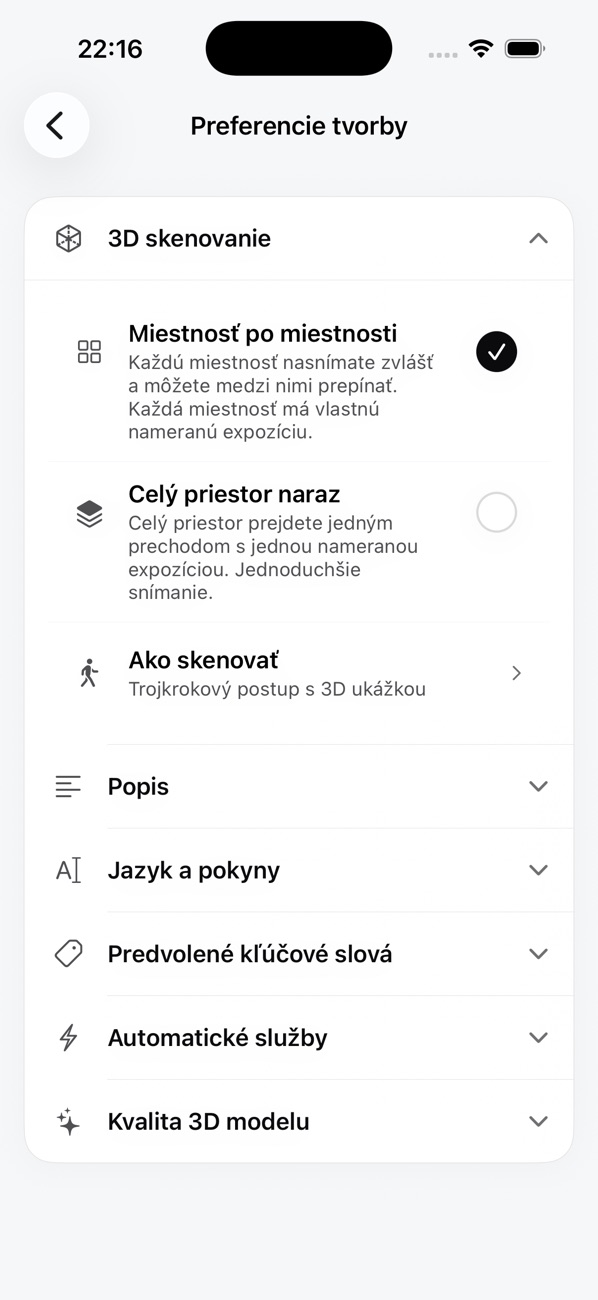 3D scanning preferences
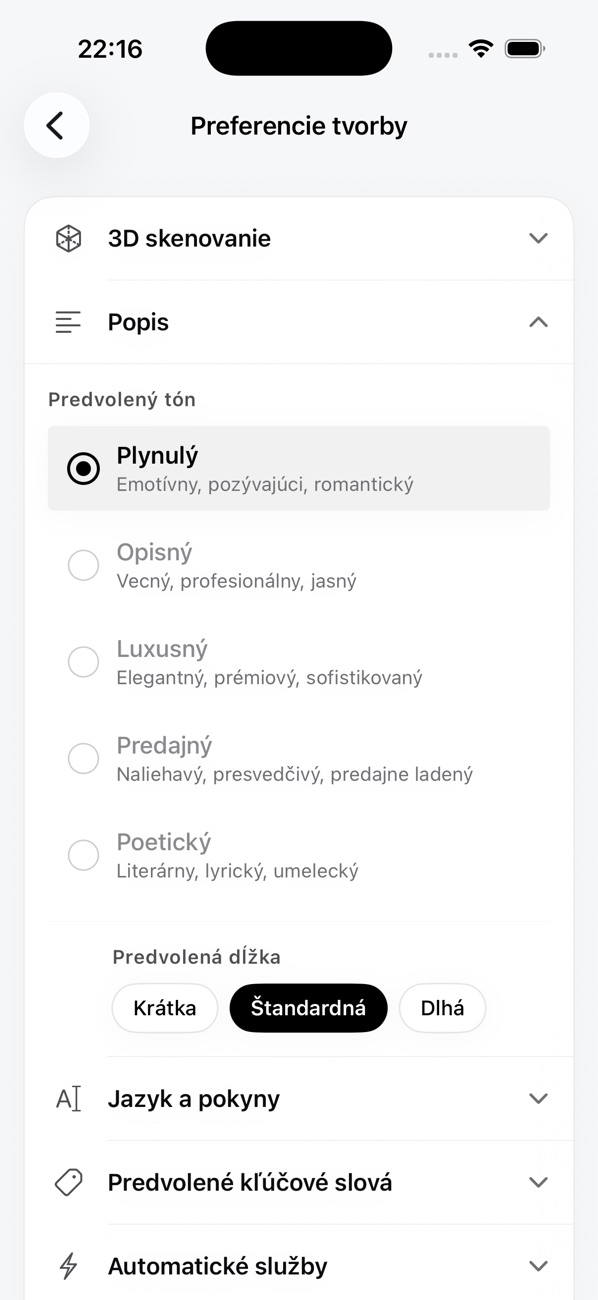 Description preferences
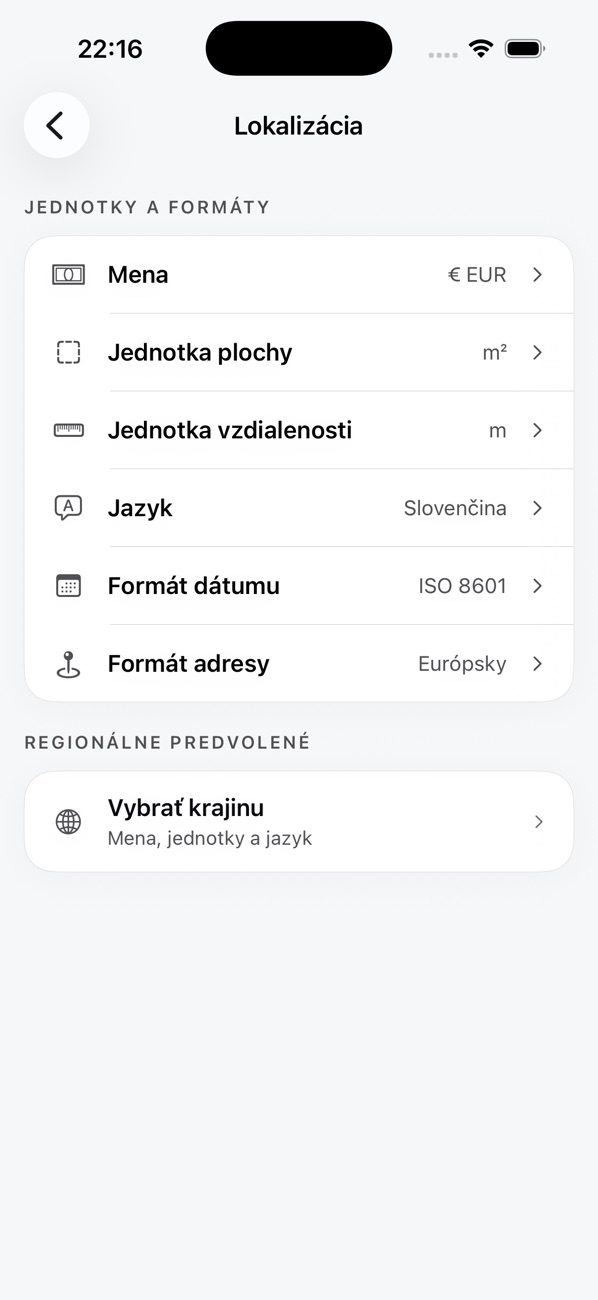 Localization
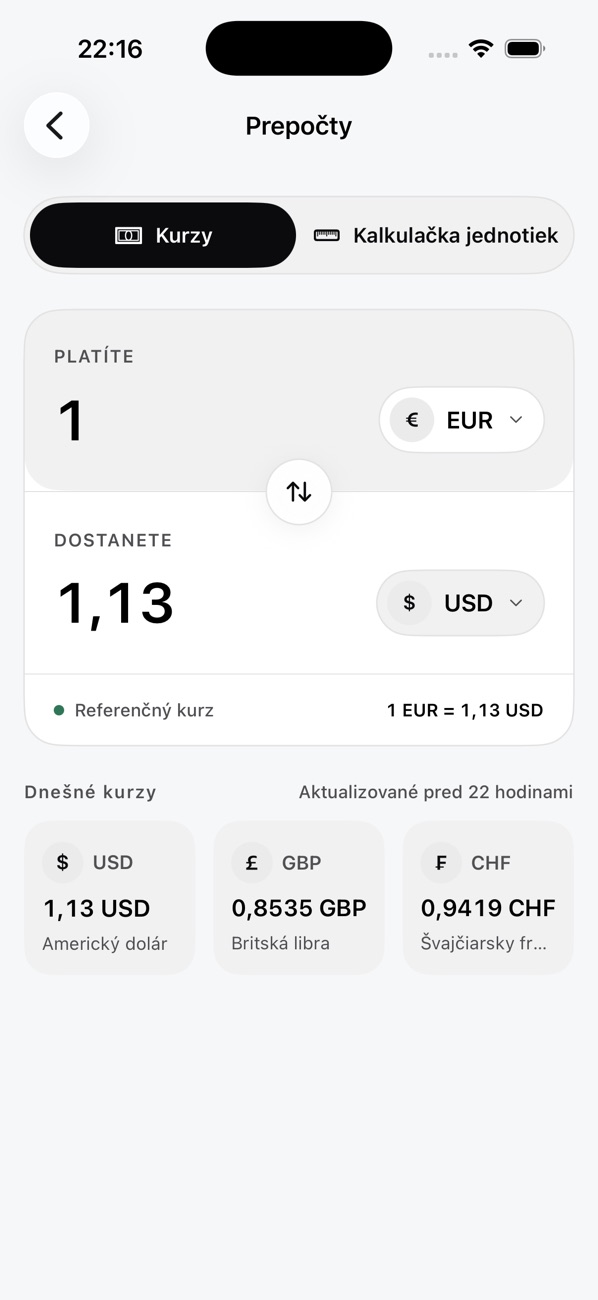 Currency conversion
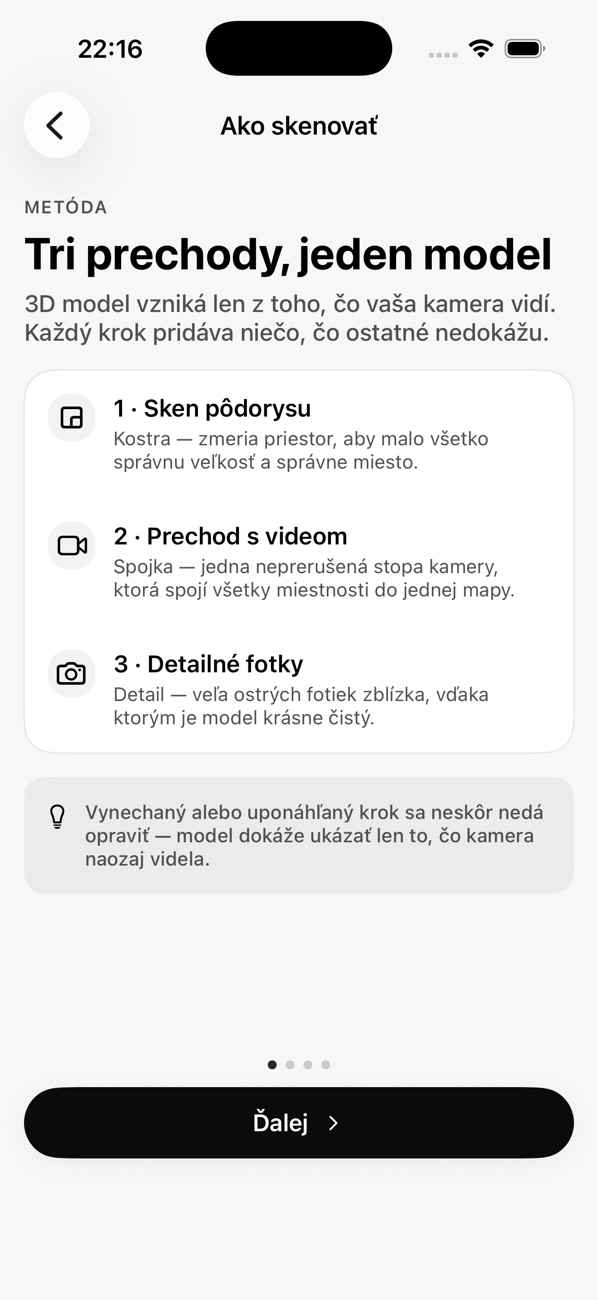 Three passes, one model
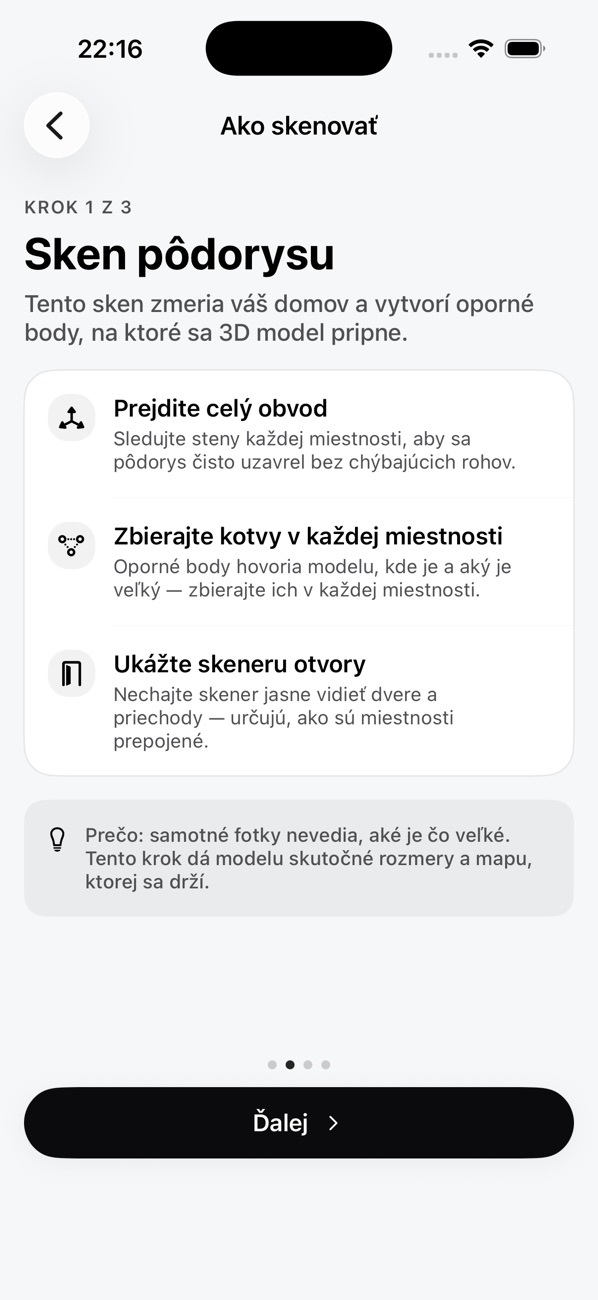 Step 1: floor-plan scan
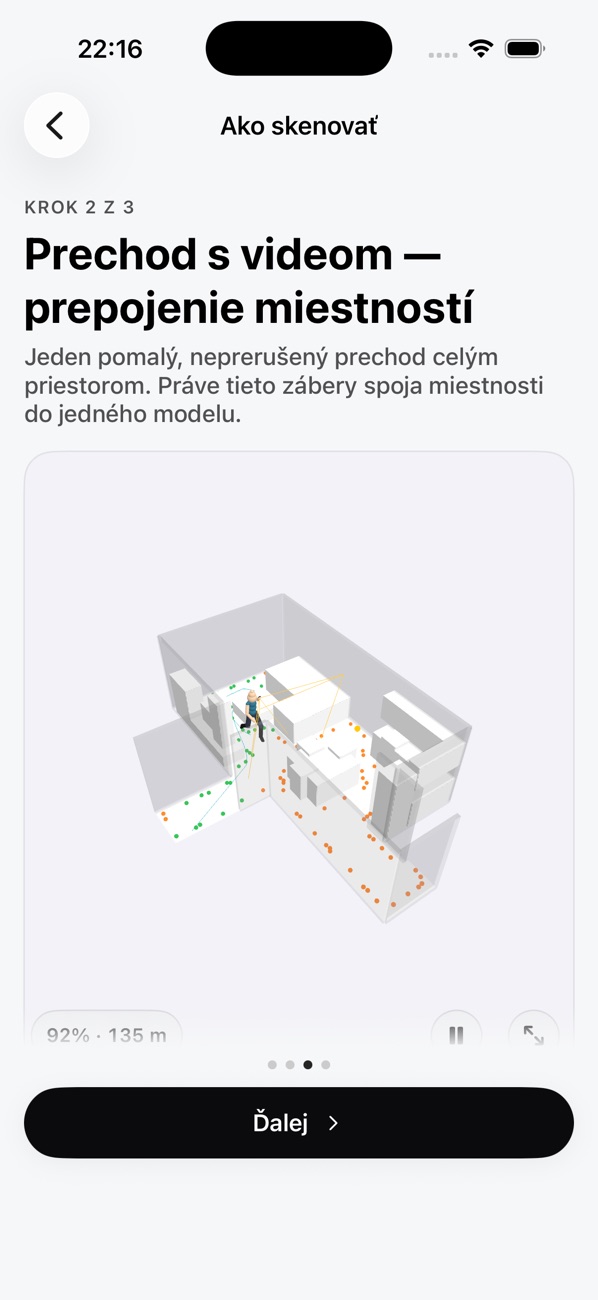 Step 2: video pass
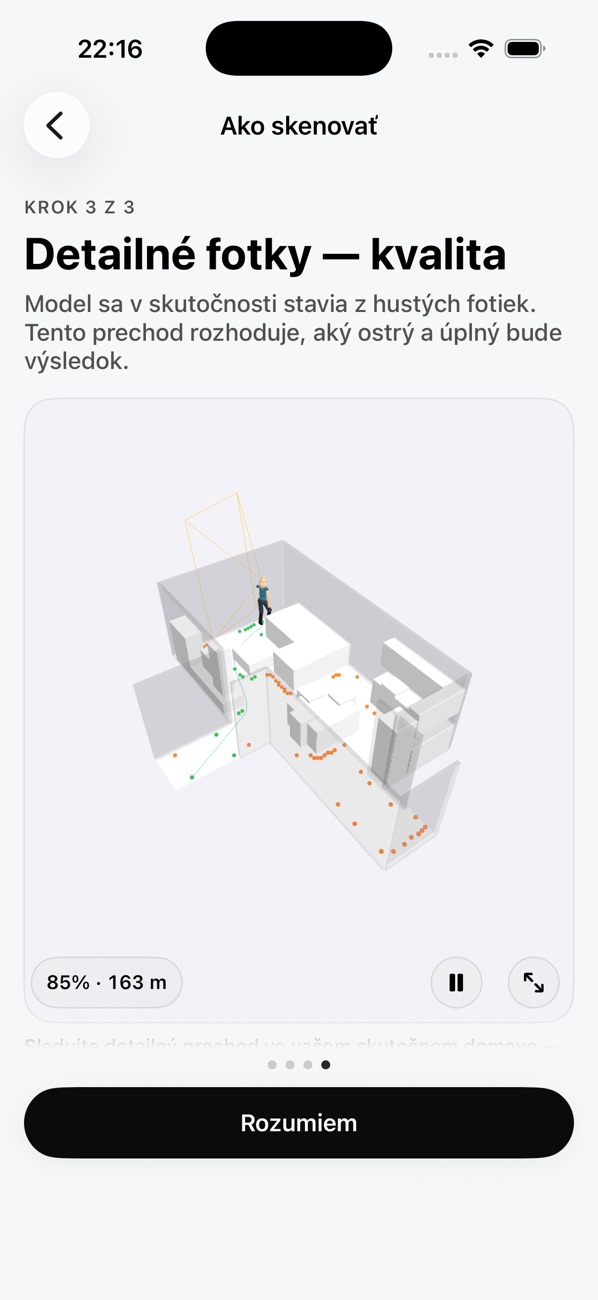 Step 3: detail photos