Featured
From profile to 3D tour on mobile
From profile settings and the seller preview to the tour library, saved viewpoints and a free look-around.
The same web platform in a phone browser, in portrait and landscape — from the profile and the Agent to the 3D tour.
From profile settings and the seller preview to the tour library, saved viewpoints and a free look-around.
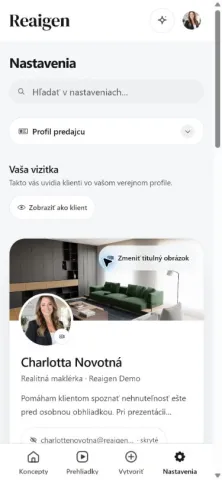
Profile menu, settings chooser, seller card and client preview.
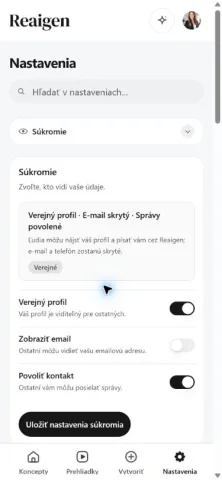
Privacy and Agent controls, and switching area units between m² and ft².
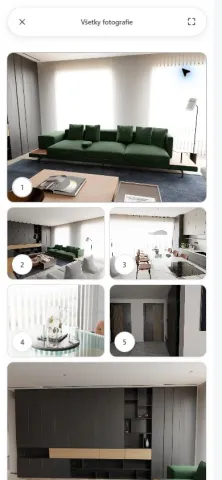
Search for the apartment, open its photo grid and select full-screen images.
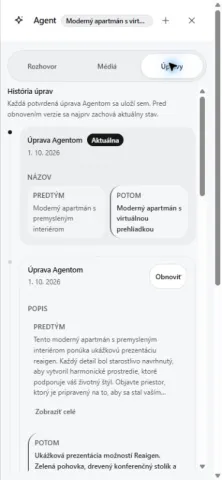
Talk to the Agent, change the title with one message, check the history and undo.
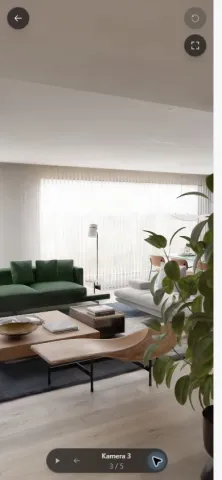
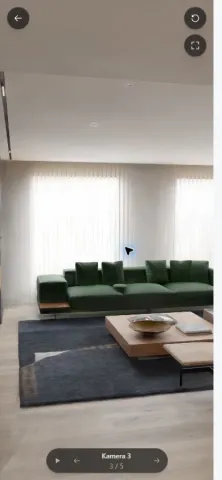
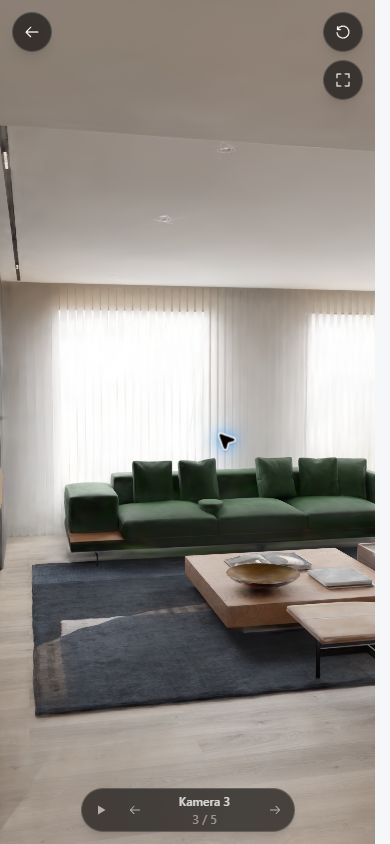
Enter the tour from the draft, look around, visit all five saved cameras and start autoplay.
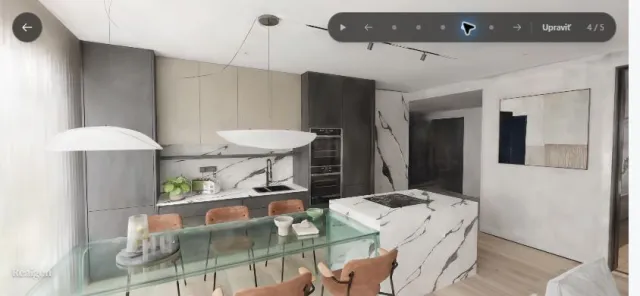
Five saved views with the phone held sideways, then looking around by touch.
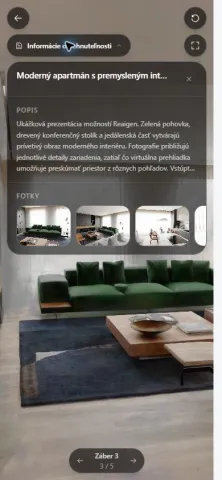
Check the active link, open the client presentation, enter its tour and show the property details.
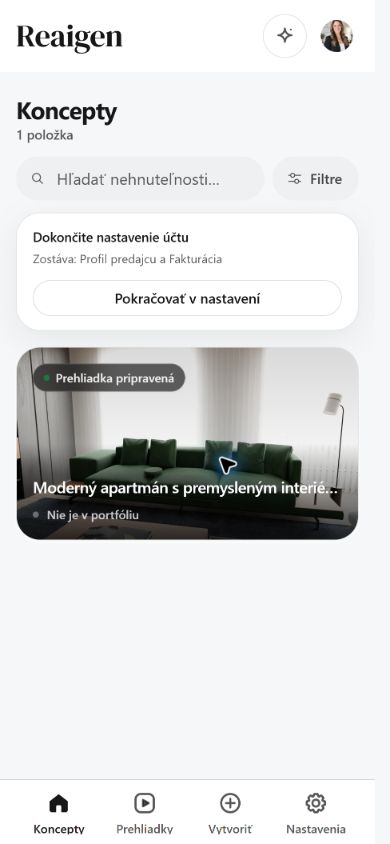 Dashboard
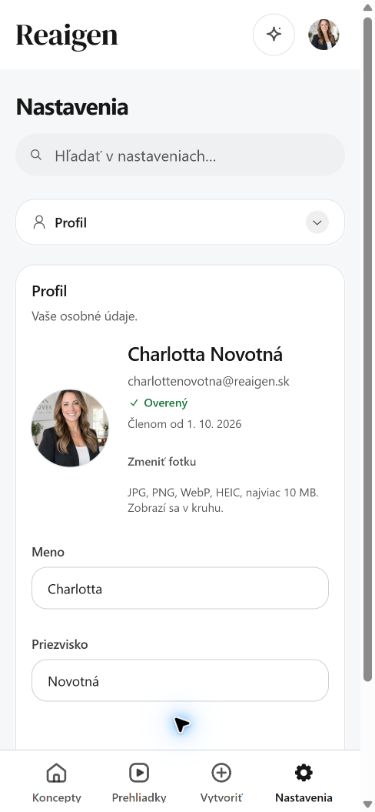 Profile settings
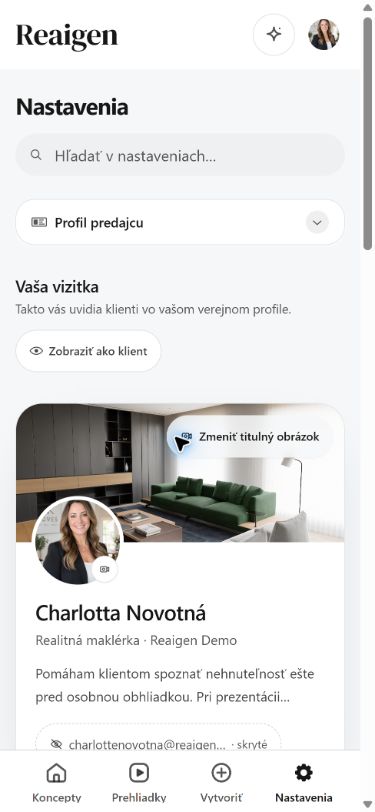 Seller profile
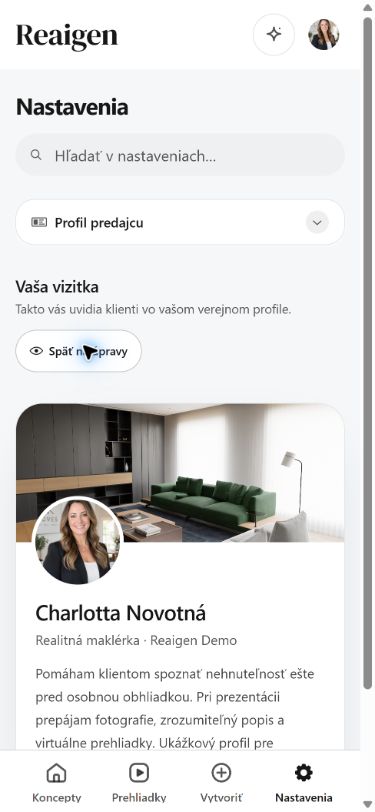 Client profile preview
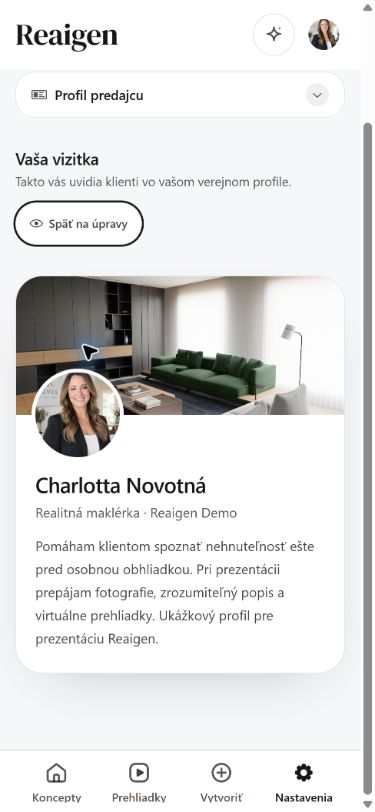 Client profile, full bio
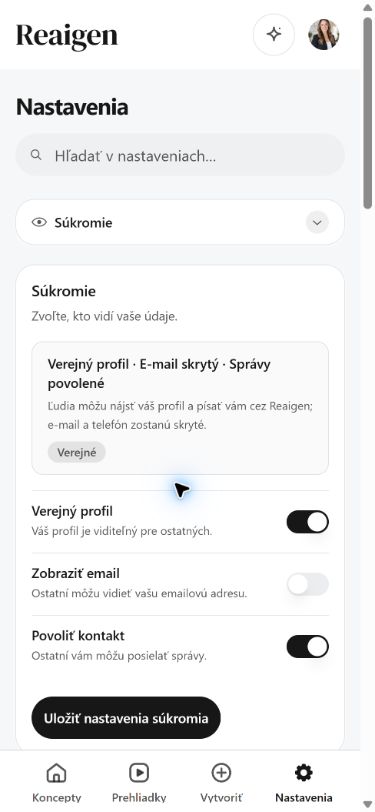 Privacy
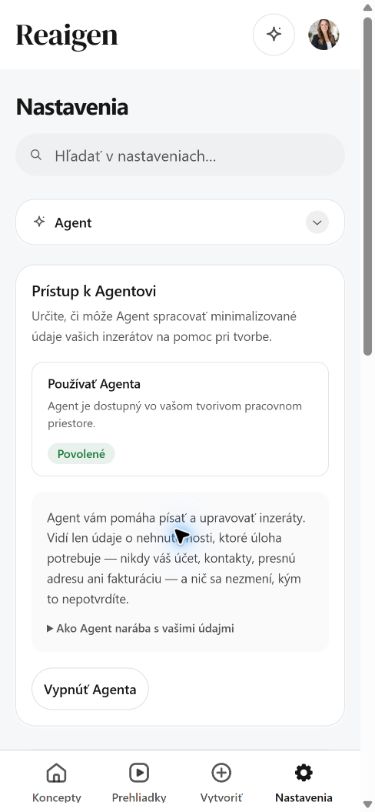 Agent settings
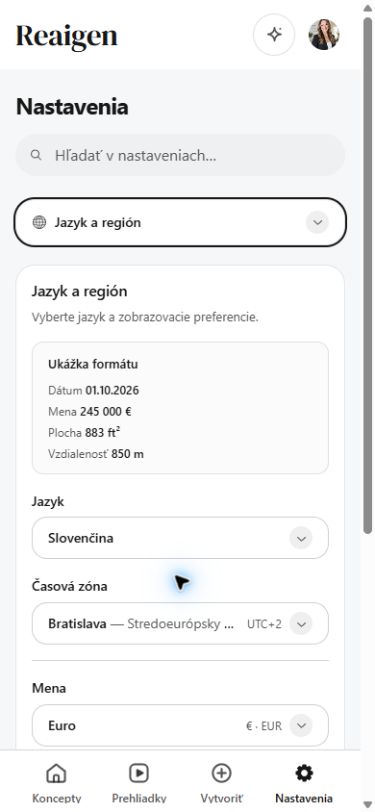 Area shown in ft²
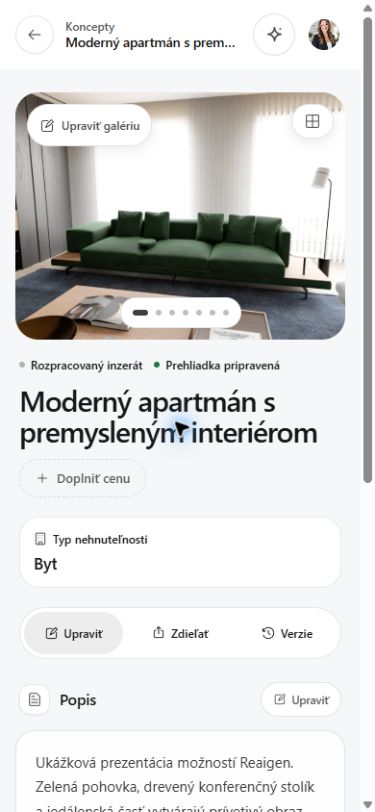 Draft
Draft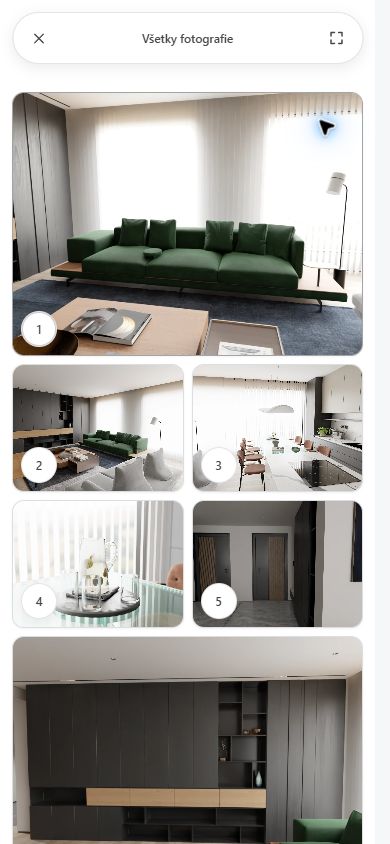 Photo grid
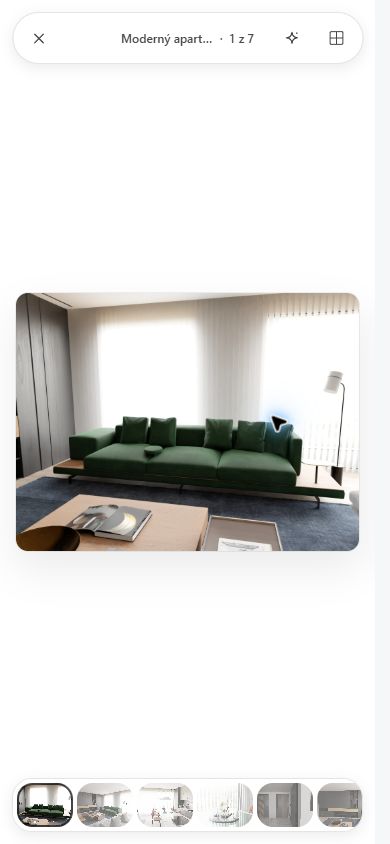 Photo detail
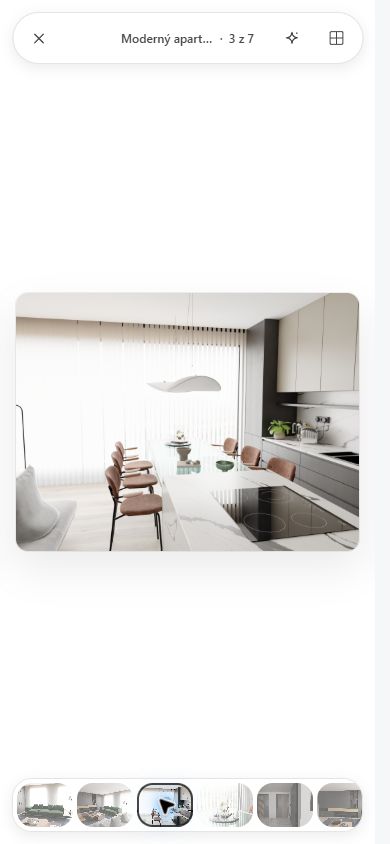 Photo 3 selected
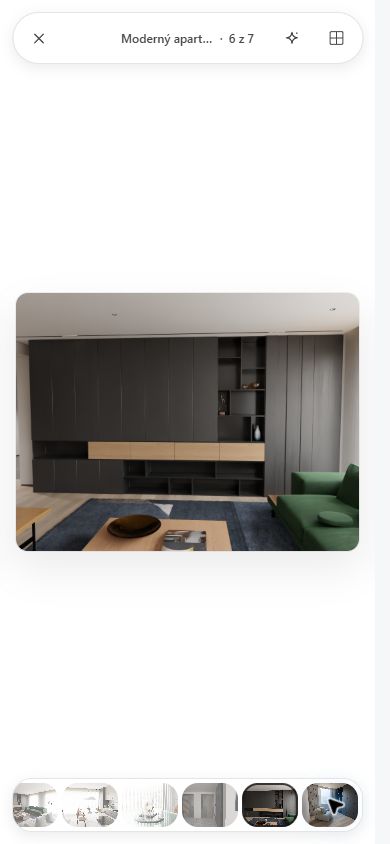 Photo 6 selected
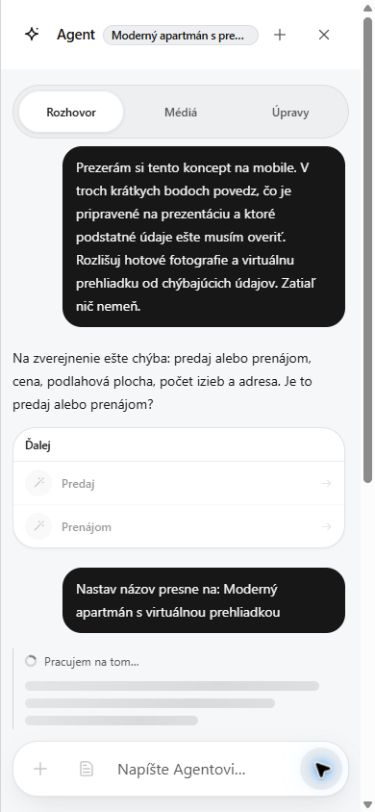 Agent edit proposal
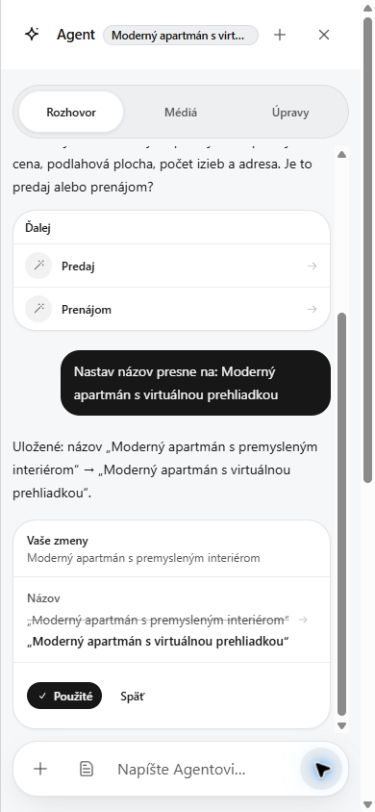 Title confirmation
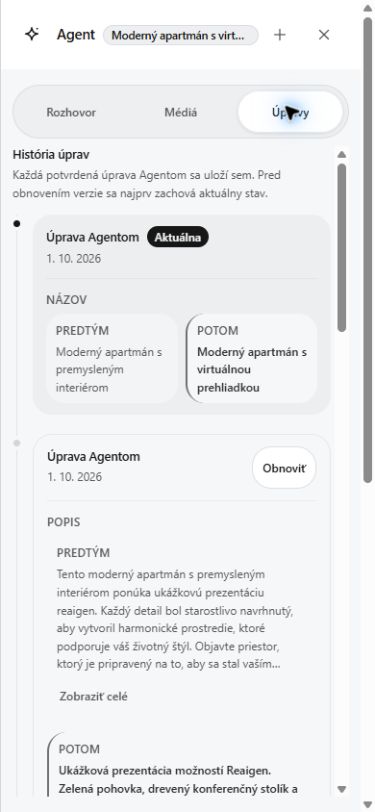 Agent history
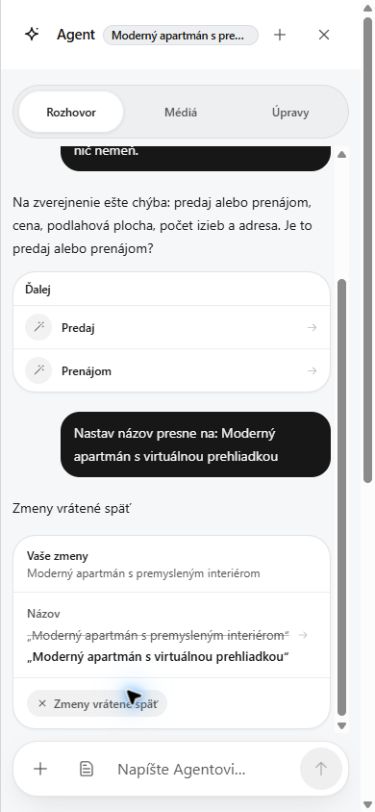 Agent title edit undone
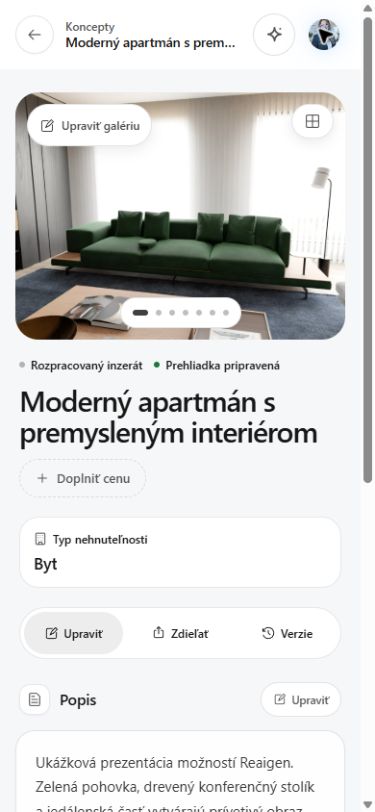 Original title restored
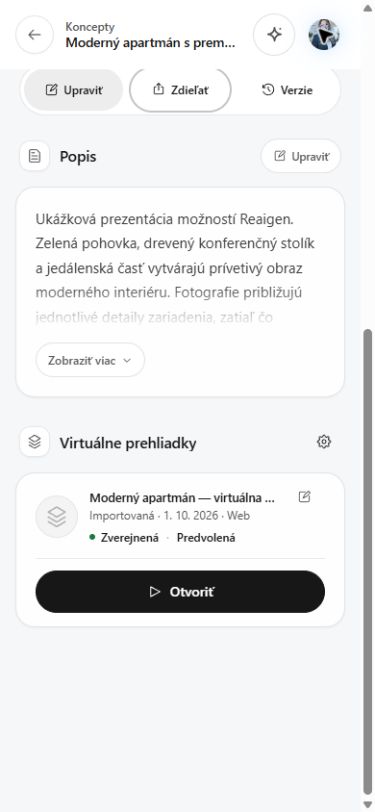 Tour entry
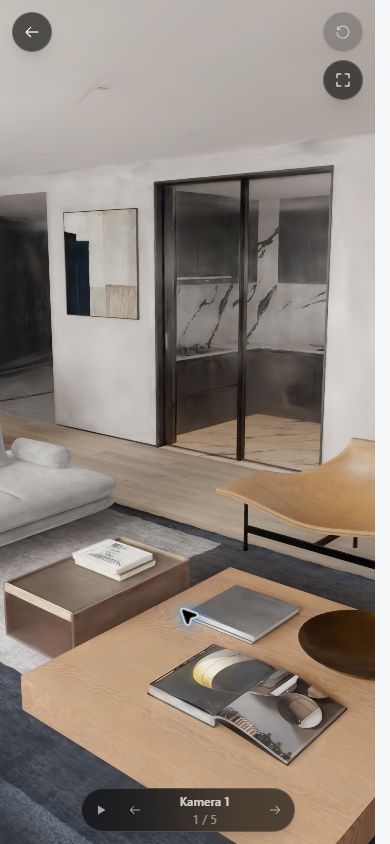 Tour in portrait
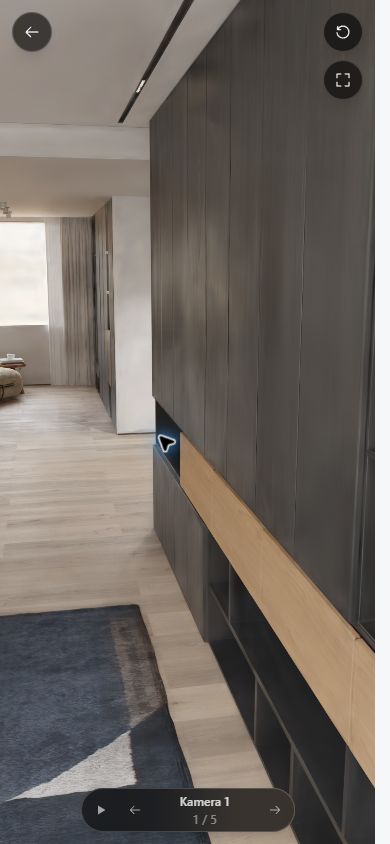 Portrait look-around
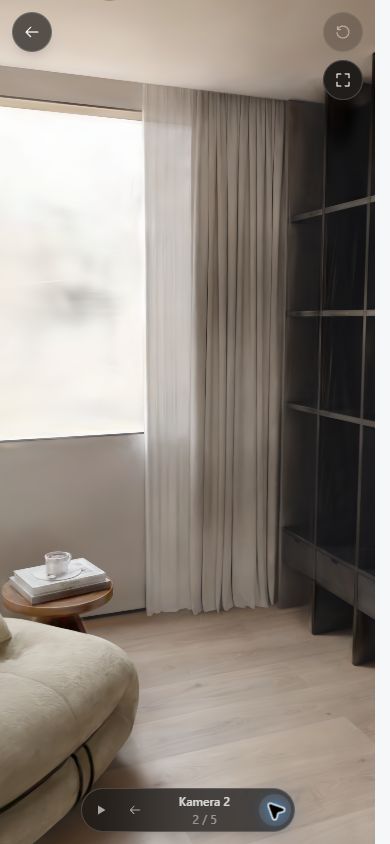 Portrait, camera 2
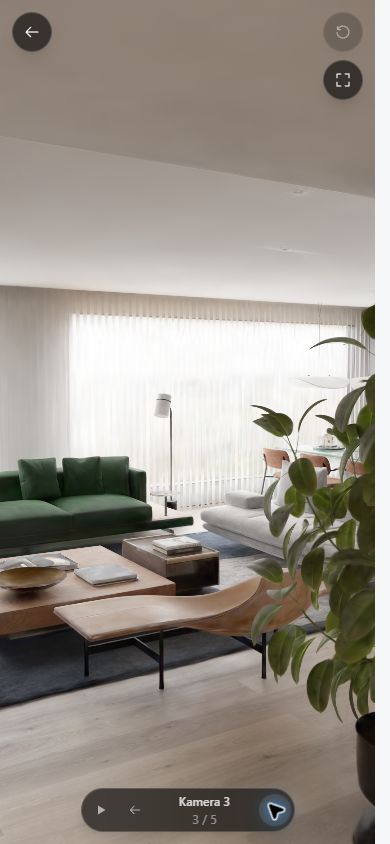 Portrait, camera 3
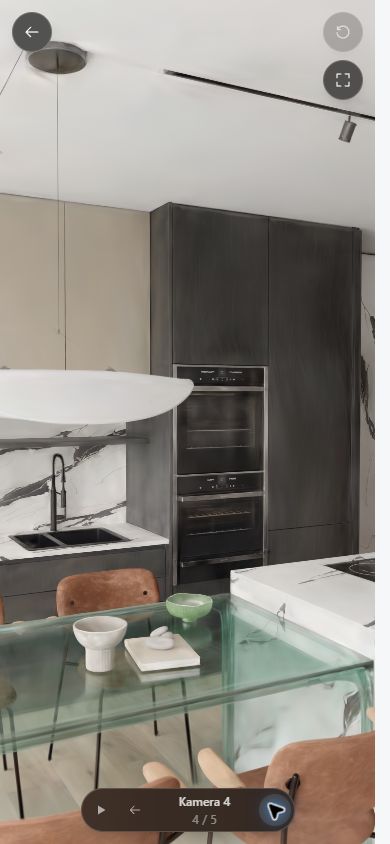 Portrait, camera 4
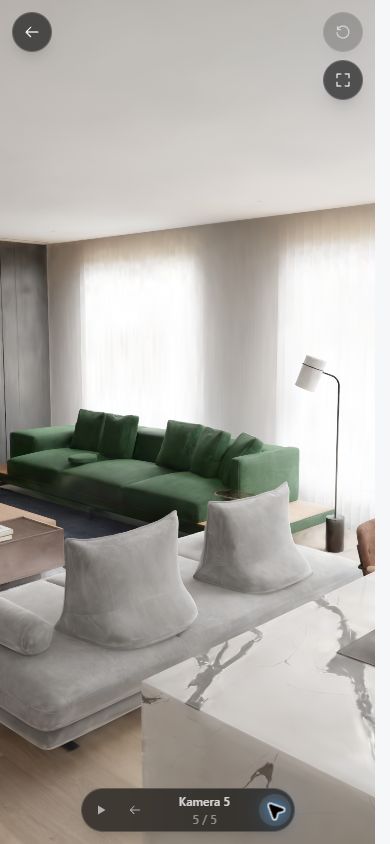 Portrait, camera 5
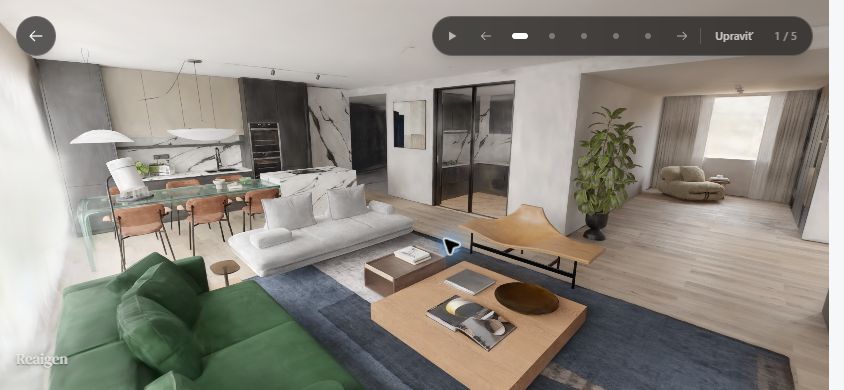 Landscape look-around
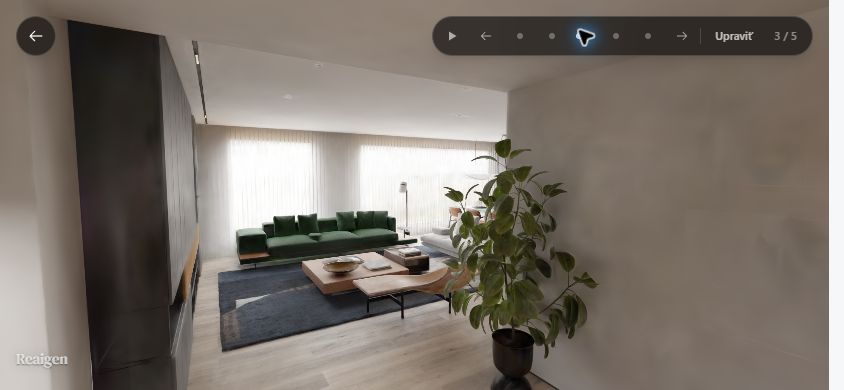 Landscape, camera 3
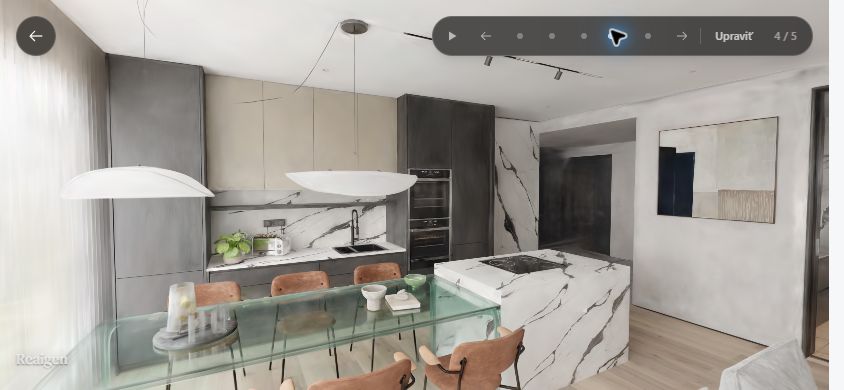 Landscape kitchen
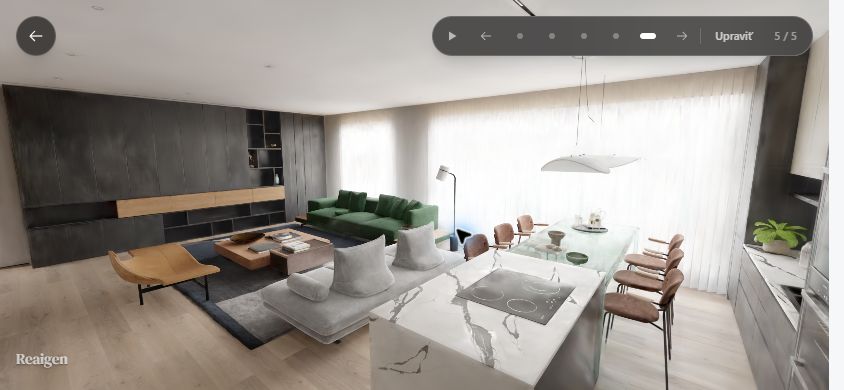 Landscape final view
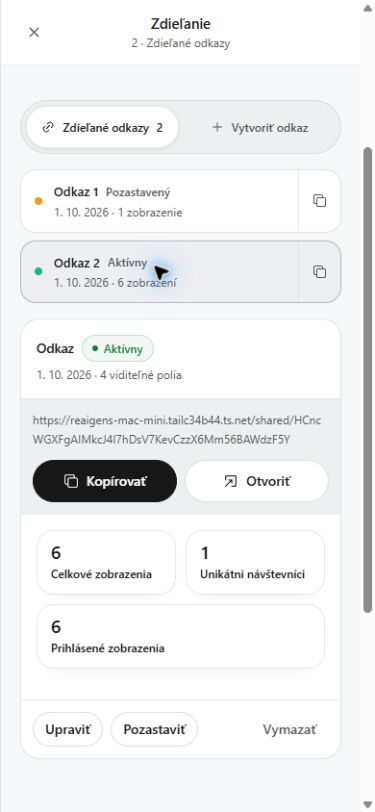 Share management
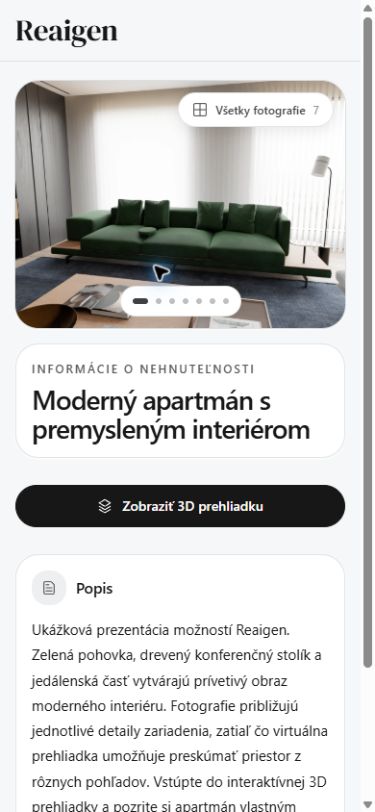 Client listing
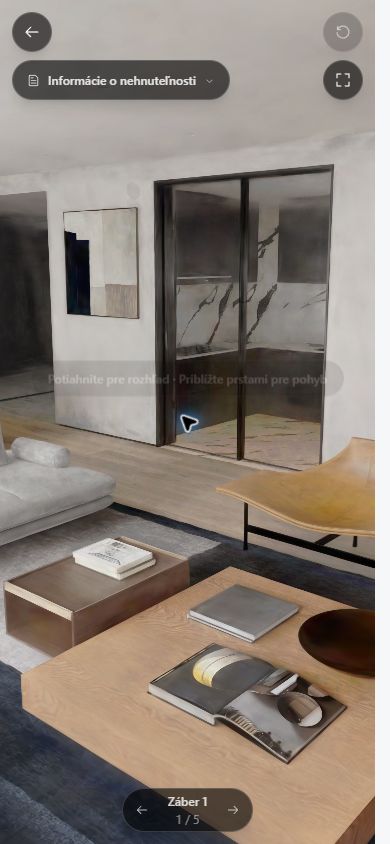 Client tour in portrait
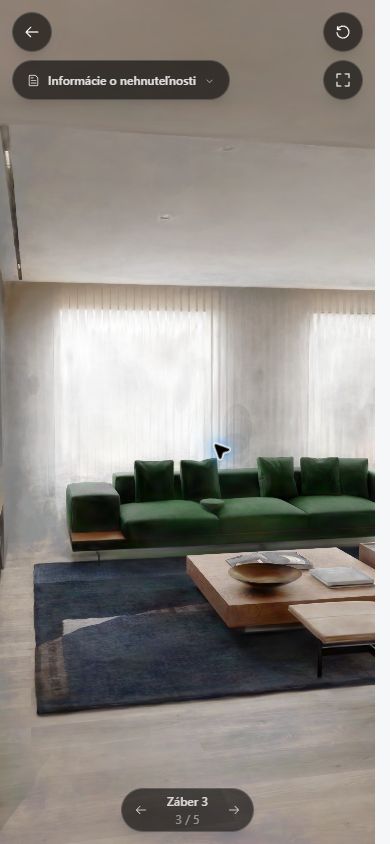 Client looking around on mobile
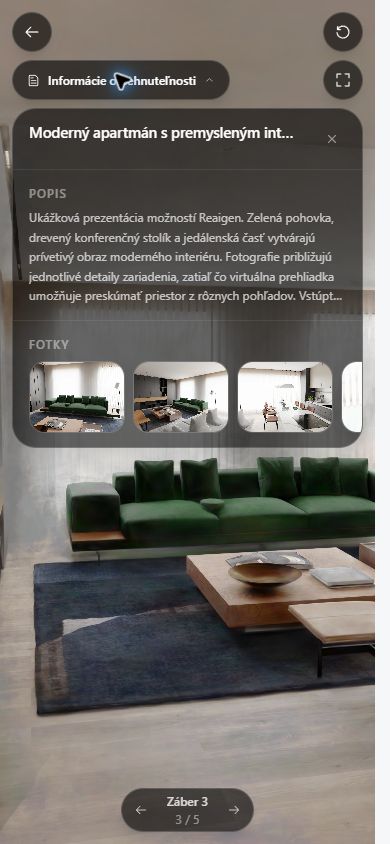 Tour information panel
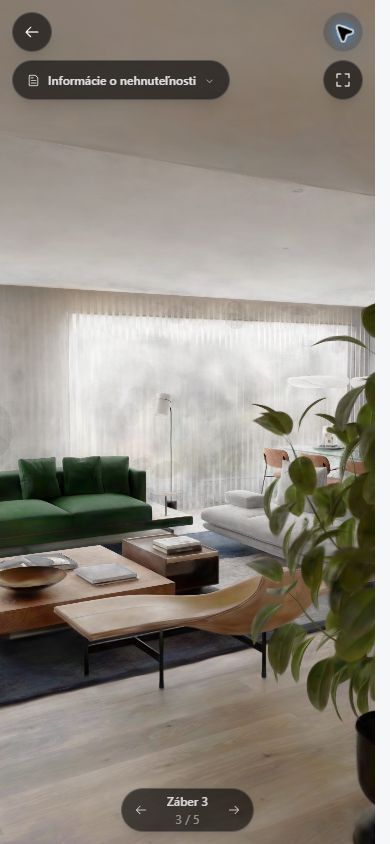 Client tour, view reset
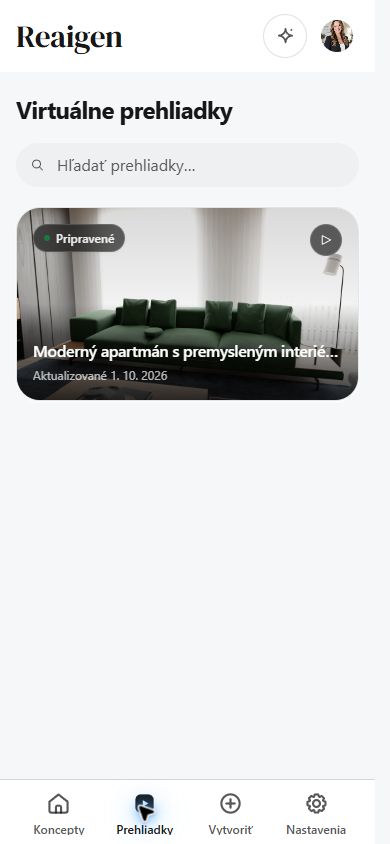 Tour library
 End of the walkthrough, inside the tour